@Hamzty not really it takes 4-6 seconds for a snapshot
You can only do 1 snapshot at the time because of eufy single stream limitations
Next to that there’s also a limit on the amount of snapshots per day per user as you can read in the FAQ

@Sibren_ter_Hove would be hard without any data
Please send a diagnostic report after reproducing the issue.
6b79d3ac-d495-4dbb-87e6-3d0039bc8691
@Sibren_ter_Hove I checked it but i don’t see anything strange.
I did test this when I added it to the app.
Only way for me to fix this is to get access to a indoor cam s350, otherwise i can’t debug it.
So if you’re willing to share access i can check.
@martijnpoppen Do you need access to eufy for this or homey?
@Sibren_ter_Hove eufy, and only this camera, so no need to share everything. If you are open to this i’ll share my email with you in a DM
@martijnpoppen i am open to this. You can share your mail.
thanks, I use the docker selfhost service so I can do some more experiments.
Maybe I just take 2 or 3 shots with a delay of 5 seconds and see what will be the outcome.
You see any other ways to get a clean timed shot or grabbing a video for example?
@martijnpoppen what could be wrong?
my cam motion is triggered and turns off the light after 5 seconds? even though it is set to turn off after 5 minutes. attach two screens

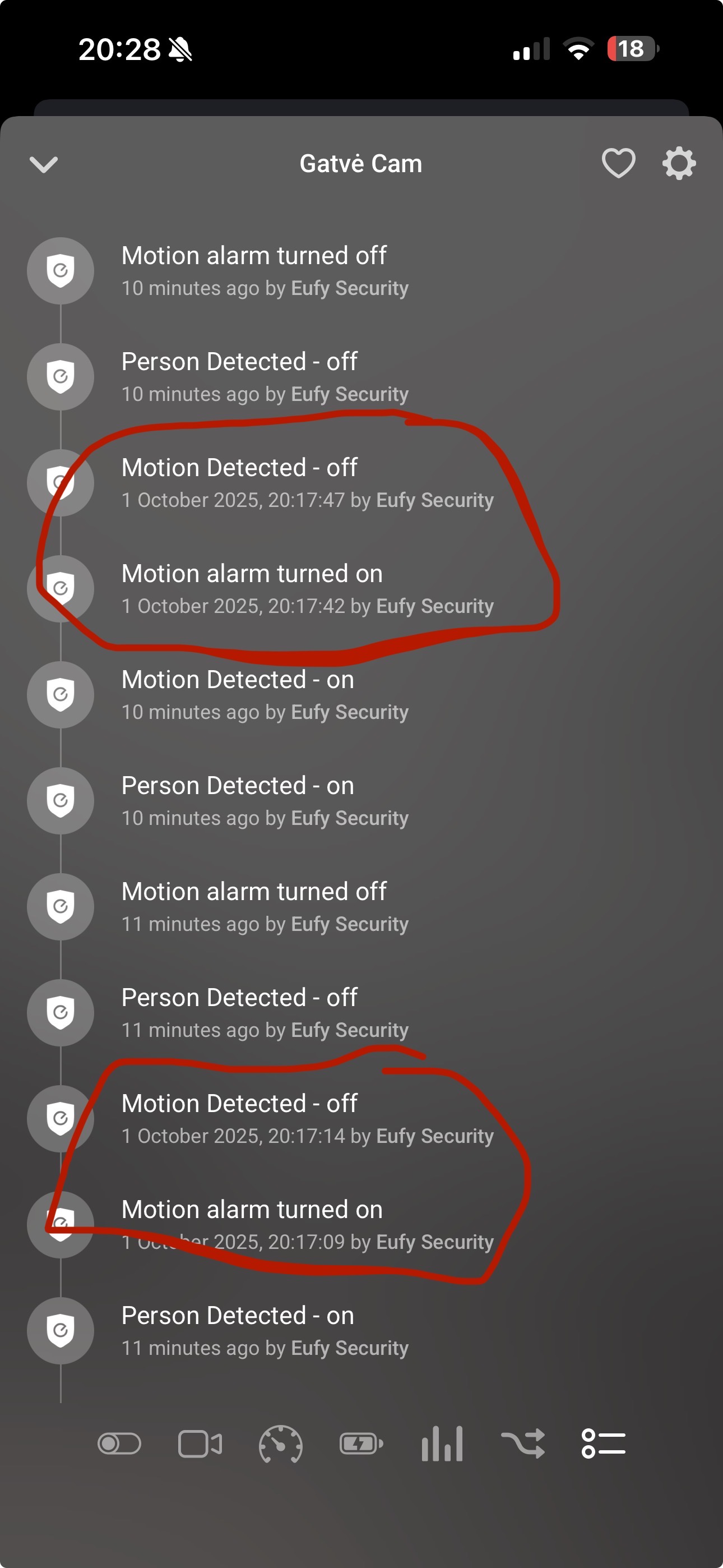
@KestasM the time line you shared is not correct. See the difference between motion alarm and motion detection. It’s 15 seconds. that’s the default time out in eufy, but that seems not related to your flow
@Hamzty video is not possible that’s too long and will use too many resources and crash out the app in Homey
the delay would work
New app update ( LIVE: 3.37.0):
Changelog:
NEW:
1: NEW: Implement custom RSA encryption layer to decrease memory usage for snapshots. Fixing: Upgrade OpenSSL to 3.2 in favor of Eufy Security · Issue #375 · athombv/homey-apps-sdk-issues · GitHubFIXES:
1: FIX: Implement extra logging to debug person detection
If you find any issues, send a report via the mobile homey app
More - apps - Eufy Security - settings wheel right top - send diagnostic report (put your email in the input field to make it easier)
You can install the test version by clicking the link above and press install
Don’t want to be part of this test version? Install the live version → Eufy Security | Homey
@martijnpoppen Looks like not, to today, everything was fine. But the kids played on the street and were constantly acting on Motion. It started the clutter and turned off very often the lights, and even I thought it was broken or shortened by electricity. But when it was calm, I turned on the lamps and everything was fine, constantly shining without motion
@KestasM the flow you shared is not indicating that the motion turns off, do you have any other flows? maybe with zones?
@martijnpoppen I know that those flows are not connected and should turn off after 5 minutes (it was fine until today), but other zones elsewhere don’t seem to touch the street either. I’m lost
@martijnpoppen only two flows for outdoor lights

@KestasM can you try disabling the generic motion alarm in the device settings of the camera? And see if that resolves it ?
@martijnpoppen is this really it? won’t work at all? 
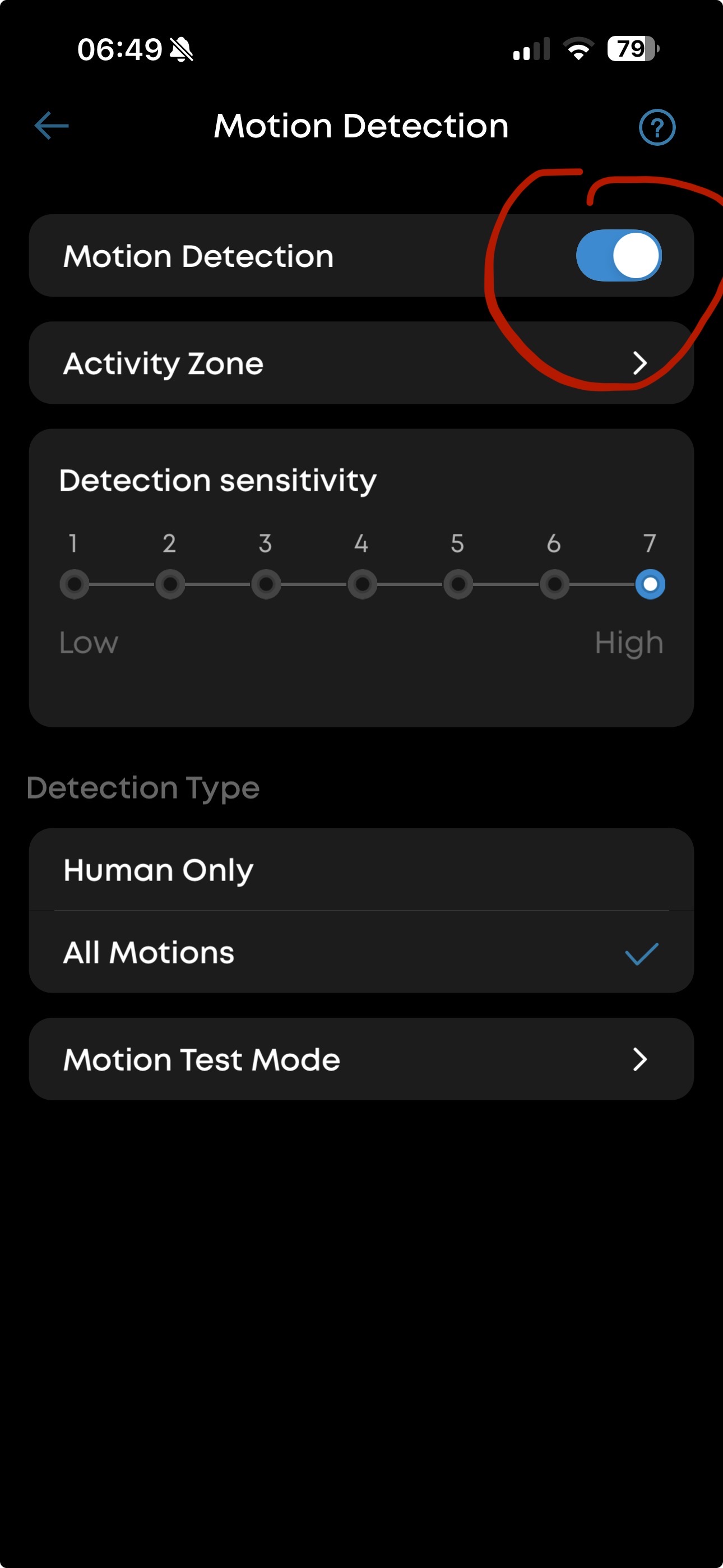
@KestasM I didn’t mean in eufy
But in the homey eufy app
