Thank you
Okey so in the eufy app i create i new mode and then via homey app i select which times this mode will be active ?
Thank you
Okey so in the eufy app i create i new mode and then via homey app i select which times this mode will be active ?
@Kakolle Yes!
@naehle please send that report 
42b682ad-37ef-4a2e-aebf-a7edb2417f3c
@naehle the report is full of errors, looks like your network is rejecting calls to eufy servers. Also you say there are other device failing in your network, sounds to me something is going on there.
These errors are not the normal errors i see, so it’s something else
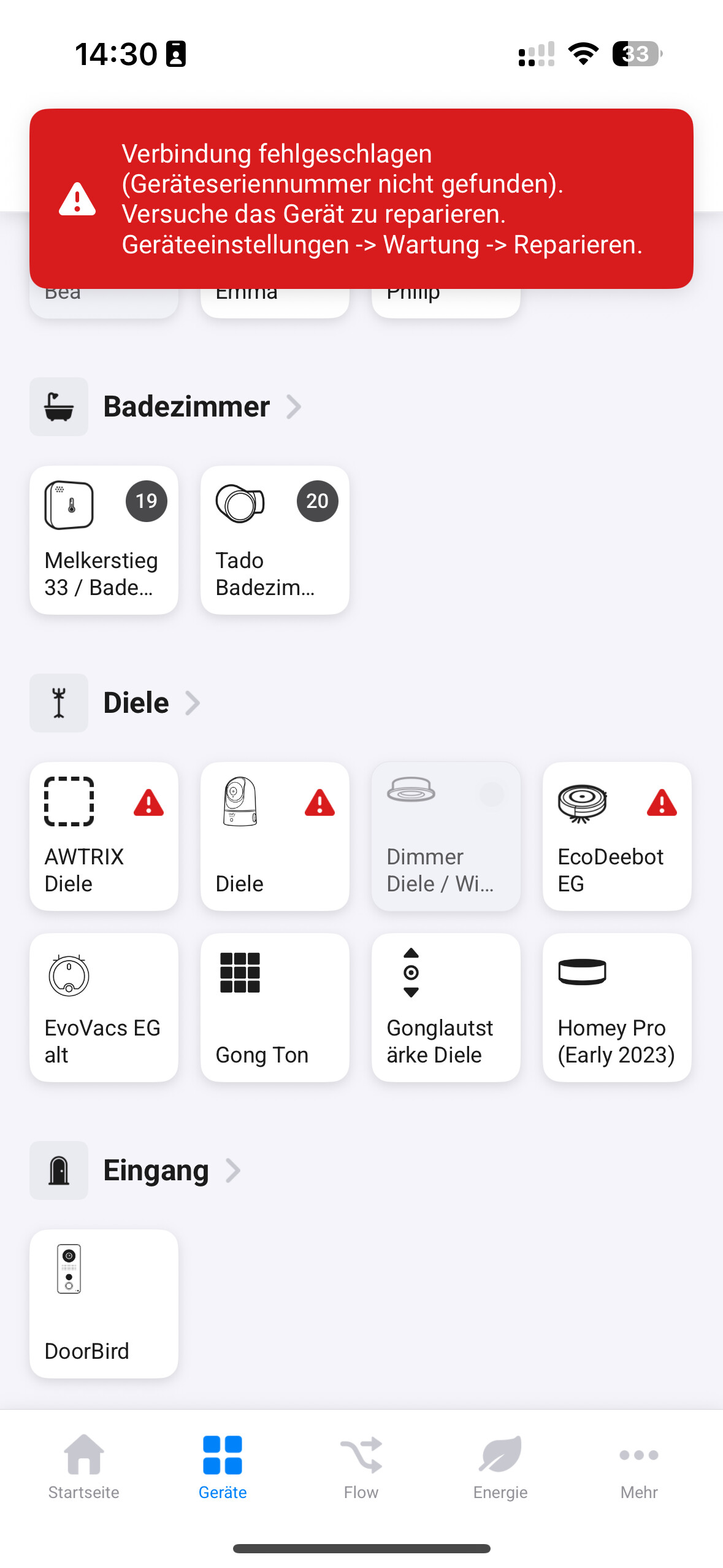
Interesting - I “just” reorganized the IP addresses. After a couple troublesome days as of now all Eufy cams work except the one in the hallway (Diele).
Any suggestions? I didn’t flick with the router’s firewall e.g..
On what ports doo Eufy and homey run the outside traffic? I made changes with port fowardings in the attempt to set up a PACS server…
Although then all Eufy cams should be affected…?
Thanks!
@naehle no idea what ports they run on. Didn’t create the software library
Keep in mind that there’s a difference between Homebase’s and stand alone devices
Perfect  @martijnpoppen Then I think I need to set a new schedule so that it goes back to the schedule that was before night mode? Or can you do this automatically?
Hi Martijn,
Hope you are well!
My eufy doesn’t provide any snapshots. I have set up a flow which is essentially “when motion appears, take snapshot, send snapshot to me”.
I’m only seeing the generic background. Same thing in the dashboard and in the camera itself. I have enabled snapshots in the app…
Thank you in advance!
Adam
b850c33e-baab-424b-90f3-19f4d83e40ac
@Kakolle yes you have to do that manually
@Adam_Hermanie I don;t see anything in the logs that makes a snapshot. please send a report after that happened. So i can see the logs of that aciton
Hi again Martijn.
You must’ve worked your magic somehow because now it’s working!
Have a nice rest of your day.
Adam
@Adam_Hermanie awesome!, wish that always worked 
Hello there,
I’m new with eufy in Homey and I didn’t achieve to make snapshots work yet.
I saw a few days ago that eufy made some changes that brokes some of the functionnalities you made @martijnpoppen but I don’t know if it’s related.
In the first days I tried the generic snapshots cards, it worked for a few days, but then stopped working so I decided to self-host the snapshots on my NAS, but nothing better.
Here is the report code if you can have a look,
Thanks a lot for your work and help
514a979d-5ae0-43a1-8b1e-34f214da72b2
@Vincent_Roue It looks good, snapshots are being made according to the logs. Keep in mind that you can’t take snapshots in parallel. Homey can only open 1 stream at a time to Eufy
Thanks for your help, it seems to be working now !
My bad - or rather an unknown family member´s one: Somebody turned on the WiFi on the FritzBox (just the touch of a hardware button, can´t impede that), in addition the the APs broadcasting the same SSID and screwing everything up. Thanks anyhow!
I have same problem. I have sent diagnostic report. starts with 9639F8F5
ben stap verder, webportaal access in eufy app geactiveerd, ik kan nu L40 toevoegen, maar krijg niet het beeld van de camera op mijn homey dashboard