Hi Martijn,
it seems that all went ok few days ago. No more problem or crashes. All works fine now. I don’t really understand what could it has been.
Close the issues. In the case I will contact you again.
Goodday,
Since this early afternoon, the indication blue lights on my (door)sensors haven’t responding when doors/windows are closed/opened in homey pro. Everything works as should in the official eufy app. I came across an old post where people were having the same issue in 2021 in this thread. And got advised to enable push notifications. I must say at this time only notification is available within all my sensors. Not sure if something with Eufy has changed?
Would like to get some assistance.
Is it still possible to host my own snapshot server? The app setting button is gone. The snapshot functionality with the developers server isn’t working
@SAL Currently not possible and i don’t really see that as a feature for the Homey app. That would require lots of logic which is a very specific ruling. Something like this can be achieved with a custom integration ofcourse.
But honestly, this should be part of Eufy’s own app right
yes, I agree that they should have this built in as option. I read that they have a standard embedded feature that auto deletes after 3 months.
There are indeed options to achieve this, but as you mentioned would require lots of customization / configuration.
but if you or anyone has something of the shelf to achieve my request, would be much appreciated.
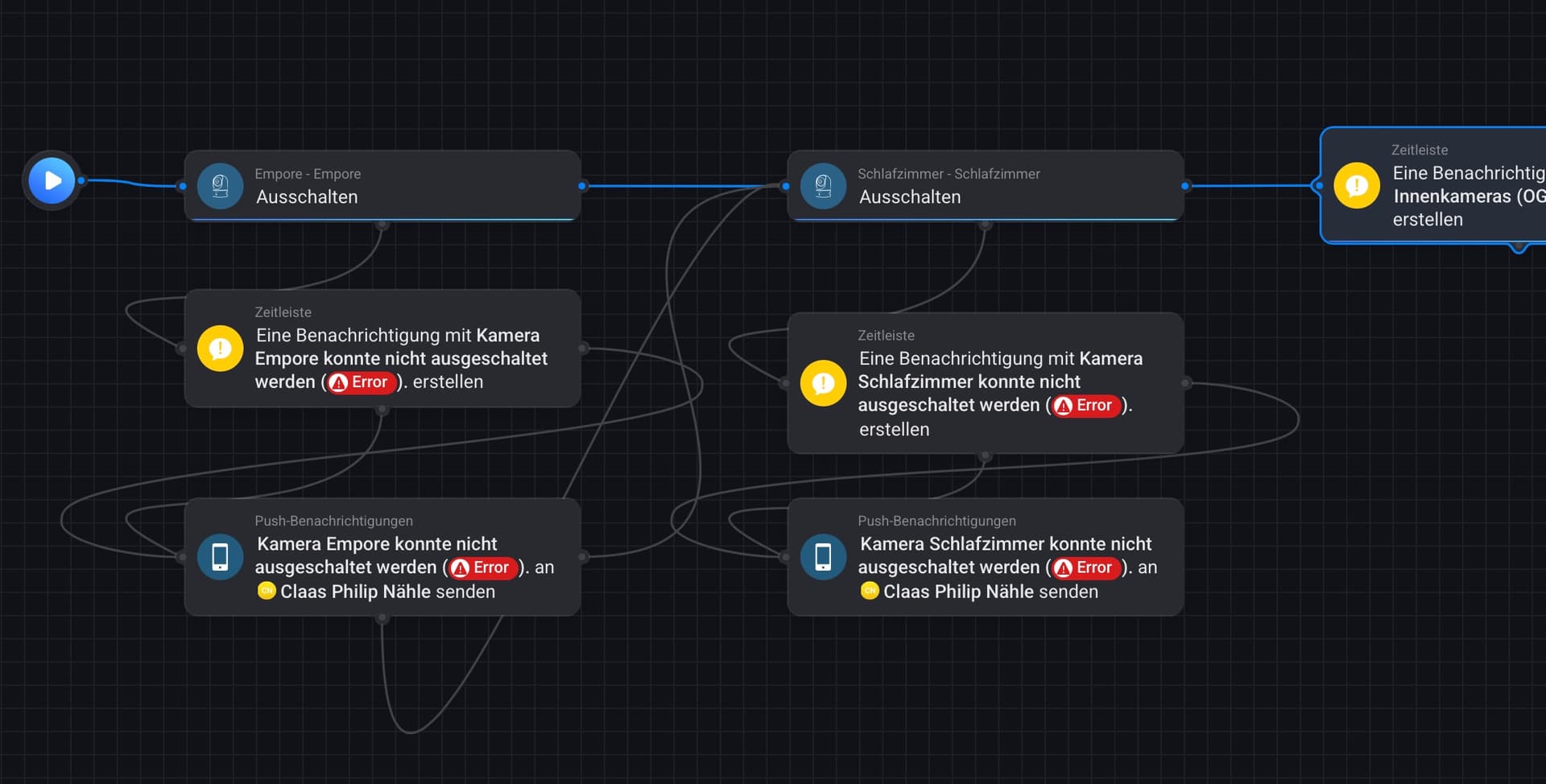
I just found the time to dive into my Eufy security flows, and one issue that has been there for a longer time is that not all cameras respond equally well to being turned off: For instance, this flow
just finished without error messages, but the bedroom (“Schlafzimmer”) camera is still turned on in the official Eufy iOS app. It still does so even if I rerun the flow over and over again…
What am I missing here?
Regards
yes, I figure, but my point is: The flow above should turn off both cameras, but one of them (the 2nd one) remains turned on after the flow finishes (with the cameras status in the iOS app being the ground truth).