82bb59cc-c8f3-4aa5-9318-1143b01ce6ec
@Ruud_Silvertant I don’t see any snapshot action in the log. Did you use the take snapshot flow card?
Strange, now snapshot and event are filled with recent foto from the doorway.
However snapshot from the “zijtuin” and “achtertuin” are only containing a foto on event and not on th snapshot. There is no flow on “zijtuin” and “achtertuin” witch should fill it when a detection is triggered.
@Ruud_Silvertant then you have to enable the snapshot setting for those 2 cameras. The setting is per device
Setting on all cameras in Homey: Activeer snapshot - Ja
@Ruud_Silvertant sorry what do you mean? Does it work now or it doesn’t?
Please also read the FAQ about snapshots: Q14 [APP][Pro] Eufy Security - #4 by martijnpoppen - Apps - Homey Community Forum
And for Event images see Q3
Q14 brought the solution on the snapshot visabillity on the camera objects in Homey.
Works now correct. Thx 
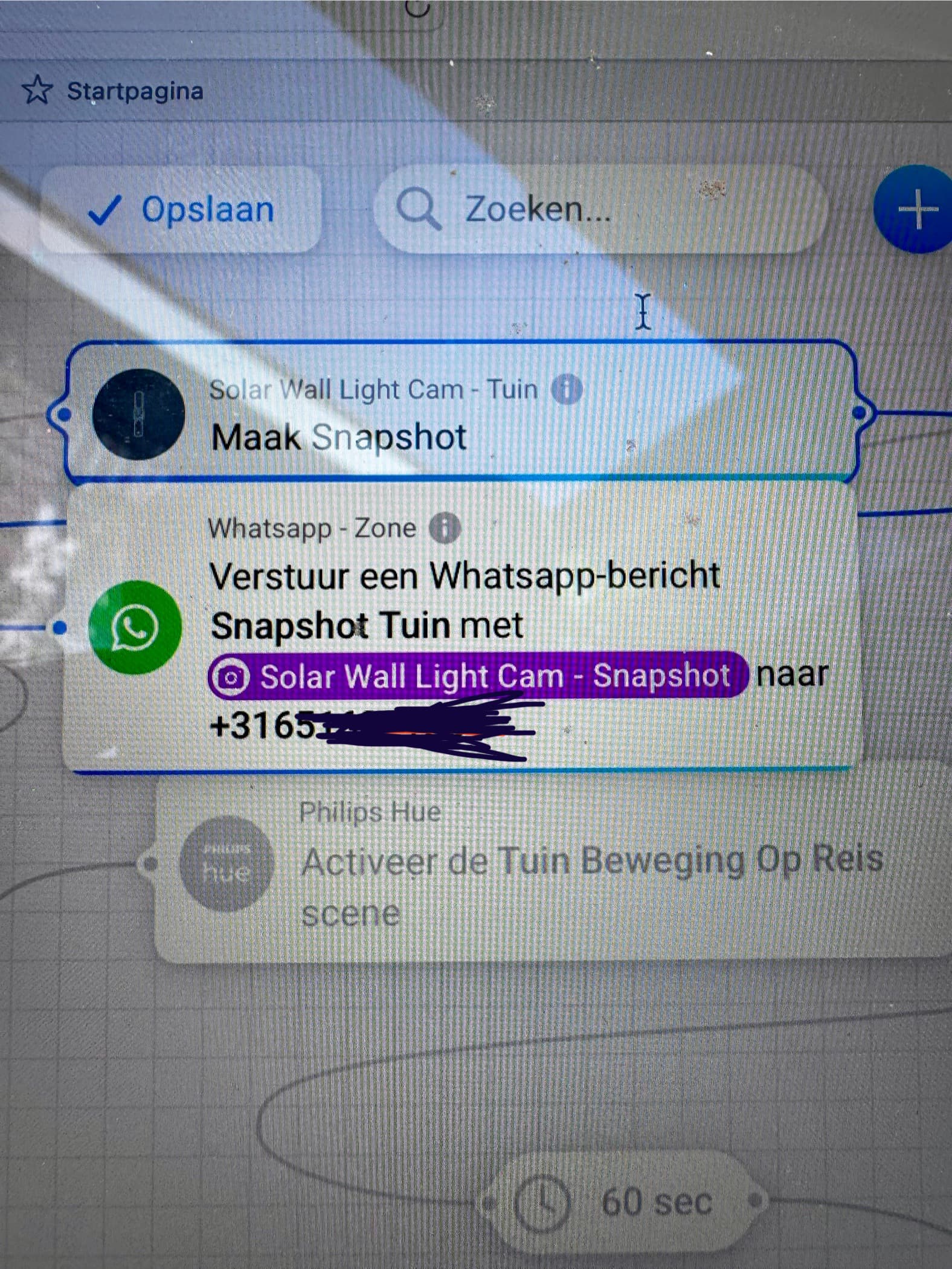

@Marcus_Bitterling please send a diagnostic report
e613565e-6a1d-4f0b-95e7-a6adb7843c9e
Thanks
@Marcus_Bitterling enabling snapshots requires a restart of the app. I did this on purpose otherwise the app eats trough all your memory.
so make sure to restart the app once and see if it works
Second restart did the trick. Working now!
Thanks
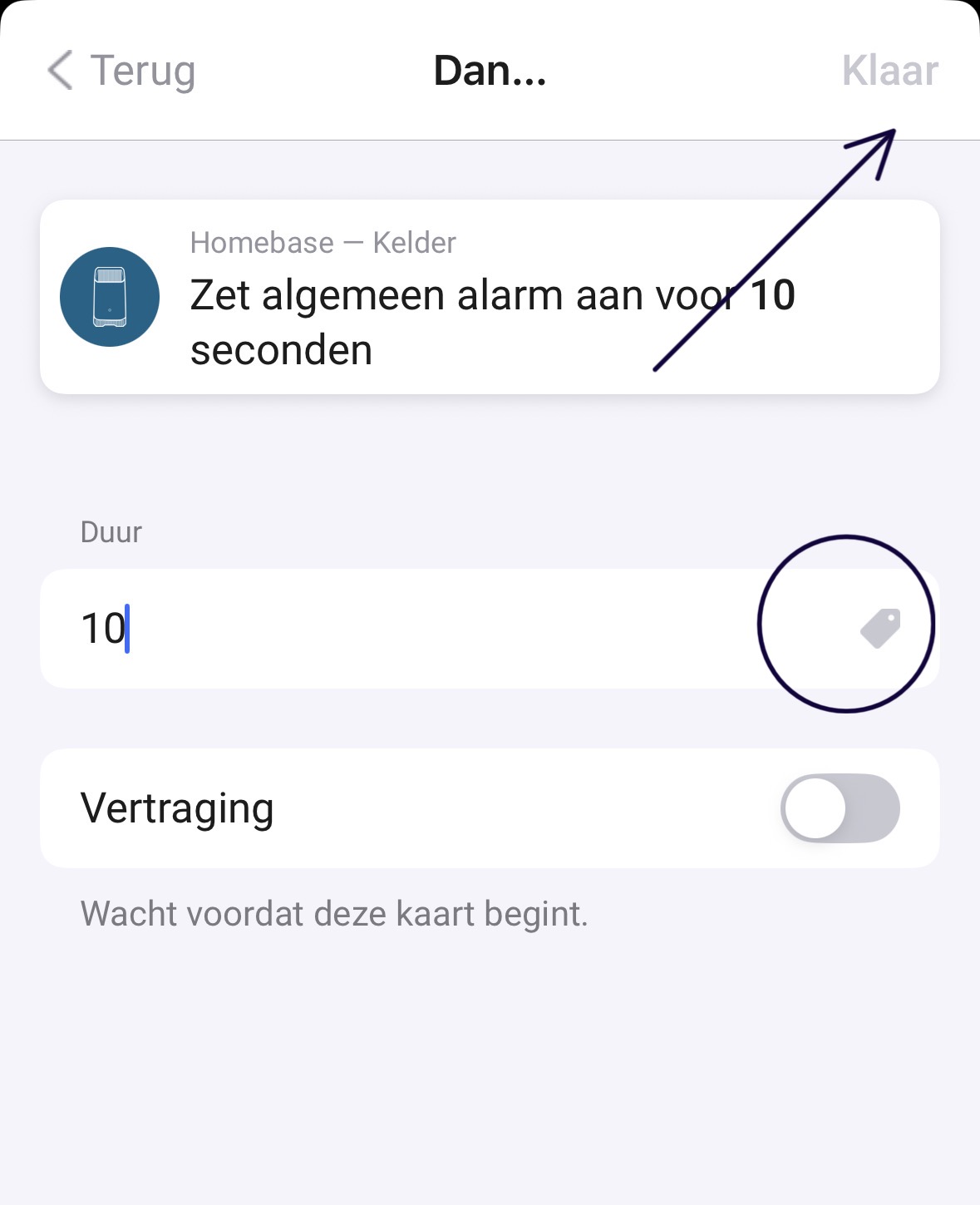
Second remark.
I just noticed that the ‘light on’ function doesn’t work with my S120. Both the button ‘Lamp’ and the flowcard don’t turn it on.
@Marcus_Bitterling please send a diagnostic report
@Marcus_Bitterling for the alarm can you try a different number?
e69a0bab-668b-4278-b36a-593de53ac046


@Marcus_Bitterling interesting will check. Does it work in the webapp?
Also Checked the report for the light of the s120. But homey can’t find the camera in the local network. Are they in the same network?
In the webapp it’s possible to put in 10 and also the flow works.
The S120 is connected to Homebase so maybe that’s why?
