@GRat yeah LAN or WiFI doesn’t matter.
But these are not working:
[EufyLibrary] [p2p] [Timeout._onTimeout] Tried all hosts, no connection could be established to station T8423
[EufyLibrary] [p2p] [Timeout._onTimeout] Tried all hosts, no connection could be established to station T8442
[EufyLibrary] [p2p] [Timeout._onTimeout] Tried all hosts, no connection could be established to station T8422
[EufyLibrary] [p2p] [Timeout._onTimeout] Tried all hosts, no connection could be established to station T8410
[EufyLibrary] [p2p] [Timeout._onTimeout] Tried all hosts, no connection could be established to station T8400
[EufyLibrary] [p2p] [Timeout._onTimeout] Tried all hosts, no connection could be established to station T8400
[EufyLibrary] [p2p] [Timeout._onTimeout] Tried all hosts, no connection could be established to station T8424
[EufyLibrary] [p2p] [Timeout._onTimeout] Tried all hosts, no connection could be established to station T84A1
[EufyLibrary] [p2p] [Timeout._onTimeout] Tried all hosts, no connection could be established to station T84A1
[EufyLibrary] [p2p] [Timeout._onTimeout] Tried all hosts, no connection could be established to station T8410
[EufyLibrary] [p2p] [Timeout._onTimeout] Tried all hosts, no connection could be established to station T8424
[EufyLibrary] [p2p] [Timeout._onTimeout] Tried all hosts, no connection could be established to station T8400
[EufyLibrary] [p2p] [Timeout._onTimeout] Tried all hosts, no connection could be established to station T8442
[EufyLibrary] [p2p] [Timeout._onTimeout] Tried all hosts, no connection could be established to station T8400
[EufyLibrary] [p2p] [Timeout._onTimeout] Tried all hosts, no connection could be established to station T8423
[EufyLibrary] [p2p] [Timeout._onTimeout] Tried all hosts, no connection could be established to station T84A1
[EufyLibrary] [p2p] [Timeout._onTimeout] Tried all hosts, no connection could be established to station T84A1
[EufyLibrary] [p2p] [Timeout._onTimeout] Tried all hosts, no connection could be established to station T8410
[EufyLibrary] [p2p] [Timeout._onTimeout] Tried all hosts, no connection could be established to station T8442
[EufyLibrary] [p2p] [Timeout._onTimeout] Tried all hosts, no connection could be established to station T8423
Thanks Martin - this has been very weird. I have now completely deleted all my devices in the Eufy app, went back to a clear home and setup all of them again. Now shared with new account for Homey and setup all devices, and seems to not be crashing.
Thanks for the help - fingers crossed.
Hi guys. I just bought an E330 pro cam, and apparently it only works with the HB3. According to eufy, the latest firmware enables stand-alone operation though. So the question is: can the library or any other tools be used to do the first-time setup for the E330 and trigger off the firmware upgrade process?
KR
SEB
Problem is, I would need a HB3, which I do not have and which is not cheap. I have custom build everything around my cams.
So there is no way to upgrade the E330 with say P2P command etc.? I NEED to do a first time HB3 config?
@seb2010 This is a integration which hooks into Eufy and gives the user the possiblity to connect to Homey.
It was never a intentention to copy Eufy’s app.
And also if Eufy does not support it. So I think it won’t be possible at all to do this without a HB3. Because to connect the camera first, you need a HB3.
No I just came to this forum by reference from one of the github projects around eufy. And this thread sounded like the people know what they are doing
I use ioBroker with various other tools running on the same linux-machine.
@seb2010 then you’re not really in the right place as this forum is around Homey and only Homey focussed. So better to ask this in one of the Github repos
Hi @martijnpoppen
First and foremost thank you for making this app!
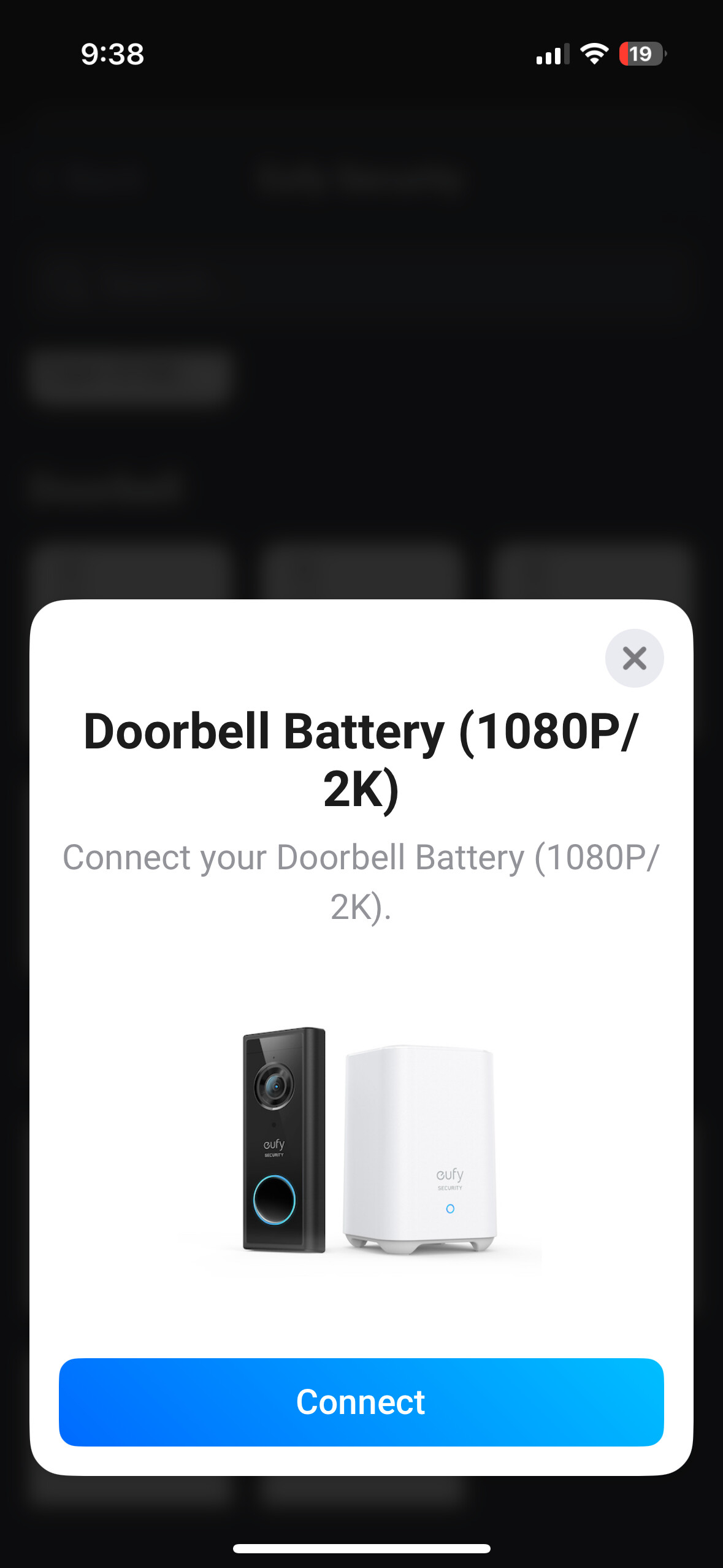
I wanted to share my wireless doorbell with Homey but whatever I did, nothing worked. I followed your guide, created a second admin account, shared the devices, turned off 2FA, but nothing.
I always get the " No devices found. Make sure you shared the Eufy devices with your admin extra account (Try a different region)" error. I tried EU and US too, same result (ps. I am in Australia).
What else can I try to resolve this?
ps. I even tried it with my main Eufy account (after logging out from their app) but that didn’t work either.
pps. I sent a diagnostic report through the app, the code is: eda0c332-077f-42b7-a744-828356033e49
Hi all, my Homey auto-updated this night and now all my eufy devices are in error mode on homey (HB3, solar light cam, battery powered dual camera doorbell).
When I try to repair the devices through Homey it asks me to log on to eufy and then says there are no devices in the account. Even though I see the devices when I use the eufy app with the same account.
Did the Homey auto update f* it up and do I need to add all devices again, or is there a fix?
@Daan_Dagevos probalby because of the auto update the Eufy app required a catpcha. But by the looks of it you filled in the wrong login information. So no need to re-add everything, just make sure your login is correct
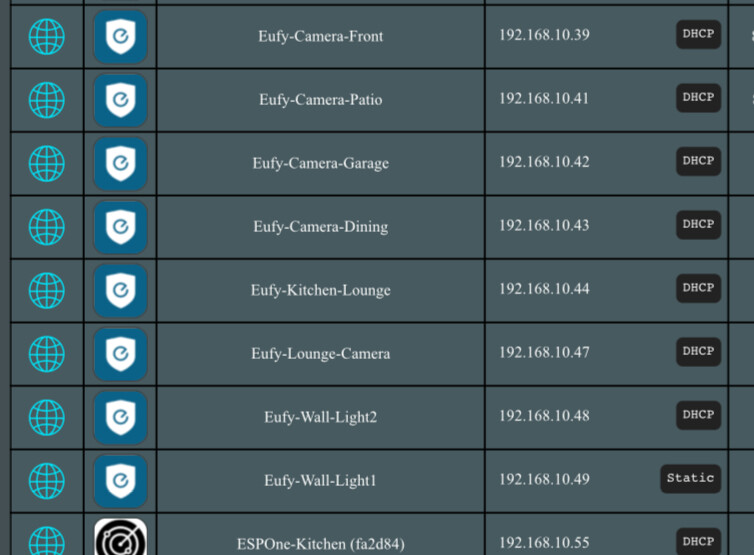
my first 2 cameras arrived, both the 1080/2k indoor, I have them added and shared to my family member account, I go through the install in homey, and i get the error no devices found
 I just came to this forum by reference from one of the github projects around eufy. And this thread sounded like the people know what they are doing
 (in Eufy server terms)