@Kenny_S please send a diagnostic report
Just did 

@Christer_Havarstein nothing is wrong
Using a 3rd party application like Homey or Homeassistant will drain your battery quicker.
There has been a recent fix again for battery drainage but it’s no guarantee it always works.
@Kenny_S as far as I see in the logs your email or password is incorrect
Hi @martijnpoppen, after password reset it works again. Thanks 
Nice! 
I can confirm that this is normal. @martijnpoppen did great work last year, to reduce the consumption from Homey-integration. 15% in 5 days is not much.
Here you got my battery drain:
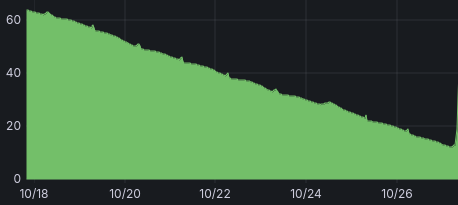
Some Eufy devices drain faster, then other Eufy devices.
the apps i have had issues with are the google nest sdm, dyson, Amazon alexa, weather apps, and switchbot.
I have temporally removed the eufy for now because it was causing my other flows to go haywire, delayed and not runing when they should. I will try and start again when the cameras arrive
Seem to constantly have the app crash if I add any extra cameras. I have the HB3 and doorbell, with this it works fine. As soon as I add another one of my cameras (I have 8) the app starts crashing. They are all on the same network, same SID but the network is mesh so they connect on different AP’s.
The only way I can access the camera’s today is via Home Assistant (which has cameras connected, different account, and no crashes) but I would rather use this app if I can as the integration is better.
Any ideas?
64f6092d-8c36-4e24-a6db-67eb1db2a47e
Same issue here, I also can not install the app anymore
@ChrisBoer please elaborate your issue. Multiple people reported different issues, so kinda hard to see what your issue is.

@ChrisBoer same answer applies, please send a diagnostic report
How can I send a diagnostic report when not having the application installed ?
@ChrisBoer you can’t. but if you don’t have the application installed… what do you expect from me?
I will reboot eufy and will reboot homey pro see if this helps
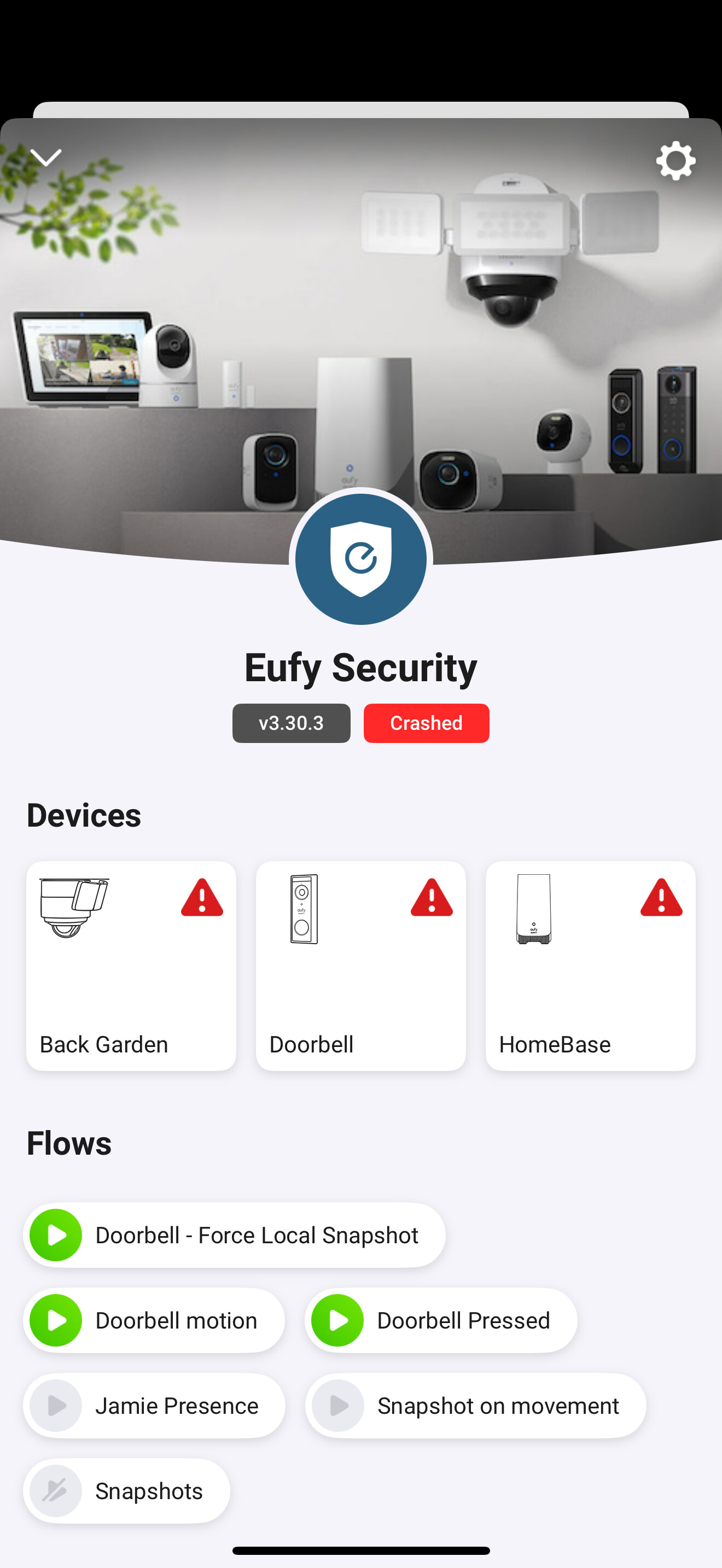

@GRat please click on the red crashed label next to the version number
All i see is a CPU limit warning, already tried a Homey restart?
Next to that, seems like the app gets stuck. it can’t connect to a single device in your network. Are Homey and the devices in the same network and reachable? This is causing a CPU spike because it keeps retrying to connect
Btw, the Eufy integration always connects to all devices available in your account, even when you didnt add them to Homey, that’s just how the Eufy SDK works. So make sure to put them in the same network
