Oh I see what the problem was. I managed to get it working in Homey when I turned on notifications for motion detection in Eufy’s own app. That unfortunately defeats the point for me with the homey app. I wanted to use it to create flows that send me a push notification when motion was detected but only if certain other criteria were met (time of day, Verisure alarm system armed and so on). Because I really don’t want the constant notifications from Eufy’s own app whenever my kids run around the house and you can’t configure the notifications in their app at all. But it seems their annoying notifications on motion detection has to be turned on for your app to pick it up? It can’t detect motion on its own?
@Crowntwig No unfortunately not. Eufy doesn’t provide an official way to get these notifications. So i think you should see homey as a ios/android device which uses the same settings and retrieves the same info.
Currently there’s no other way 
You can disable notifications on app level in Ios/android. But not sure if that would work for you.
I did find this message in the Eufy community maybe that can help?: Customize notifications for individual users/devices - Wishlist - Eufy Security Collective
Ok, thanks so much for your replies!
One more thing: the “always on” setting in your app, what does that so exactly…? Does it turn on the camera permanently and drains the battery? Does it need to be turned on?
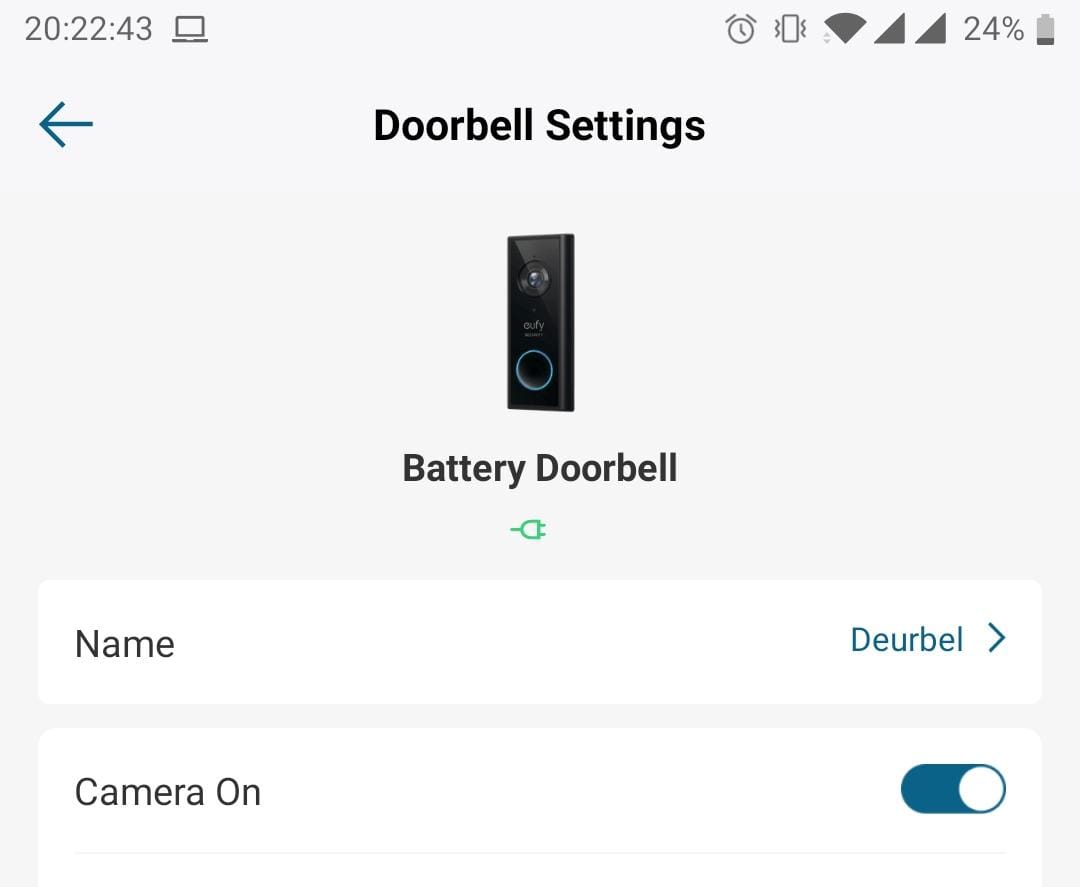
I found a way! I think… I created a flow that does the following:
When my Verisure alarm is Armed
Then
Eufy is set to mode Away
And in the eufy app I turn on notifications only for Away mode. Should eliminate a lot of the problem as the Verisure alarm is never armed when the kids are running around the house. here’s hoping!
Ah that’s nice!
I don’t now if it’s any help but I added a condition card this morning 

Martijn, thanks for all the help and the amazing Eufy homey app!
We found out you have to put on notification for movement in 2 places.

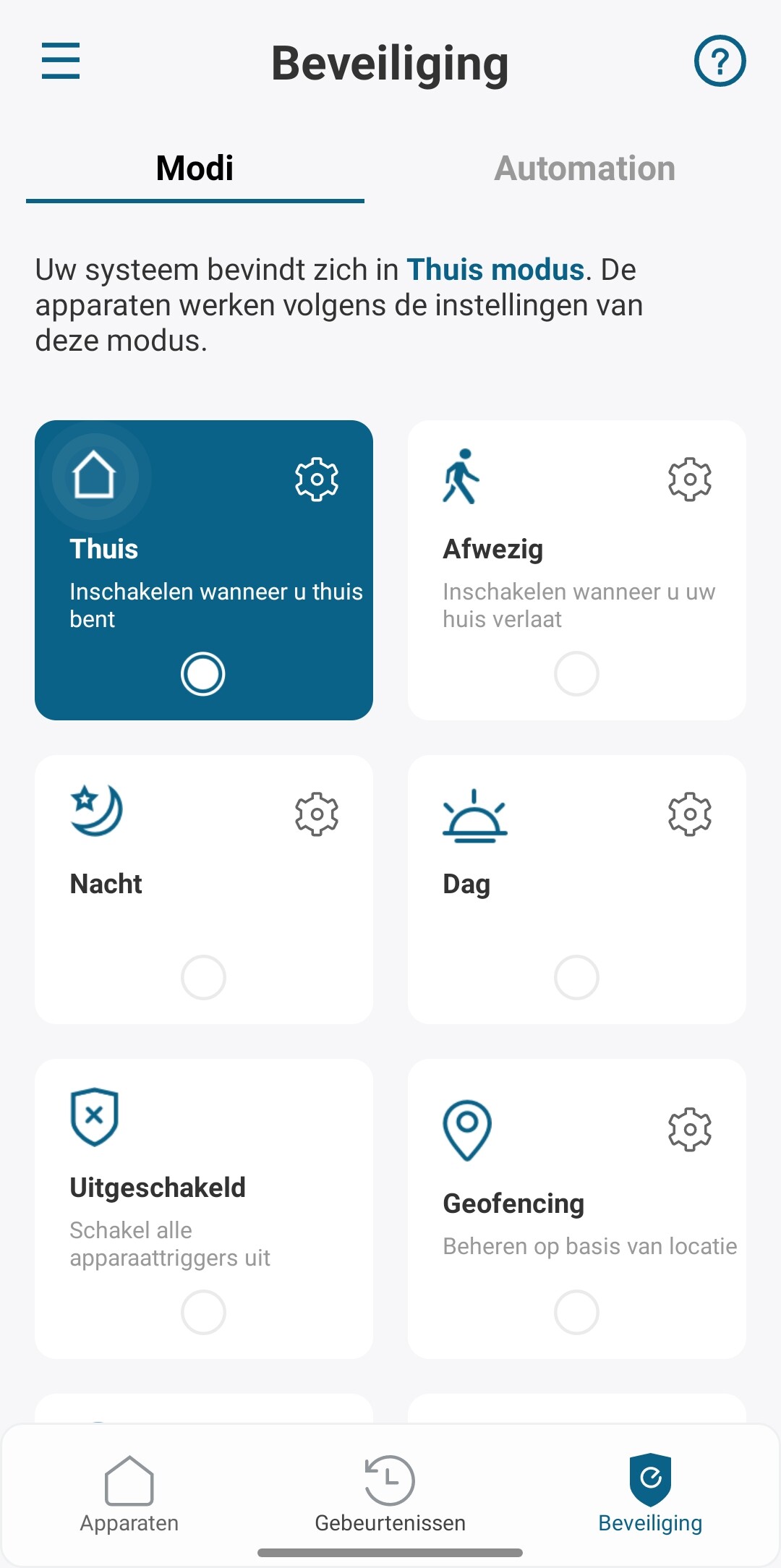

Unfortunately then you also get notifications for every movement on your phone. As I live in a busy street this is problematic. It is not possible to change this setting per account. If you change notification to off in another account, it turns off in all accounts. I found an easy solution for this. On android you can change the device notification settings:
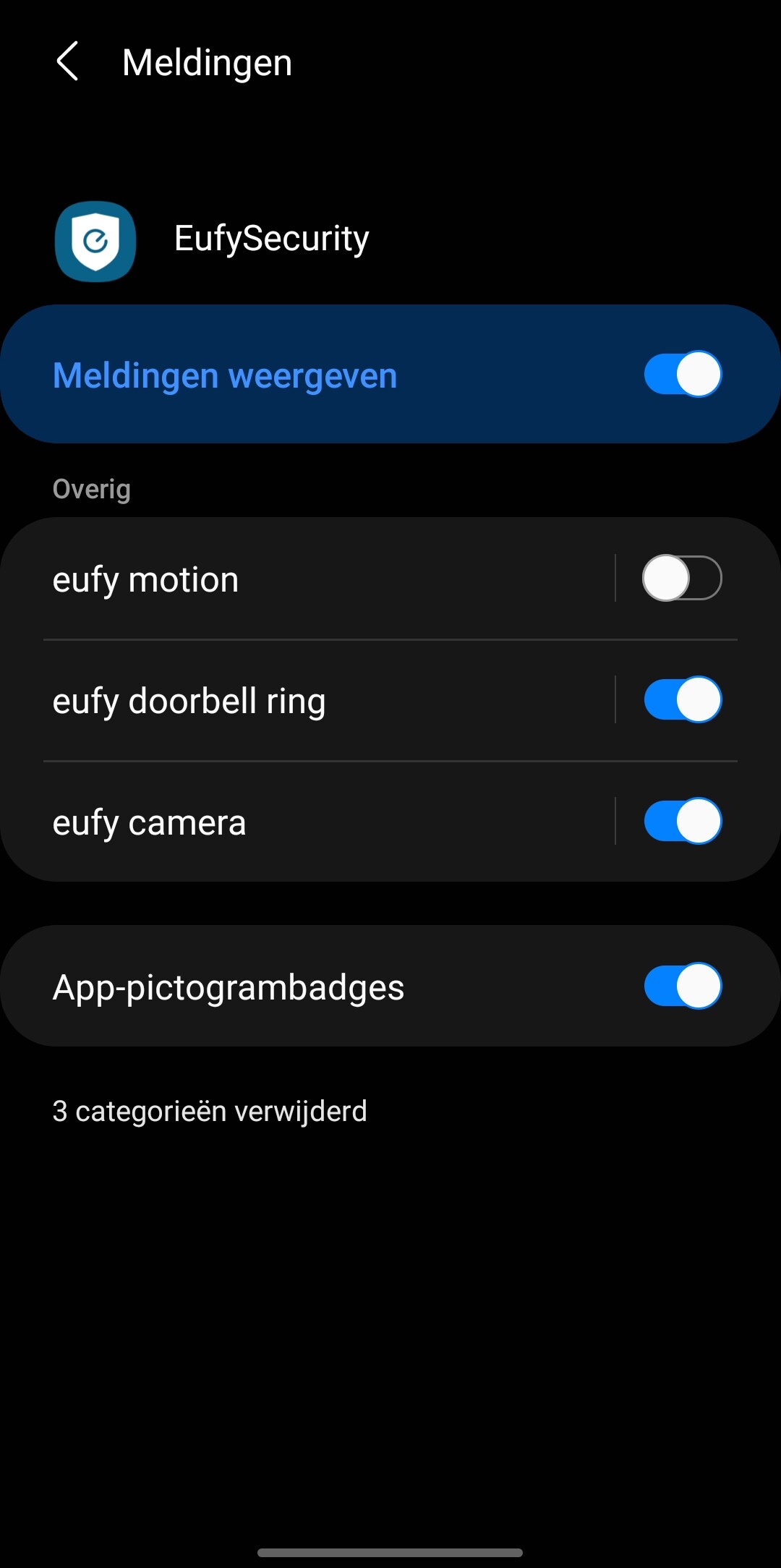
I think something like this is also possible on Iphone.
@Avi_de_Winter Thanks for the explaination. Yesterday I found this solution for IOS: Customize notifications for individual users/devices - Wishlist - Eufy Security Collective
New app update (live: 1.11.11 ):
- NEW: condition flow card for guard mode
Hey,
I have a eufy alarm system and multiple camera’s.
I’m looking for the best way to set my homey to “away” status when I arm the eufy alarm with the keypad or the eufy app.
I want the sensors to trigger lights using homey, but only when I’m away or at night.
Thanks
Hey @Floris ,
For now the Keypad is not supported.
It’s on my list to react on the arming change so that way you could change you’re home and away mode in Homey.
Is there a option to use a camera status change to use as a trigger for homey? I see you can change it for camera’s from homey side.
I was thinking that the following might work
When:
- Front door sensor is closed
- Wait 70 seconds (Alarm delay)
And: - Camera A status = Away (Camera should be in away status by now set by the keypad in eufy)
Then:
Set homey to away status.
Am i missing something or is this a solid solution?
Thanks
@Floris ,
That won’t work. The keypad change is not updated in the Homey app. So first the keypad should work with homey. And guard mode changes outside of the homey app should also be included inside the app.
This is not the case right now.
So this part is missing now:
Camera A status = Away (Camera should be in away status by now set by the keypad in eufy)
@martijnpoppen: The 2c cams are not showing up in Heimdall. For Heimdall to recognize a device, that device needs to supports the alarm_motion or alarm_contact capability in Homey.
@MrFloppy , I can have a look. Right now i made seperations because person and motion are 2 different things in Eufy.
I was thinking to add a general alarm.
@MrFloppy for the time being you can also use an virtual device for this and connect that tot Eufy and Heimdall
Sold my Arlo Pro set-up to buy Eufy due to the Homey integration via this app. But can’t get it to work:
2 x Eufy Pro 2 and Doorbell 2k battery.
I have setup an alternative admin account for Homey. Running Homey fm 5.0.1. And installed Eufy app v1.11.11.
It was possible to install the devices. But there don’t seem to be any connection. On/off, arm mode in Homey is not updated according to the official Eufy app. And the snapshot picture is just showing a standard Eufy product shot.
What am I doing wrong?
When connecting in the settings page, I input the current (static/fixed) IP adress (129.168.x.xxx) of my Eufy HomeBase. I get a positive “Saved. Logged in to EufyLife”, but the IP address is automatically changed to: 83.94.193.45
Hi @Nitramevo ,
Is it possible to change the ip address again? The app tries to find the correct IP but shouldn’t overwrite if you type it yourself. The global IP will defnitely not work.
Also better if you remove the ip address from your message
Yes. Possible to change again. But still no connection. I get a timeout failure, when I e.g. Push the device (on/off from device tab)?
