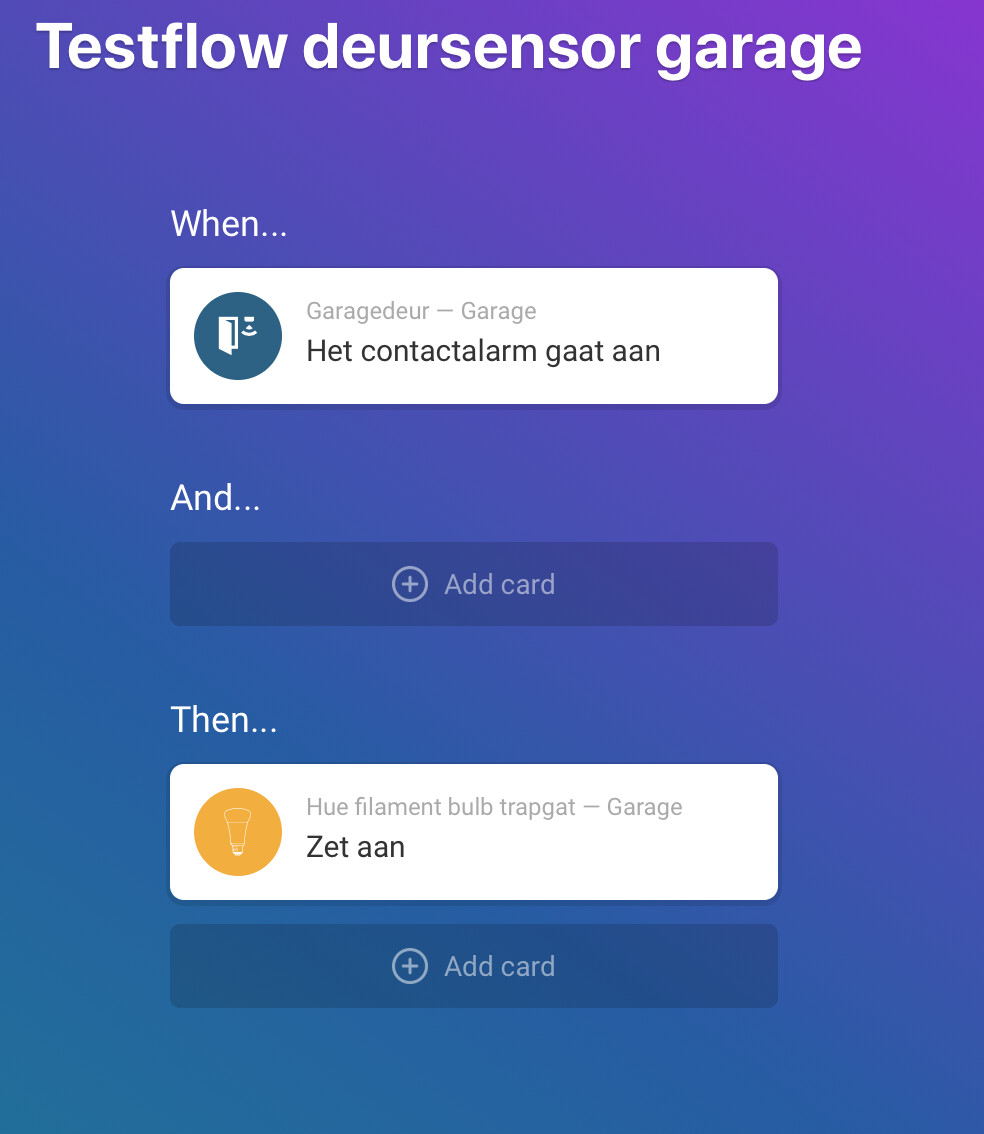
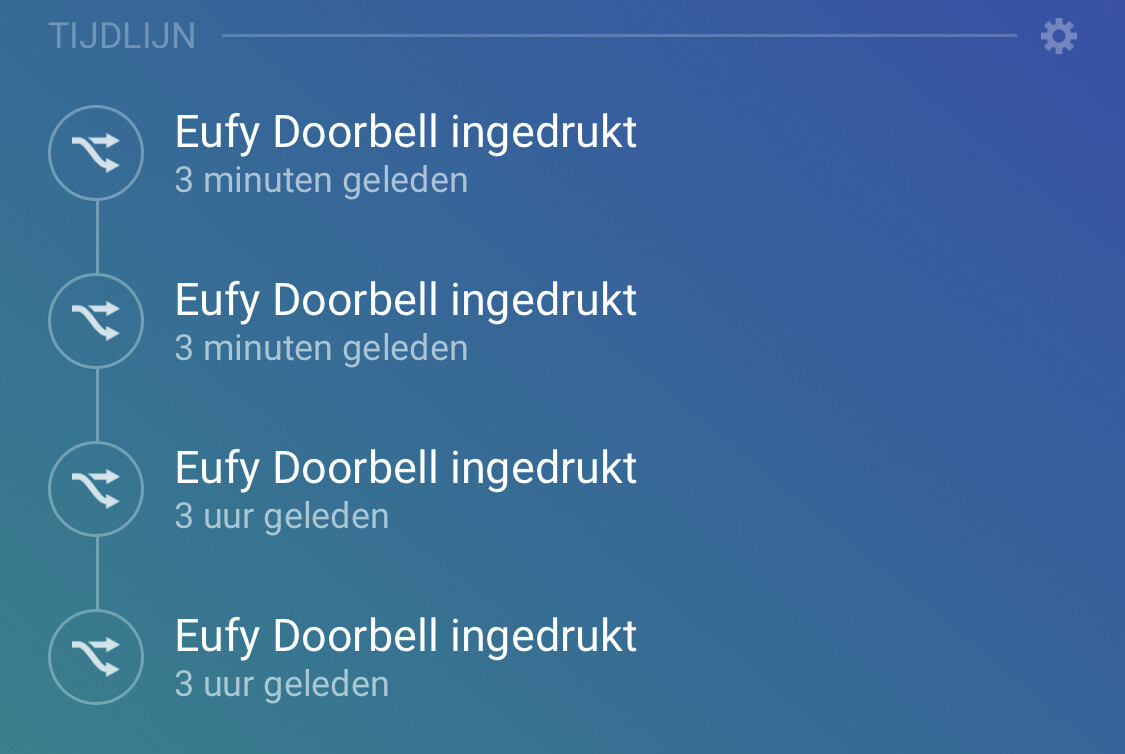
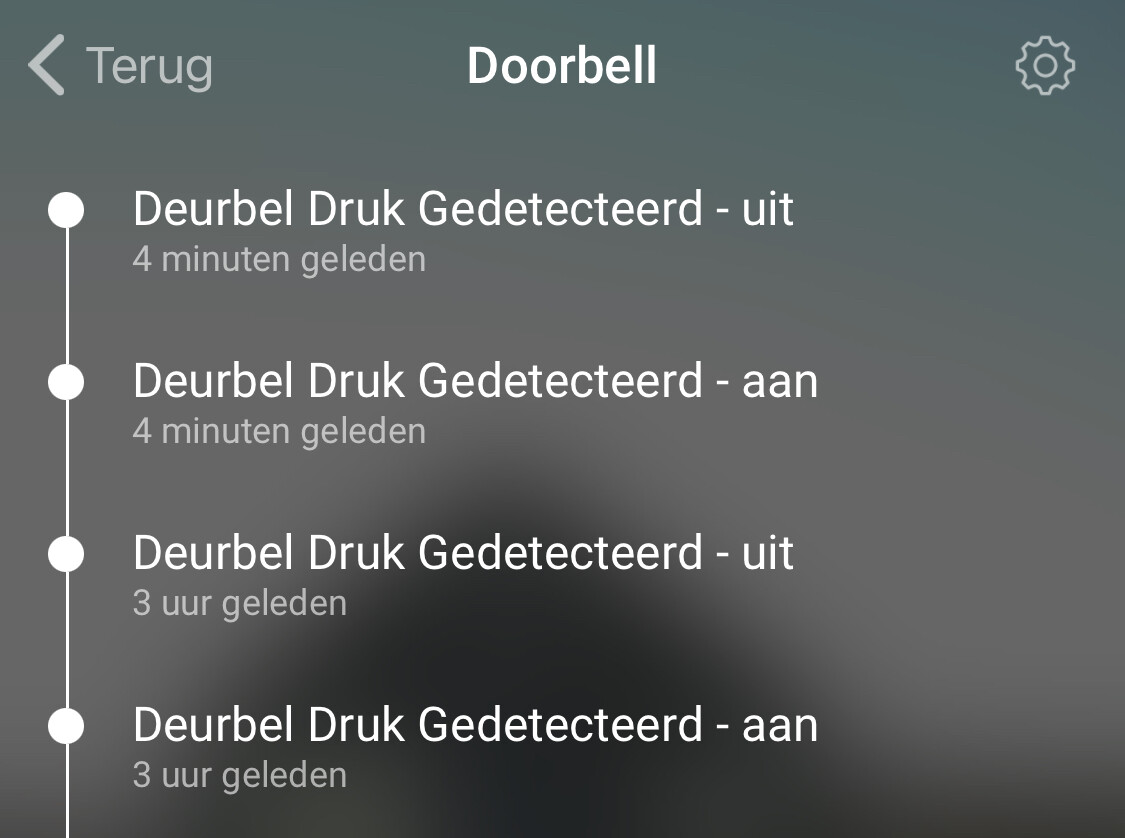
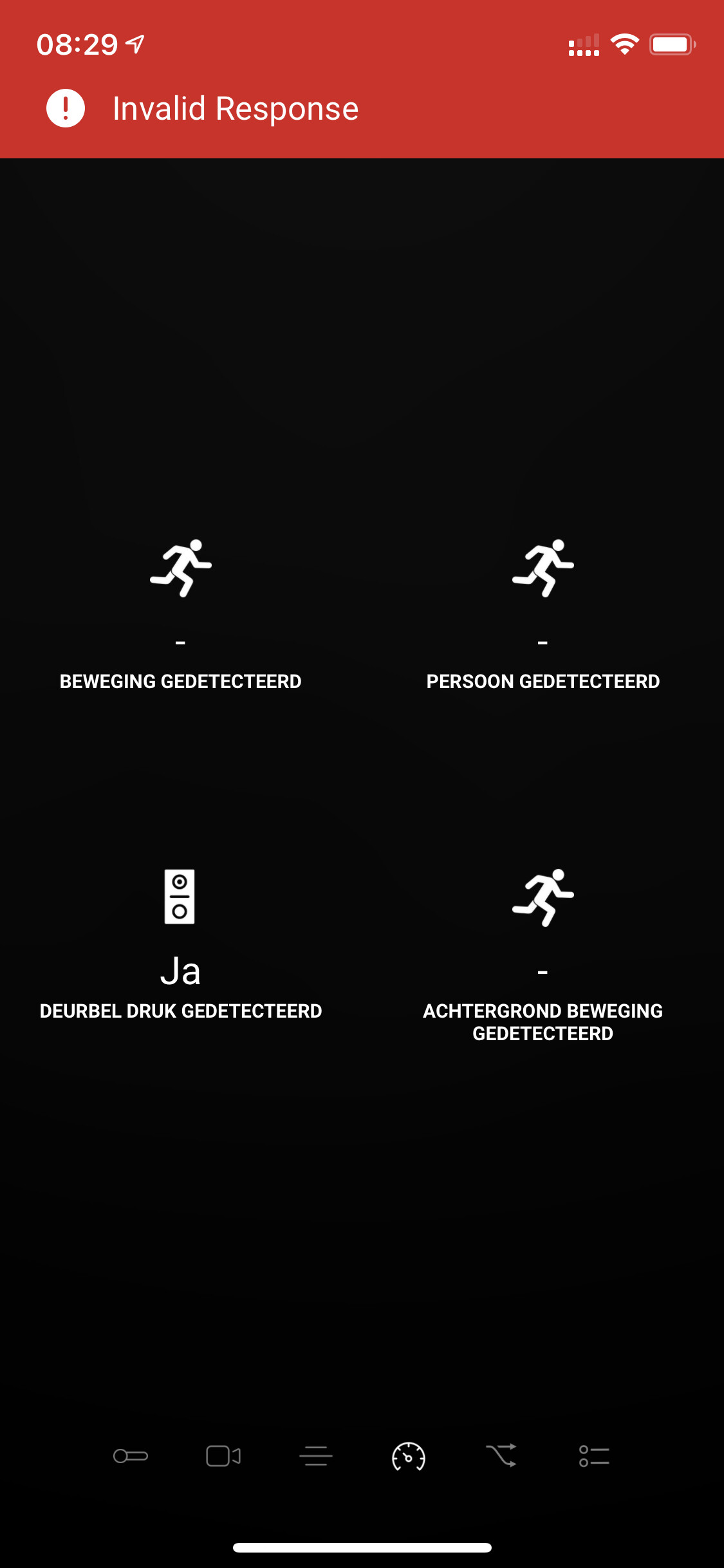
Hi @martijnpoppen. I tested different flows but couldn’t manage to start a flow using the door sensor. See the pictures for the flows I tried.
Known statuses in the EufySecurity app are ‘closed’ and ‘open’, see the picture. Could there be mismatch between those statuses and the statuses you used (‘Het contactalarm gaat uit / aan’)?
I logged out of the Homey app as mentioned and logged in again. Restarted also the app after a minute.
But I still receives 2 messages in Homey.
Now I also noticed that Eufy is sending me 2 messages when I ring the doorbell. This is something that was not happening before I created the second account.
@Arnold_vd_Linden
I found the issue!.
I have the same thing on my indoor cam Pan&Tilt, but not on my doorbell.
It has to do with the notification settings from Eufy icm the Homey app.
@Arnold_vd_Linden
Yes, Eufy has a mode where they send you text first and the image afterwards. this is called Full Effect Mode.
During development I tried to include all 3 types of notifications, but somehow it doesn’t always work
If you don’t want this for now i would suggest to change the notification settings to Include Thumbnail
Just ordered and installed the EUFY doorbell Wired (withoud base but seperate Chime), installation (Homey) was perfect and easy, only had a problem with getting the screenshot from the Eufy, a reboot of Homey fixed that (I think). Thank you for a well maintained app! Can I buy you a beer?
Maybe interesting for some of you, the flows which work great with my old Samsung tablet that I use as a digital Photo Frame and now shows a screenshot of who’s at the door when someone rings: https://homey.app/f/iFIOUv
for the tablet I use the app Fotoo for the photo frame part and CastReceiver app for adding Chromecast functionality to the tablet. The Fotoo app takes over after the image has been cast due to opening the app when power is restored on the tablet. Works perfect!!
And when I’m watching TV, it will also show up on my chromecast for 30 seconds https://homey.app/f/5DzOUv
Hi @Crashy,
Thanks for your message.
Really like your implementation.
Maybe this is also nice to share with the FB community which have a lot of ideas like this. (Facebook: Homey Gebruikers)
The idea of the old android tablet is really nice. I’m thinking if I can do something like that with my rapsberry pi
You said you restarted the app for the images. I have that bug on my list. Somehow after adding a device the image service is not registered correct. Still not sure why this happens.