Bummer…Thanks
Yeah i agree, I really hope this could be different some day. Unfortunately fetching data from the api every x seconds also doesnt work 
Recognized the same problem. Was very happy yesterday when I finally could add my E340 doorbell. So the flow should be something like (motion sensor is on) “WHEN motion is sensed AND the doorbell rings THEN play sound on Sonos and send push notification”. Would that work? I also have an E330 seccam pointed at the front door, would that be a solutin to involve that in the flow? Like Martin072 my front door is like 2 meters from the street and I don’t want notification for everyone thats passes.
@pjotr those cards will probably never fire at the same time. so if the doorbell rings you don’t need the motion detection right.
Triggering 2 camera’s at the same time might be possible but will probably be hard due to timing.
Hi. Well the Solar Wall Light Camera battery drained very fast after adding it, like in around 3 or 4 days. The power manager shows the drain coming from “other”. I’ve now charged it back up and will see if the issue persists. I did delete the Solar Wall Light Camera from Homey. As a reminder that camera never showed any images even after a motion event, it also never showed battery status. The other two solar power cams (not solar wall light) is having no battery issues.

@Mark-AppMyHome yes known issue, working on it
I understand. What I don’t understand is that my flow (without picture) works WHEN “Doorbell pressed” THEN “Play Sound Doorbell on Sonos” when I try it in the Homey windows app. When I try it in real life, that is I press the doorbell no sound is played on Sonos speakers. Any suggestions why that is so?
Have the same problem, my cameras and doorbell are showing temperature and not working in Homey. Have You found a solution?
@pjotr yes ret to restart the Eufy app in Homey
Most of the time solves it
@pjotr for battery and temperature see [APP][Pro] Eufy Security - #4 by martijnpoppen - Apps - Homey Community Forum Q5
I’ve noticed when using a flow card to send a picture ( for example when some one rings) it always shows the same outdated picture, do you know what could cause this? Also when I refresh the picture in the homey tile, it shows an image that is a day old. And not the most recent?
@Martin072 see [APP][Pro] Eufy Security - #4 by martijnpoppen - Apps - Homey Community Forum Q1
Live stream / snapshots not possible…only events
But a ring on the doorbell is an event right?
@Martin072 correct but only updates the image if there was a person or motion detection as well. Otherwise it will give you a old image
Ok, need to get my head around this…
- Motion push messages are off in the app as they are a nuance
- Doorbel ring push messages are on
De cam detects and records motion all the time. So when a person approaches the doorbell, that will be recorded, and only a push messages is send when the doorbell is rang. That Eufy push message arrives with an image of the person pressing the bell.
Then the Flow works fine, as it triggers the doorbell ring, however the image that is then used as a tag is from a long time ago.
When looking in Homey and tapping the refresh icon on the camera it shows a more recent image than in the flow, but still that image is also very outdated.
Are you meaning that if the motion push messages are not enabled, the camera images are also not updated in Homey?
No the Doorbell press event sometimes contains a image if it was combined with a motion detection. So most of the time you dont get a image with a Doorbell press.
Therefore advise is to enable motion and person detection notifications so that at least the image in Homey gets updated.
You cant just rely on the Doorbell press event for a image
But surely a doorbell press must be part of a motion event, or do I miss something here? a person needs to approach it, so…
Person detection is enabled, but if that is part of the motion business, then it will not work for me, as I am not going to enable the motion events. As mentioned before I want it to trigger the whole area, as the car is in that view. since that detection field is relative large it will trigger for every thing that moves by.
@Martin072 i dont know i didn’t build the Eufy firmware 
The Doorbell press notification doesn’t contain the picture. (Most of the time)
Yep in that case you wont get images of your camera in Homey
Many Thanks Martijn, dubble bummer than 
Was not pointing at you, just trying to get my head around the Eufy system as I am totally new to it.
Had a doorbird before, which worked wiht a simple api / rest interface and everything was local. Unfortunately it got slow and old.
Hello @martijnpoppen ,
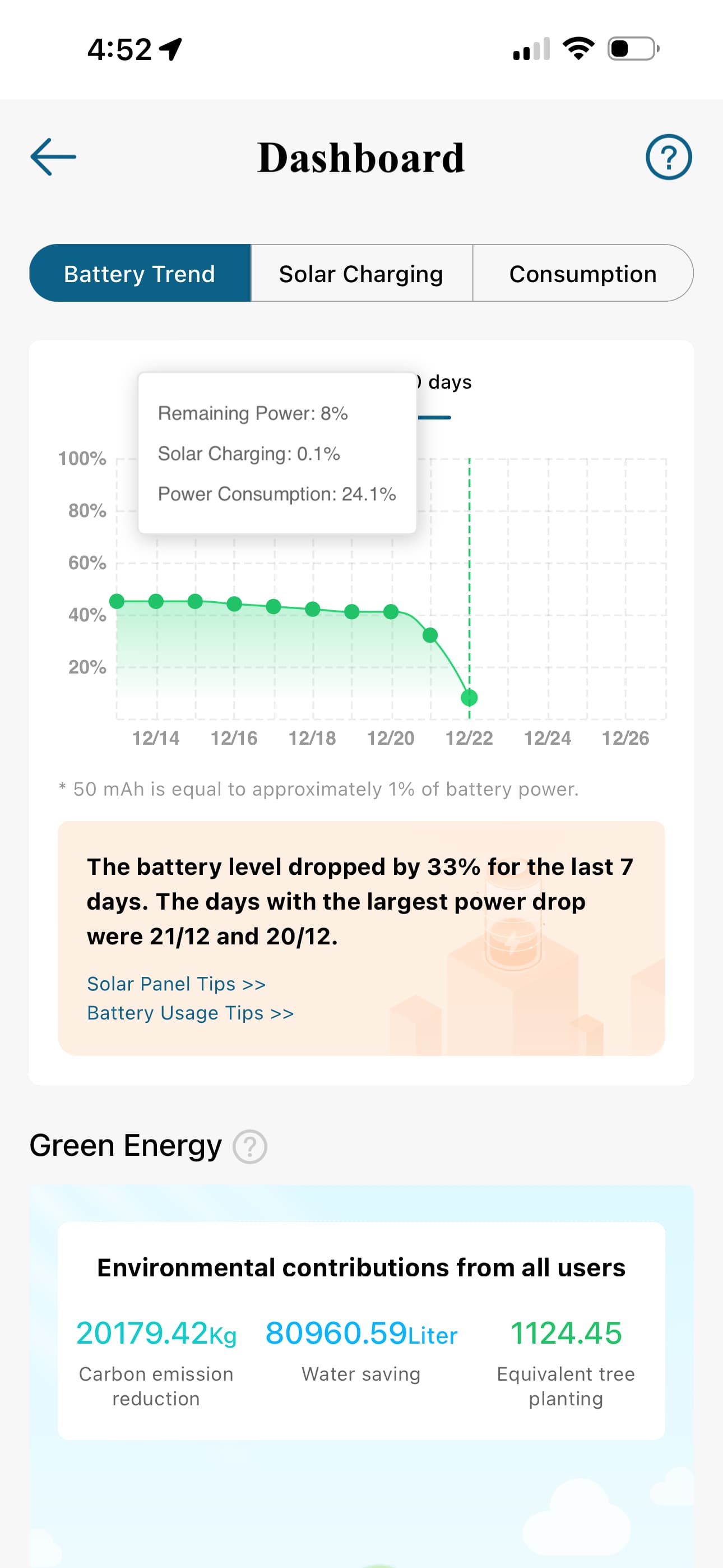
I have monitored the battery consumption of the doorbell, and the consumption is the same. 6%+ drop in 24 hours. Can you do something further with the pooling frequence, so the power consumption decreases?
Regards
Marius
