That’s really weird. I don’t get why the image tab is missing sometimes 
Also I think i’ll try a different solution for the on/off. Because I don’t like the deviceclass being a ‘socket’ right now.
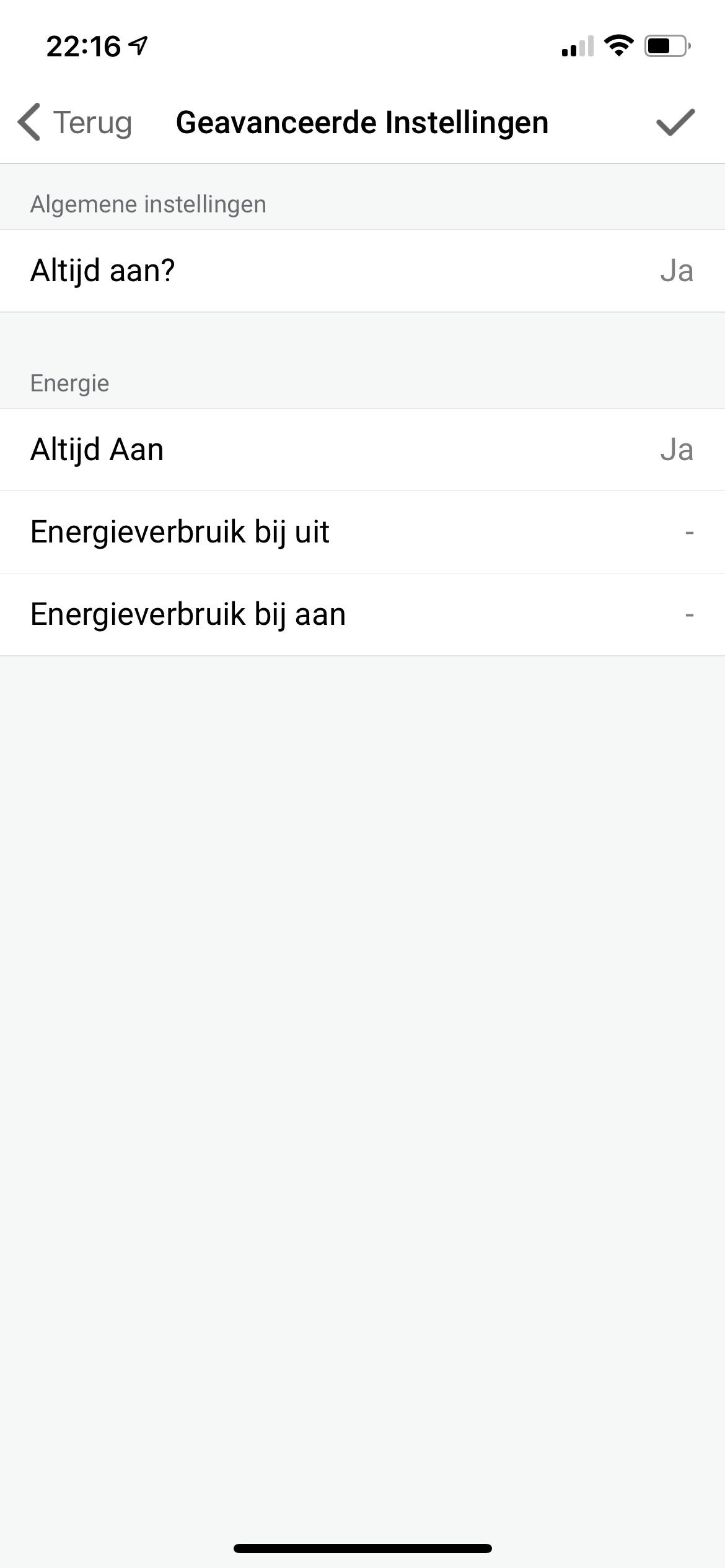
@2Be
Yeah changing device classes need a restart.
That’s why i reverted it.
Can you restart?
Restarting the app or Homey?
I restarted the Eufy app and then force quit the Homey iOS app fixed it. Maybe a cache issue from the Homey app.
Restarting the app will do. Registering device classes is when the app starts.
also the camera image?
@martijnpoppen Restarting the app nor restarting Homey didn’t change anything on my end.
Are you sure you committed the correct build? 
@MrBlue Yes i’m sure 
1.9.7
What is the issue ?

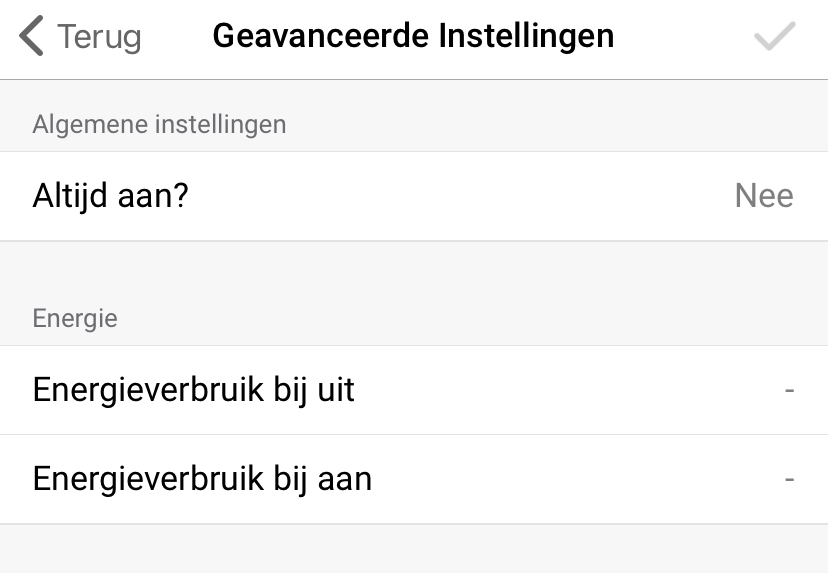
Yep also the camera image returned. Still had to hard restart the Homey app on my Mobile.
@MrBlue the Algemene instellingen are custom made 
So it’s the correct version. The image tab is really weird. Didn’t change anything for that…
@2be
Restarting the Eufy-Homey app should be enough. No need to restart the homey app.
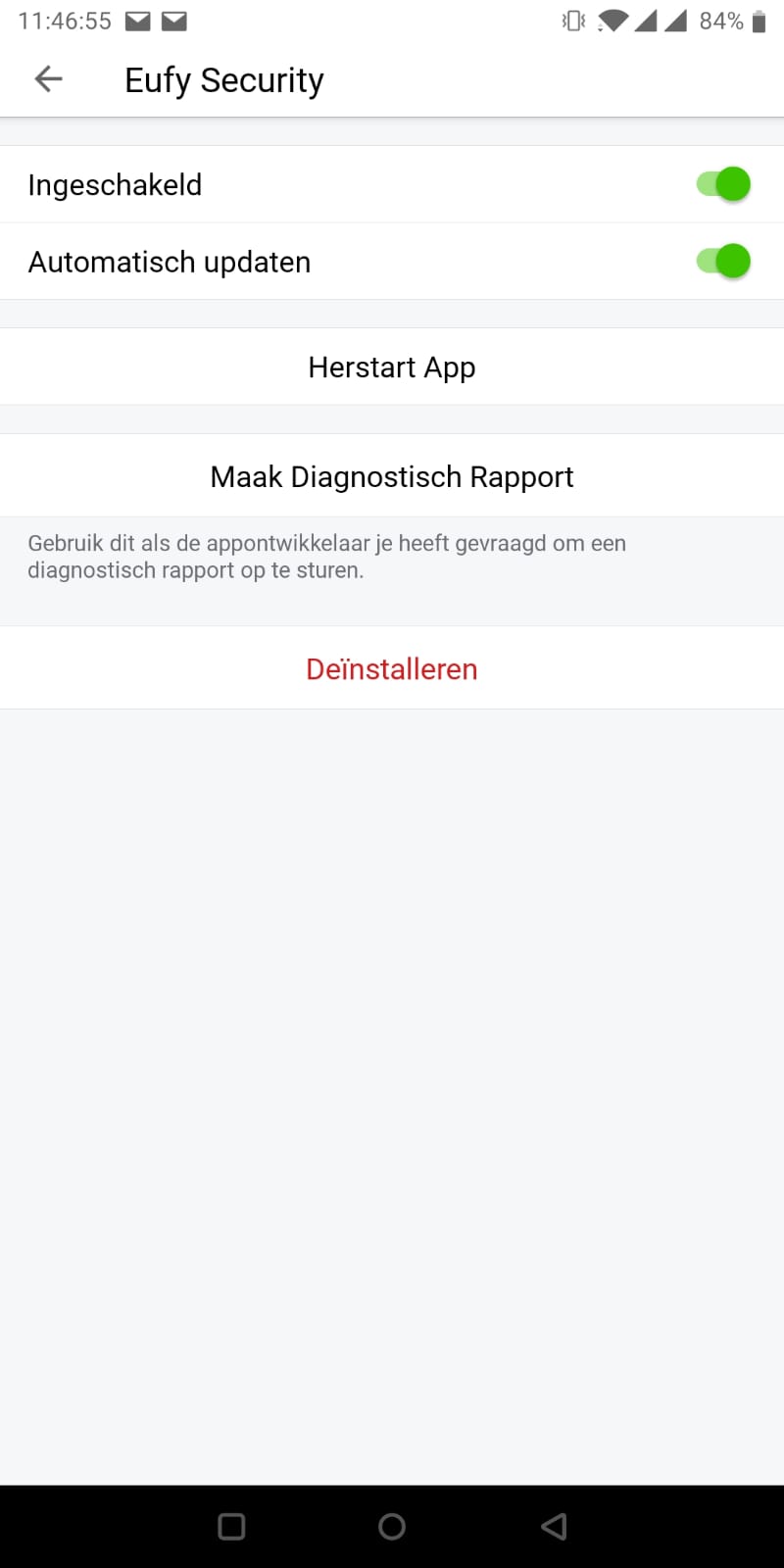

1.9.8 didn’t fix it either…
However, deleting the device, restarting the service and installing it again did fix it!
Now I only need a few minutes to repair all my flows 
I had the same problem when i went to the eufy app version 1.9.5, no more image tab.
I removed the doorbell from Homey, restarted Homey, restarted the Eufy app and added the doorbell again and the image tab was back.
Happy again😄
Guess hard closing the Homey app and restarting it is the easy way…
@2Be Tried that as well, didn’t do the trick on my end 
Sorry guys
Didn’t know that changing a device class had this impact
@MrBlue Back to the topic
Does the custom Always On feature work for you?
@martijnpoppen , I just updated to 1.9.8 and now my image tab is gone again…
Restarting the Eufy app or Homey app didn’t fix it.
Re-adding the device did. In the image tab there is a drop down menu with two choices both being Deurbel, the name of the device. why are there two?
Recently (like 2 or 3 weeks) pressing my doorbell will trigger my doorbell flow twice. So two images and two notifications. etc. Maybe because it sees two devices in one?
