Hi all,
I can confirm the quick responses are working without any type of trigger.
Takes a second to load, but plays both the standard and the custom messages.
Thanks @martijnpoppen for implementing this. Really stoked about this!!
Edit with additional info:
I have the wireless doorbell type (even though I hardwired it)
I used the same flow to test as @martijnpoppen showed above
I had the notifications muted in the settings. I did not want those notifications everytime. But okay, it was the fix. Now i’m fine tuning the area of detection to get only the most necessary notifications. Anyway, it’s working now, except for ‘achtergrond bewegingen’? What’s that about?
@martijnpoppen good news, can we have a better look at this for the wired doorbell ?
It seems like this is working different then the battery powered one.
@Patrick_B
that’s when there’s movement in the background. I think it’s when you set it too super sensitive. The wired dooorbell has an extra option for this. But the battery doorbell sometimes does this.
@Rens_Hoekema Yes sure,
I’m able to debug all the app traffic with Frida.
You can do this yourself, or give me access to your doorbell (for a limited time)
@martijnpoppen anything happened with the images over the last few beta updates?
Noticed that the images are nog being processed and that the image tab in the device settings is gone as well.
Thanks for checking
@martijnpoppen Got another (likely small) feature request for you.
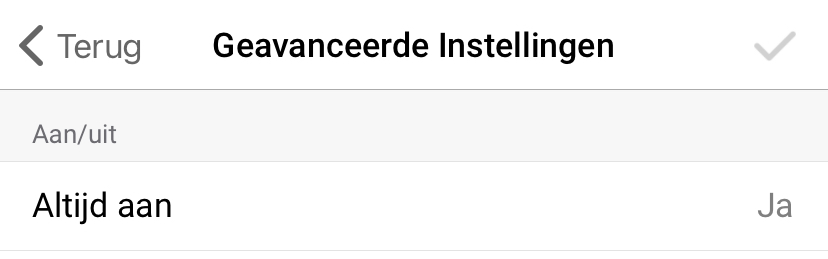
By opening the device settings of the doorbell I often accidentally switch off the doorbell with the single short tap.
Would it be possible to create an advanced option to indicate that the device always need to remain on?
Hi @MrBlue ,
Probably with a restart you’ll get the advanced tab
The what is plugged in Comes with the Socket class. There’s no other way to do this. This is how Homey works.