@svenvk which mode do you have enabled for the notifications?
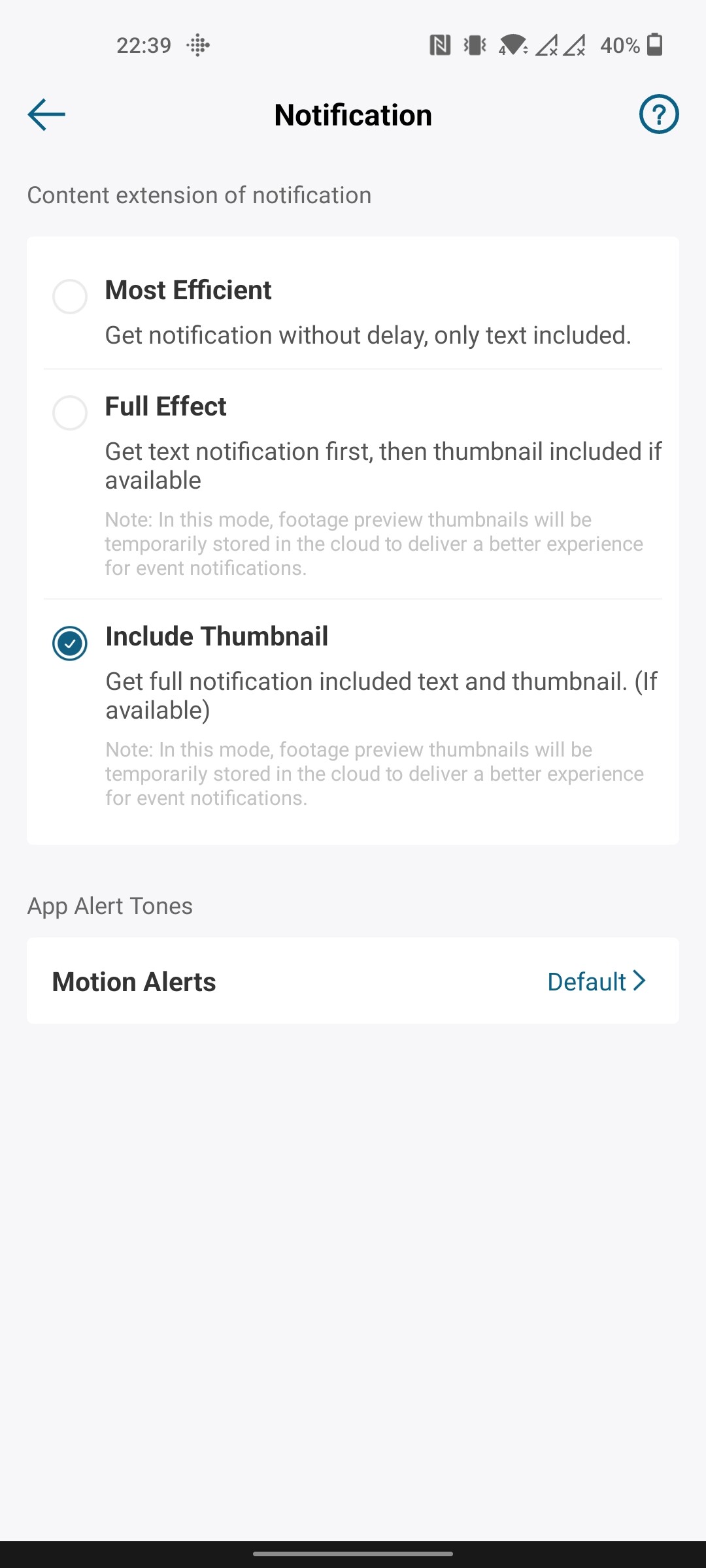
same as your screenshot (“Include Thumbnail”)
@svenvk can you try another mode and see if that makes a difference in Homey?
@martijnpoppen I just tried the first option (“Most efficient”), but that doesn’t seem to make a difference
That’s Martijn the same I have reported - actually it looks like that the Homebase 3 nor the cams are not integrated at all - I have separate account, enabled thumbnail, like in case of Homebase 2 previously and anyway, nothing works - sound, people detection etc.
Maybe Eufy changed something again
Thanks a lot for all your efforts @martijnpoppen !
I have the Homebase 3 with S330 cameras. I can’t find how to create a flow for this. Would you be so kind to give an example?


I use this exact flow but nothing happens when persons are detected bij my doorbell.
Running the flow manually, it works.
That’s something for @martijnpoppen
I know, I told hem earlier this week I would test these flows and it doesn’t seem to work. I’m sure @martijnpoppen wil read this. 
@danone @Heula related to this post from @Sharkys [APP][Pro] Eufy Security - #3634 by Sharkys
New app update (TEST: 3.10.0):
Changelog:
NEW:
1: NEW: add Image decryptionFIXES:
1: FIX: Notification Images

If you find any issues, send a report via the mobile homey app
More - apps - Eufy Security - settings wheel right top - send diagnostic report (put your email in the input field to make it easier)
You can install the test version by clicking the link above and press install
Don’t want to be part of this test version? Install the live version → Eufy Security | Homey
Wow, sound promising ! Sent you diag Martijn, not sure if there will be something visible or not… still didn’t get the picture.
@Sharkys strange, works for me. Which camera?
Tested on Eufycam 2 as well as S330 / EufyCam 3, all on S380 base unit
Let’s see what others will report, maybe it’s some specific issue I do have alone
Will do some tests tomorrow. Indoor cam PT is working fine 
@Sharkys Looks like this is related to the HB3 connected camera’s. The notification is not processed.
I’ll update the test version as some additional logging would be nice 
@danone is the indoor PT connected to the HB3? 
