New app update (test: 2.34.0):
Changelog:
1. HOTFIX: prepare for Homey 7.4.0. (Fix all errors which are caused by 7.4.0)
Changelog:
1. HOTFIX: prepare for Homey 7.4.0. (Fix all errors which are caused by 7.4.0)
Changelog:
1. HOTFIX: prepare for Homey 7.4.0. (Fix all errors which are caused by 7.4.0)
All failing calls and app crashes should be resolved again. I will monitor the app crashes in the developer tools 
Hi @martijnpoppen, thank you for making this great app! 
Everything works fine, except for one small thing: I can turn the Spotlight on, but I can’t turn it off. The only solution is to use the Eufy app itself.
I have 2 Eufy Outdoor Cam Pros and both have the same problem.
Do you have any idea if this can be solved?
Hey Michiel.
That’s strange Will look in to it 
Changelog:
1. HOTFIX: fixes for Homey 7.4.0
Hey Martijn,
Today I bought the eufy cam 2c with the homebase 2. The homebase is working is working with the homey app… But the two eufy cam 2c camera’s don’t, I have them in my app and I can make a flow with them… But it doen’t work at all, is there a issue in the software?
Next to that:
Can you share a diagnostic report?
You can do that via the mobile homey app:
More - apps - eufy security - settings wheel right top - send diagnostic report.
6c405c8f-bb03-452a-8663-a7ac425d9cbe
@Djordie_Hendriks what are you trying to do ?
Hey Matijn
Yes this is a known issue. Looking into that.
About the events: make sure to enable push notifications in the Eufy app. Homey cannot react on events without it.
Just see Homey as a extra phone connected to your Eufy app
Also I would suggest checking the FAQ most of your questions are in there
Thanks,
I did everything on de FAQ… But the motion detection is still not working,
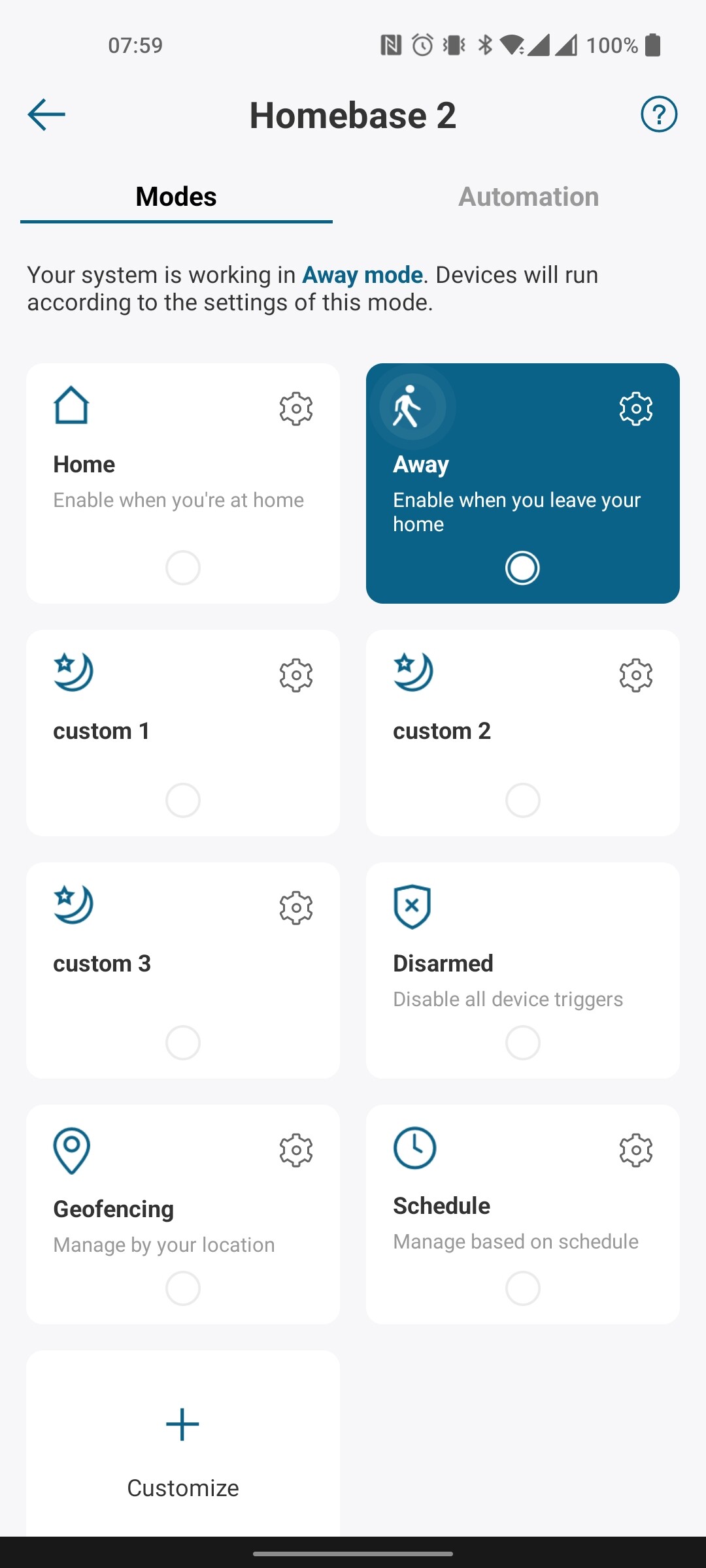
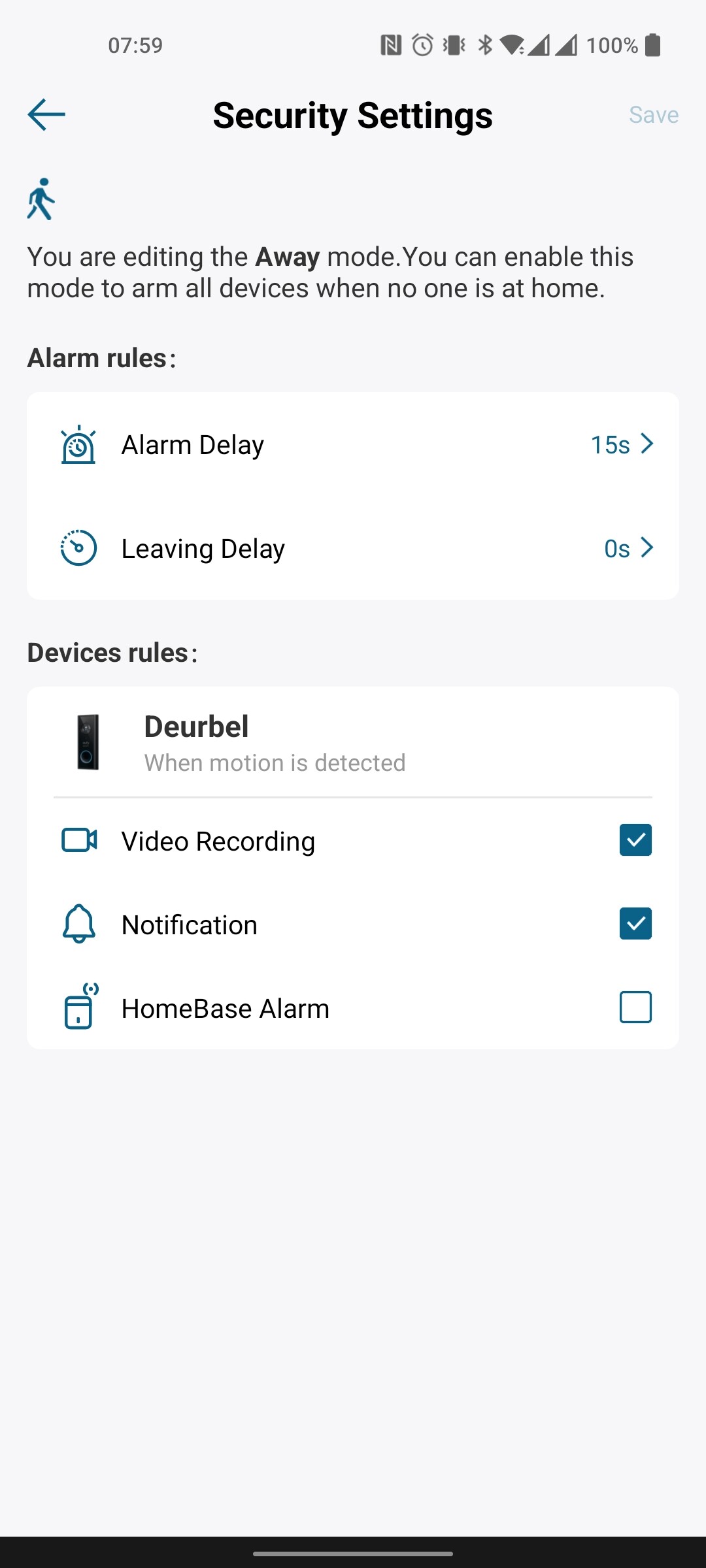
For some reason, Eufy has not a pre-defined security mode for “partial arm”, so I have created a custom mode for that (“custom 1”).
Right now, I have selected “off / disarmed / away” in your new option, so I easily can see if the HomeBase is armed. From my perspective, I would love to have an option that says something like “away / custom 1” as well Then I will have the icon visible when either the alarm is armed or partial armed.
Think of the available options right now, like “off / disarmed / away”. It is a bit contradictory. I think you want to show the icon if either the alarm is disarmed (“off”, “home”, “disarmed”) or armed (“away” and “custom 1” for me personally).
Just a thought. I fully respect if you don’t want to implement this.
FYI, I need to manually restart the app after an update to have new things like “Turn generic alarm on for Duration seconds” working as they should. If I don’t do a manual restart, flows will break where I have these new cards included.
Awesome @martijnpoppen - then I personally vote for having one saying “away / custom 1”
Hi Martijn,
First of all! Cool that you are taking so much time to develop the app but moreover answer all our questions here.
I’m a newbie in all of this, recently purchased smart stuff including a eufy doorbell and homey pro. Now I’m trying to stream video to my chromecast and have found a lot of information and I’m pretty sure I’m almost there. The only thing missing is the URL to enter, if I have missed it somewhere please excuse me, I’ve been searching for days now 
What I came to now: http://IP doorbell:8087/getplainvalue/eufy-security.0.serial number doorbell.cameras.serial number doorbell.livestream
Hope you can help me further
KR
Hey @Michael_Evers
Thanks! 
Yes I still have to put the URL there as token. But you can search in the tokens for stream URL
Just wondering where you found this? 
Hi Martin,
First of all, compliments for making this great app (and the products are great too!).
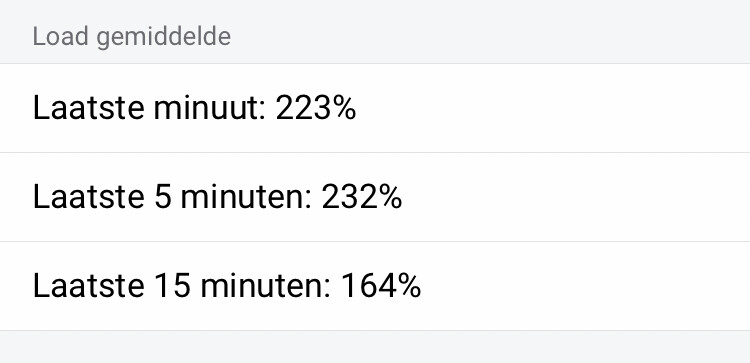
The only thing that struck me was that the app asks a lot of Homey. Since installing the Eufy app, Homey has started behaving strangely and slowly and the system load is extremely high!
Then I started researching and noticed that the app used a lot of Mb compared to other apps (about 12 Mb more).
(in this example I disabled all other apps, otherwise I wouldn’t see the memory usage overview)
is it true that the app needs so many MBs or should I look elsewhere for the problem?
Hey @Steven_Bareman
The app is quite high on load yes. That’s because it listens to the notifications of Eufy which takes memory.
It’s not the highest of apps (luckily  )
)
But it’s average is about 16MB on a Homey Pro
For me highest in the last 31 days 18.91 MB