[APP][Pro] Eufy Clean

Done. Condition ‘docked’ went from true to false between two triggers without the X10 being moved. First trigger was the docked-trigger after the robot being sent home. Second trigger was a manual start-trigger by myself after a couple of seconds.

a68b879f-3e09-485f-9755-52394667bbf9

Thanks in advance btw :+1:

@KevlarD Thanks.
I think from what i can see, the time the flowcard runs the Robovac is not yet docker therefore returning false. Is it possible to use a delay? Not sure if you use advanced flows, but then you could add a delay in between

I’ve done some experimenting and I’m not sure about that delay. It just seems to switch back to false and stays that way. This is a small testflow I used:

I’ve sent out the robot to clean a small zone and then to return home. This is what it reported:

At the time of the first trigger the correct condition is reported. But that changes immediately thereafter. Last message is from the manual trigger I used after the delay just to make sure it hasn’t switched again. Docked condition stays ‘false’, no matter how long I wait.

Hi @martijnpoppen,

I also have the problem where I want to add my X10 Omni bit can’t find any device.

My report is under number:

a34b345e-f2e1-4a28-8391-71b3d2604a15

Regards,
Jeroen

@Jeroen_Dekker
You used a incorrect username and/or password
According to the report

I changed the password on the eufy site earlier indeed. I think I was to quick with adding the vacuum to Homey. All is working fine now, sorry!!

Thanks for checking anyway :+1:

1 Like

Hi Martijn,
Can you check the report: 06197059-8661-4d3f-aff6-fa0f5d1e9192
It just keeps searching for a device.

EDIT: Strange. tried it again and now it is working.
Thanks anyway!

1 Like

@timvdhoorn nice that it works!
If this happens again try to repair the device

Tim, have the same problem? Does it work after a couple of minutes/hours?

It’s searching with app and webbased.

@martijnpoppen enige idee?

@Robert_b89 Please send a diagnostic report [APP][Pro] Eufy Clean - #2 by martijnpoppen

Het is al verholpen er gaat enige tijd overheen. Heb het idee dat de robot langere tijd aan het account verbonden moet zijn voordat het zichtbaar wordt.

@Robert_b89 Nice great that it works

PS: This is a English topic. Can you translate your post accordingly?

Hi, I have a problem with my Omni X10, I have to repair the device to let it work again for a couple minuts/hours when it need an other repair…:sweat_smile:

Report:
cac0423c-5d9f-45e4-b4b0-d46c642a3fbd

Hopefully u can help me?!

@Danny_Bakker nothing in the logs looks like a clean start of the app

Please send a report when the error occurs again. Can’t help you now

5d55963b-cbb2-4e76-9d03-1f035feb5b4e

Don’t think it will report the fault, pls check the fault is still present?

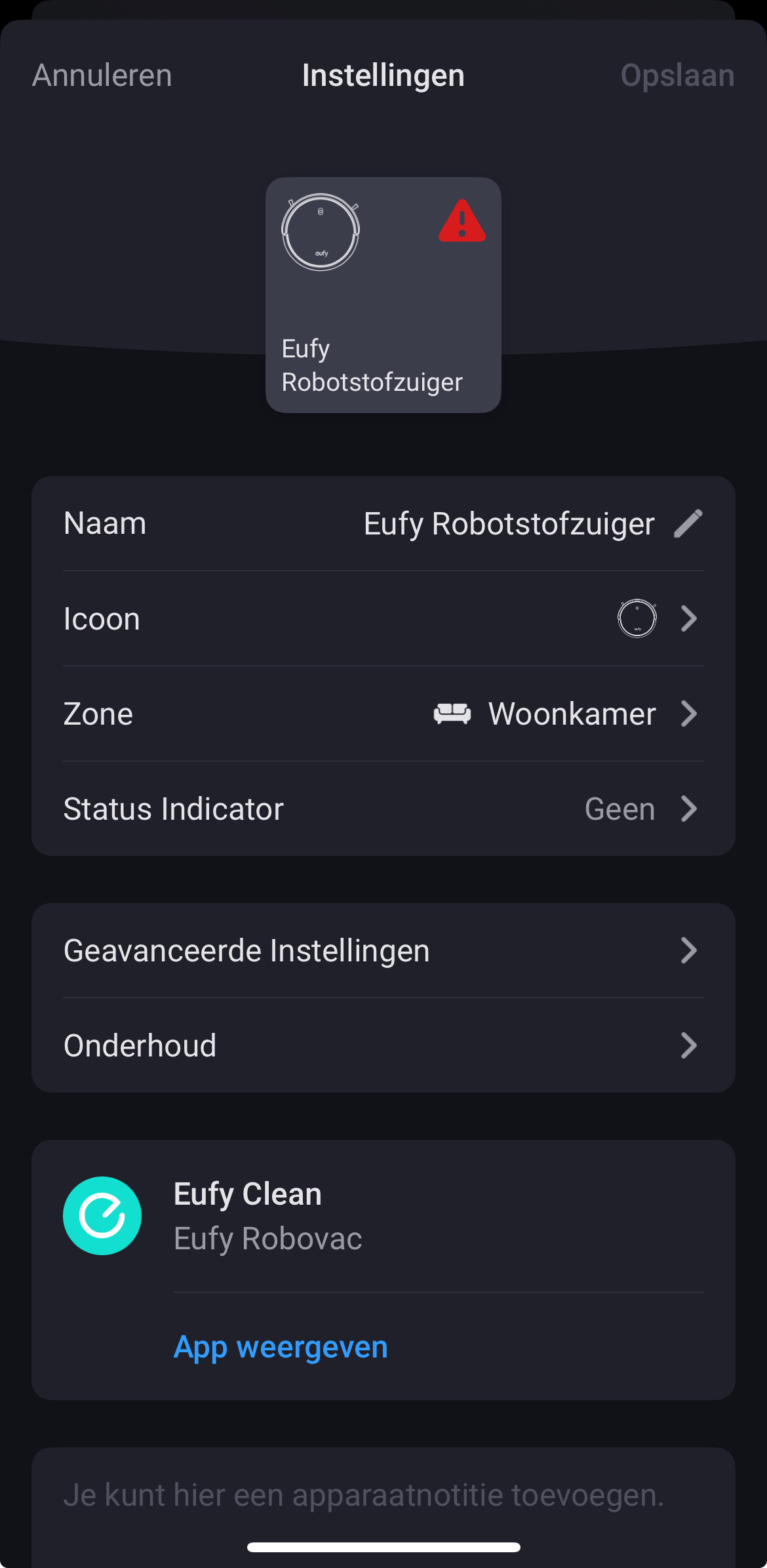
@Danny_Bakker and what does the device say? The red triangle always shows a message

Report is still empty

I think u mean this?!

Thanks for the quick response

@Danny_Bakker yes meant that
So if you click repair it should work again after repair

And then when it stops again you send the report. Currently there’s no error

Yes, it does but after a couple minuts/hours I get the same message😅

Oke i will

1 Like

@Danny_Bakker as said. Send the report when that happens. I can’t do anything at the moment without seeing the error

1 Like