Oops sorry guys, was testing some things with negative values (for maintenance) 
Fixed 
version 1.12.9
Hello Martijn, I think there is something wrong with the app, it is not updating since 5 days. 6c882f49-f418-476d-be52-be9368d09b4d
Thank you
Don’t you have maybe this problem as well?
@tumtum100 i built in a message which should show you to accept the new terms and conditions.
Not sure if thats showing?
If not.
- Logout on your mobile phone (vw app)
- login again
- accept new terms and conditions
- Homey resolves itself
Hello, yes I accepted these a few days ago on my mobile phone app. Still not working. Do I have to reinstall the app?
No need to reinstall… have you tried restarting relevant Homey app itself? I actually had to accept the conditions like three times before I got it working, 2x on the web, 1x in the WeConnect app…I thought it was a glitch, but who knows
Thanks for your help, I logged in and out a few times on the website and after a restart of the homey app it is working again 
Nice
Hopefully we can find a way to accept these terms trough the API again
For my VW.ID3 the message did not turn up anywhere when the terms and conditions became required. Was it supposed to show on the timeline?
I have since gone to we-connect web to accept the terms and conditions (quite interestingly they don’t want anyone else making application)
@OH2TH it should set a message on the device with a red exclamation
Will check it
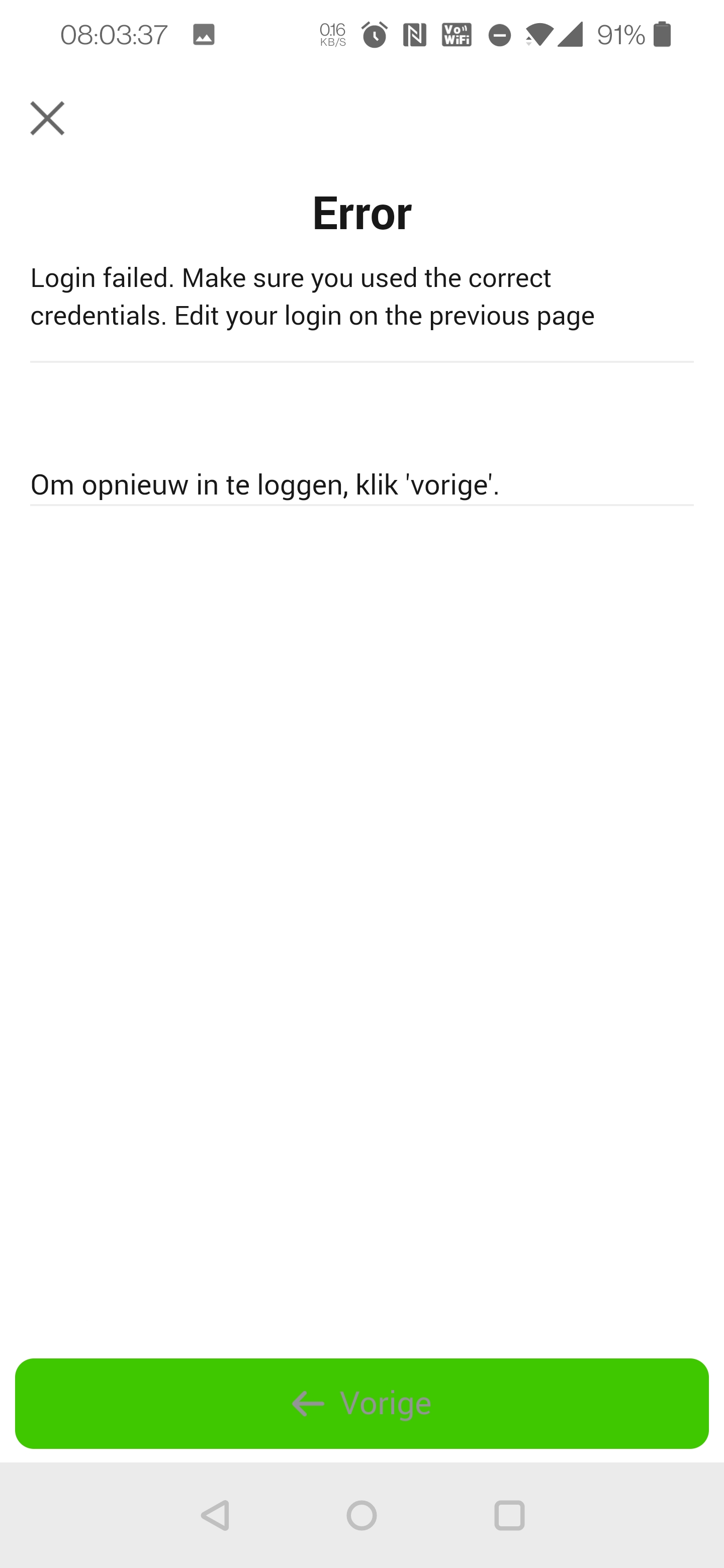
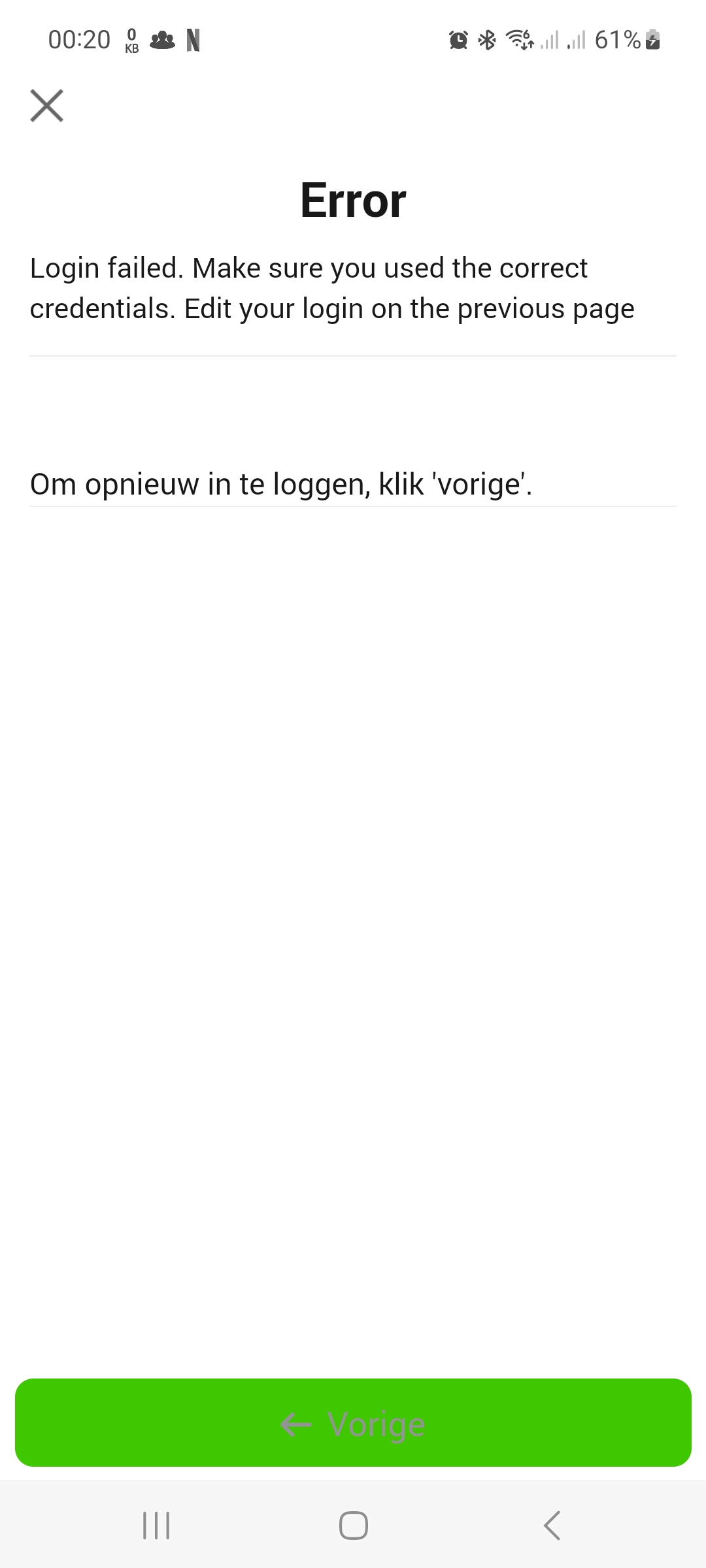
unfortunately, since the last update, the Homey VW-weConnect no longer works in combination with my Id4. I have accepted the terms and conditions in the VW App several times. Restarted the (homey) app, reinstalled, but this does not solve the problem.
I keep getting an error message when logging in.
Hopefully there is a solution soon.
@PhilipRoodzant can you share the error? Or send a report?
Without that it wont get fixed soon 
Next to that theres nothing in the last release which changes the behaviour of the app except showing a error message which it didn’t before
I’ve got the same issue as @PhilipRoodzant, also with the ID4.
I am definitely using the correct credentials, but the error says I don’t.
I’ll send you a report.
Thanks @neluz
Will check the report
@PhilipRoodzant no idea what the issue is. If you send a diagnostic report i can check…
FYI for everybody.
Looks like VAG took down this API.
This will affect all brands and cars.
Hopefully this can be fixed.
I’ll let you know if I find something today
Hi Martijn,
Is this what you need?
“C8782409”
Hey @PhilipRoodzant
that’s probably a report from your complete Homey. Not for this app.
But no need for the report anymore see my previous message 
