I’ve just pushed a small update that enables the humidity sensor for the RT too. Before it was only available in the room sensors.
Yes I guess it’s possible to remove the devices from any room. It’s really a pitty! Thus I’ve to take all the thermostats and room sensors out of the rooms(virtually). But in this case I’ve to create the room sensor - thermostat coupling manuelly in homey. Which seems to be more work.
I thought to be able to combine the advantageges of the Danfoss adjustments in the app with Homey.
But never the less thanks for your great work!
You can still put 1 sensor and 1 thermostat in a room in the Ally app to have them work together if that’s what you are after?
The advantage of having devices in one virtual room was that the temperature is controlled by the leading room sensor. That device is installed at a coldest part in the room. thus I guess the valve opening computed by the app? as an average or median or what ever - is controlled by the room sensor for each thermostat seperatly.
Thus to put the room sensor together with only one thermostat in the same virtually room makes no sense. It is better to remove all devices from the virtually rooms and install the control mechanism completly in the Homey. This on the other hand creates more effort.
But it is right to have a control from two sites will create more issues than solutions.
Best Joerg

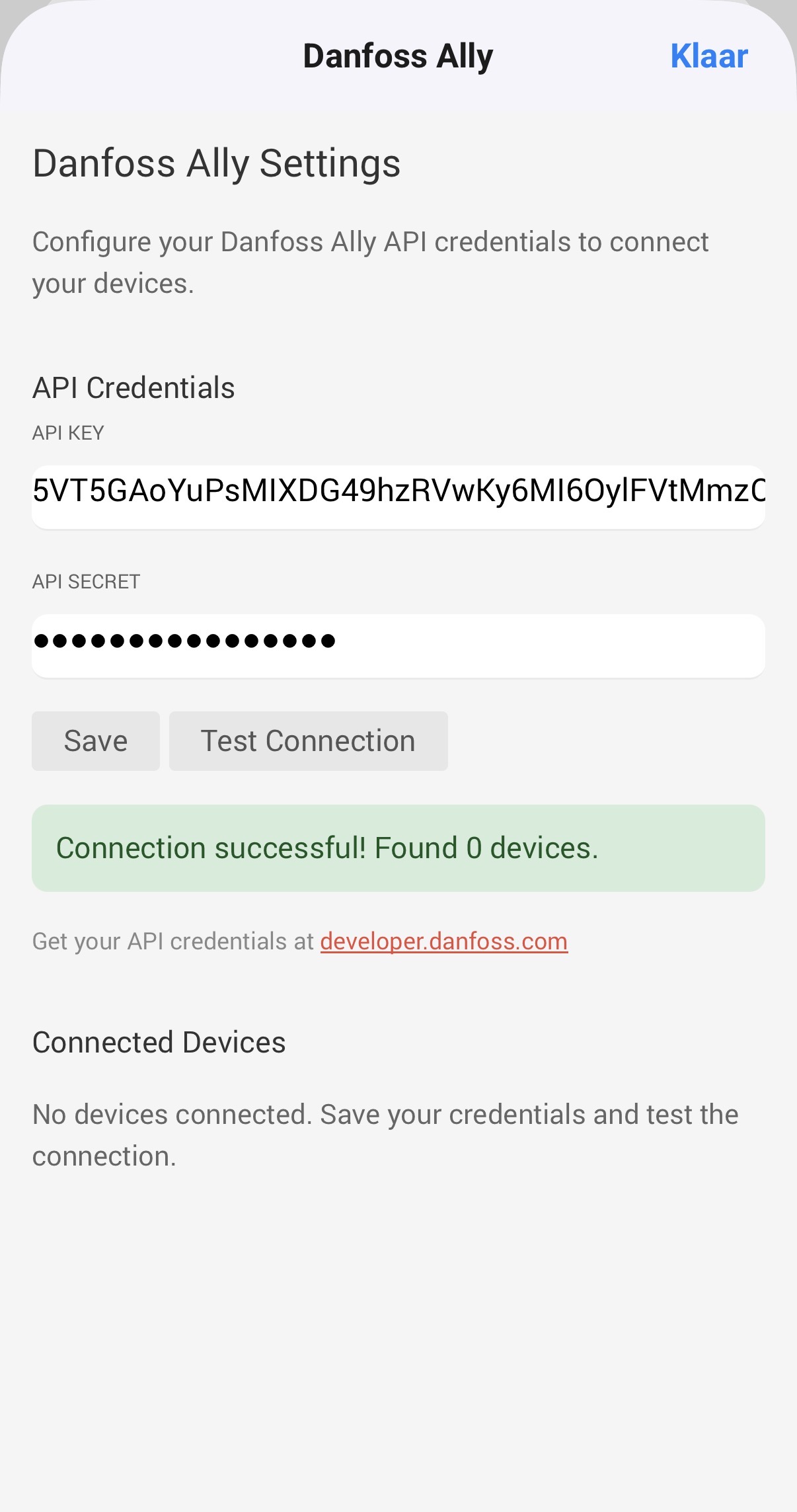
All working here, are you still having the issue right now (just to rule out any Danfoss API downtime)? The report you submitted shows me 401 errors (Unauthorized) when calling their API. That usually points to some misconfiguration in either the app (under Danfoss developer).
Did you perhaps change your password recently and if not did you already try refreshing the api tokens?
I think it was downtime. It all seems to work again. Thanks for your response
I’ve got a user request about the polling intervals. I just decided to add the option to choose your own polling interval between 10 and 300 seconds to fetch the device data and update settings / temperature and humidity.
The interval should be relatively safe: Danfoss allows up to 3 requests per seconds and the device updates is a single bulk call. But just to prevent the app from receiving tons of errors due to rate limits I think 10 seconds is fast enough. I case it does hit a rate limit the app also pauses itself by adjusting the rate limit temporarily.
Update is live.
Hi there.
I’m using the app, and has it seemingly working, but experience a problem.
I have set up a flow that uses a window contact as trigger to set the thermostat close to the windows to pause-mode when the windows is opened, and back to home-mode, when the window is closed.
The flow works, and in the Ally-app on my phone, the mode changes, when the flow is run.
My problem is that although the mode is changed in the app, the state never changes on the thermostat. So i can look at the app, and the state is displayed as “Pause”, but when I press on the button of the thermostat it still says 22 degrees.
If i then use the phone app to disable pause-mode, and enable it again, the thermostat then shows 6 degrees as expected.
It seems as if the state induced via the Danfoss API does not get pushed out to the thermostat, although the phone-app displays the induced state.
Has anyone experienced this issue?
Regards,
/Bjørn
If I understand correctly, and the flow does change the status in the Ally app, then this means there is no error on the app side but in the Ally platform. You’d assume on our end all is good since the Ally app shows you the expected status..
Yes, that is correct - i suspect the Homey app to work correct.
I was just wandering if anyone else observed a similar problem?
I mean, if the Ally API does not work correctly then I assume other people to observe problems as well?
You would say, yes. If I find any time this week I’ll try and test to validate the bug. Could you share a screenshot of your flow, just to make sure I don’t make any false assumptions while trying to reproduce?


Hi Bjørn,
I’m sorry it took so long for me to get back to you.
I’ve checked the integration we copied (from Home Assistant) and noticed similar bug reports surfaced there too. With the help of AI I hopefully was able to identify the bug, this is what it gave me:
What’s almost certainly happening: Danfoss’s cloud accepts the mode write and updates the central state (which is why the Ally phone app shows “Pause”), but the gateway doesn’t always re-push the new setpoint down to the TRV when only the mode field changes. The thermostat keeps running on its last-known setpoint (22°). When Bjørn toggles pause off and back on in the Ally app, the Danfoss app likely emits a richer command set (mode + the relevant *_setting), which forces the gateway to re-sync to the device. This is a known quirk of the Danfoss cloud/Zigbee bridge, not unique to your integration — HA users have reported the same.
I’ve pushed a possible fix for you to test.
Hi There.
Sorry for my late reply, I haven’t seen your reply until now…
I have tested it with 1.3.2, but unfortunately, the issue persists.
Thanks for trying 
Regards, Bjørn
I’m using Danfoss Icon2 thermostats through a Danfoss Ally Gateway with the Homey community “Danfoss Ally” app.
Setting the target temperature from Homey works correctly: the physical thermostat receives the right value and Homey initially displays it correctly. After some time, however, some thermostats in Homey show 35°C as the target temperature, while the physical Icon2 thermostat and the Danfoss Ally app still show the correct setpoint.
It only affects some rooms at a time. The actual room temperature is still displayed correctly.
This looks like a refresh/mapping issue in the Homey app, possibly confusing the actual setpoint with the maximum allowed temperature.

I’ll look into this as soon as possible. Currently having very little time to spend on open source projects due to my regular job requesting a lot of my time.
