I am trying to include a Shelly BLU Door/WIndow into Homey Pro 2023. Step 1 completed successfully, i.e. the device works properly in the Shelly ecosystem. But I am stuck in-between steps 2 and 3. I am not sure what is meant by “pairing with Bluetooth device driver” as instructed in step 2.
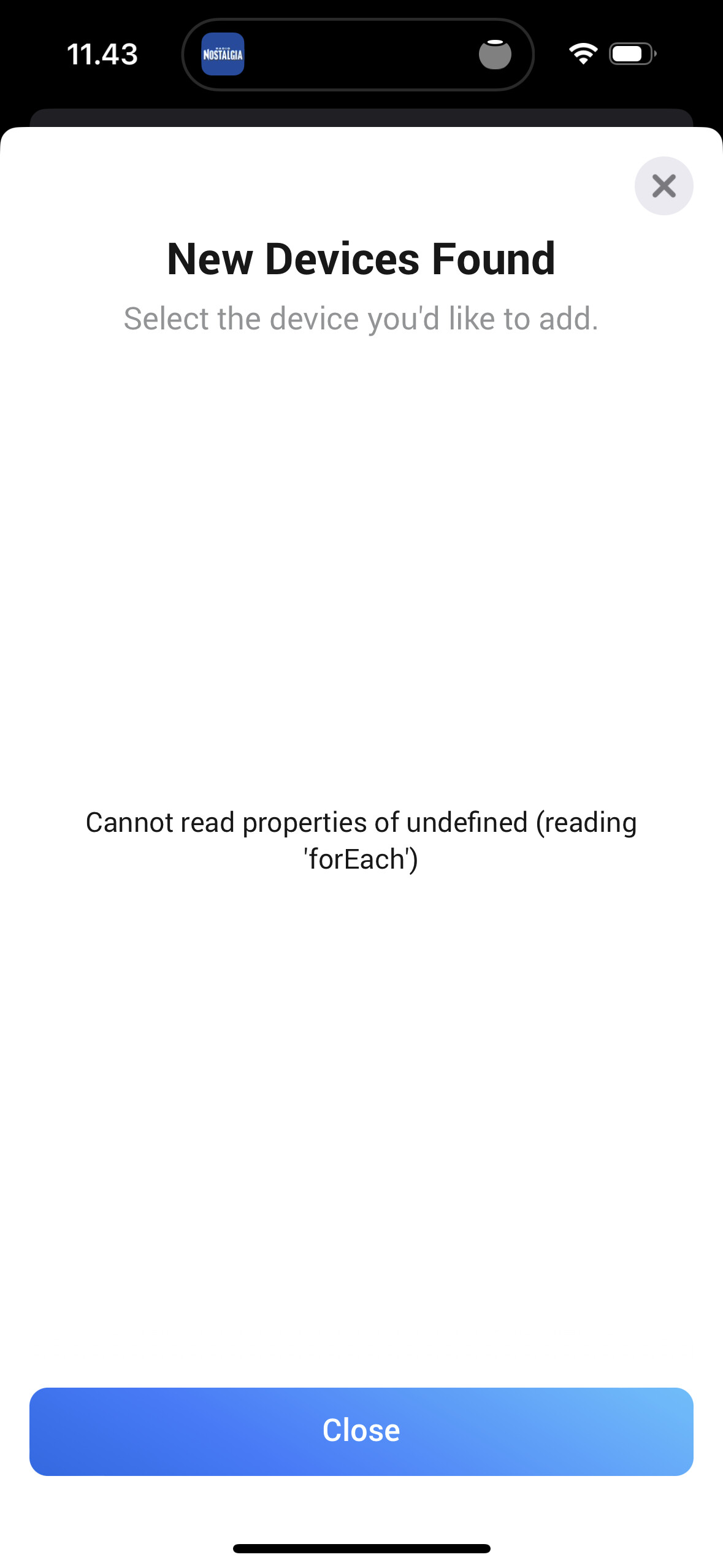
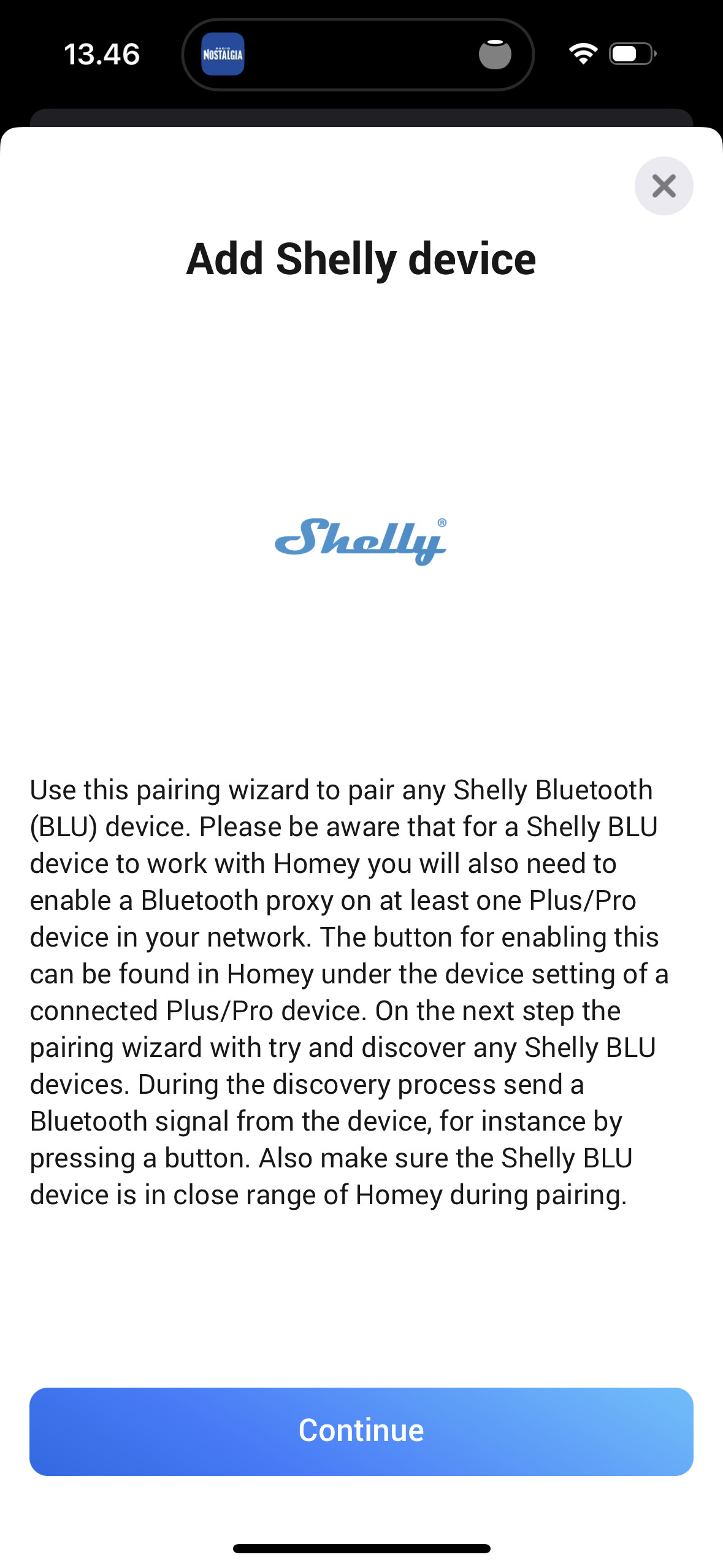
I am trying to include the BLU D/W via Add device - Shelly - Any Shelly Bluetooth Device. I have enabled the BLE proxy in the relevant Shelly Plus 1 PM device both in Shelly and in Homey Pro. I follow the instructions, but when scanning for the devices the Homey App just shows an empty screen with an error message. Cannot read properties of undefined (reading ‘forEach’). Short pressing or long pressing the button in the BLU D/W does not help.
Appears to be an issue with the Bluetooth stack of Homey. The error is as following:
Error: Operation already in progress
    at Remote Process
    at HomeyClient.emit (/node_modules/@athombv/homey-apps-sdk-v3/lib/HomeyClient.js:44:23)
    at ManagerBLE.discover (/node_modules/@athombv/homey-apps-sdk-v3/manager/ble.js:78:40)
    at ShellyBluetoothDriver.onPairListDevices (/app/drivers/driver_bluetooth.js:14:51)
    at PairSession._triggerEvent (/node_modules/@athombv/homey-apps-sdk-v3/lib/PairSession.js:80:12)
    at ManagerDrivers._onPairSessionEvent (/node_modules/@athombv/homey-apps-sdk-v3/manager/drivers.js:190:20)
    at process.processTicksAndRejections (node:internal/process/task_queues:95:5)
This suggests Bluetooth discovery is somehow already running. Try rebooting Homey and try again.
Thanks I will try that. One more question: Should I enable the BLE proxy of the intended Shelly Plus device in Homey before or after the pairing?
If I understand correctly, the instructions in this community page suggest doing it afterwards. The Homey itself however states in the beginning of the pairing that it should be done in advance.
It’s possible that I am confusing something though. There are so many steps and protocols and proxies involved
How fast responses should I expect from the Shelly BLU D/W in Homey Pro? Now that I got it working, the response times seem to be rather slow. The Shelly’s own app shows the closed and open status changes rather quickly, but it takes tens of seconds or even a minute for the event to occur in Homey Pro. Any ideas how to improve the response time? If it cannot be solved, this kinda renders the D/W useless for e.g. controlling lights.
Should be near instant. Sounds to me the outbound websocket on your Plus/Pro device is not configured correctly and the updates depend on polling. Follow the troubleshooting guide from the first post.
I did all the steps and checked that everything is right at least until the web socket address part of the troubleshooting guide. Still not working.
The BLE script was not running in my Plus 1 PM, or at least the application showed it disabled and paused. Enabling and starting the script did not solve the issue of long response times.
The scripting stuff seems a bit cumbersome and a bit too techy for me. I will now try to do everything once more from the scratch.
Hmm. This starts to be a bit strange. I started testing the Shelly BLU D/W in the Shelly domain alone, excluding the Homey from the picture. I did a scene in the Shelly app to turn on lights when the contact alarm is activated. Even that does not work with extremely fast responses. Turning on the lights takes some time, say ~5 seconds.
In addition to this, the luminance sensor does not react very fast or at all. With a pitch black room the sun-icon in the app states number 1 - I guess it tries to indicate 1 lux. Turning on 160 wats of LED panels does not change the reported value in the app. Opening the door turns the value to 2.
It should definitely be faster than +/- 5 seconds. You should contact Allterco Robotics support about this. Sounds like a hardware or firmware issue which is out of my hands.
My 2PM no longer seems to update power consumption when turned on.
Before it would update when turning on/off (as well as the main node though…) but now it always says “0W” for both nodes.
A bit too many changes in my setup though, as my 2PM was replaced after 15. December, so i have a different version of the app and a new device.
The main node is now currently not displaying consumption, which seems in line with the change log.
It was suggested by Athom that I removed consumption on the main node but perhaps this results in not updating at all. Will have to test myself and check with Athom. Which Homey version and Homey firmware version are you using?
Indeed doesn’t sound logical but this is not related to the Shelly app. These flow cards are default cards for the capability. Sounds like a bug in Homey if you ask me which you should report to Athom.
I have just added my Shelly Wave 2PM to Homey and tested with a bulb. After toggling the Z-Wave association group 1 from it’s value 1.1 to 1 and back to 1.1 again (as mentioned in the known issues) the power consumption works as expected. I cant comment on the energy consumption as I’m not gonna burn 1kWh but I’m sure that also works fine.
You can try toggling the Z-Wave association group again making sure the device is within range when changing this. Or to be absolutely sure, try to completely remove and re-pair the device and afterwards toggle the Z-Wave association group as described under the known issues.