What device? And could you install the test version to see if this fixes it?
I have just updated this to version 3.9.3 and it may fix the issue.
What device? And could you install the test version to see if this fixes it?
I have just updated this to version 3.9.3 and it may fix the issue.
It’s the dimmer 2.
I’m not at home now so can’t test right now I’m afraid. Happy to do later!
It works again  thanks for quick fix
It was a fix here as well! Thanks!
I have a problem when re-adding my Shelly Plug S.
I bought 5 plugs, installed them and added them a month or so ago… All fine!
Then I got a connection error on one of the plugs, so removed it from Homey and factory reset the device.
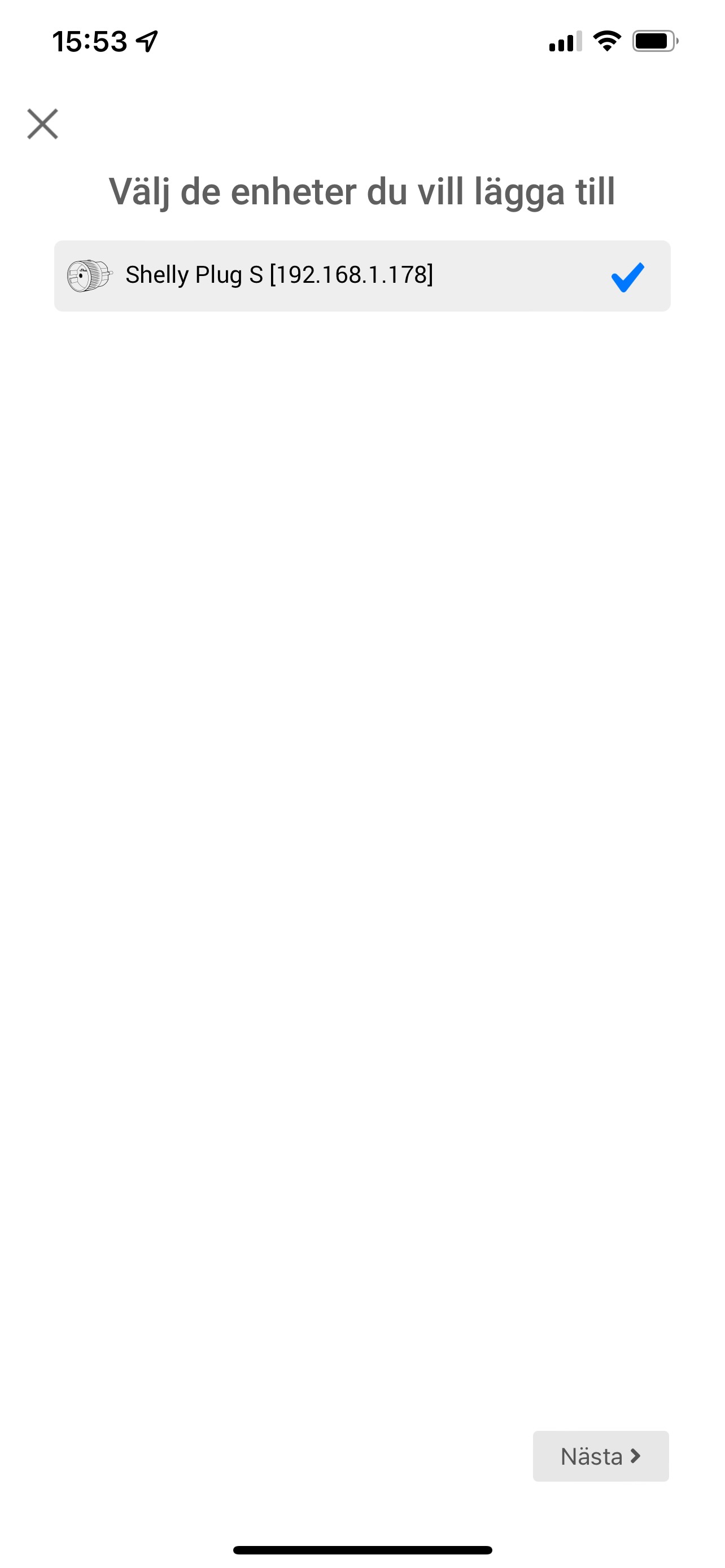
Re-added it to the Shelly app (iPhone), updated the firmware to latest version and then try to add the device in Homey Shelly app.
It finds the plug immediately, with the correct IP and next step is to choose a icon.
I pick “Use default” and get to next page which say “Select icon”, but no icon is shown.
Restarted the app and Homey and tried to add it 20 times… same issue.
I also tried to add it via the WEB interface, but same issue. No icon is shown so I cannot continue the process.
The plug works perfectly and is accessible from the Shelly App, but impossible to get past the “icon” page. If I leave it at that blank page, it finally exit that screen automatically and gives me a “Error: Timed out after 30000ms”.
Really want to get this plug back into Homey.
Thanks for your support!
Read the intructions from the first post. You need to upgrade the firmware of the plug.
Hi, thanks for your response. I did upgrade the firmware via the Shelly app.
According to the Shelly app my plug have firmware version v1.11.8-g8c7bb8d (Your device is up to date)
And that does not help. Still no icons in the iOS app when trying to add the plug. 
What are you expecting? Selecting the default icon should result in continuing the pairing process. If that times out there is an issue with a request from Homey to the plug which is usually related to an outdated firmware. Selecting a custom icon should result in the option to select a custom svg icon locally which is than uploaded. If you do not do this the pairing wizard will eventually time out.
Hi again.
This is what happens when adding my plug.
See the screenshots… When pushing the green button “Use default” I come to the last screen in this post and I simply cannot continue the process. When I added the plugs the first time, the nice plug icon was shown on that last page so I could select it… Not it is blank and I cannot get any further in the process.
You must be mistaken. No icon selection is shown when selecting the “Use default” option. When the page is stuck afterwards it means Homey cant reach your Shelly to update it’s settings. Make sure it has proper wifi connection and there is nothing in your network that is blocking traffic. Feel free to send me a diagnostic report from the app settings so I can confirm this suspected reason or investigate it further.
I have 2 additional plugs in that same room and they work just fine.
Here is the diagnostic report: fd095c6f-74b4-4fc0-8c97-880c5bb6131f
It is for sure strange. When I hit the green button it gives me that blank page ”Select icon”.
Appreciate all the help! Great app! 
Unfortunately there is nothing in the log. You could try to pair it with the web client (https://my.homey.app/) and look for errors in the browser console (press F12 before pairing and select tab console).
Yeah, that only tells something is wrong and a time-out occurs. Not what’s causing this. Could you post the output from http://yourshellyip/status and http://yourshellyip/settings here.
Setting:
{“device”:{“type”:“SHPLG-S”,“mac”:“34AB951C047E”,“hostname”:“shellyplug-s-1C047E”,“num_outputs”:1,“num_meters”:1},“wifi_ap”:{“enabled”:false,“ssid”:“shellyplug-s-1C047E”,“key”:""},“wifi_sta”:{“enabled”:true,“ssid”:“WedelTurboWifi”,“ipv4_method”:“dhcp”,“ip”:null,“gw”:null,“mask”:null,“dns”:null},“wifi_sta1”:{“enabled”:false,“ssid”:null,“ipv4_method”:“dhcp”,“ip”:null,“gw”:null,“mask”:null,“dns”:null},“ap_roaming”:{“enabled”:false,“threshold”:-70},“mqtt”: {“enable”:false,“server”:“192.168.33.3:1883”,“user”:"",“id”:“shellyplug-s-1C047E”,“reconnect_timeout_max”:60.000000,“reconnect_timeout_min”:2.000000,“clean_session”:true,“keep_alive”:60,“max_qos”:0,“retain”:false,“update_period”:30},“coiot”: {“enabled”:true,“update_period”:15,“peer”:""},“sntp”:{“server”:“time.google.com”,“enabled”:true},“login”:{“enabled”:false,“unprotected”:false,“username”:“admin”},“pin_code”:“N*2NQ1”,“name”:“Torktumlare”,“fw”:“20220209-094058/v1.11.8-g8c7bb8d”,“discoverable”:false,“build_info”:{“build_id”:“20220209-094058/v1.11.8-g8c7bb8d”,“build_timestamp”:“2022-02-09T09:40:58Z”,“build_version”:“1.0”},“cloud”:{“enabled”:true,“connected”:true},“timezone”:“Europe/Stockholm”,“lat”:59.369110,“lng”:18.006081,“tzautodetect”:true,“tz_utc_offset”:3600,“tz_dst”:false,“tz_dst_auto”:true,“time”:“19:08”,“unixtime”:1647886099,“led_status_disable”:false,“debug_enable”:false,“allow_cross_origin”:false,“actions”:{“active”:false,“names”:[“btn_on_url”,“out_on_url”,“out_off_url”]},“hwinfo”:{“hw_revision”:“prod-190516”,“batch_id”:1},“max_power”:1800,“led_power_disable”:false,“relays”:[{“name”:null,“appliance_type”:“General”,“ison”:true,“has_timer”:false,“default_state”:“on”,“auto_on”:0.00,“auto_off”:0.00,“schedule”:false,“schedule_rules”:,“max_power”:1800}],“eco_mode_enabled”:true}
Status:
{“wifi_sta”:{“connected”:true,“ssid”:“WedelTurboWifi”,“ip”:“192.168.1.178”,“rssi”:-54},“cloud”:{“enabled”:true,“connected”:true},“mqtt”:{“connected”:false},“time”:“19:09”,“unixtime”:1647886184,“serial”:264,“has_update”:false,“mac”:“34AB951C047E”,“cfg_changed_cnt”:0,“actions_stats”:{“skipped”:0},“relays”:[{“ison”:true,“has_timer”:false,“timer_started”:0,“timer_duration”:0,“timer_remaining”:0,“overpower”:false,“source”:“input”}],“meters”:[{“power”:0.00,“overpower”:0.00,“is_valid”:true,“timestamp”:1647889784,“counters”:[0.000, 0.000, 0.000],“total”:0}],“temperature”:30.82,“overtemperature”:false,“tmp”:{“tC”:30.82,“tF”:87.48, “is_valid”:true},“update”:{“status”:“idle”,“has_update”:false,“new_version”:“20220209-094058/v1.11.8-g8c7bb8d”,“old_version”:“20220209-094058/v1.11.8-g8c7bb8d”},“ram_total”:51264,“ram_free”:39316,“fs_size”:233681,“fs_free”:167166,“uptime”:11881}
I’m clueless. I can not reproduce it with one of my own Shelly Plug S devices. So cant really help you here.
One last thing to try, disable CoIoT from the device settings before trying to pair it. But I dont think that should make a difference.
Appreciate that you try to help!
I am thinking about starting from scratch. I only have 5 Plugs so far so wonder if I should uninstall the app from Homey and try that.
Guess I will loose the consumption history but thats ok…
Weird, that’s a really old version. Did you disable auto updates? If so, you should update.
If not, report this to Athom.