Well, that is the weird thing:

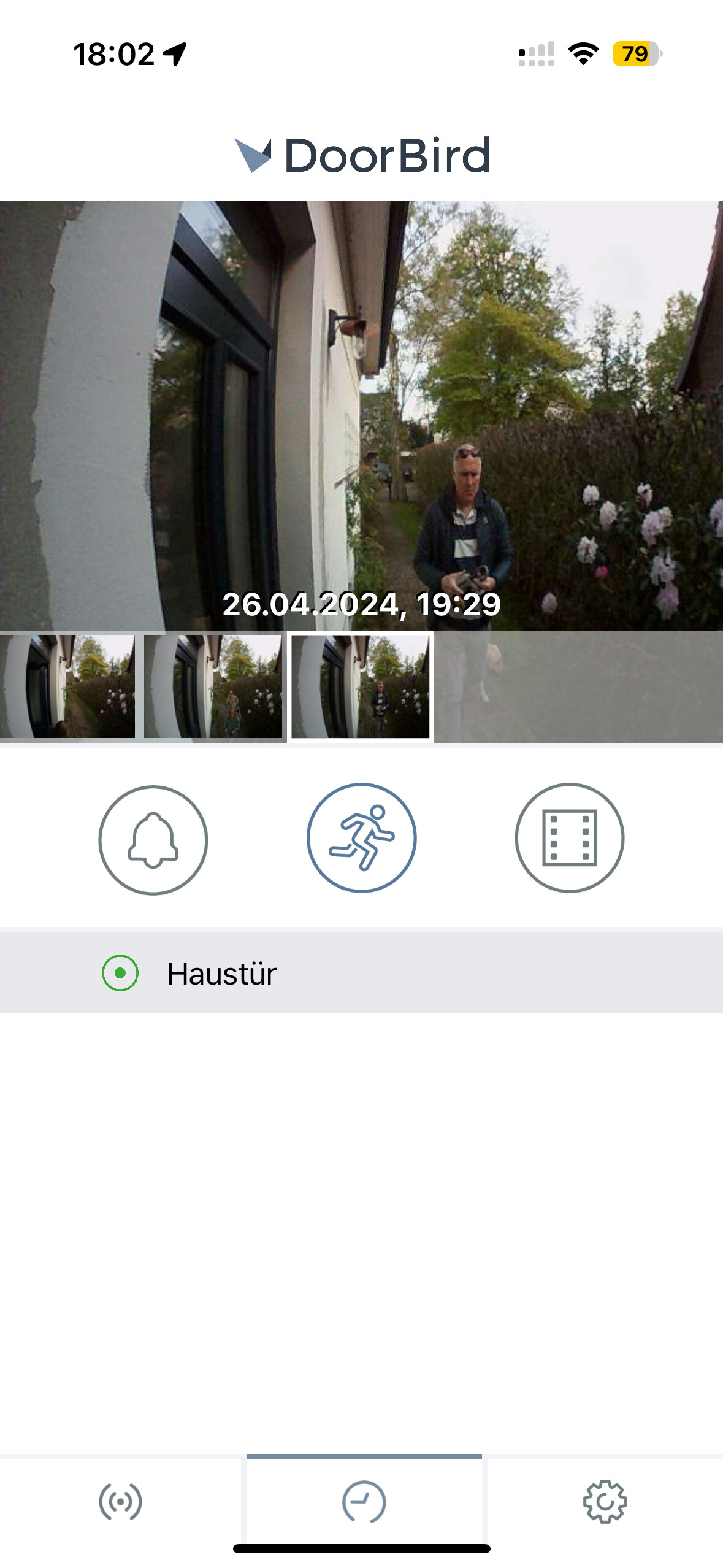
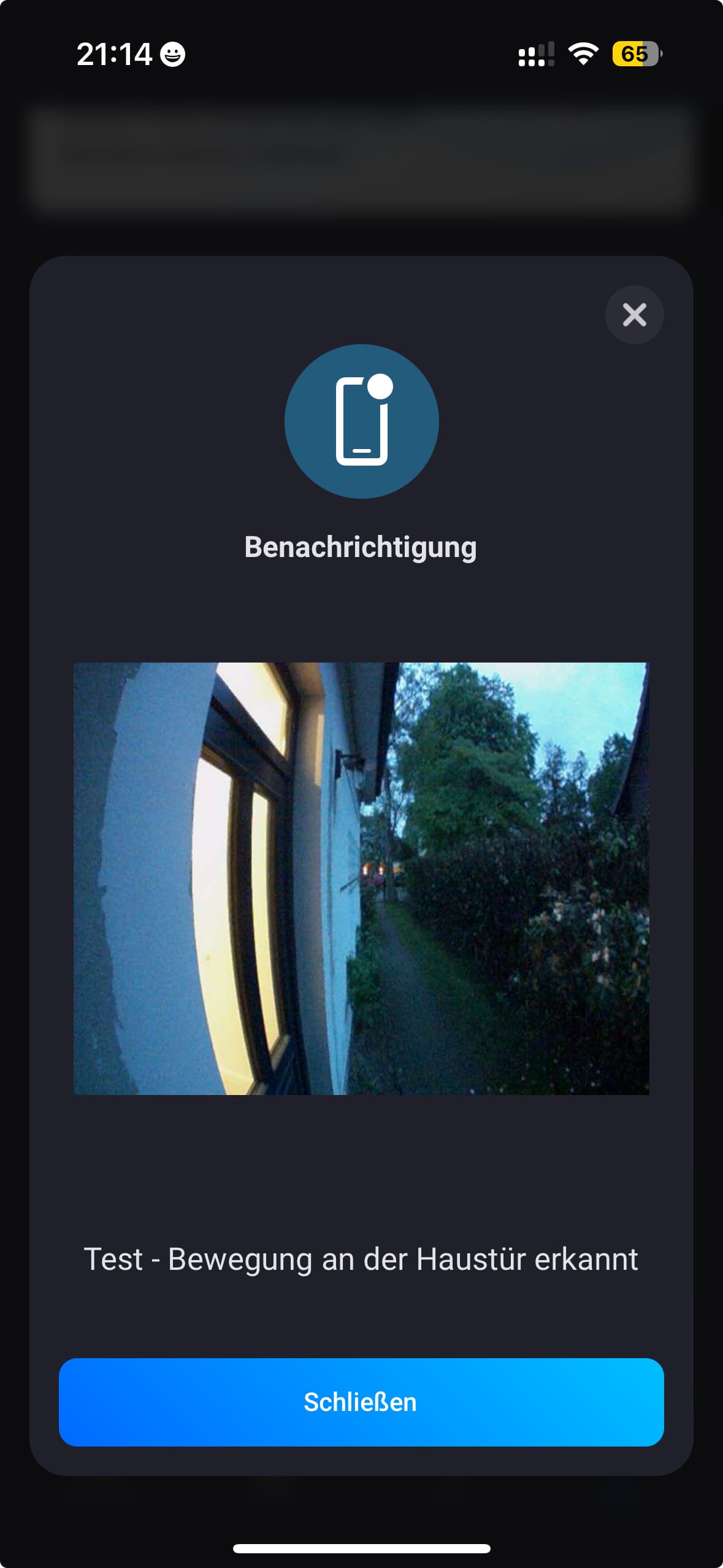
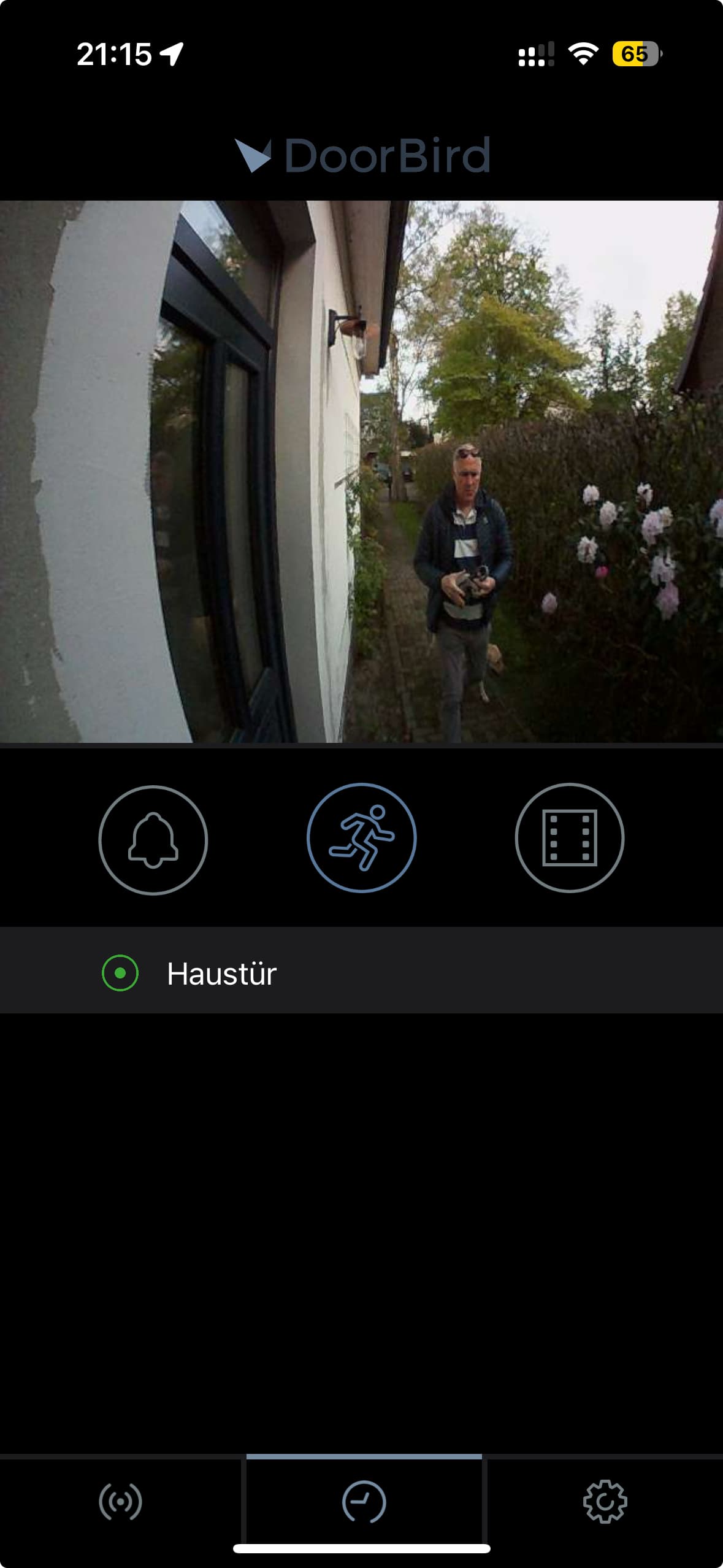
As you can see, the latest motion triggered free recording dates to Apri, 26th… but only today I received 6 motion triggered push messages by Homey.
You should verify if the motion events that are registered by Homey actual motion events and you have the motion event schedule set up. If that is the case you should contact DoorBird why these events arent saved in the cloud.
If there arent actual motion events you should check the motion event schedule as well and make sure the correct trigger is set up and you should check your flow. It could be something else is triggering it.
How do I verify that the motion events are actually motion events? I mean, most likely they’re not, since the Doornbird recording doesn’t show anything… Motion event schedule is fine.
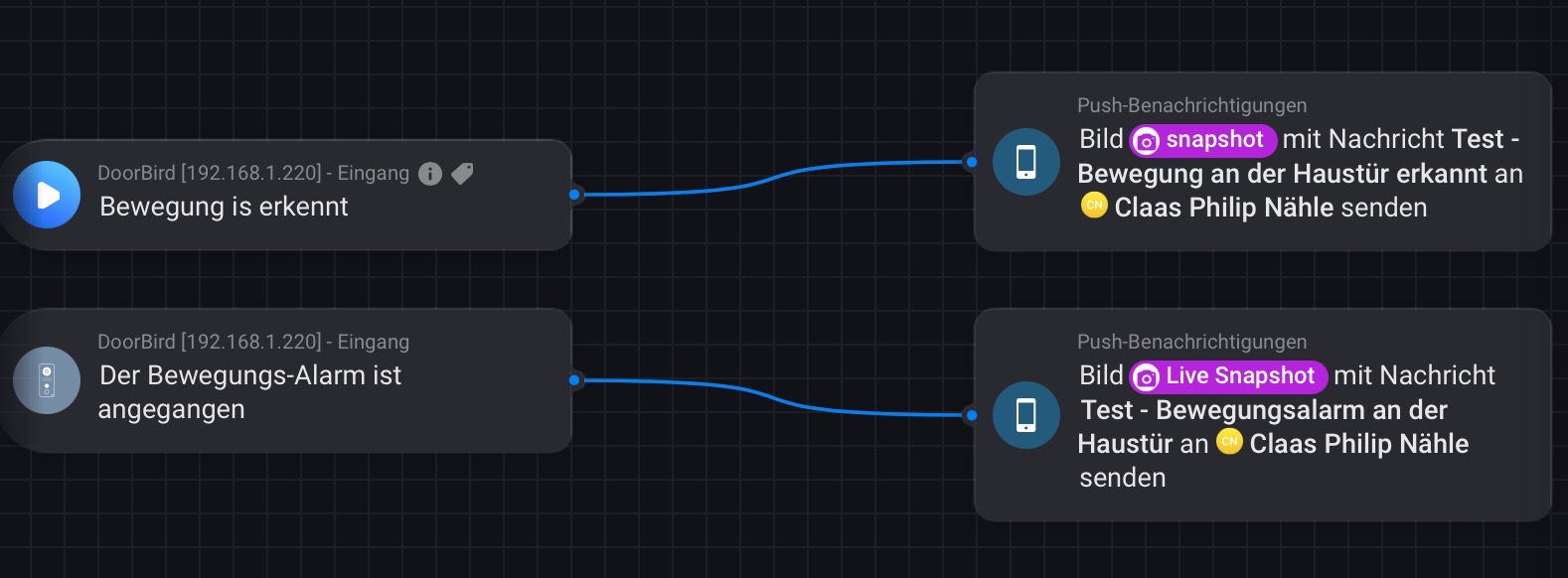
Maybe the issue lies here - what is the difference between these two:
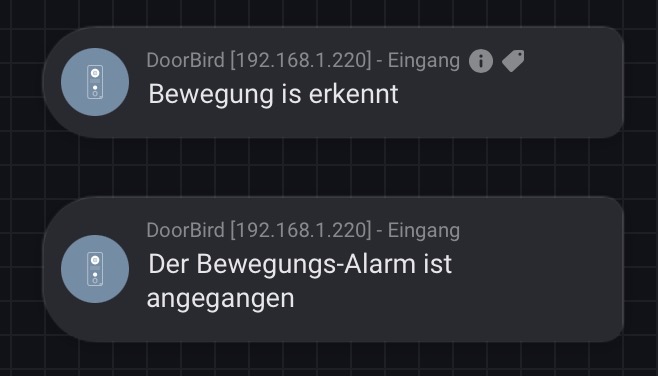
The first is a custom card which holds a live snapshot as token which you can use in your flow. The second is the default motion trigger card. Both will trigger when the DoorBird sends a motion event to Homey according to the motion event schedule as configured in the DoorBird.
By waving your hand in front of the sensor to create a motion and see if the motion triggers cards from above are triggered. And if they are, if there is also a history motion snapshot saved in the cloud.
What makes you think that? Please explain? You think the Homey app will just simulate motion events out of the blue?
No allegation from my side - I hat no intention to imply anything, and I apologize if it appeared I would.
The app is great, and I greatly appreciate all efforts put into it and the forum!
Both cards triggered push messages and there is a recording in the doorbird memory.
So: if I am not mistaken, the homey doorbird app adds a custom webhook to the doorbird configuration file, which is the recognized by Heimdal…
Is it possible to re-register the doorbird (app) without loosing all cards?
You have completely lost me. What does Heimdall have to do with your issue that the DoorBird app does not show history motion events?
The DoorBird app adds a http callback to the DoorBird upon pairing. The DoorBird triggers this callback whenever the event takes places, in this case a motion. The event is picked up by the Homey app and in turn sets the motion_alarm capability to true (triggering the default motion trigger card) and triggering the custom motion card while adding a live snapshot as token.
I assume Heimdall uses the motion_alarm capability of other apps but any issues with that should go into the Heimdall support topic.
You can re-register the notification schedules for the events without losing flows. If you completely want to re-pair the device you will have to fix your flows afterwards.
Agnon, I am sorry for not being clear enough.
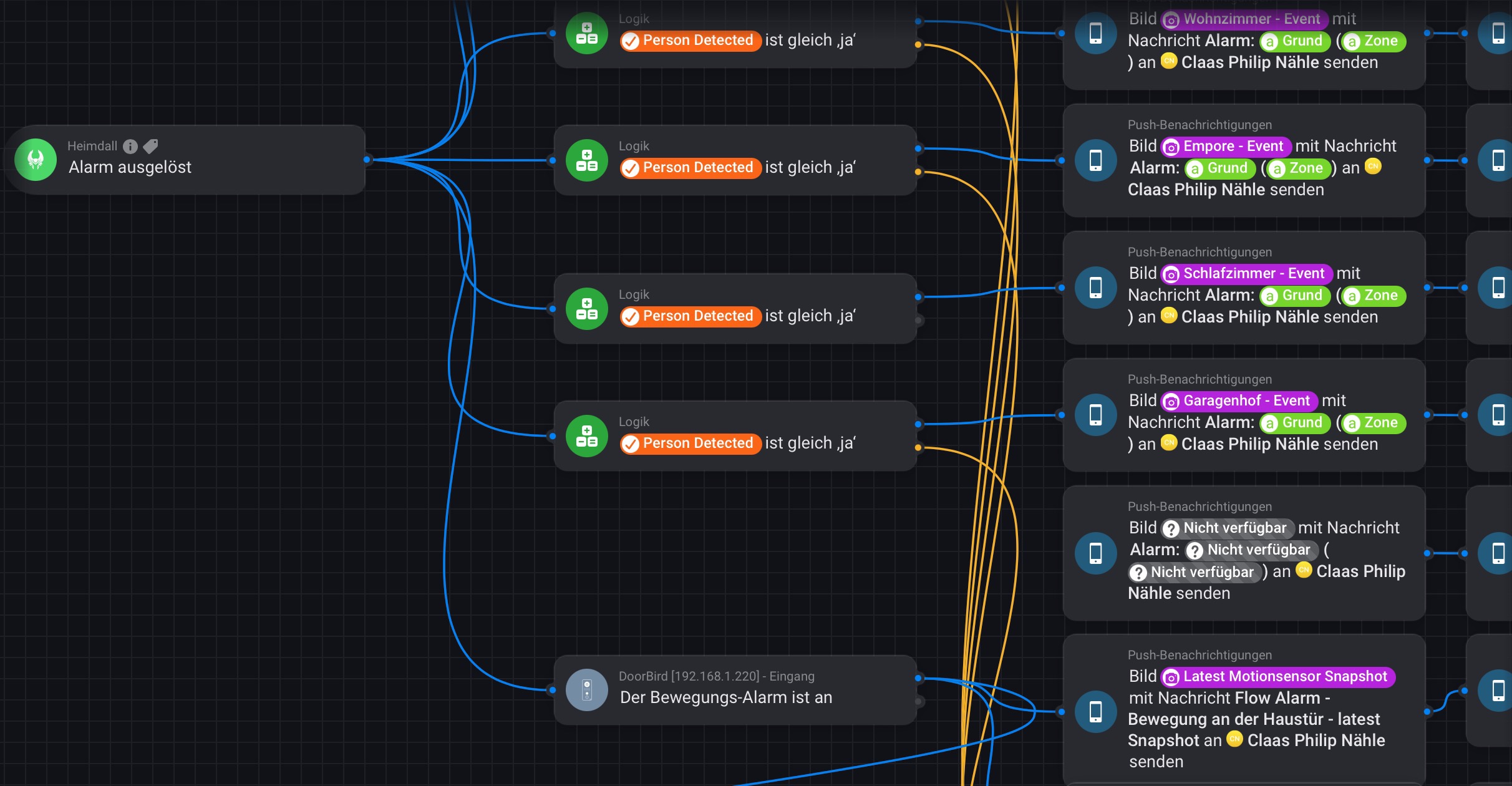
my problematic flow is:
Following your suggestions, I build a test flow just using your app´s motion detected statements, and: everything is fine (motion detected, event recorded in the native app).
Thus, I assume(d) there is an inconsistency somewhere, and it appears that is not with your DoorBird app, but rather later down the flow…
Unless, the error lies in this part of the flow:
Does that make sense?
And how do I re-register?
edit: Just received push notifications from these flows:
Push notification:
Latest free recording:
No other app involved…
There are a couple of wrong assumptions in your post.
Heimdall does not receive events from camera’s. Heimdall registers certain events that are detected by other apps. For instance, if the DoorBird detects motion and updates the motion_alarm for the DoorBird and you have this device selected in Heimdall as well it will be registered in Heimdall as motion event. But that takes place after the initial detection of motion by a device and the corresponding app.
If the detecting is by another device that is also detecting motion and you then send a snapshot from the DoorBird where the actual motion did not take place it’s not an outdated snapshot. It’s the latest motion snapshot for that camera and the motion event occurred elsewhere.
There is nothing strange about that if Heimdall registered motion by another device. No motion has taken place for the DoorBird, so no timeline event for the DoorBird.
I dont think there is an inconsistency here but it’s a human error. It seems to me you are not correctly understanding how Heimdall works.
Acutally, I am quite positive that I (roughly) understand how Heimdal works. That’s why I’m working with if statements to differentiate which camera was triggered:
Regarding the DoorBird part of this flow. You will indeed get an outdated motion snapshot. Detection of the motion is local and instant but it takes time for the DoorBird to upload a snapshot to the cloud when motion has taken place. So if you retrieve a latest motion snapshot directly after motion has taken place you will the previous one. Better to use the live snapshot token which will retrieve a live snapshot locally when requested and is near instant as well.
Another thing that can go wrong with this flow is that the motion alarm is the DoorBird will be on for a certain time. When another alarm triggers this flow it will also execute the DoorBird action even though that wasn’t the trigger.
That would also explain why in these cases there is no motion registration for the DoorBird.
Thanks a lot!!! Your first hint absolutely makes sense and explains the outdated info…
Regarding the 2nd hint I am not quite sure if I understand you correctly.
You are pointing out that a motion detected by another camera can also execute the Doorbird action. How is that? There is no “line” between the top 4 cameras and actions and the most bottom doorbird action card.
The Logik cards check for each of the cameras separately if a person was detected (in contrast to an animal or any other motion) and only create push messages for that respective camera.
Thanks to you, I have switched the doorbird section to live snap shot, and I will keep an eye on the other issue…
Again, thanks!
I’m not sure how Heimdall works and what cause it to trigger this alarm trigger card but consider this scenario.
The DoorBird motion alarm is triggered and Heimdall triggers this flow because of it. During the time that the motion alarm of the DoorBird is still active (it’s active for 10 seconds after motion) another camera also detects motion and Heimdall picks this up as well. If Heimdall will trigger this flow again because it sees the second motion alarm as a new trigger for this flow it will trigger the flow will also execute the DoorBird snapshot action again as the condition that the DoorBird motion alarm is on is still valid. But I’m not sure if that is how Heimdall works.
added a 10 second reply before reactivating Heimdal - thanks!
Hi, I just have reset the Doorbird completely (received a new digital passport, something new). Still, however, it does not work in the Homey app  .
.
I programmed a very simple flow now, namely when The doorbell rings then Create a notification with “…” That notification does not arrive.
Within the Administration section of the Doorbird app I’ve checked that there are three HTTP(S) Calls, namely Homey Doorbell Trigger, Homey Motion Trigger, and Homey Relay 1 Trigger. These all have a URL that starts with http://:80/api/app/com.doorbird/event. Also, the schedule for the Homey Doorbell Trigger is for the entire day.
So I’m stuck now. All seems alright, but no events. Another clue, perhaps?
I assume these HTTP calls include your Homey IP address and you just left that out on purpose here? If not that is the issue.
But I assume it does have that. What happens when you call this URL from the browser (use the doorbell trigger and make sure a flow is setup and active). If it triggers the flow you know there is something wrong with either the config of the DoorBird but perhaps more likely the communication between the DoorBird and Homey (for instance not on the same LAN or LAN is configured with client isolation).
Hi, just another real quick question:
I believe I do have the correct time zone settings everywhere (Doorbird, Homey - unless there is a tweak option hidden deep inside the setting somewhere), but:
It’s a quirk in Homey SDK which seems to be unable to return the Date/Time in the users timezone. I would have to add large external libraries to achieve that result and I refuse to do so just because Athom wont fix this in the SDK. If you want to stay up to date you can follow this three year old Github issue.
Thanks! …and:
Latest post on GitHub allegedly shows a solution without libraries… 
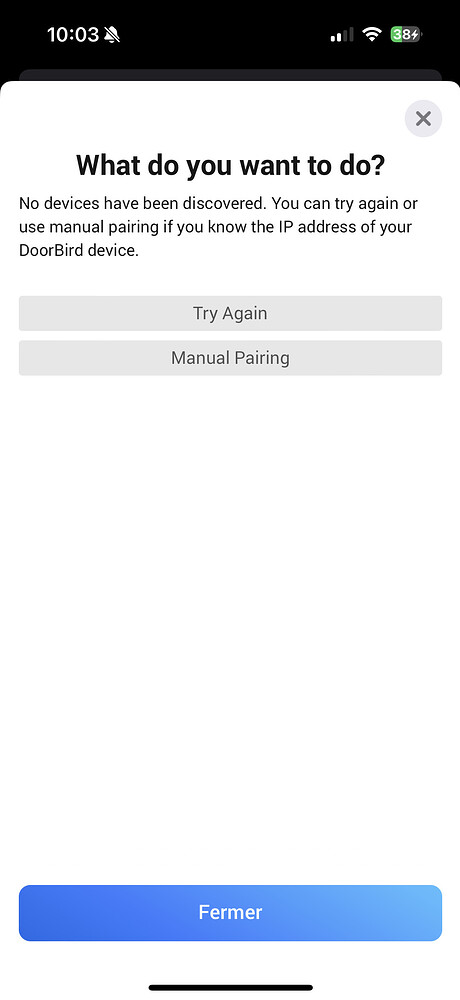
Hi ,Following a bug between homey and doorbird, I had to uninstall doorbird in the Homey app.
But since then, it has been impossible to reinstall it.
Homey can no longer even identify it (attached screenshot) and when I want to do it manually, it gives me an error message (2nd screen capture).
Are you also experiencing this problem?
Thank you for your feedback
It’s probably the same reason why you removed the device from Homey in the first place. According to the error Homey cant reach DoorBird within your network. Try restarting Homey, DoorBird and your router. If that doesnt work you will have to look into your network and diagnose the issue.