Thanks and 
And no, the Alexa app is someone else’s responsibility 
Its always worth a try 
PS: the video is stored in cloud storage. The all checks the cloud video list if there is new video. So rhe delay is caused by storing the video (for cloud, the video is visible when recording starts) and the interval set in account device settings.
Check the thread for details. And don’t use an interval lower than 10 or 15 sec. Else you will get a rate limit block
Titre: Blink for Home – API state 400 sur Account + aucun déclenchement “When motion”
Bonjour,
Configuration:
- Homey: Homey Pro (Early 2019)
- App: Blink for Home (com.blinkforhome), version 1.2.2
- Région du compte Blink: [votre pays/région]
- 2FA Blink: [activée/désactivée]
- Réseau: [Wi‑Fi/LAN stables, si pertinent]
Symptômes:
- Le device “Account” affiche API state: 400 en permanence.
- Les flows avec actions “Alors…” fonctionnent (ex. activer/désactiver la détection de mouvement, armer à heure fixe).
- Les flows “Quand” détection de mouvement ne se déclenchent jamais.
Tests déjà effectués:
-
Réinstallation complète dans l’ordre: suppression des devices Blink, désinstallation de l’app, redémarrage Homey, réinstallation de Blink for Home, ajout d’abord du “Account”, puis du “System/SyncModule” et des “Camera(s)”.
-
Reconnexion du compte après validation 2FA dans l’app Blink officielle.
-
Changement de mot de passe Blink puis reconnexion.
-
Redémarrage de l’app Blink for Home dans Homey.
-
Flows de test minimal:
-
Quand: [Nom de la caméra] → “The motion alarm turned on”
-
Alors: notification Homey (sans condition)
→ Aucun déclenchement malgré mouvements réels (caméra armée et motion ON dans Homey et app Blink).
-
-
État des devices dans Homey: caméras et SyncModule en ligne; actions d’armement/désarmement OK.
-
Dans l’app Blink officielle: alertes de mouvement fonctionnelles.
Exemples de flows non déclenchés:
- Quand: [Caméra Blink Mini] → “The motion alarm turned on”
Alors: “Envoyer une notification”
- Quand: [Caméra Blink] → “A snapshot was created” (testé aussi avec “The motion alarm turned on”)
Alors: “Allumer lumière [nom]”
Horodatage des essais:
- entre le 05/11/2025 et le 10/11/2025
En complément quelques impressions écrans :
Merci par avance pour votre retour.
Bien cordialement.
Yves Francey - Portable: 06.60.17.90.63 / Mail: yfrancey@aol.com
Please use latest version
And read some posts back in this thread.
Ah, and welcome in the community 
Merci pour ton retour et tout ce que tu fais pour la communauté.
J’étais en version 2.0.2 et je suis passé à la version test 2.0.3 mais cela ne change malheureusement rien à mon problème……
Please keeo the conversstion in english. This is part of the common forum part. Thanks.
What’s the current state? Did you login after app update in repair mode of account device?
Can you see camera state (temp, snapshot)?
Sorry for the message in French.
Otherwise:
. API state = error
. I was in the account device, maintenance then “Try to repair”, Id+mdp+verification code. But still no action can be triggered via the flows.
. For the cameras, I can see a snapshot but no info (temperature, wifi …)


It’s a standard hint that comes on app start to point users to re-auth if needed.
This will be removed with a next update.
Hello Ronny,
I can’t repair my account. After giving my credentials the page keeps loading.
It’s not possible to insert the pin.
What’s going wrong?
Hi @RonnyW !
I did again my setup from scratch with 2.0.3. Everything logs in with 2FA and is cool.
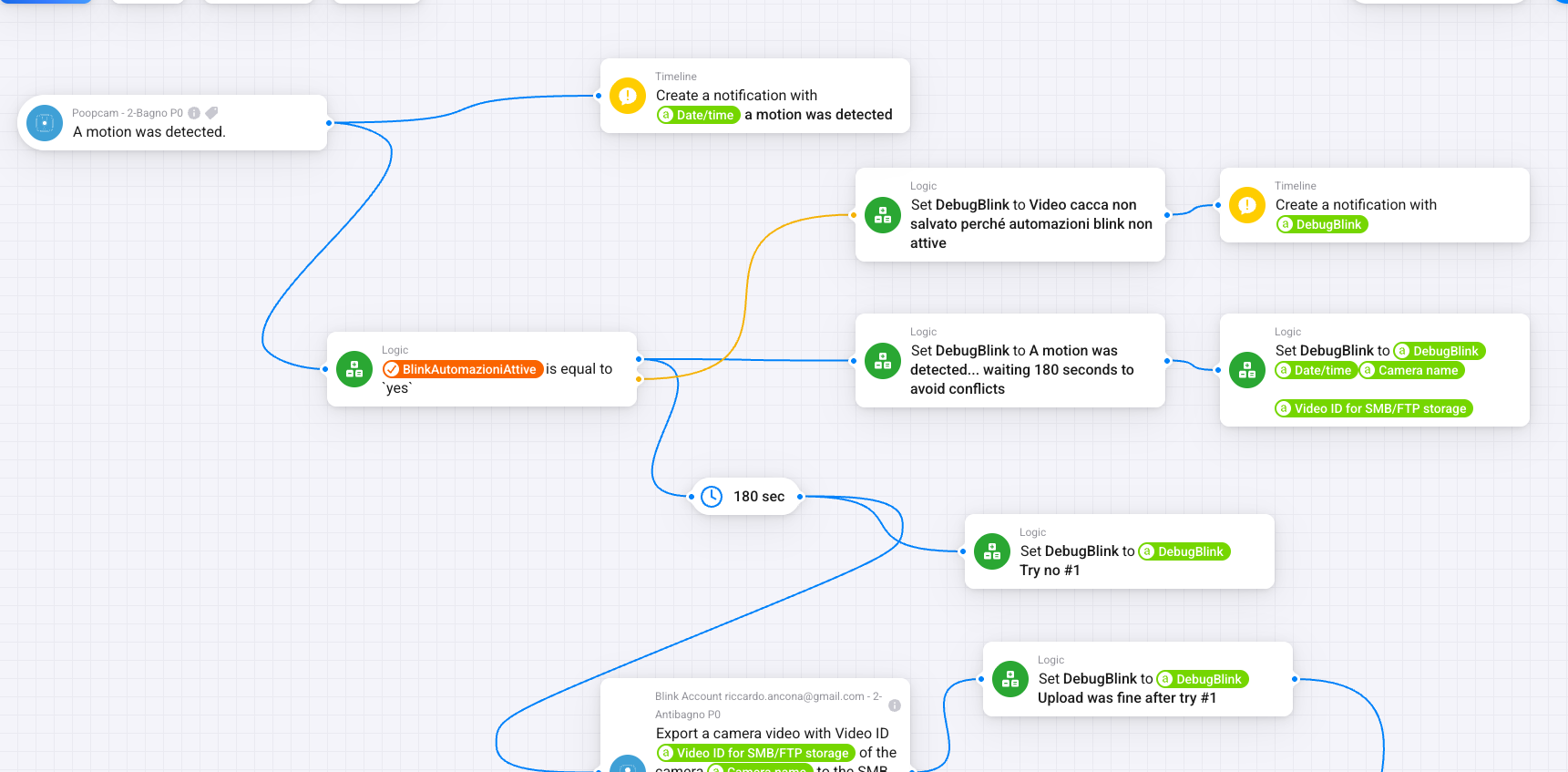
But apparently no actions could be triggered now. What could be? In this case, “A motion was detected” is not triggered.

Please give us some more details like
- using cloud subscription or local storage
- If local store, the storage is ok? USB stick is present and videos are visible in Blink mobile app?
Please check in account device settings if there are API errors.
Hi! My Blink system is made of two sync modules: first one is cloud (no subscription), second one is local storage. In Homey there is only one device with Local Storage, and storage is OK → USB Stick is present and videos are visible in Blink Mode.
Where should I check account device settings for API errors? In Homey or in Blink? In Homey I see
but as I told you before, the point is that there is no trigger at all, while before I was seeing this kind of API errors during the flow itself.
I don’t understand your configuration in detail.
- You have 2 SyncModules and cameras connected?
- And you a trial subscription (free cloud access) for a month? Free cloud access you get with a trial when buying a new camera.
Are you sure, the cloud is assignrd to a SyncModule? I only had the case that I got a trial for all cameras. You can see it in Blink app if your videos are shown in cloud storage or as local storage for one SyncModule.
Are you using the current app version 2.0.3? This version has a new check for partial subscription (one camera) to request videos from cloud and local storage.
But if your subscription is so special that the app can’t hadle it, I would only be able solve it using your account and try to debug.
Hi! So I have two SyncModules in Blink, with cameras connected to each of them. If needed, I can remove one of them and leave only the one with local storage.
I want to use the old one in homey, the new one had the free cloud access but now it is expired and I am not interested in teh new one since it doesn’t save files on local storage. I only want to use with homey the old one.
In homey I added only the old SyncModule system with local storage.
I am using the current app version 2.0.3, and with previous versions it was working well.
No issues in letting you debug with my account, tell me how
I’m new and have a Homey Pro. I have the Blink app installed. I have flows where I get a notification if the doorbell is pushed working. I have a simple flow with my camera and doorbell motion triggering a simple notification that does not work. It works with Blink.
Any ideas why the motion card does not work for me?
My initial goal was to use motion triggers from my two doorbells and camera in the driveway to initiate other actions such as turning the lights from 50% dimmed to full brightness. I do get notifications from Blink with a small delay so I thought it could work. I am using local storage as I do not have an active subscription.
I can imagine why it happens for you.
The spp checks the subscriptions and if there are more cameras then subscribed, it will also check local store.
I think in your case, less cameras arr added to Homey and only cloud is checked
I will check how this can be handled. Perhaps a setting would be easier than the subscription check.
But it your subscription timed out now, the app should only check local storage now 
What0 you want to do will only be possible with subscription and cloud storage.
Reaons are shown in this thread. Short version:
- motion is not published via API
- Blink is only using push notification on mobile phone.
- The app can only identify a motion if a new video is stored.
- cloud videos are available from start of recording
- local videos are only available if recording ends
- sync module is not the fastest and if recordings are active, it’s not possible to read. So if you have cameras and doorbell, every device will store a video and only after this is finished, the app can check.
- At the end this will cause a long delay
Just to clarify:
In Blink:
- Sync Module NEW has Cam 1 (offline) and Cam 2 (online). Sync module NEW is armed.
- Sync Module OLD with LocalStorage has just one Cam 3 (online). Sync module OLD is armed.
In Homey:
- Account
- SyncModule OLD
- Camera 3
