unfortunately I can not get access to the honey app.
Tells me I got the wrong password 
Am I missing something 
It used to work just fine…
Thanks and greetings from Koblenz
unfortunately I can not get access to the honey app.
Tells me I got the wrong password
Am I missing something
It used to work just fine…
Thanks and greetings from Koblenz
Well, it seems finally Blink changed the API.
I will take a look at it. But not before the week after next - Sorry, holidays 
Thanks for the quick reply 
Enjoy your holidays 
Hello!
My log in is getting a Login Error Code: 426. I’ve attempted restarting the Blink Apps and restarting my Homey Pro. All attempts have been to no avail.
Please read 2 posts back 
Seems the latest pull on blinkpy has the solution for the changes on blinks side
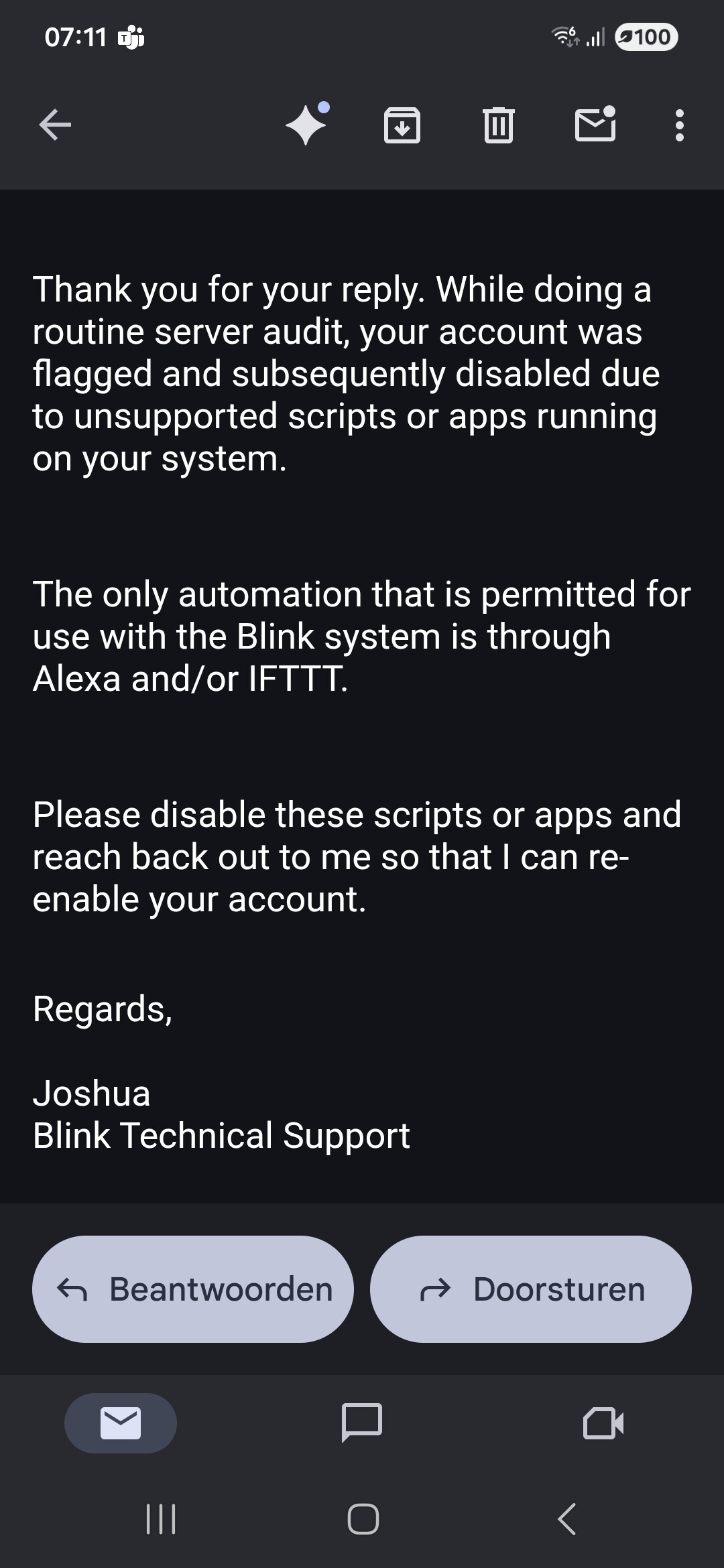
My Blink account has neen suspended. My camera’s were out of order for a while because of empty batteries 
But when reactivating them the blink app itself gave me a ‘you are blocked’
It took some mails, but now i have got their cause.
So, Homey might not work as an integration partner/solution anymore.
Have you had any luck fixing this yet?
Hello community! It seems like that the home assistant fix is being deployed Blink setup and login failing (Known API issue) · Issue #154486 · home-assistant/core · GitHub
The fix includes a reference the the new pyblink library version
Will this mean that the Homey Pro app will be updated as well?
If you look a few messages up, you will see a message from the app developer saying he will first enjoy his holiday and then will look into it and adapt the app accordingly .
Correct 
I’m back I will look at the solution from blinkpy.
But for a switch from http auth to oAuth2 it will need a redesign of the whole API implementation to use the Homey oAuth framework.
But if the HA solution offers all needed data (client_id/secret and auth URLs), it’s a great help. I hope this will work and we don’t need a separate client_id.
I’ll post an update when I have news for you. But expext some days to wait.
Short update…
A real oAuth2 login is not possible. Blink is blocking other redirect URLs (to Athom cloud for us). And Abe did not get any response from Blink/Amazon. So it seems we won’t get a client_id for this app.
HomeAssistant/BlinkPY is not using oAuth2, but just the login to get the auth code for user/pw. That’s not a good oAuth process because you are still storing credentials instead of aut code, but that’s the only possible approach.
I will try to adapt the app to do the same on Homey.
Thanks for the update Ronny
And good luck for all of us 
Our blinky future is in your hands 
May the force guide you the way 
Thanks for the effort
I sent you a few beers for the process 

Moin Moin
Gibt es eventuell schon etwas Neues zu berichten ? 
Gruß aus Koblenz
English please
The auth process is working. Now I have to adapt everything around, espacially the pair/repair process. So still in process but with prospects of success 
This is great news, Ronny. Thank you ever so much! Can’t wait.
Hey Ronny
Sorry about my German 
Sounds great 
Thanks very much
New test version 2.0.0:
The app now uses the new Blink oAuth2 authorization.
Please “repair” the “Blink Account” device to authenticate. Then all should work as usual (I hope ).
Some technical details:
Just try the new version and report issues in this thread.
It’s a test version. If there are no issues the next days, I will publish it as live version.
@TobyTobsen @Andrew_Whiteley @MarcoRuiter @gautel @Polyrhythm27 @Fabian_Bueler @Fabian123 @Davide_Zamo
FYI