Indeed!
@elsinga: In addition to a backup, you also have the option to export (and import) your flows.
Indeed!
@elsinga: In addition to a backup, you also have the option to export (and import) your flows.
I already thought of getting Homey Backup, so this is the moment.  Exporting flows I already looked at, but when my Homey Pro would crash then all the UUID’s of the devices would change and the flow would not work anymore (all flow cards would point to unknown devices). Exporting is nice when you are going to change a flow massively, but is not a backup IMHO.
Thanks for your help so far! Still baffled about what happened…
Fully agree. Hence I indicated that it would just be an additional safeguard. Note that there is a script available to change those changed devices IDs to the original ones. But of course, this all requires effort. Restoring a back-up, if possible, is the better option.
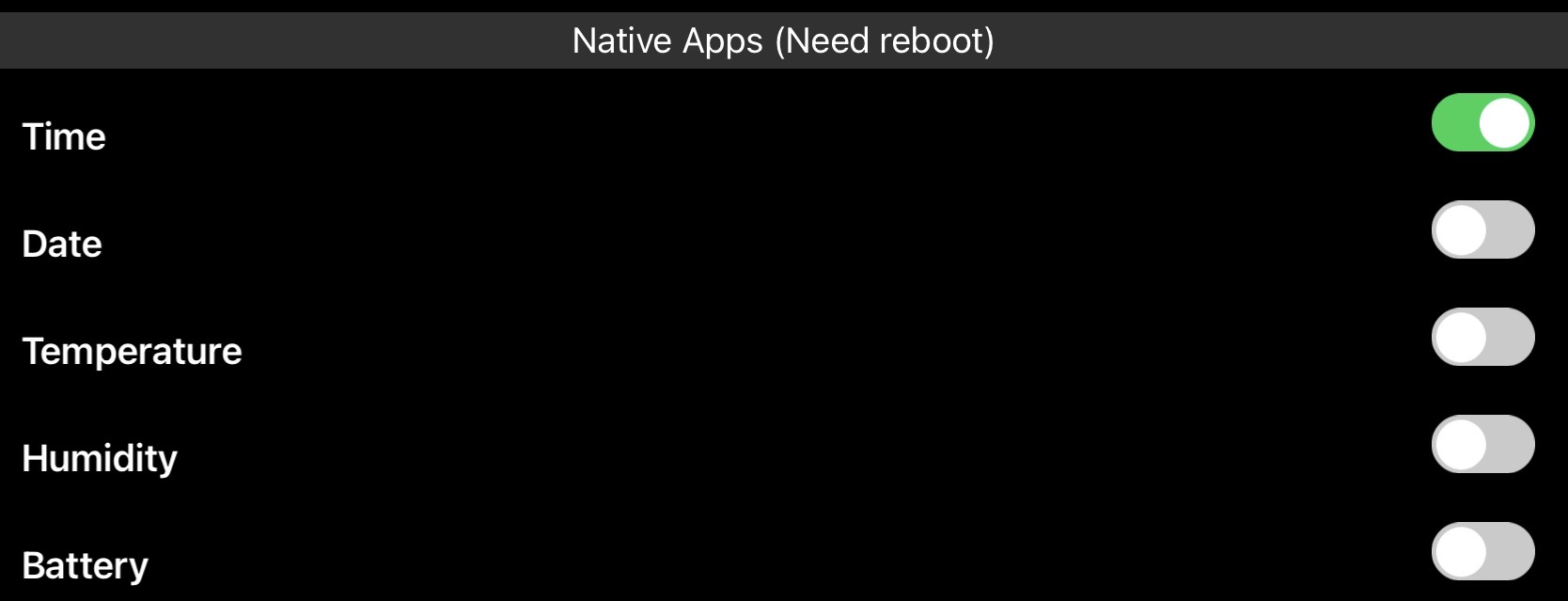
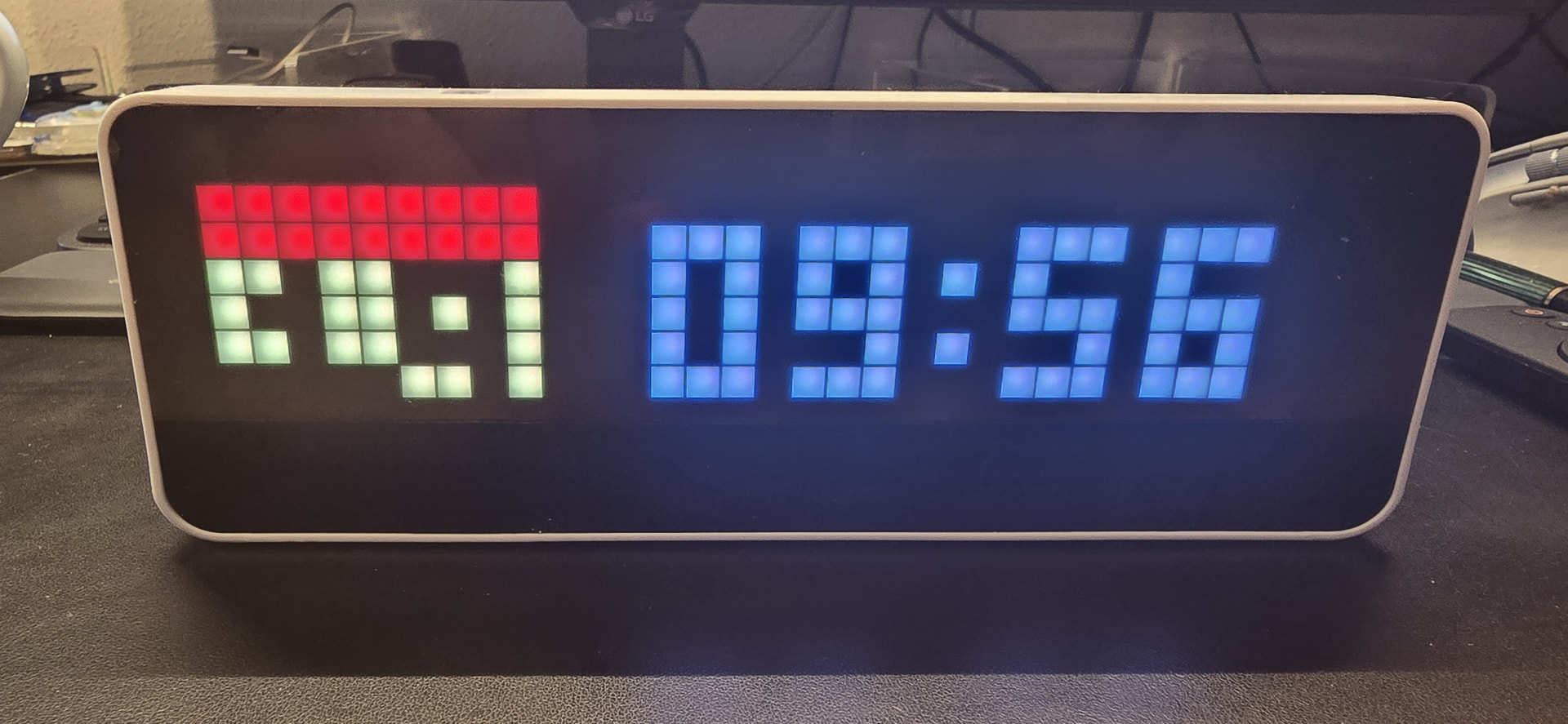
How do I disable or delete internal/system apps like clock, humidity etc,
I just want my own app to be displayed all the time. I update the app every 2 seconds to show the amperes of L1 L2 and L3 of my P1 meter.
In app settings you can disable build-in apps, but im not sure if you can disable all of them… as homey do not persist apps to internal memory of awtrix (to limit writes of internal memory, it have limited ammount of writes like ssd, jist really really less), but if you create permanent app via api, and then update it thru homey it should work
I cannot find that app settings.
When creating a custom app I use duration: 600 and whilst updating the screen every 1 second that seems to prevent the other apps to appear. However I fear that after every 600 seconds all internal apps appear each for 10 seconds, before my own app appears again for 600 seconds.
Thanks, It is in the device tile of the clock. I did found it.
Much easier as programmatic, see JASON Properties in AWTRIX 3
Yep, just in settings of homey as usuall  forget there is web version, automated everything
Hallo !
Das Ulanzi Display ist zwar unschlagbar billig, aber scheinbar auch von minderer Qualität gegenüber der LaMetric Clock. Anfänglich hat alles funktioniert, aber bereits nach einigen Monaten fehlen links unten einige Pixel. Da LEDs ja selten kaputt gehen nützt vielleicht ein “Spezial-Reset” das ich nicht kenne. Wenn es kein bekannter Fehler ist, verschenke ich das Teil gerne (Porto müsste bezahlt werden AT €6, DE €13) → persönliche Nachricht bei Interesse.
Pixoo64 ist mein neuer Favorit.!
If you flash the Ulanzi back to the original firmware, do the issue still persists? If so, then you might want to contact Ulanzi/the seller, as the clock should not malfunction within such a short period.
Thank You @SunBeech! Actually I don’t know how to flasch back the device. I just followed instructions here to make it ready for Homey (Awtrix)
Anyway, I found an interesting device in Divoom’s Pixeoo 64, because of it’s much larger size and will use that instead of the defect device.
I am not sure whether you can use the flasher used for installing the AWTRIX firmware. Otherwise there is the original flash tool from Espressif for ESP32 devices. You can download the original firmware of the Ulanzi clock from the Ulanzi TC001 product page. But maybe @Bckp can help out on which tool is best to use.