[APP][Pro] Apple Find My

The phone I added is not showing notifications, even though the flows are working.

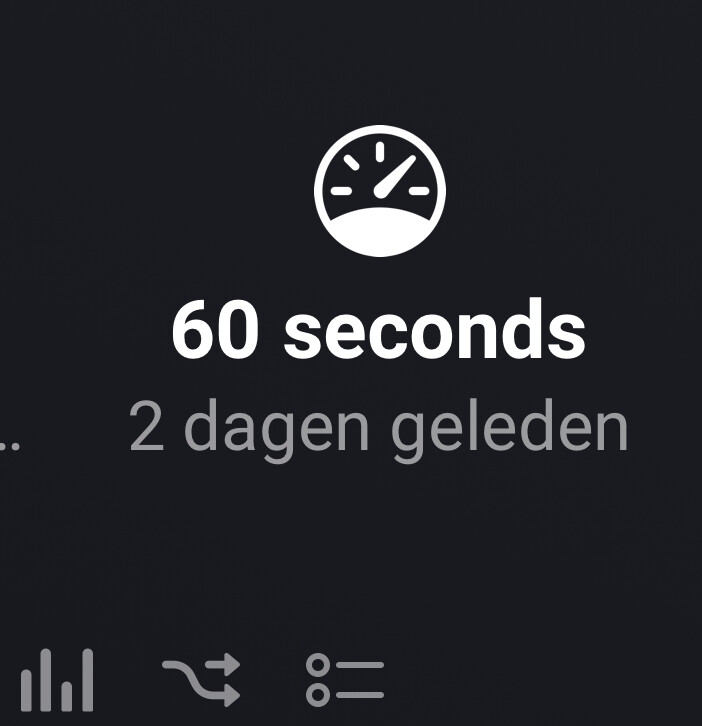
It currently says “service interval refreshed 2 days ago.”

I suspect this might be the cause.

Now, in settings, I select “try to repair.”

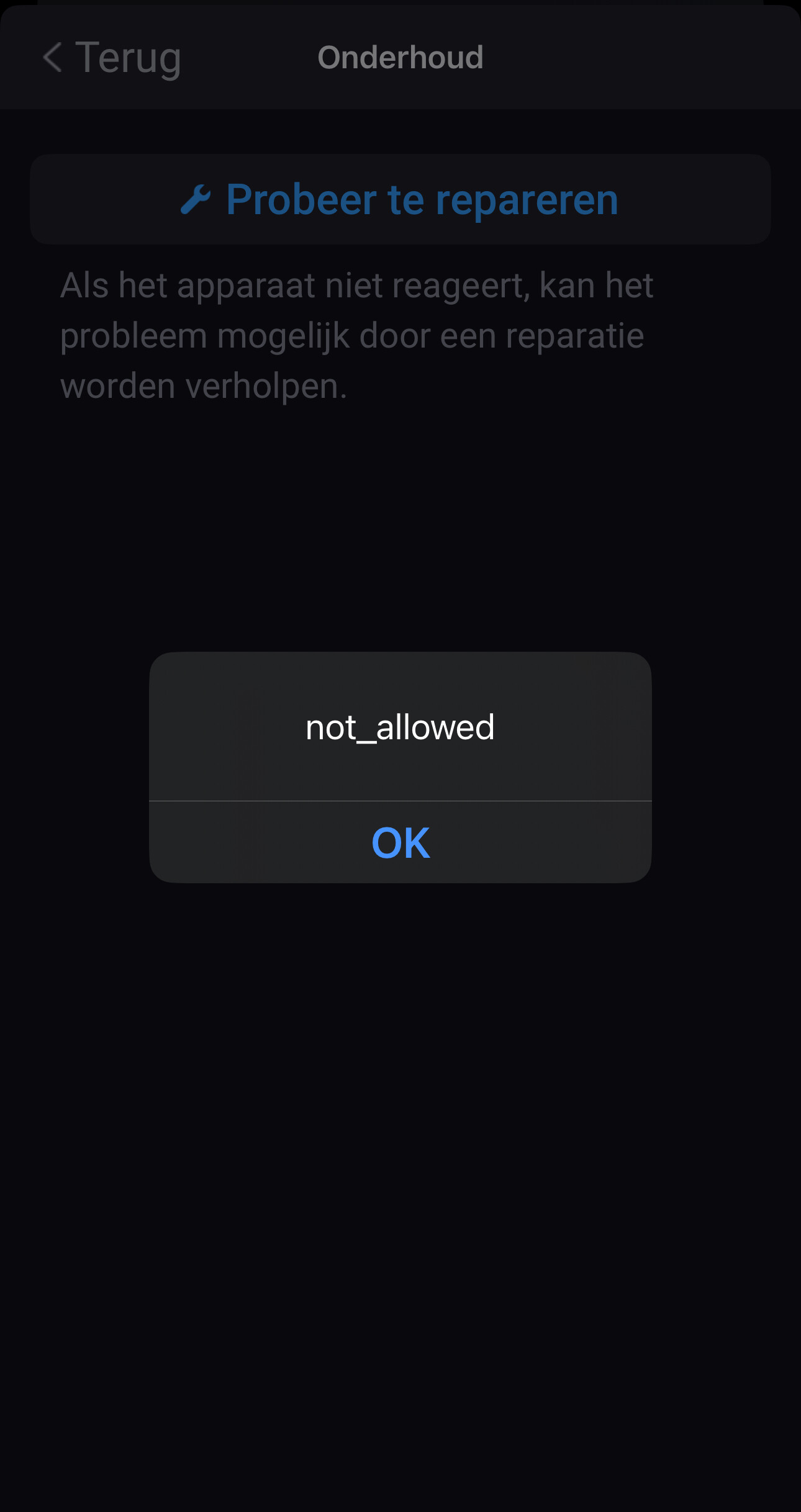
After doing that, I can see more devices than during installation, but after selecting the correct iPhone, I get the message: “Not _ Allow.”

Does anyone have an idea how to fix this?

@Benvo please send a diagnostic report

Done

5f13016d-9264-494e-9719-fe6616357761

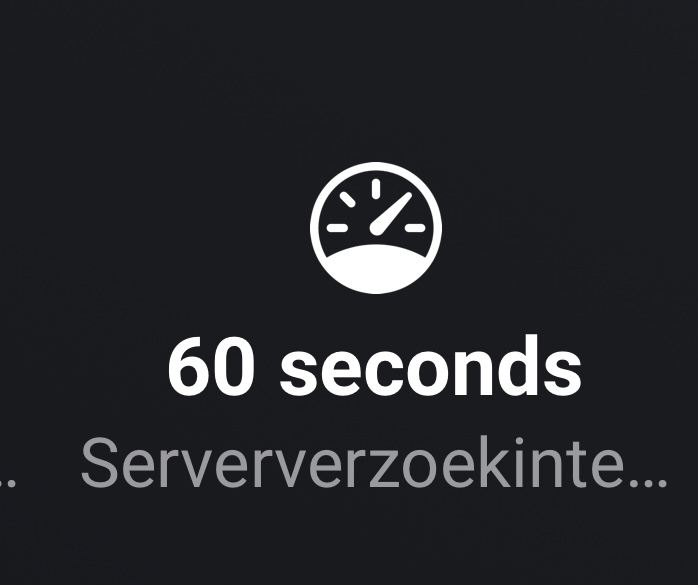
@Benvo van you explain what you mean with service interval?


@Benvo that’s the interval you can set yourself. that won’t update. You can lower the interval (to request data from the apple server) to get more frequent updates.

There’s a flowcard (on app level) for that

image

Okay, clear. Thanks for the explanation.

1 Like

Hi Martijn,

Hi Martijn,

For your information: I turned off Find My on the iPhone and then logged back in.

The error message persists.

When I try to add a different Apple ID, I don’t get the error message.

5f13016d-9264-494e-9719-fe6616357761

New app update (:green_square: LIVE: 1.5.11):

:exclamation: TIP:
Read the FAQ → [APP][Pro] Apple Find My - #4 by martijnpoppen

Changelog:

NEW
1. None

FIXES
1. FIX: repairing


If you find any issues, send a report via the mobile homey app

More - apps - Find My - settings wheel right top - send diagnostic report (put your email in the input field to make it easier)

@Benvo made a fix. See above

Thank you

1 Like

Hi Martijn,

I’ve downloaded your update and reinstalled everything.

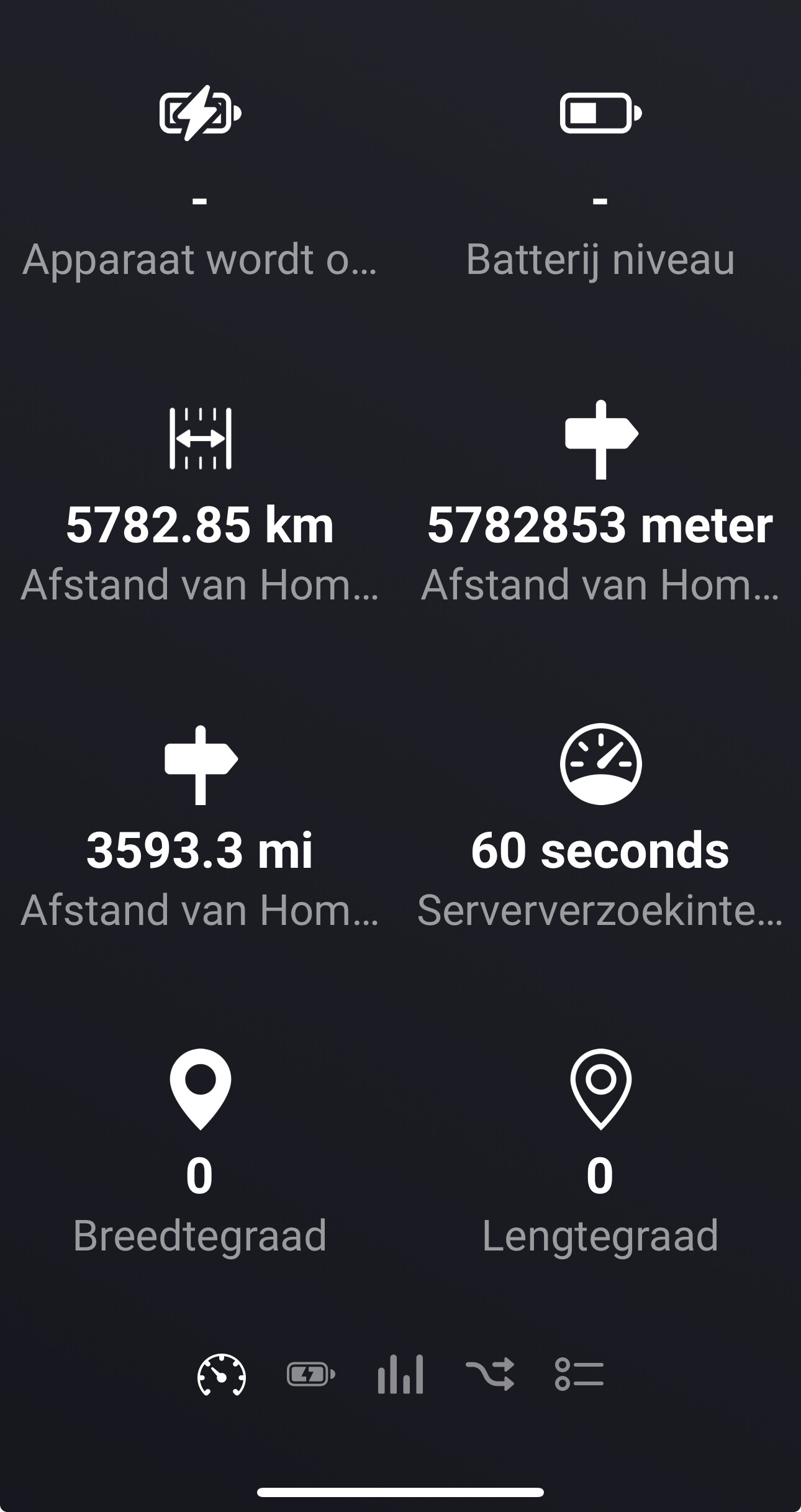
However, I’m now encountering an issue where the iPhone doesn’t display a location in your app.

Could you help me figure out how to resolve this?

Best regards,

Ben

@Benvo please send a report

762b188a-7129-4fdf-b44f-5164d090a70e

@Benvo looks like the battery is empty so that’s why it can’t find a location
This is the iPhone 16

Hi Martijn,

In Apple’s Find My, an iPhone 16 is indeed showing, but I have only added the iPhone 13 in your app.

The battery of the iPhone 13 was not empty.

@Benvo the API just retrieves all phones, so i couldn’t see the iphone 13.
Can you try to remove and re-add the device and see if that resolves it?

And can you login here? Find Devices - Apple iCloud. Sometimes that fixes the session in homey

Hi Martijn,

I don’t know if Apple exposes this info, but would it be possible to show the last screen unlock datetime? I would like to use this for detecting wake-up.

@Sander_Muurmans
As far as i know it’s not in the response.

Good morning Martijn,

It took a while before I could test whether re-adding the iPhone and logging in helped. My home internet was down, which caused Homey to stop working.

Now that everything is working again, the flows I created seem to work in the sense that I receive a notification when I leave work.

However, I also created flows for various other locations to receive notifications.

When I leave work, I not only get a notification that I’ve left the work address but also notifications for all the locations from the other flows I’ve created.
1 Like