Yep! Works for me too 
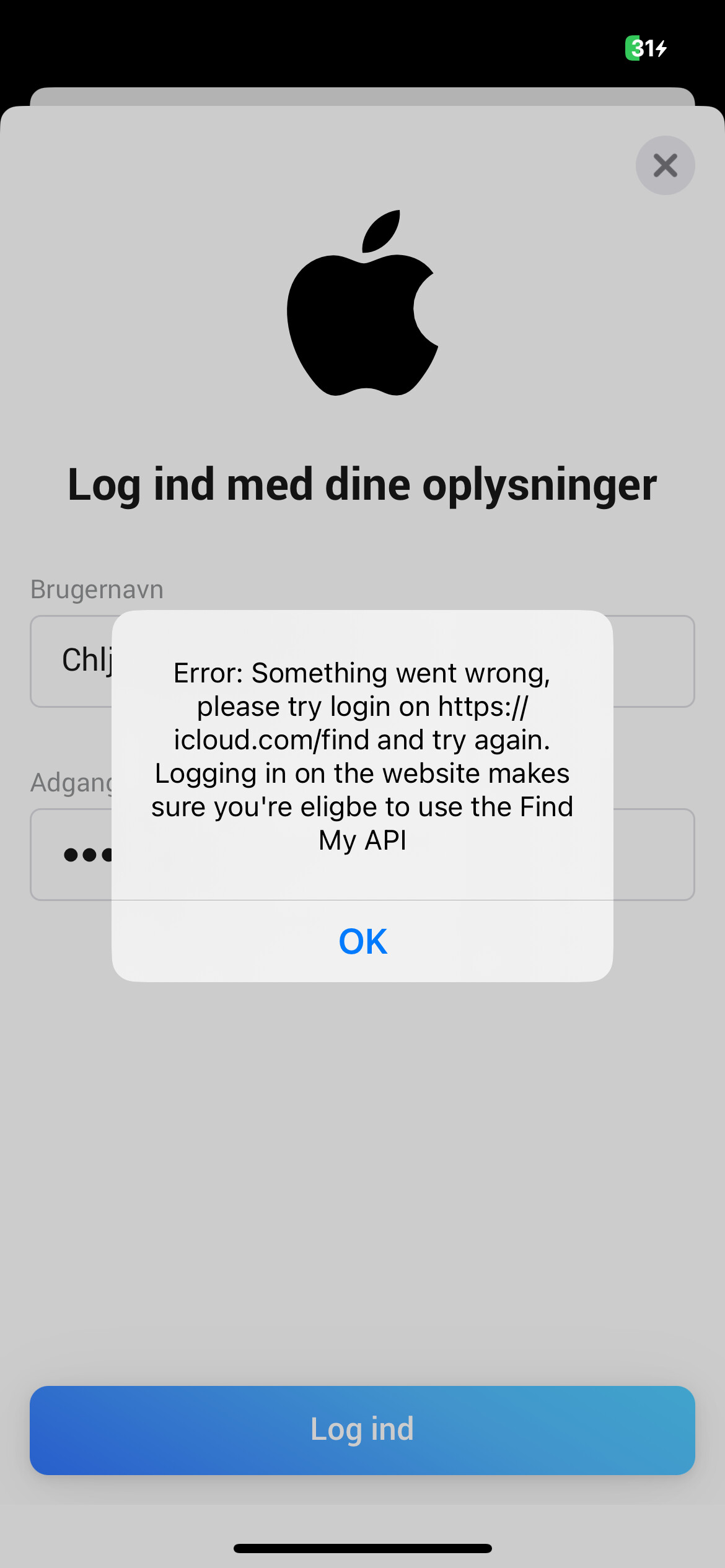
@Charlie_Ljungstrom can be because of multiple things
Most of the time it’s a issue in the network
Any blockers on the network where homey is running?
Guest network, specific VLAN or a pihole?
No guest network
Dunno about blockers?
@Charlie_Ljungstrom me neither can’t see your network of course. Please send a diagnostics report
I could get it to work from my laptop
@Charlie_Ljungstrom awesome. Glad that worked. No idea why it didn’t work in the first place
Same issue as above
Not on my iphone … not on my windows PC
Hi @Dennis_H74 ,
A bit more detail would help me assist you better. Let me know what exactly isn’t working on your iPhone and Windows PC
Hi Martijn
The below happens … just like on the webversion of homey on my PC
But through my webbrowser on that same PC i can login Icloud with no issue going ti icloud.com
So its a homey / app thing i supose
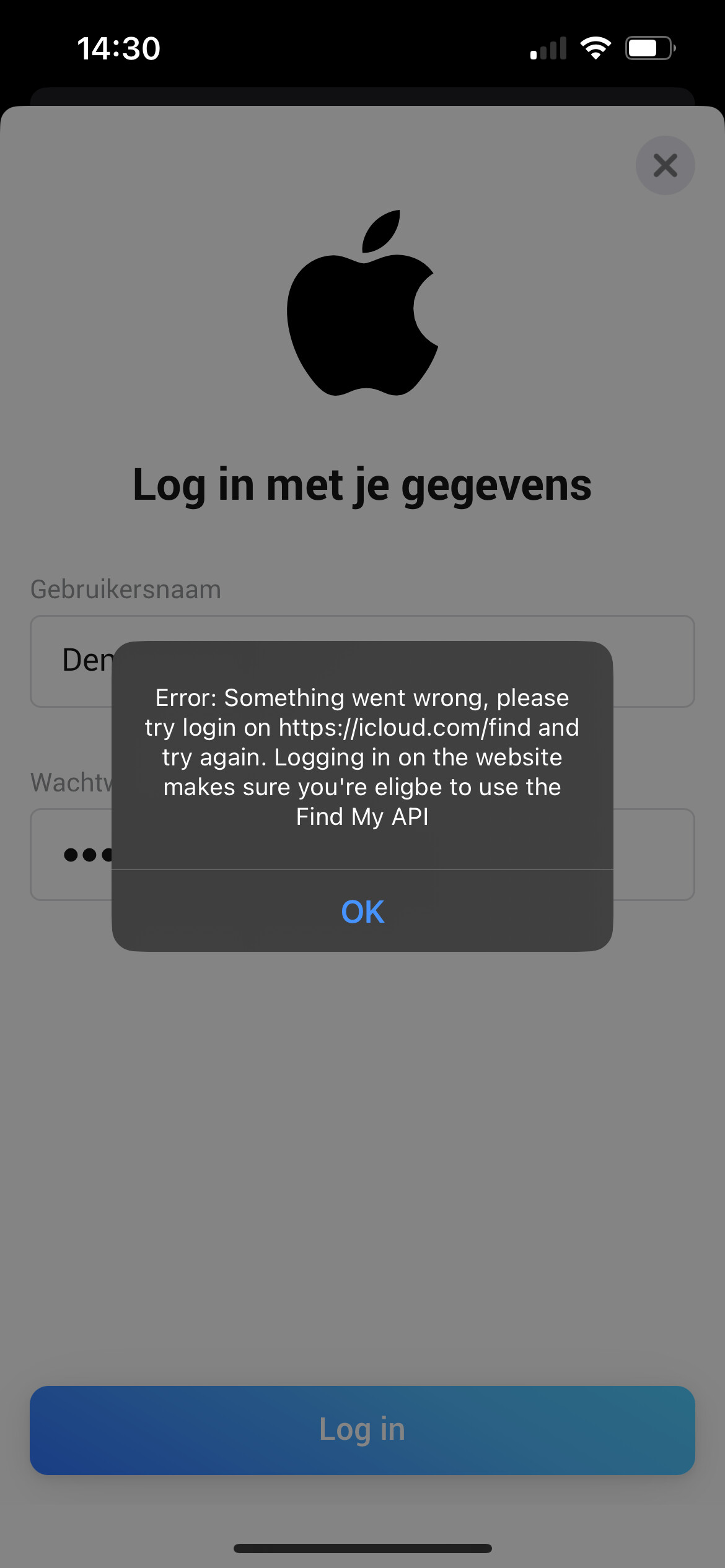
@Dennis_H74 Most of the time it’s a issue in the network
Any blockers on the network where homey is running?
Guest network, specific VLAN or a pihole?
Hi martijn
Nah … no blockers
Just on my regular wifi
@Dennis_H74 please send a diagnostic report
Bij deze
deabc206-835b-4c1e-b76c-ad8cc395dbec
@Dennis_H74 Please keep this thread in English
Can you reproduce the issue before sending a new report?
Now it doesn’t contain a login attempt
Please see below
06ed5c75-0f9a-48bd-a9b8-5583a643593b
@Dennis_H74 I think something went wrong. I didn’t receive a email but also don’t see this report in my developer dashboard.
Can you try again? 
He Martijn
Did it again
0c507680-d48c-4140-a9c9-b428caf4ab16
Now the fun part …
Does not work
on my iphone …
on my windows PC
on my wifes iphone
DOES work
on my MAC !! 
Weird huh …. Just like a person reported earlier who was not able to install on phone … but could install on laptop
Hey
Hmm so then i should just advise everbody to try all the devices 
I checked the log and looks good now
Super strange, i habe no clue why it fails and why the devices behave different.
I have to check that with Athom. There’s another app where i experience similar behaviour
Yeah super weird … the added phones work perfectly on all devices now
Did try again on my iPhone after adding through my mac … and again no luck
Thought perhaps once added with succes it would allow everywhere … but no
Look like a random machine … and only one machine is allowed or something
Can not find any logic in IP addresses also … nothing weird
