I just setup the app on my HP23 and I have a Galaxy tab A tablet running Fully Kiosk. When I go to the device in Homey, I can refresh the photo from the camera, but when I close and open again it’s the old photo that’s shown and not the most resent one.
Seems the refreshed image is never saved. What could be wrong?
As Elmar suggested, I think TextToSpeech is a great idea. Athom Homey 2023 doesn’t support TextToSpeech and Custom sounds. A dashboard can fill this gab. When using multiple tablets as dashboards, it creates the possibility to send speech to specific tablets. Brainstorming use-cases, I image a wakeup voice in the bedroom, notifying home-work traveltime in the living etc.
For every usefull app I installed on Homey, I’m doing a donation. Where can I find yours?
What is the “toon dashboard” do? I was assuming when i have a screensaver en call this action it will show homey again but it will show the fully kiosk screen.
So now what i am doing is on motion i need to use the “open application id” then it works but was I notice it’s refreshing the widgets a lot so it looks pretty buggy and slow. While when i touch the screen on the screensaver homey will show up without refreshing all the widgets.
Any idea to open an app (in my case Ring) for each camera? I have 2 camera , one is located on North , second South. I have created this flow, but DC open only the app.
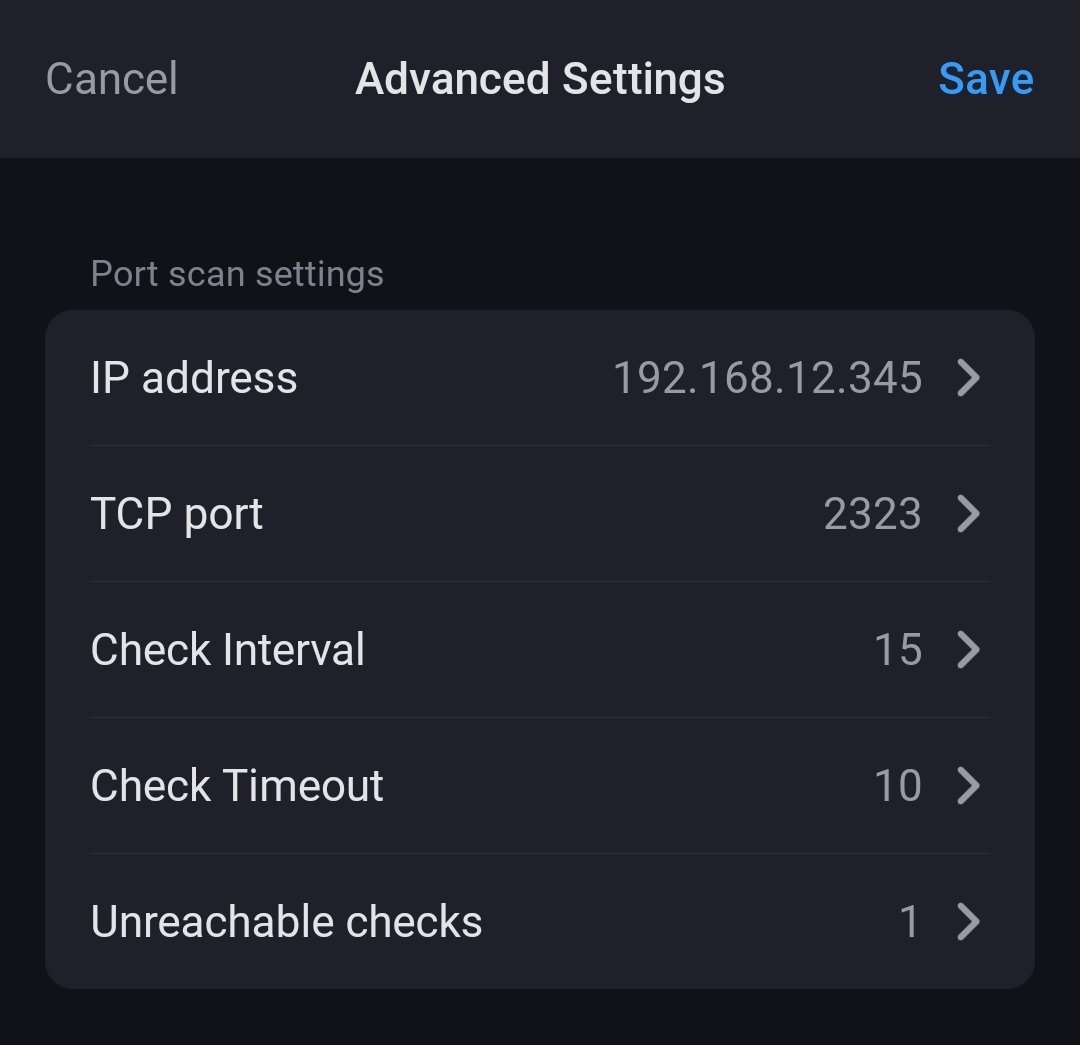
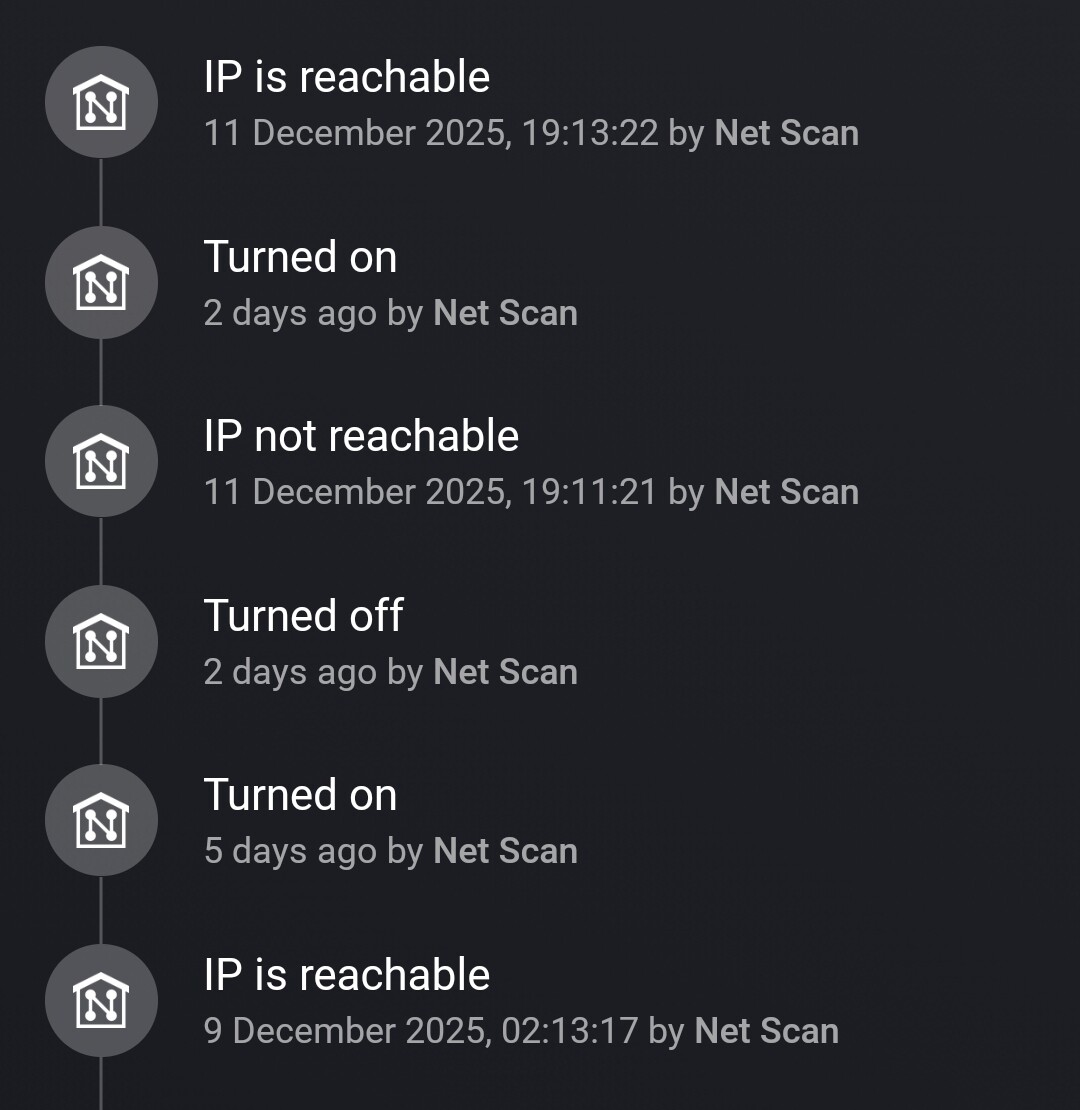
Hello everyone, I can’t get my wall-mounted tablet to work. I installed FullyKiosk Plus on my tablet about two years ago, along with Home Assistant. I switched to Homey and discovered this app that makes everything work. However, I can’t get it to work because it repeatedly disconnects from Homey.Only when I restart the app does it connect, but for a few minutes after that it becomes unreachable again. I should point out that the tablet has a fixed IP address and the network is very stable. I’m definitely doing something wrong with the fullykiosk. Can you help? Thanks.
P.S. I used Google Translate for the translation.
 or why should it be wrong?