Unfortunately, the cloud API doesn’t provide any useful information and the BLE is encrypted, so I can’t add any support for it.
I have been asking for better integration on the keypad for a long time, but it fails on deaf ears.
Unfortunately, the cloud API doesn’t provide any useful information and the BLE is encrypted, so I can’t add any support for it.
I have been asking for better integration on the keypad for a long time, but it fails on deaf ears.
But why does a restart fix the issue for long time and not only short - that is strange I think.
-60 dB is nearly Impossible. Even directly next to the Homey. But usually it works also with -90. But that is a really bad reception, yes.
Only since yesterday I have this issue, that it does not update for some hours. Strange. I will check it further…
I changed nothing on my side.
If you don’t mind a bit of fiddling, I have published code to run on an ESP32 that interfaces to the BLE of the SwitchBot devices and pushes the updates to Homey via the LAN. This is very fast and much more reliable than Homey’s BLE.
Hi there
I just realized that apparently my SwitchBot humidity and temperature sensors and my SwitchBotmotion sensors are not connected since 8 days.
I tried an app restart but didn’t solve the problem.
9f3cfbd1-2fb3-44c8-a294-212397975bf8
Greets from Germany 
If you have a Homey Pro, could you open the app settings page and select the Log tab, then tap on Send Log. Unfortunately I can’t see the Diagnostics reports unless I am at home on my PC and even then they don’t contain much information.
Hi Adrian
I just did 
So, it looks like Homey can’t find any of the devices. Have you tried rebooting Homey to see if that helps?
I just did again.
This time it worked
Thank you
It’s strange why Homey does that. But that’s why I did the ESP32 code.
At the moment, nothing seems to be working in the Switchbot app. Have you tried adding a new device?
I have just tried adding devices and I can’t replicate the issue.
Was it a particular device?
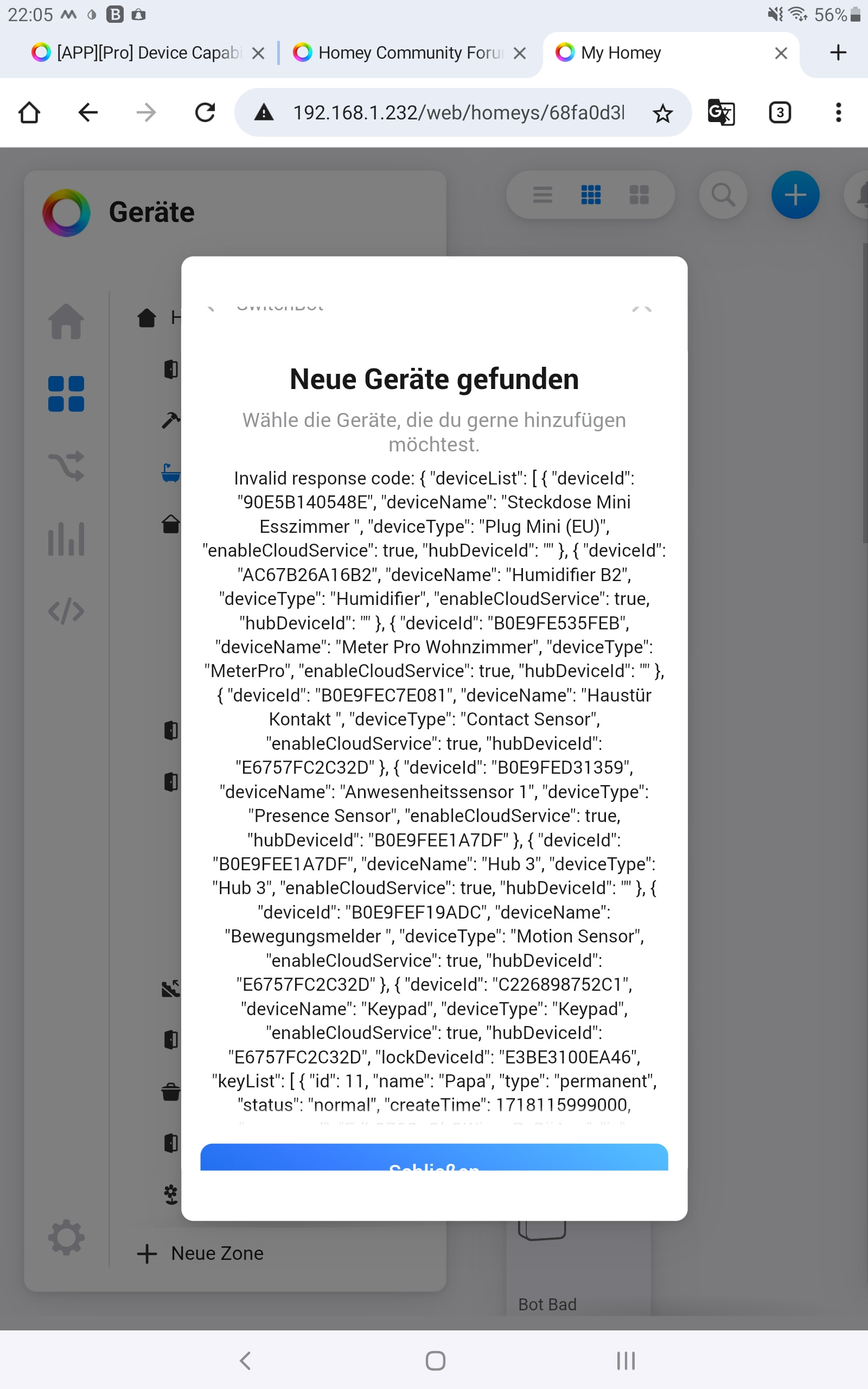
It happens with all devices that are to be added via the hub (Hub 3). When adding via BLE, it works.
I just wanted to register the presence detector and noticed it.
Unfortunately, restarting the Switchbot Hub and Homey (early 26) did not help.
However, I will try again with early 23 and get back to you.
Edit:
With early23, it works immediately.
Edit2:
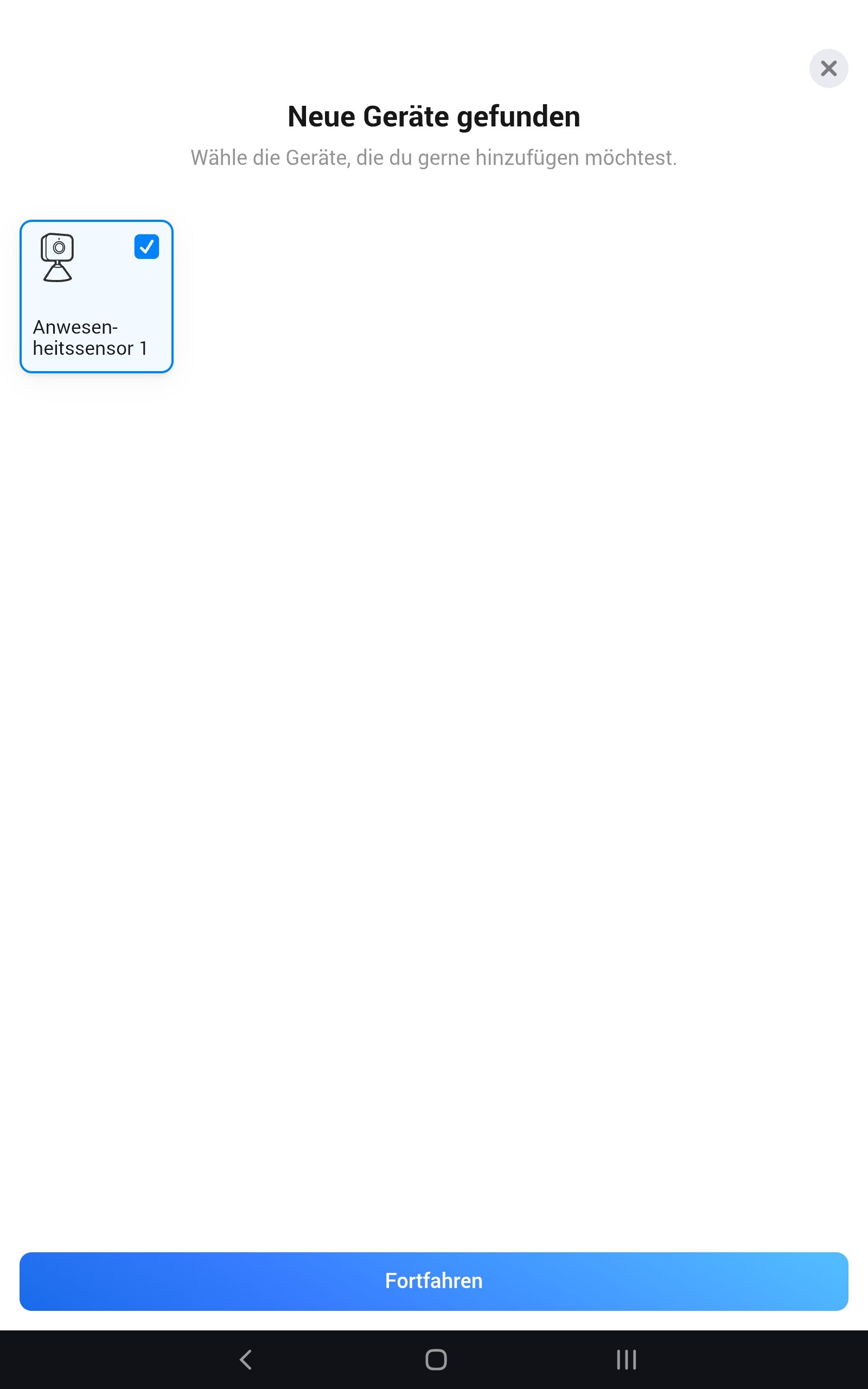
I just logged back into the API. Unfortunately, it doesn’t help. Early26 always brings up this image.
I have sent you the error log.
Strange as I’m using my Homey 2026.
I have both my presence sensors including in Homey, so I get no new devices.
I have more arriving tomorrow so I will try again then.
Incidentally, I have the same problem in the web app.
I tested it again with an Android mobile phone, an Android tablet and a Win 11 computer. The same problem occurred everywhere. As soon as I try to register a device via the hub, this screen appears.
Edit:
Don’t bother trying any more, I found the error. In Old Settings, the number 1 was entered in Open Secret. I deleted it and it worked again. 


Thanks for the response Adrian. Same thing when the full set is added? Switchbot ultra with vision keypad? No information provided?
The Lock provides feedback for the Lock state, but it makes no difference to the keypad.
Hi!
I’m still having the same issue - no updates from switchbot hub and outdoor thermometer as well as presence sensor. 
Screenshots show updates in days.
Range problem?
Are you using a Switchbot Hub?
Yes I do, screenshots above are from the HUB 2. Only restart of the Switchbot.app in Homey or Homey itself updates the data for once and then it stucks.
I described my issue in earlier post like 2 weeks ago.
It sounds like you are not getting the webhook updates for some reason.
Could you open the app settings page and select the Log tab, then change the Log Level to Webhook Information and wait to see if any updates come through.
If nothing appears after about 30 minutes, then set he level to Detailed Information and then restart the app. After e few minutes go back and send the log and let me know the lig id.