Close both curtains. So make sure the curtain driver is located at the closed position.
Delete the currect callibration by pressing the button 5 times successively. You should hear a beep.
Set the first callibration point (at the closed position) by pressing the button 3 times successively. You should hear a confirmation beep.
Then, for the left curtain move the driver a bit to the left, so that it starts moving on its own to the left untill the fully open position. You should hear a confirmation beep again. Perform the same for the right curtain, but now move the driver to the right, so that it starts moving in that direction.
If clearing the current callibration does not seem to work work, then try unlocking / locking the hook. Then you should be able to clear the current callibration.
version 1.16.0 has been uploaded (yesterday evening) to the App Store’s test environment, waiting for Athom’s approval:
Changelog:
Add support for the Light switch H2 EU (2 buttons) (WS-K07D),
Add support for the Light switch H2 EU (4 buttons) (WS-K08D),
Add support for the Dimmer switch H2 EU (KD-R01D).
All devices in both Zigbee and Matter device protocols. Zigbee options are more extensive, but require changing the device protocol through the Aqara app (no hub required
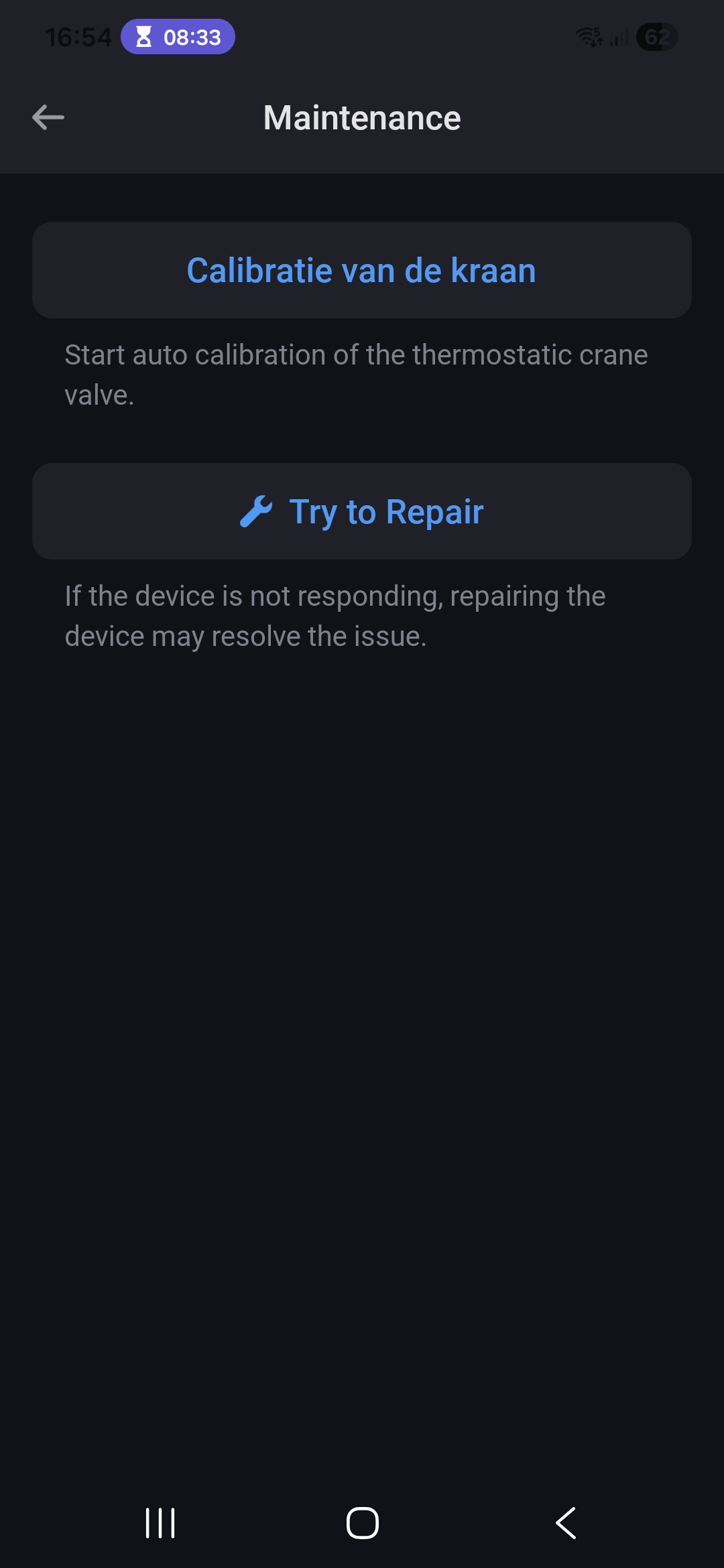
Fix issue with the Curtain driver E1 maintenance actions not working properly
Fix issue with the LED strip T1 not adding to Homey Cloud
Fix issue with the Roller Shade Controller T1S inverted open/close commands.
Could you provide some insight into why the latest version of the Vibrations Sensor T1 is not yet supported? Is this due to a hardware limitation with the sensor, or is there another reason?
I’m asking because the currently supported sensor has become impossible to source since the T1 was released.
@TedTolboom Thank you very much for releasing version 1.16.0 with H2 support.
One question. When I set the H2 switch in decoupled mode (switch is not controlling the relay), the Activate and Deactivate flow cards are not triggered. Nor the dimmer. I want to use some smart switches to control smart lights. Is this implemented? How can the switch be used in decoupled mode if no cards are triggered?
Note: the top buttons only report 1x press and the bottom buttons report 1x, 2x, hold and release.
At this moment, priority is to implement other devices first.
In parallel, I am looking to get this particular version to enable integration. Where this version is not commonly available. Most resellers actually mention it to be the T1 version, yet still sell the old version.
Cannot see I get access to cards picking up button press nor dimmer for the H2 dimmer switch in decoupled mode. I press the button, the blue LED around button remains lit and no flows are run. I.e. the activate nor deactivate cards are fired.
In relay mode, the flow is triggered by dimmer and on/off.
Thank you. I downloaded and tested version 1.16.1. I can now see the flow cards, but unfortunately, I did not figure how to use the H2 dimmer switch in decoupled mode. I have temperoarly solved it by putting the dimmer switch in relay mode, set the lower dim limit to 99 and by using flows to dim (works all the way down) my Philips Hue bulbs. On/off, dimming etc. works.
This update has been tested on all Homey platforms prior to the release.
Are other Zigbee devices / apps also not working anymore? Suspect an issue in the Zigbee core instead of in the Aqara app.
Please try to pull the power from Homey, leave it for 2 minutes and then reconnect the power.
Aqara Presence sensors here are all lost after the last update. They are in the app but status doesn’t change anymore. PTP 2 minutes, restart aqara app, re-add sensors. Nothing.
They are ‘seen’ and can be pinged in developer tools, but they can’t be reached with normal commands and Homey doesn’t receive any updates.
I’ve also send a support ticket, but in my case it’s just the Aqara FP1E sensors (3 of them). They don’t do anything anymore. Other Aqara devices work fine. So, maybe it is something in the app? Could you maybe take a look @TedTolboom ? Thanks!
Update: As soon as I try to restart one of the sensors via the settings, Homey crashes. When I remove one of the sensors and try to add it again, it is connected to the Zigbee network for 10 seconds and them removed again.
Does anyone has issues with the FP300 sensor of Aqara via Matter? When I added this via the app it looks likes to work fine except it doesn’t, the sensor stays active in the zone and doesn’t go off even when nobody is there. Also you have almost no options/settings to adjust.
If you put the device via the Aqara home app (Android) from Matter to Zigbee and then add the devices via the Aqara app within Homey as Zigbee device then it works much better, more settings that can be adjusted and the device doesn’t stay active when nobody is there.
Is this somehow a known error within the app and this FP300 sensor or is this some issue with Matter and Homey/app/Device?
Hopefully it could be fixed so that the FP300 sensor works similar to Zigbee but then via Matter.