The Curtain E1 driver needs the App unfortunately. I’ve just finished decorating and need to calibrate 7 sets of curtains - nightmare as cannot lock to rail and calibrate without Homey App. Blinds can be done from the buttons but sadly not the curtains … hoping for a fix real soon!!!
That sounds like it connected to your devices directly using Touchlink. Make sure the device isn’t too close to any other ZigBee lights/switches when pairing.


Hello, I have many issues with Aqara too 
 with the latest device that I would like to add. Aqara T1 temperature and humidity.
The other Aqara devices are ok with zigbee.
So after resetting the Zigbee network your problem fixed?
You must re-setup all zigbee devices from the start? 

And what about flows with those devices???
Hi! Yes, but in my case it was not a big problem. These switches were the only ones and I had deleted them already over the course of trying to fix things. I have a lot of Hue stuff but they are separate anyway. But indeed, the Aqara switches connected and are working fine again. I just don’t get an accurate reading on the battery, but that was the same before.
@TedTolboom - can you add ID “lumi.motion.ac01” and “lumi.motion.ac02” in the driver (FP1E)?
If this would solve the issue with not connecting the FP1-sensor?
@TedTolboom any news about the SD-S01D from Aqara? 
You’re referring to 2 different devices, the FP1-sensor and the motion sensor P1.
Both (but in particular the FP1) have completely different capabilities compared to the FP1E. Some of these capabilities are difficult to map to Homey’s capabilities. If it would be as easy as adding a productId to an exisiting driver, it would already have been added.
Thanks for clarifying.
Is it possible to add the FP1-sensor?
I only need basic functionality.
Hello! I was wondering if it is possible to add support for the aqara vibration sensor t1 or if it is possible to somehow connect it as the one that is supported
Kind regards

Hi, strange that it specifically doesn’t work on the Homey 2026, I have that issue. On the 2019 it just works.
It shows Yes for me.

You only pair them again with the devices’ pair buttons or what’s needed to enter pair mode, without removing anything up front.
The devices won’t be removed from Homey, so after a successful re-pair, it should appear with it’s usual name in the zone it sat in, and relating flows cards are available and functional again.
Very useful info to read:
Hello, I noticed that there was a support request for the Aqara E1 (no neutral) switches over a year ago, but it seems there hasn’t been an update. These models (lumi.switch.b1lc04 / b2lc04) are still unrecognized by Homey. Is this something that is currently on the roadmap, or is there any technical data I can provide to help speed up the integration? Thank you for your amazing work on the apps!
@TedTolboom is there any update on this issue yet? I reached out to Athom but they say it is App related and needs to be fixed by the developer. I cannot use any of my E1 Curtain Controllers as I’m unable to calibrate them. Any function selected in the maintenance menu gives the response show in screen grab below. It has been like this for about a month now.
Thanks for any help.
Darrell

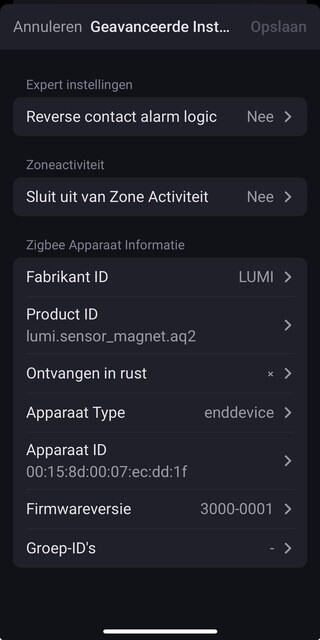

I’m trying to connect the T1 vibration sensor, but haven’t had any success. Homey can’t detect it at all. I’m using Homey 2023, so this doesn’t seem to be a Homey issue, more likely a problem with the Aqara app.
