Hello everyone,
Sonos (LocalAPI) is a Homey Pro app for controlling your Sonos system directly over your local network. It does not rely on the Sonos cloud, so playback, volume changes and automations keep working locally and respond quickly.
This app started as a personal project because I wanted reliable local Sonos control in my own Homey setup. After using and improving it, I thought it might be useful for others as well, so I decided to make it publicly available.
Why this app?
The official Sonos app uses cloud communication to control your speakers. That’s fine in normal situations, but it also means control can become slow or unavailable when internet connectivity is limited.
Sonos (LocalAPI) communicates directly with your speakers. This makes common actions such as starting playback, changing volume, grouping speakers and running automations noticeably faster and less dependent on external services.
Key features
- Local control of Sonos speakers
- Play, pause, next, previous
- Volume control, mute, shuffle and repeat
- Track, artist, album, position, duration and album art
- Group and ungroup speakers
- Set group volume or adjust group volume relatively
- Play Sonos favorites and Sonos playlists
- Play URLs, announcements and Soundboard sounds
- Text-to-speech announcements
- TV input support for compatible Sonos home theater devices
- Audio settings such as bass, treble and loudness
- Home theater settings such as night sound, speech enhancement, subwoofer and surround options where supported
- Flow triggers for playback, media changes, volume changes, group membership and audio input format changes
- Option to ignore speakers that are offline or unreachable
Text-to-Speech
The app includes a Speak text Flow card for playing spoken announcements on your Sonos speakers.
Built-in Azure Text-to-Speech is available by default, so you do not need to create or configure your own Azure Speech account. In the app settings, you can select the language and voice. The Flow card also lets you set the volume and adjust the speaking speed and pitch.
The costs of the built-in TTS service are currently sponsored by me/my business. To keep this sustainable and prevent misuse, fair-use limits apply. Your current daily and monthly usage is shown on the app settings page.
You can also configure your own Azure Speech key and region. When using your own key, requests are sent directly to your own Azure Speech account and the shared fair-use limits do not apply.
TTS requires an internet connection to generate the speech through Azure. The generated audio is then made available temporarily on your local network so the Sonos speaker can play it. All regular Sonos controls continue to work locally without TTS or Azure.
For privacy, I do not store or have access to the text entered in TTS Flow cards or the generated audio.
Getting started
Install the app from the Homey App Store:
Live version: Sonos (LocalAPI) | Homey
Test version: Sonos (LocalAPI) | Homey
For the most reliable setup, it is recommended to give your Sonos speakers a fixed IP address in your router.
You can run this app alongside the official Sonos app if you want to compare behavior or migrate your flows gradually.
Notes
This app uses local Sonos APIs and is based on the node-sonos project, so credit goes to the maintainers of that library as well  .
.
Not every Sonos model supports every feature. Flow cards and settings that depend on specific hardware, such as TV input, subwoofer or surround options, are only useful when the speaker supports them.
Feedback and support
Questions, issues or feature requests are welcome in this topic. When reporting a problem, please include your Sonos model, app version, what you expected to happen and, if possible, a Homey diagnostics report.


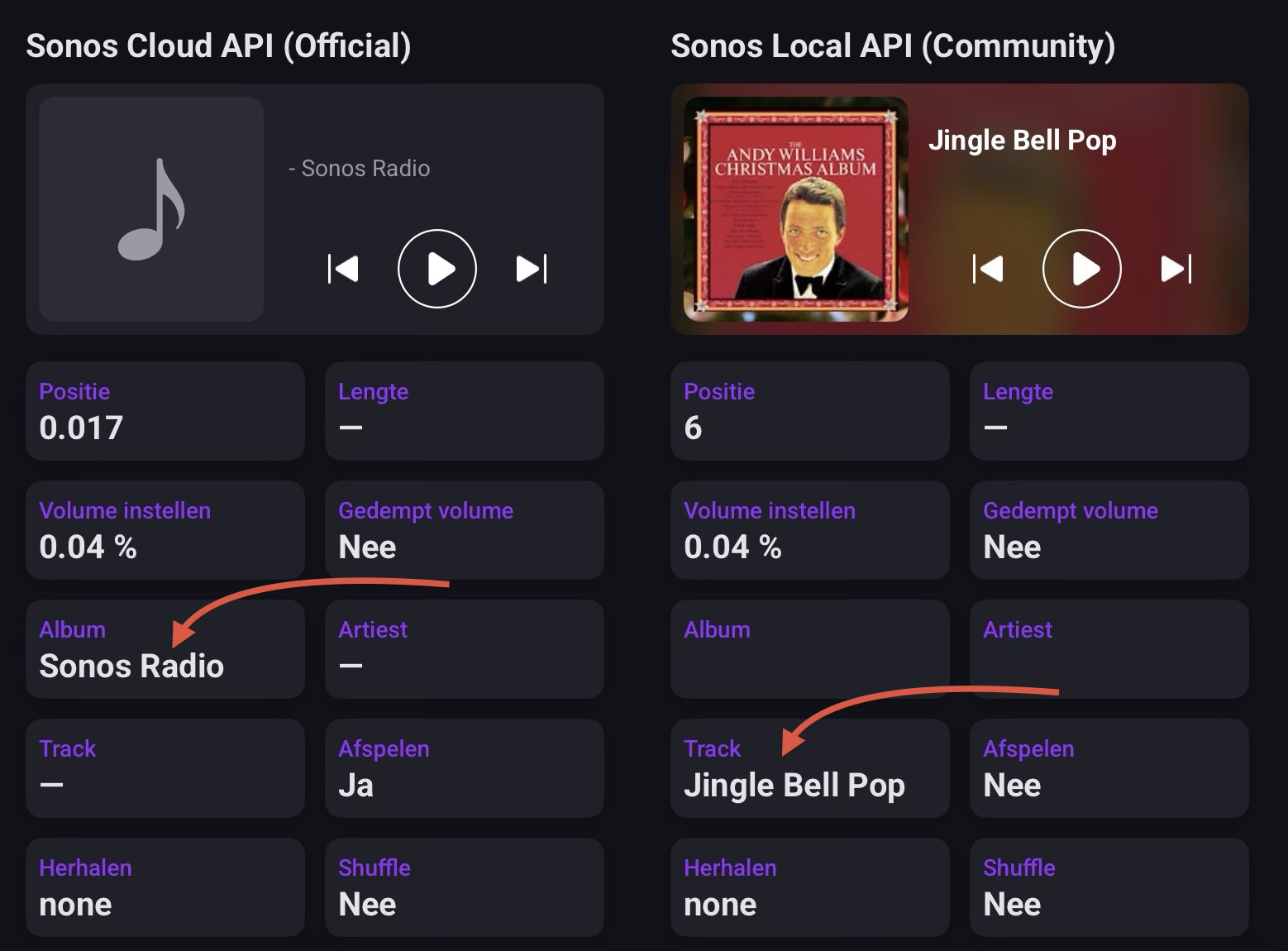

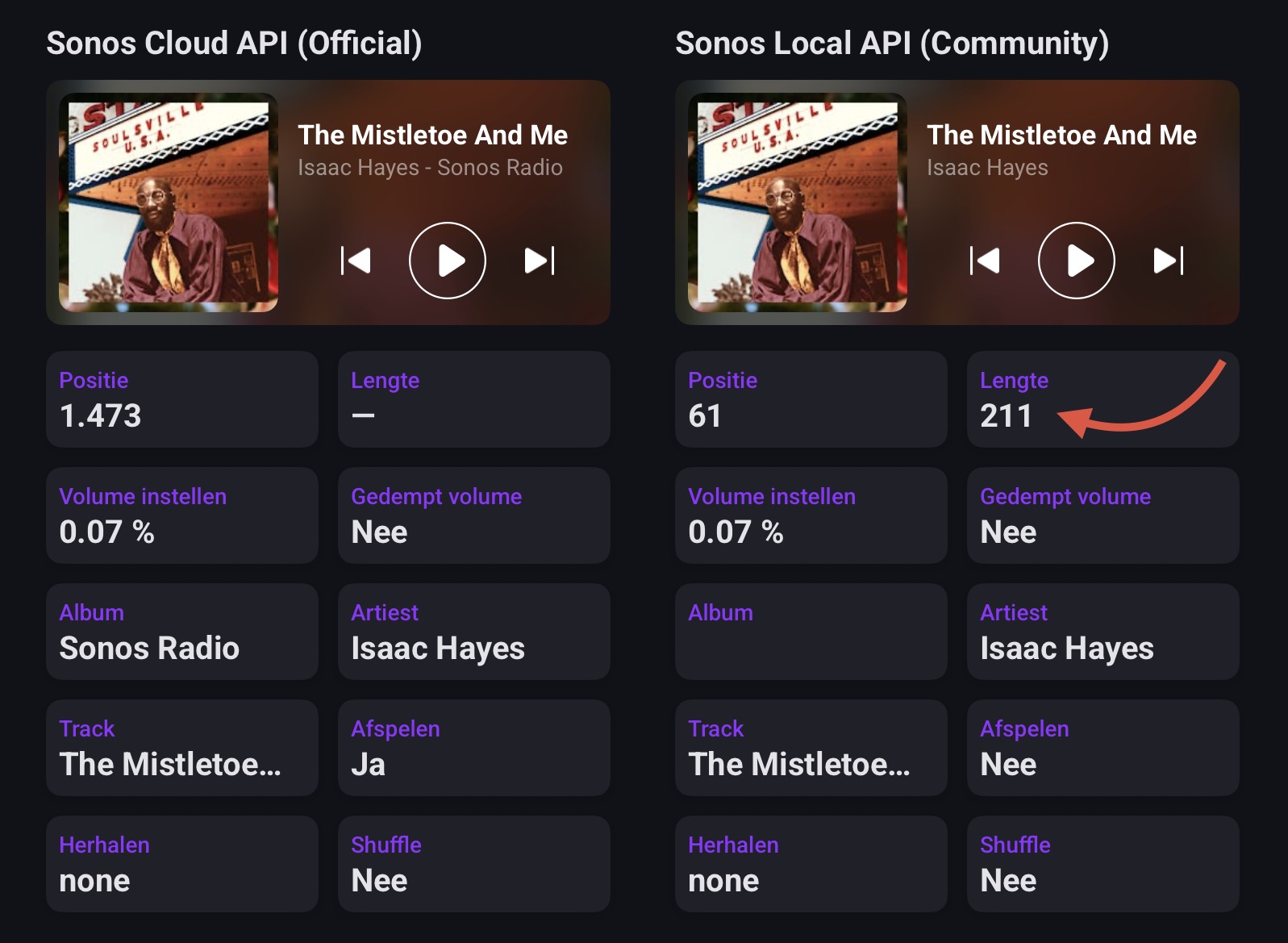
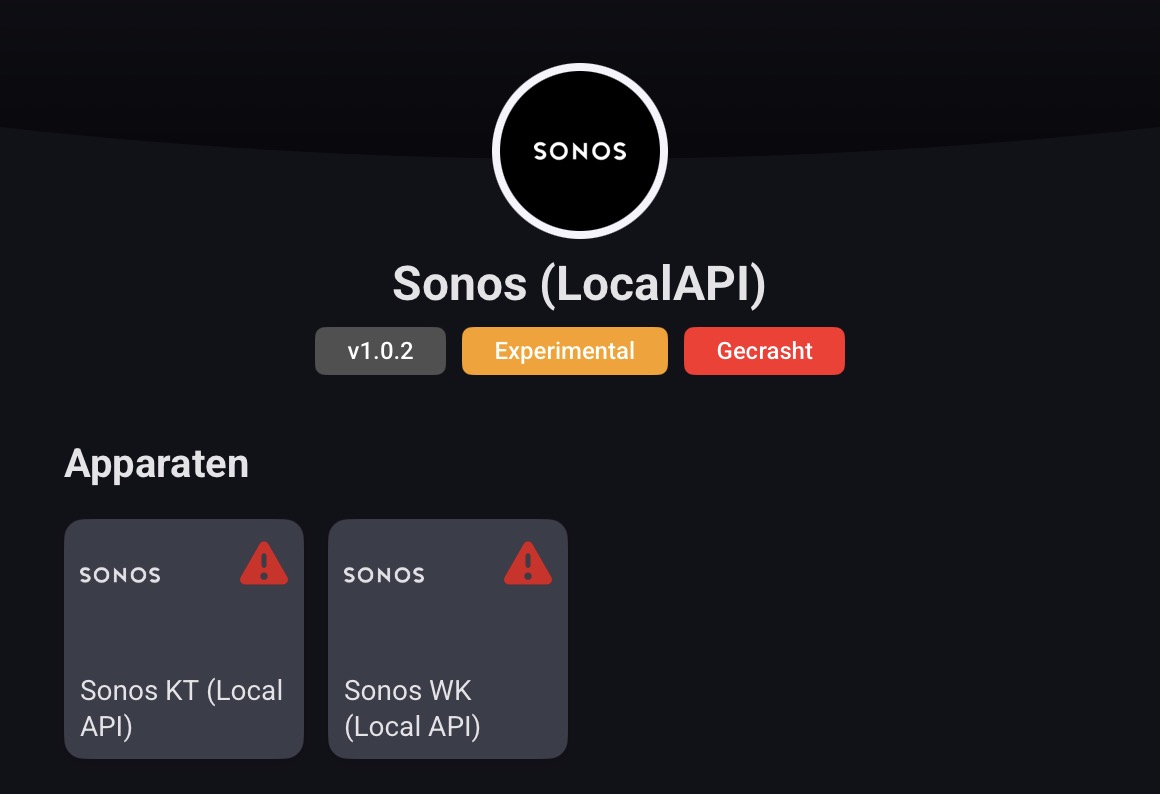

 . Some additional observations regarding the Shuffle and Repeat function.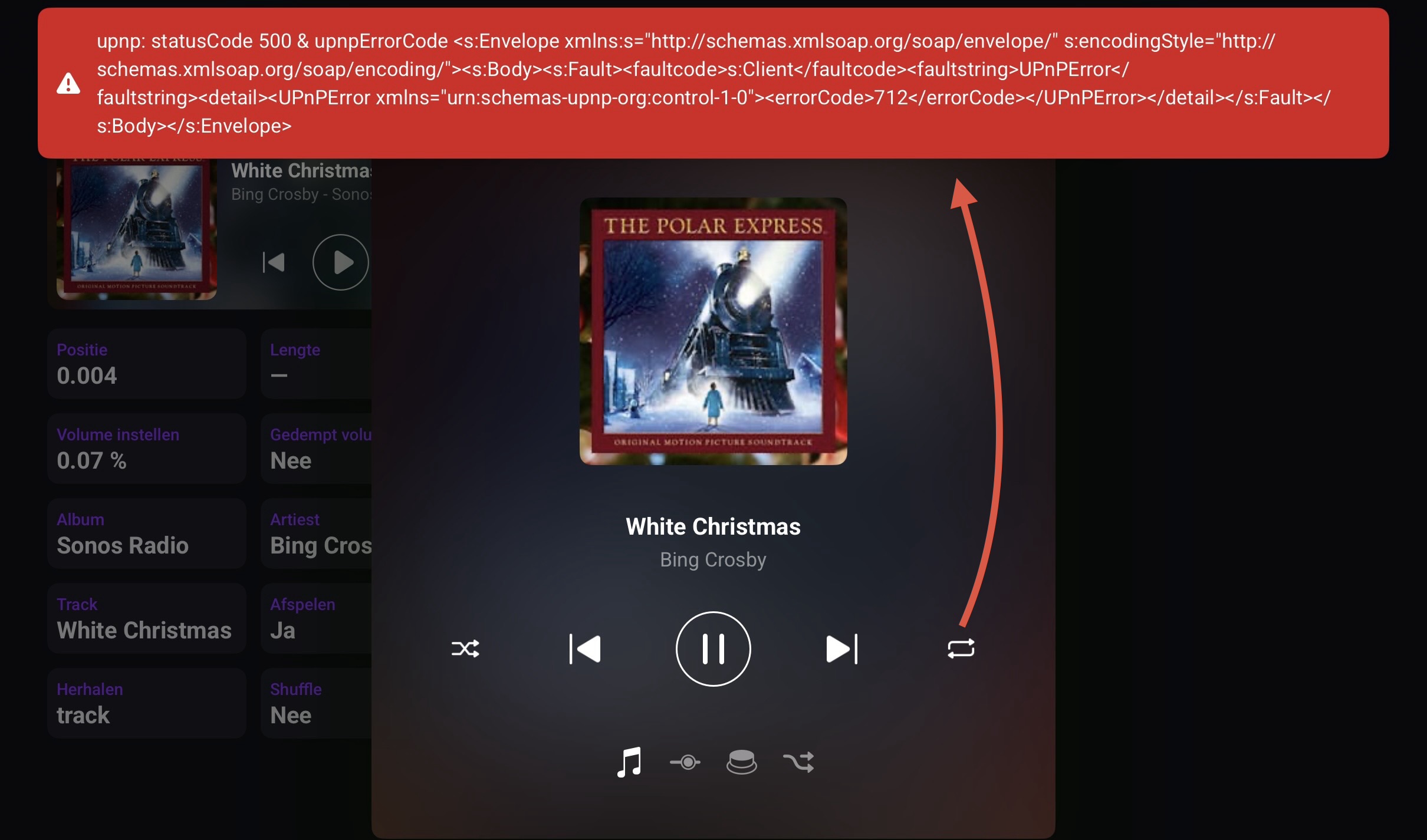

 .
. . Also see below my remark on the Album, Artist, Track tags.

 .
.

