Guys, i think i have found a work-around. With Homey sometimes the unimaginable provides a solution and is thinking outside the box necessary even if you are questioning your own sanity. This is for Aqara devices only. (if you can’t handle sarcasm then please skip this story!) 
Precautions
- Make sure you’ve had breakfast and coffee
- Make sure you have 3 hours of spare time (more spare time is advised)
- Make sure you’re home alone, cause this will take up more patience than ever (at least make sure your wife is not at home)
Tips
- The smaller the device, the more difficult it is to pair this device
- Low battery power makes pairing more difficult. Make sure you have new spare batteries to increase your pairing success-rate
- In between i restarted the Aqara app now and then. Not sure if or why it may help. Keep thinking outside the box, people!
- The pairing process takes as long as it gets. 11 out of 10 times Homey said it is taking too long
Steps
Reset your Zigbee network
Yes, this is what you would like to prevent, but this will open the door to little succes and get rid of some of that frustration
Add all of your Aqara devices (yes, again)
- Start with powered devices or devices with bigger batteries first. For me this were 2 Curtain Motors B1 (succes rate for pairing 1 out of 1)
- Then start with remote (large; double or single) switches. These pair like roulette. Sometimes it pairs at once, sometimes after 10 attempts. What is helpful is, after successful pairing, use these paired switches and push the hell out of them while pairing a new remote switch. Don’t ask me why, but this improved pairing (success-rate for pairing 1 out of 10)
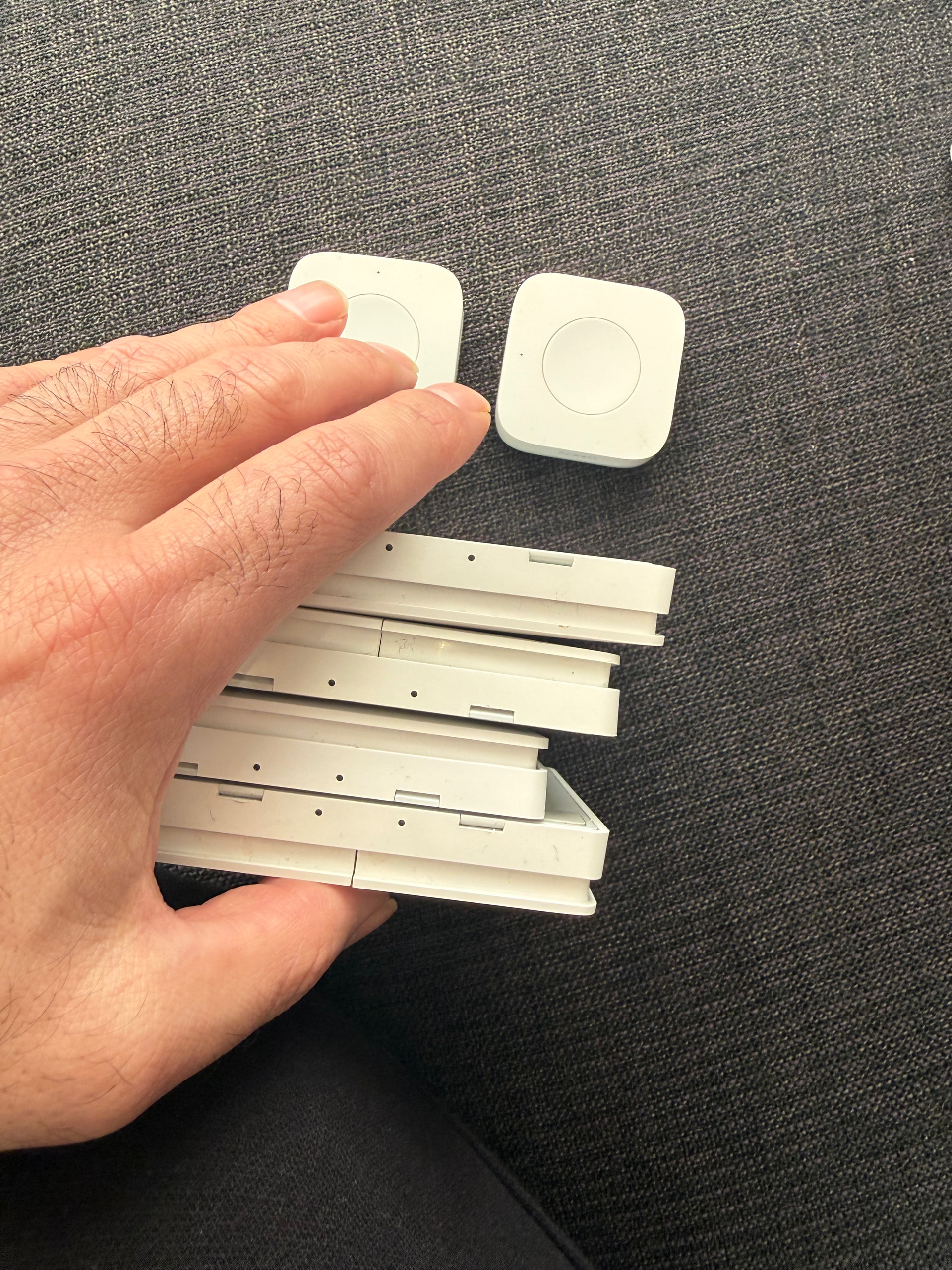
- The Mini Switches are more difficult. During pairing i was pressing the sh*t out of all my paired devices (people who know the meme of that old man playing his organ will know). This increased my pairing success-rate from 1 out of 30 to 1 out of 20
- The real pain comes with door sensors and temperature sensors. Despite pressing the hell out of all paired devices (IF you would like to involve your spouse then this will be the only moment) this won’t increase the success-rate unfortunately. If you like the Wheel of Fortune then this is the funniest part of the pairing process
I have managed to re-add 11 devices as new devices (even temperature and door sensors) but i gave up on the last door sensor. I might have drained all of the batteries due to the excessive pressing of buttons
THIS IS INSANE! 
UPDATE
I’ve managed to add the last door sensor and mini switch after improving my pressing-all-of-the-devices-at-once setup. Total of 13 items have been re-added as new devices. Please refer to the image below