I am a new user to Homey as I’m looking for a comprehensive solution for home automation. The first thing I did was connect my Schlage locks which was a breeze! However, after adding this, I realize the features I’m looking for isn’t there.
The app does not report if the Schlage lock is open or locked. I need to use a different app for this?
If the lock is locked (or unlocked), it’d be great to get notification for this.
Is there a way to get a comprehensive view of my locks - e.g. “Front Door: Locked, Rear Door: Locked” or something similar? (Similar to question #1)
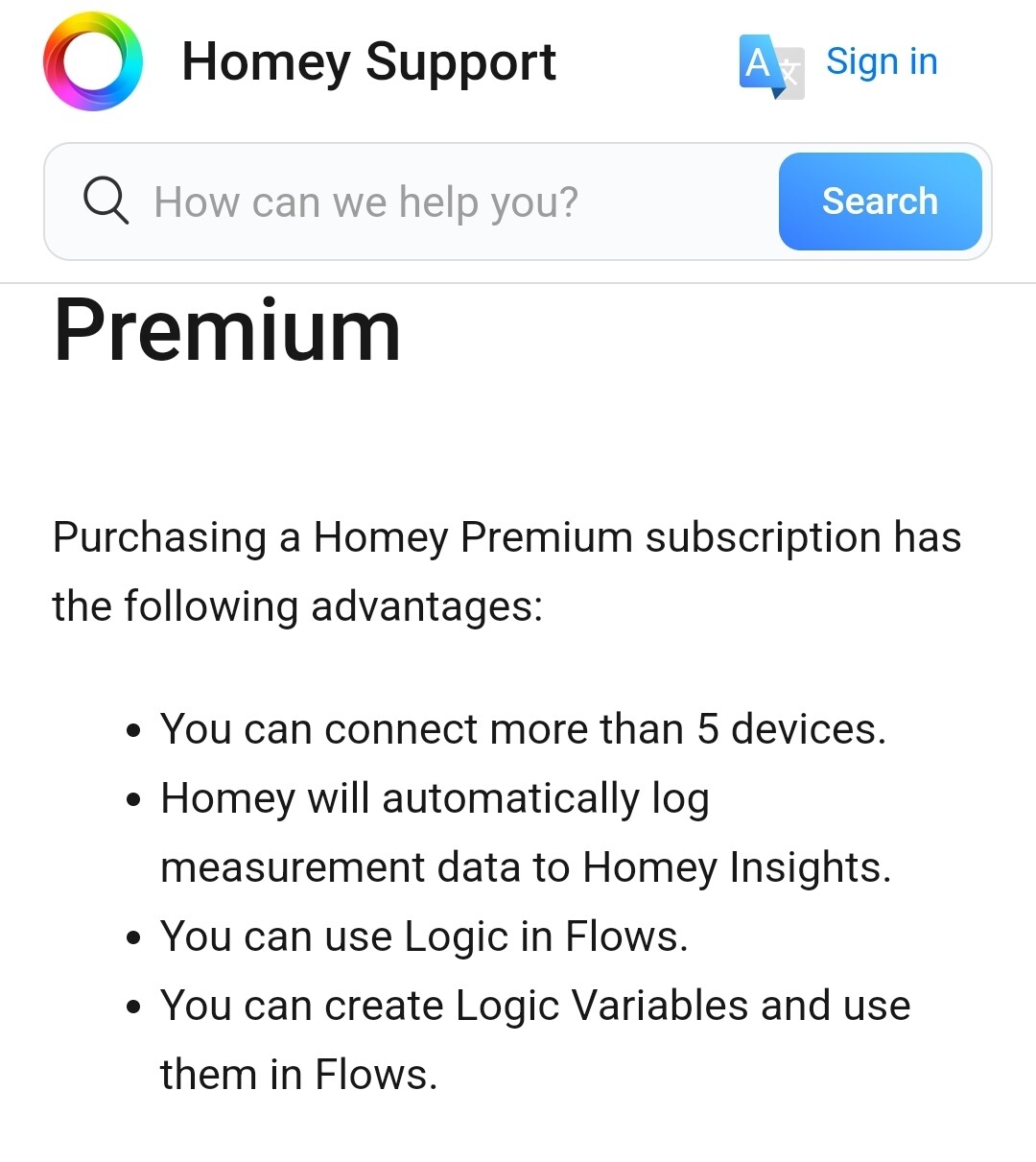
Sorry if I’m asking new questions here but I can’t seem to figure out the answers after looking through the forum. Please also note I’m still using the free version of Homey - if I need to to upgrade to Homey premium, let me know and I’ll do that to see how things work.
Nice, thank you. After a couple of hours, now one of my waves is working and reported the lock as being locked. I also noticed Schlage was reporting a lock status change hours after the fact so I’m chalking this to a Schlage internal issue.
I was considering buying a pro but I wanted to make sure things worked as expected before experimenting further.
Are you using just the Homey smartphone app without any Homey hardware? Or do you use the Homey Bridge?
And what kind of Schlage lock do you use? WiFi (via cloud) or Z-Wave (just possible with Homey Bridge or Pro)?
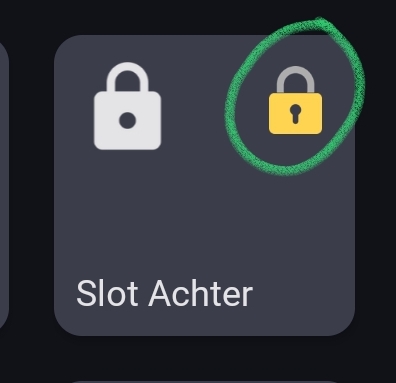
I am using the Schlage App, and noticed I don’t have the little lock symbol. I reached out to Schlage about the app and they said it should. They said to make sure it is included as a lock. Where would I find this? I see the option for battery status, alarm status, but not the lock status. I can click in and see it. Any thoughts on what I might be doing wrong?
I don’t know Schlage devices, but if it’s a kind of smart lock the class should set to Lock automatically.
Which model is it exactly? Do you have a product link?
In the Settings screen, there’s an Advanced settings tab, but:
not all devices have the advanced settings available by default. Maybe this lock device just hasn’t got those.
I don’t know if it’s needed to change the settings of a device, but are you registered as Owner of your Homey? Maybe it doesn’t work as Resident and Guest, but I didn’t checked it myself.
If you are registered as the Owner, then I would suggest the following:
Delete the lock and add it again, maybe something went wrong when it was added
If it’s still not possible after that, then I recommend you to contact Schlage
Schlage support is pointing to Homey as the issue. I will try and delete and reinstall, I belive the locks also allow you to connect via Bluetooth maybe that might help.
If the problem is not due to an issue when adding the lock, then it’s definitely an app problem.
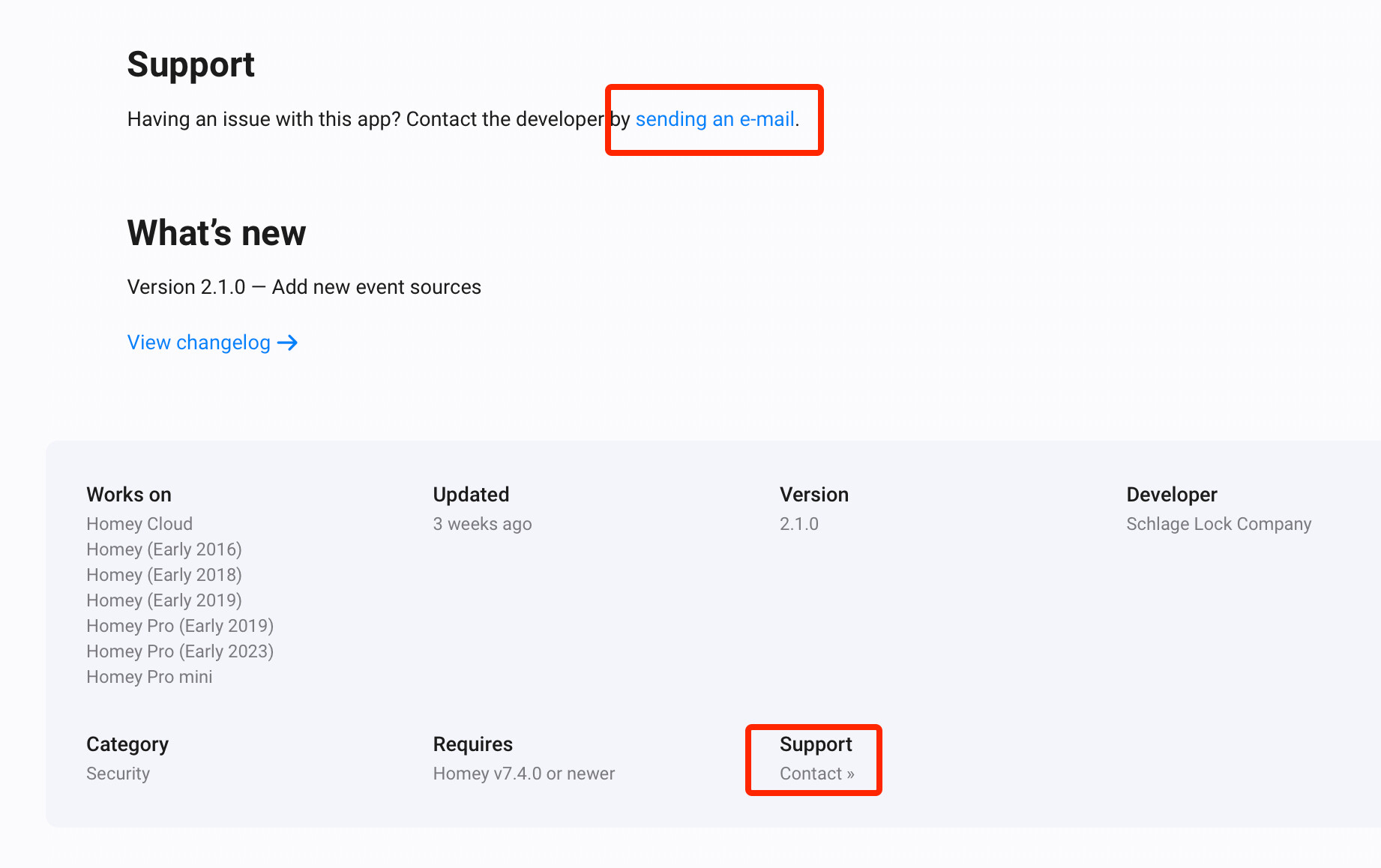
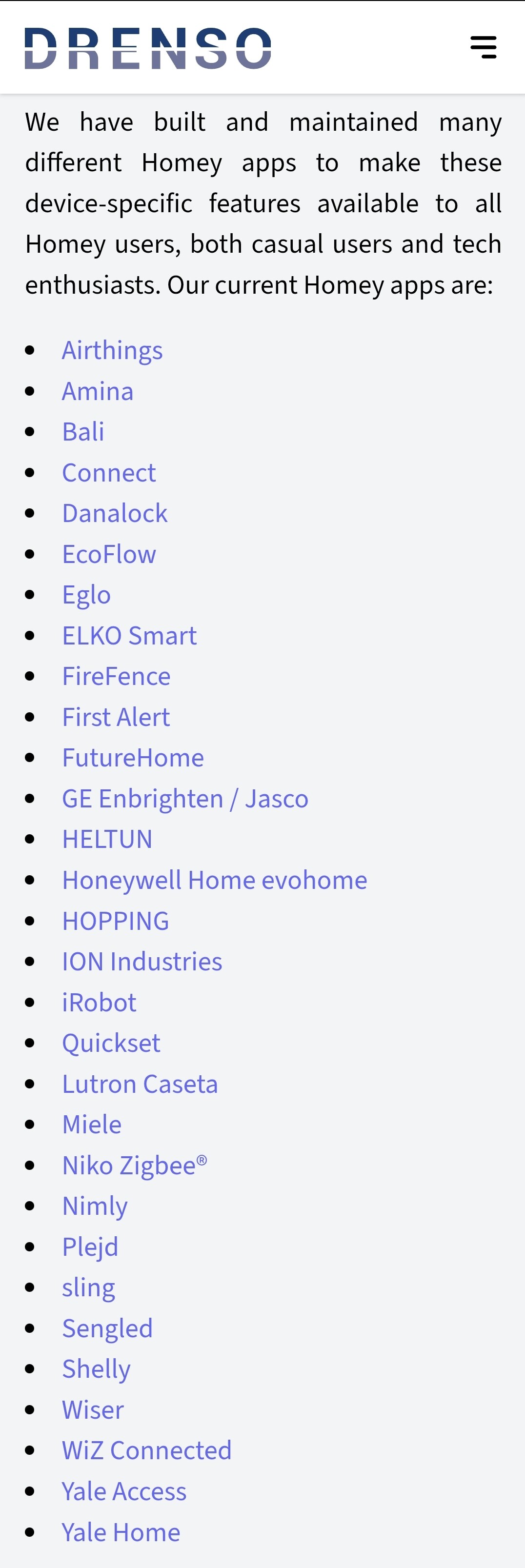
But I checked the support contact for the Schlage App in the App Store. It looks like Schlage didn’t program the app itself, but an external service provider called Drenso.
If you contacted Schlage’s support last time, then they actually have nothing to do with it. Please use the contact which is linked in the App Store:
I have been in contact with Janso at Drenso and he says that the lock has the ability to display correctly, but the Homey Pro is the one creating the issue. Hoping that Homey might be able to help on this one.
Newer to the Homey world, but hoping they can resolve this one for me.


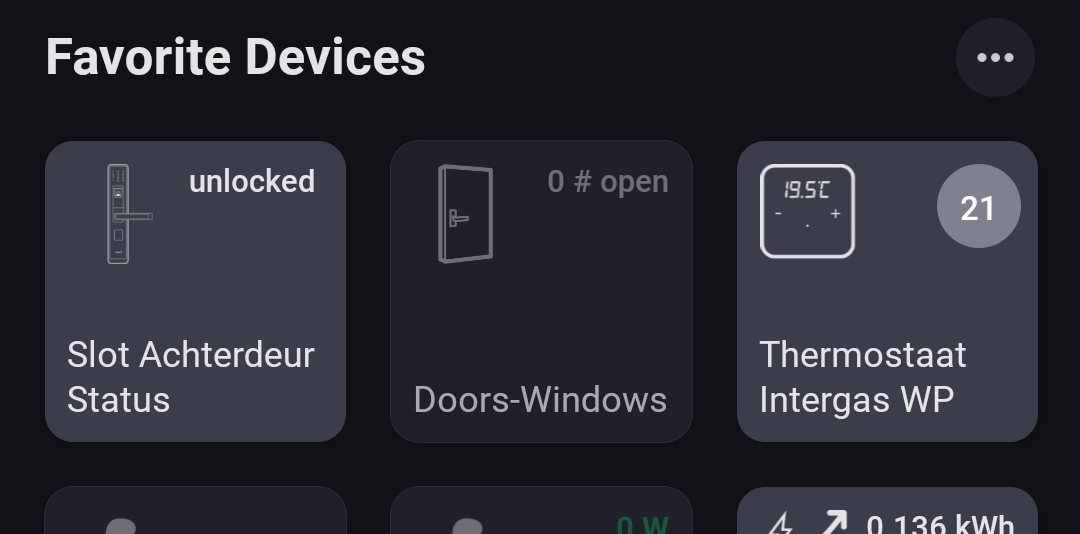

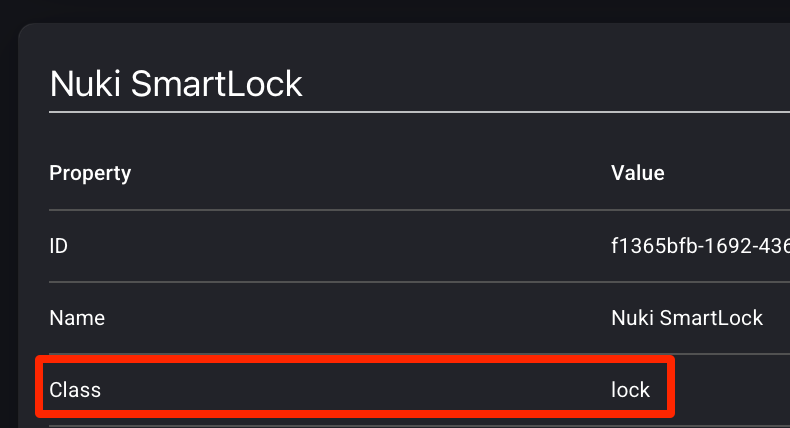
 → advanced settings?