Hello,
I tried to restore a cloud backup to my Homey Pro Mini 2025, but it wasn’t possible.
From what I understood, when I reset the system during the new setup, there should be an option to restore from a backup. However, this option never appears.
Can anyone help me?
What type of backup are you trying to restore? (it’s not possible to restore from an Homey Pro to a Homey Pro Mini for instance, see this related topic).
Might be obvious, but it most probably only will show when a Pro Mini backup is available.
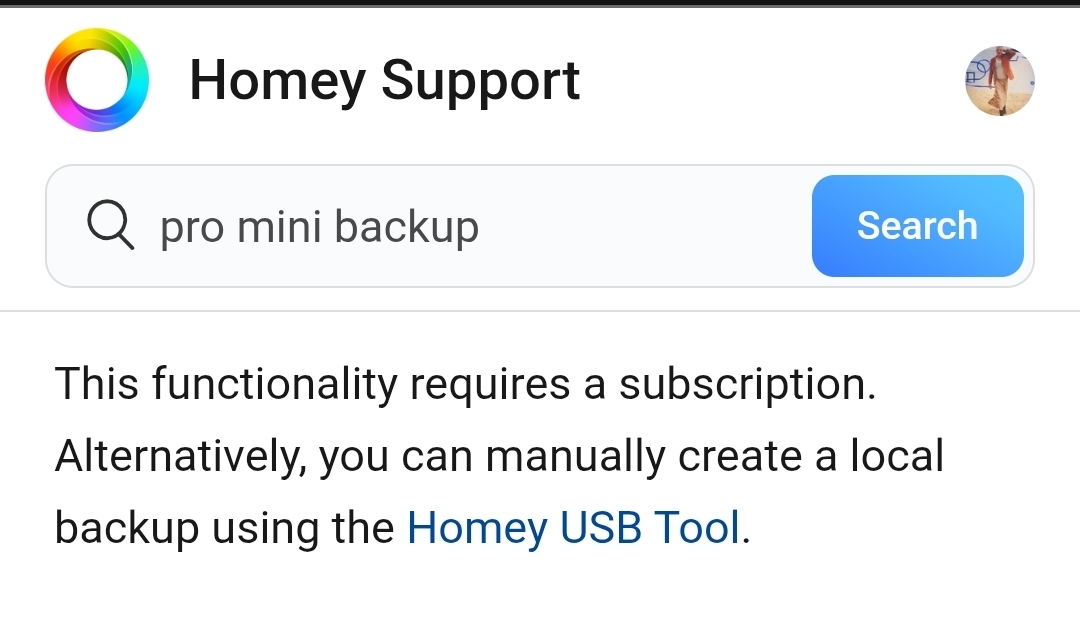
You’ll have to purchase a monthly or yearly subscription to activate the cloud backup service.
https://support.homey.app/hc/en-us/articles/22494110401820-Backing-up-Homey-Pro-mini
restore my last backup for the same homey pro mini, i had some bugs, and tried to reset and restore with cloud backup
I had purchased the yearly subscription, the backups i can see in my account as bellow, but during the configuration the option to use my backups never appear…
Thanks for confirming.
This should be the procedure:
Note: You are aware of the local backup possibility?
Advantage: it creates an exact copy of your system. This makes it possible to revert to older firmwares. This is not possible with cloud backups
USB Tool:
https://support.homey.app/hc/en-us/articles/20742017723292
Thank you!
I discovered this local option after doing a factory reset and researching ways to use the cloud backup. Since I couldn’t get it to work, I ended up spending three days pairing everything again and rebuilding all my automations….jesus 
As it’s described on the website, it’s not possible during the setup process, the restore option never appears, and it only allows you to setup a new home.
So I bought the annual subscription because I didn’t know about the manual backup option, and for now the subscription isn’t really useful to me.
Thank you