Hi Adrian. I have The Connectivity Kit from Somfy. It is pretty new. I can also not connect my Velux awning blinds to the homey Somfy/Tahoma app. Log in does work in the app, but the recognition of devices does not work. Can you help? I have sent you a log already via the Homey Somfy/Tahoma app. Thank you so much for your constant effort and support. Cheers

Hello adrian.
First of all thank you for your precious time.
I have pushed all my roller shutter onto homey via “velux roller shutter” ( this is the only solution at this time…)
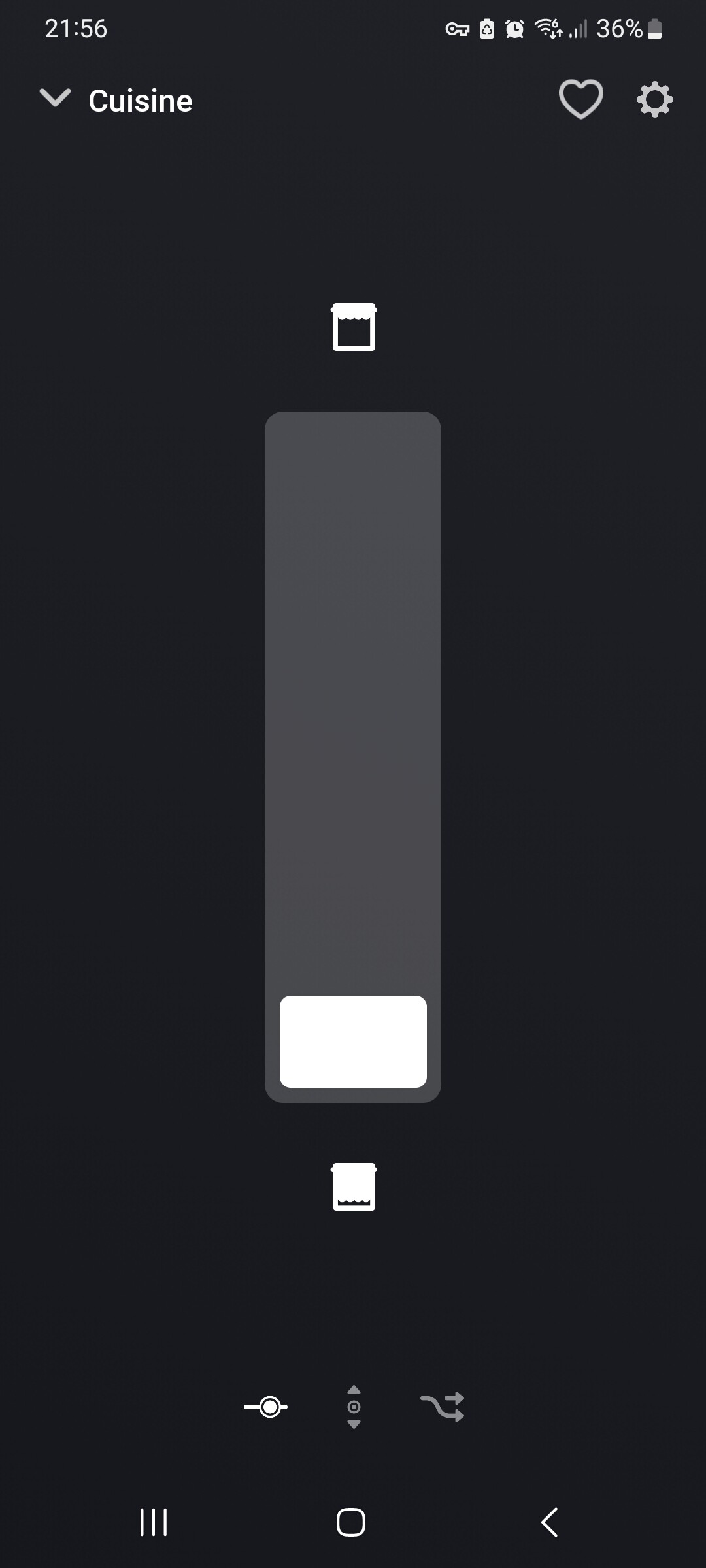
My probleme is that your application reverses the opening and closing of the shutters unlike the official application…or it is just an appreciation of the color of the shutter open or closed…which is very disturbing…
On the official application the roller shutter close a 15% , the percentage of closing beging a the top and in your application it is on the bottom…its very disturbing.

Isn’t there a “reverse up/down” option available in app settings?
Yes but work only for button…not on visual grey/white…or logo open / close
Hmmm, if it works for the buttons, I should expect it to be inverted for the slider (grey/white) and open/close logo as well.
Not sure if it’s a Homey firmware issue, or an app issue.
Hi @Adrian_Rockall, I see the same problems in this thread. I have the login working from your app in the Homey Pro. But when I want to add my screens they never show up when adding a new device. I’ve just send you a device-log (ID -597774689), so hope you can help.
Thanks.
(I have the Somfy Connectivity kit running with all my screens added and working via the Tahoma app on my iPhone)
@Adrian_Rockall, I just found out they are called interior blind in the instead of “Verticale buitenzonwering”. So it is working now.
