New Homey Pro user here - also have a Samsung Q990D soundbar in place. So installed the Samsung SmartThings (Athom B.V.) app and it all seemed to integrate well. Took a couple of tries with the token, but all good.
Built a simple flow for testing - when the Q-Series Soundbar Turned On, then Dim the couch lights and turn on the TV. Another one - when it turns off, turn off the TV and couch lights.
And it worked ! Could turn on the soundbar with the Samsung remote or the Device tile and poof, the TV and lights turned on. Life looked good. But a few days later …
The app seems to have lost 2-way comms with the soundbar. Turning it on/off with the remote works fine, but the flows don’t trigger, and the soundbar Device doesn’t change state. If I use the Device tile to turn it on/off, then the flows run fine. So, it can send commands just fine, but can’t seem to track the state.
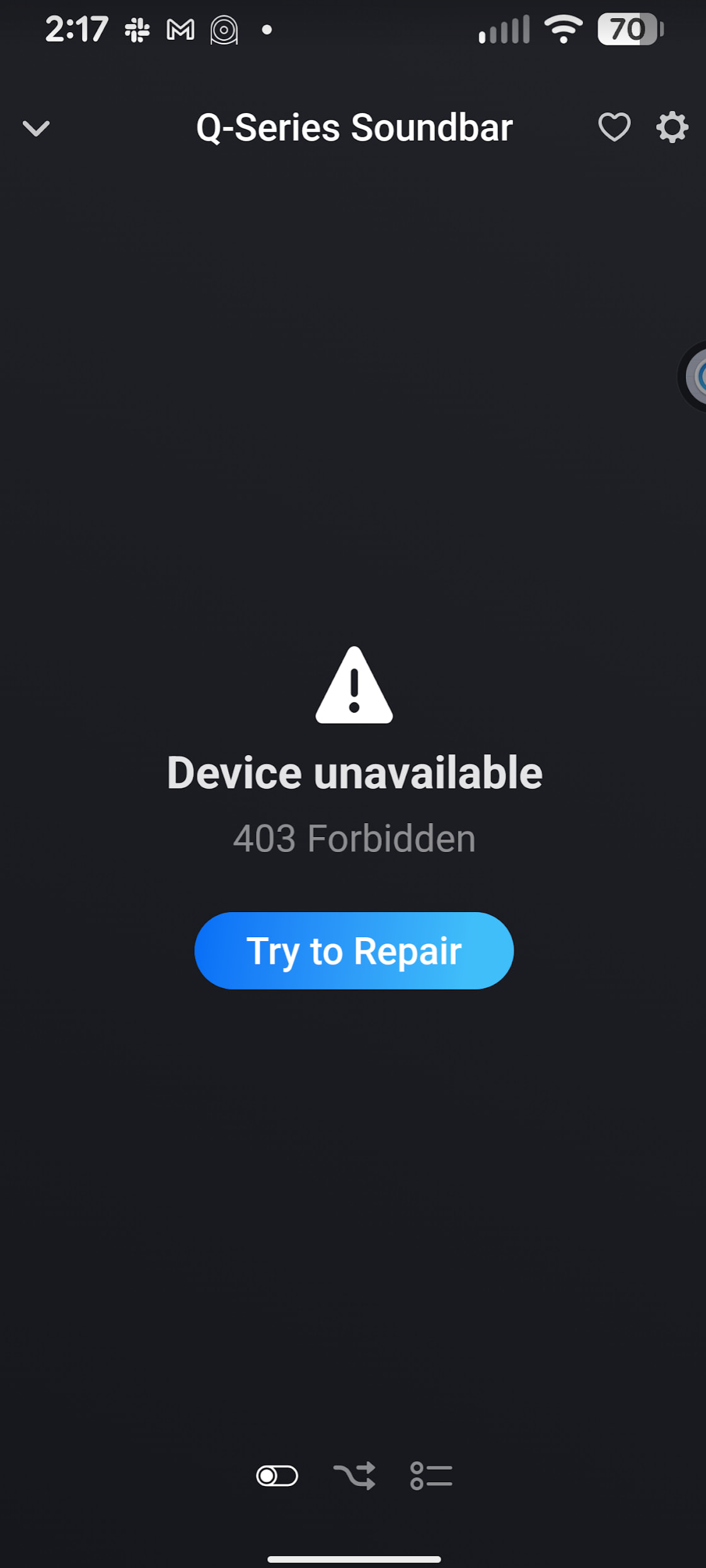
Well dang, now it’s not connected at all and doesn’t want to come back. The soundbar is seen just fine in the Android SmartThings app, but homey don’t like dat … So I try to repair …
Via the my.homey.app webapp is similar. It opens another window to auth, and then do the same select home and authorize. When that closes though it immediately comes back with Forbidden 403 again
Also got the red triangle next to my oven this morning (after updating to Homey 12.9.1). Trying to do anything gave 403 error. Deleted the app and started again from scratch. Everything worked OK but the oven is showing same error as before. Diagnotic report:
954e5a45-3d3d-4315-a367-aaa5f485b9b3
Andy
Edit: I’ve raised the issue with Homey support (as requested on the app page) linking back to this topic.
Another edit: FWIW, my Alexa skill linking to the same device continues to work with no issue.
I have the same issue, my AC unit stopped reporting data overnight, probably after my Homey updated to v.12.9.1.
Unfortunately, I didn’t think of checking the forum to see if other people had issues until after I had re-installed the app, generated a new token etc, but I can at least provide a diagnostic from a fresh state.
Looks like my Homey Pro updated to 12.9.1 yesterday at 6:55am, and Samsung Smarthings app updated to 3.6.2 today at 12:55pm.
The soundbar is back There still doesn’t seem to be two-way comms though - Homey doesn’t know when the soundbar has been turned on/off via the remote. And it used to - for the first few days that worked fine.
I had flows that triggered off the soundbar turning on/off - it would handle the TV, dim lights etc. Those bits don’t work any more. Here’s an example
The flow works fine via the Black Button switch. But using the Samsung remote to power-cycle the soundbar has no response in Homey. The flows don’t trigger, and the soundbar tile in Devices doesn’t change state.
Good evening, is there any news regarding the problem? I have a washing machine, but it hasn’t been sending updates for a while. Everything works, but with a significant delay. If there are 25 minutes left until the end of the cycle, on Homey there are 60 minutes left, and information like “end of cycle” isn’t sent. I have a flow that notifies me at the end of the cycle, but it hasn’t worked for several months now.


 There still doesn’t seem to be two-way comms though - Homey doesn’t know when the soundbar has been turned on/off via the remote. And it used to - for the first few days that worked fine.
