How did you get te bearer token, Peter? @Peter_de_Vos

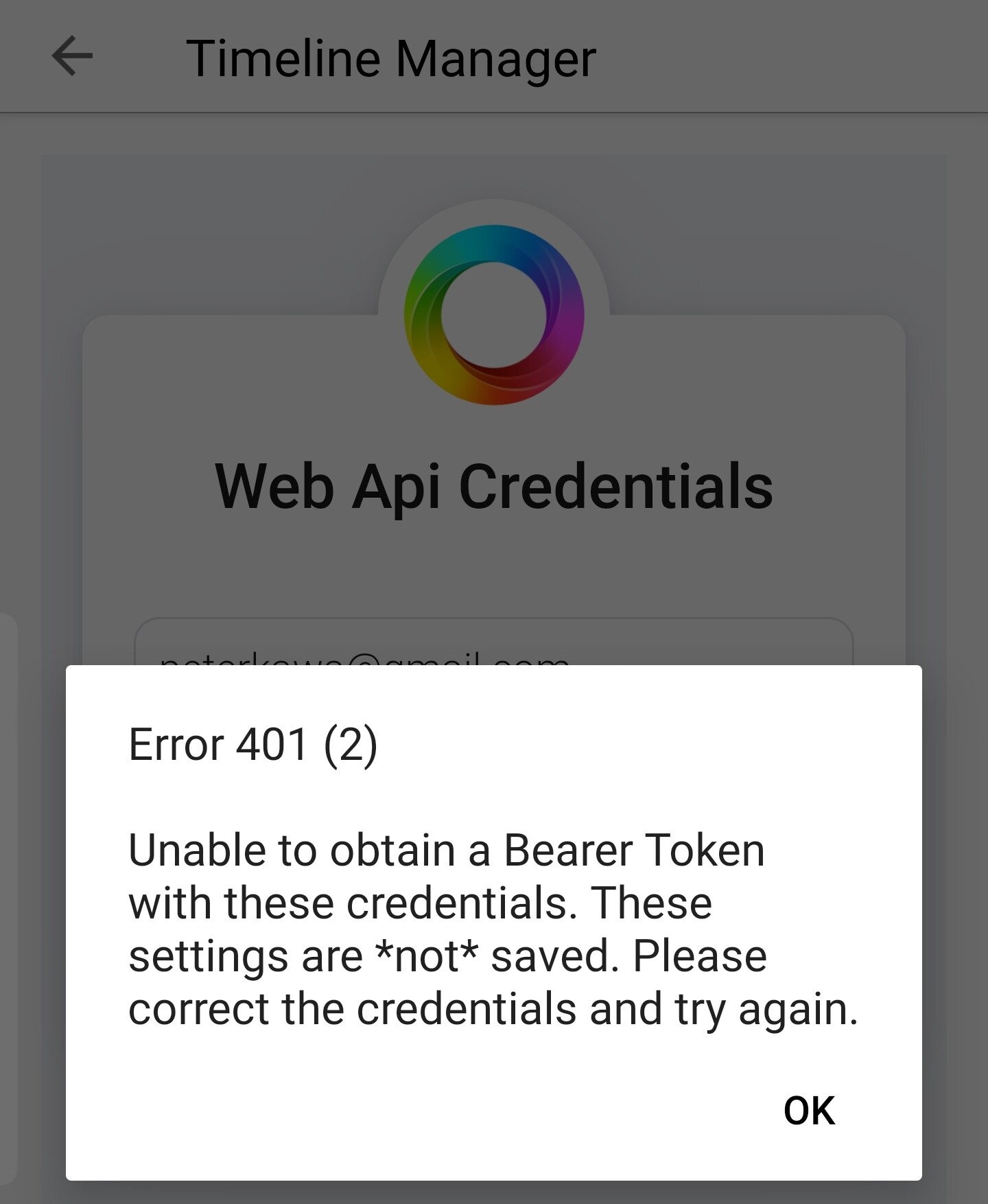
So uneanable it😀
Will do
Weird…
Please restart the app and see if that fixes that problem. Does a ‘self-deleting-flow’ work?
I’ll have a look at it, although I doubt that I can upload a new build… For now you can only disable 2FA I guess
Thanks,
So I disabled 2FA, logged on, got a bearer token and restarted the app.
I made a flow “delete messages older than 1 day”.
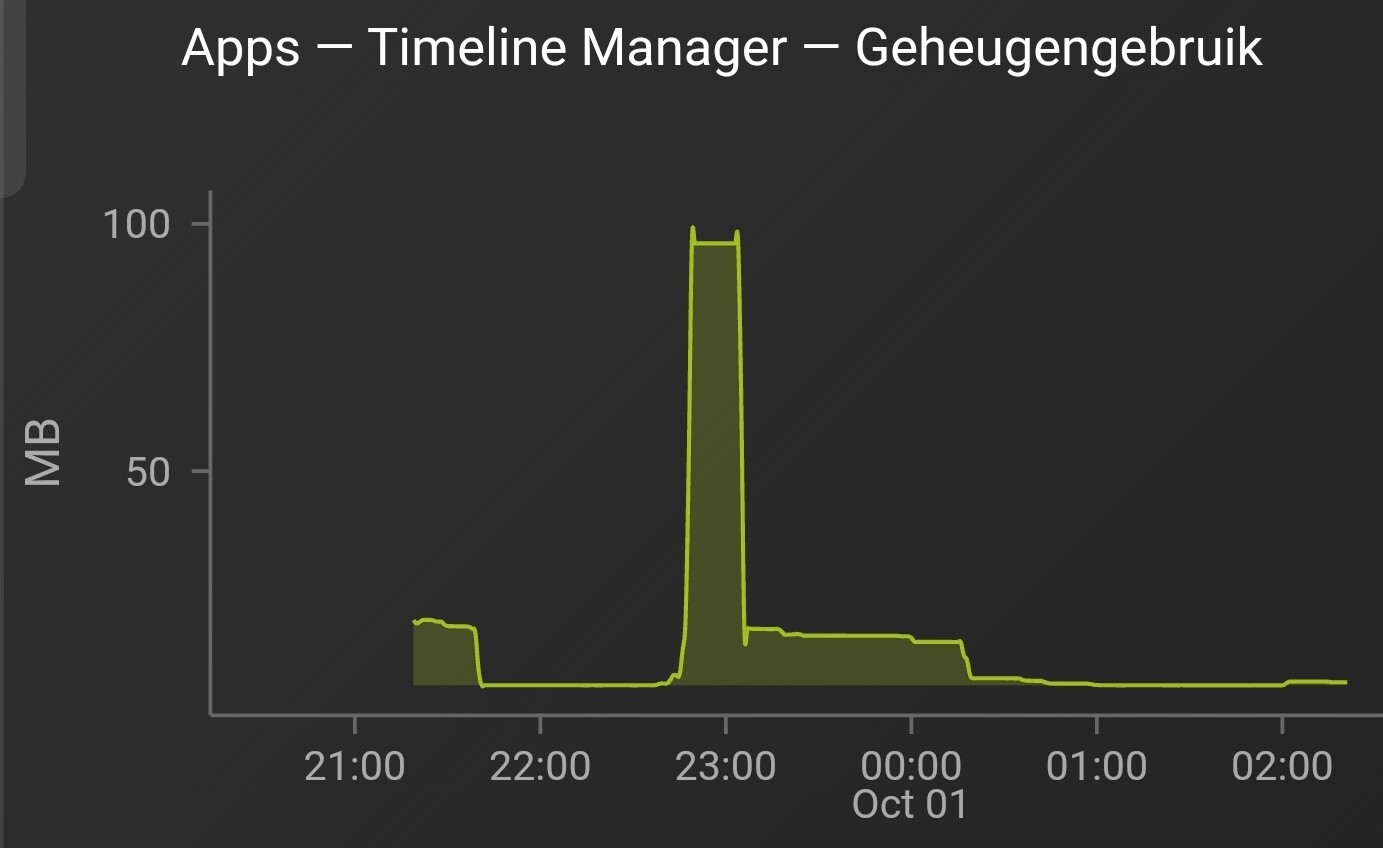
It worked, but Homey got unrespinsive and the Timeline Manager got paused by Homey.
Restarting both Homey app and Timeline app solved it for now.
And I’ve 2FA is enabled again after this.
It works, but the notification won’t dissapear yet (set to 1min, now 5mins have passed)
Category pick works here, but messages don’t disappear.
No hurries!
Cheers
I’m afraid I made a bit of a design flaw… I don’t ‘save’ the token, just hold it in memory. Only the credentials are stored, not the token itself. So every time the app (or Homey) is restarted it needs to obtain a new token, but with 2FA enabled that will fail.
I’ll change that in the next version.
I never experienced Homey becoming unresponsive. I did experience that sometimes the deletion of flows wasn’t shown in the mobile app. After restarting the mobile at they were gone. The webapp does show the deletions immediately; I guess that does a pull, while the mobile app uses a websocket
The flow works
Perhaps I don’t understand the issue, but apps don’t require any credentials to be able to use the Web API. Only the correct permission (in app.json).
Hi,
I’m using the REST Api because otherwise I don’t seem to have the right persmission to do certain stuff. My app.json includes the homey:manager:api permission, but I can’t get it to work, but maybe I’m missing something, the documentation isn’t what one hoped for.
this.homey.api.get(‘http://127.0.0.1/api/manager/notifications/owner’)
gives me an “missing_permission” error, while
  	var response = await fetch('https://' + cloudId + '.connect.athom.com/api/manager/notifications/owner', {
  		method: 'GET',
  		headers: { 'Authorization': 'Bearer ' + bearerToken }
  	})
gives me a a nice list. But that way I need the Bearer Token, and for that it needs the credentials.
If you know of a way to do it without the REST Api please let me know, that would make things much easier.
Apologies, it looks like Athom has decided that SDKv3 apps aren’t allowed to use the Web API “natively” anymore, which is still allowed for SDKv2 apps (like HomeyKit).
This is the code I’m using (in SDKv2):
const { HomeyAPI } = require('athom-api');
…
const api = await HomeyAPI.forCurrentUser();
Thanks. That’s too bad then!
After having a quick look I doubt that I will be able to get de 2FA working. Peter’s memory problem can undoubtedly be solved/prevented, but without 2FA working a lot of people can’t use it, of need to disable it every once in a while.
Talking on Slack to the Athom devs, they seem to suggest that it should still work. I’ll let you know if we can solve the issue.
Thanks, I can really appreciate it!
I got the Web API working again from an SDKv3 app, but sadly, notifications are off-limits using it 
Wouldn’t it be possible to make the app available in the Community Store?
Hi Uwe,
That is of course a possibility, but as I am using API keys that can only be used for development purposes it doesn’t feel right.
I’ll wait for Athom to reply on my request for my own API keys. If they deny that request I might reconsider though. 
In the meantime I’ll look at the issues from both Peters.
