How to retrieve the answer and put it in a TEXT tag?
For number or boolean type answers, I had success using the “Convert” functions, but to convert to text, the input variable must be Number or Boolean.

Yes, but we can’t do anything with this text tag, if we haven’t stored it in a TEXT variable.

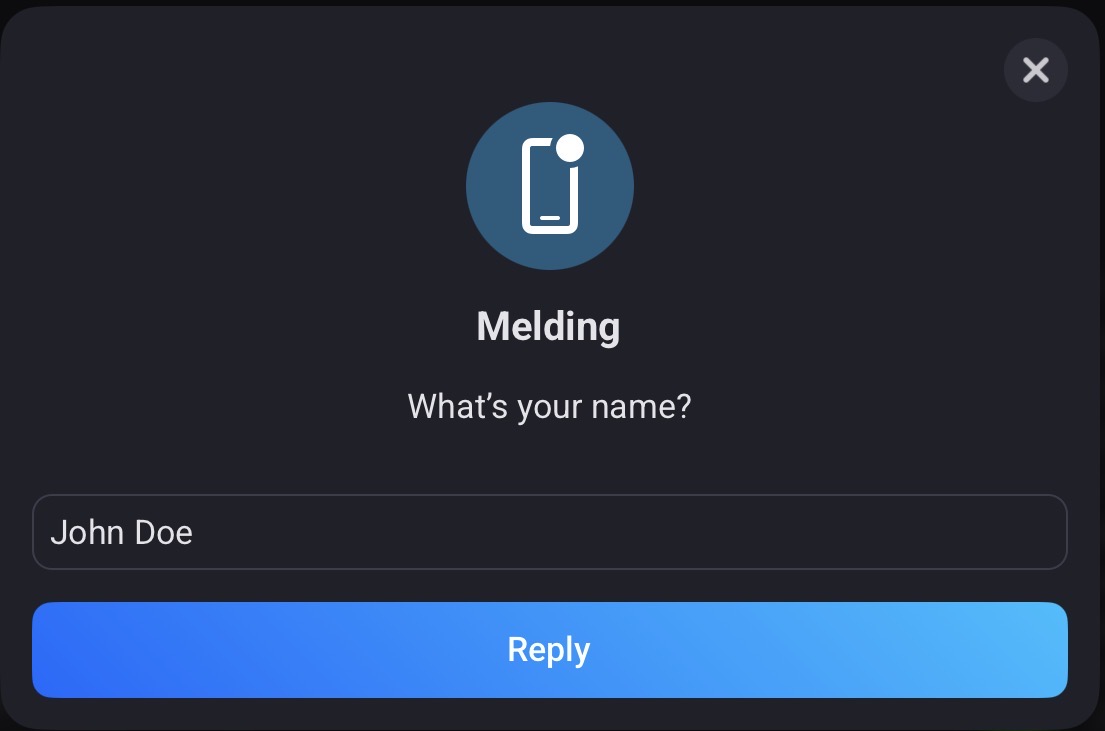

I could really use this card, but I can’t find it. Is it not available on a pro 2019?

If you click the ‘Bonjour tout le monde’ (Hallo wereld) field in the timeline card, you’ll find a tag icon at the end of the input field.

Click that icon and you get a list of all available tags and variables. The top one should contain the tags that are generated by flowcards in this flow. The ‘Reply’ tag is in that part of the list

Based on the change log for the Homey Pro 2023+ models and prior Homey Pro models, it seems this card is unfortunately only available for the former group of homeys.
For the pro 2016-2019 you can use the Telegram app way, Wim!
ok thanks it works
I want to ask a question and reply with a time (e.g. 14:00) and then start a flow when it is 1400. It looks like the Ask a question Flow card still doesn’t help with this.
Is there any word on whether this function will also come to the homey pro 2019 edition.
currently I use the telegram workaround Peter_kawa mentioned above, but I would very much like to switch to the homey feature
I guessume not, Jasper. But send your requests to support I’d say.
Fully agree, the possibility to enter a start time should be a basic functionality.
“Mr. Workaround” says:
This is (for now) possible with use of the Timey app.
This is a simple[1] example

The Question card can look like this:
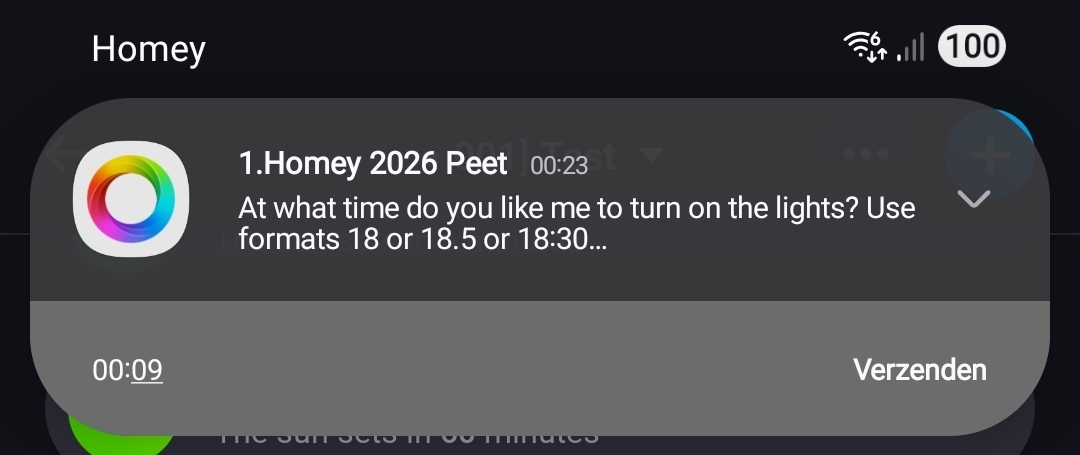
¹) with simple I mean, there can be many conditions we can think of, which should prevent the “listening” flow from executing (certain) action cards
Footnotes ↩︎
Thanks Peter. I wasn’t aware of Timey.
Is there “user” tag available when someone uses the Homey mobile app? Each person has a Homey account and is logged into the app with their account.
For example, when someone (in the Homey mobile app), turns on a light does Homey know who that is?
I want to know “who” executed something in Homey, so I know who to send the Ask a Question card to?
The second part of the effort will be to get Alexa voice profiles setup so that when someone tells Alexa to do something, that username can be passed to Homey.
The only cases I know of:
- When a user manually controls a device (so not via a flow), the device log indicates which user performed that action. E.g. switch on/off a light. This tab in the device contains the log:
- The Device Capabilities app has a flowcard that allows you to monitor the state of a specific device capability (like an on/off switch) and trigger a flow in which one of the available tags is the user that has changed that capability:


Perhaps HomeyScript offers more options, but I have no personal experience with HomeyScript. And that would not be as user friendly as using a built-in flowcard/tag.
