Hi all
New to homey and trying to figure things out. One thing is push notifications. Says I have to activate permission on the phone, which seems
Normal. Went the app settings on IPhone but don’t have the notification menu in the app so can’t activate. Anyone else had this problem?
The Homey cloud services are currently offline, maybe that’s the issue with notifications? AFAIK the Homey app uses FCM (Firebase Cloud Messaging) on Android and APN (Apple Push notification service) on iOS. This means that a cloud connection is required for notifications.
I will check again later then but already was looking yesterday. Also would surprise this has an effect on the app settings in IOS itself.
it is here that I’m trying to activate them: basically trying to give permission in iPhone that it is allowed to give notifications.
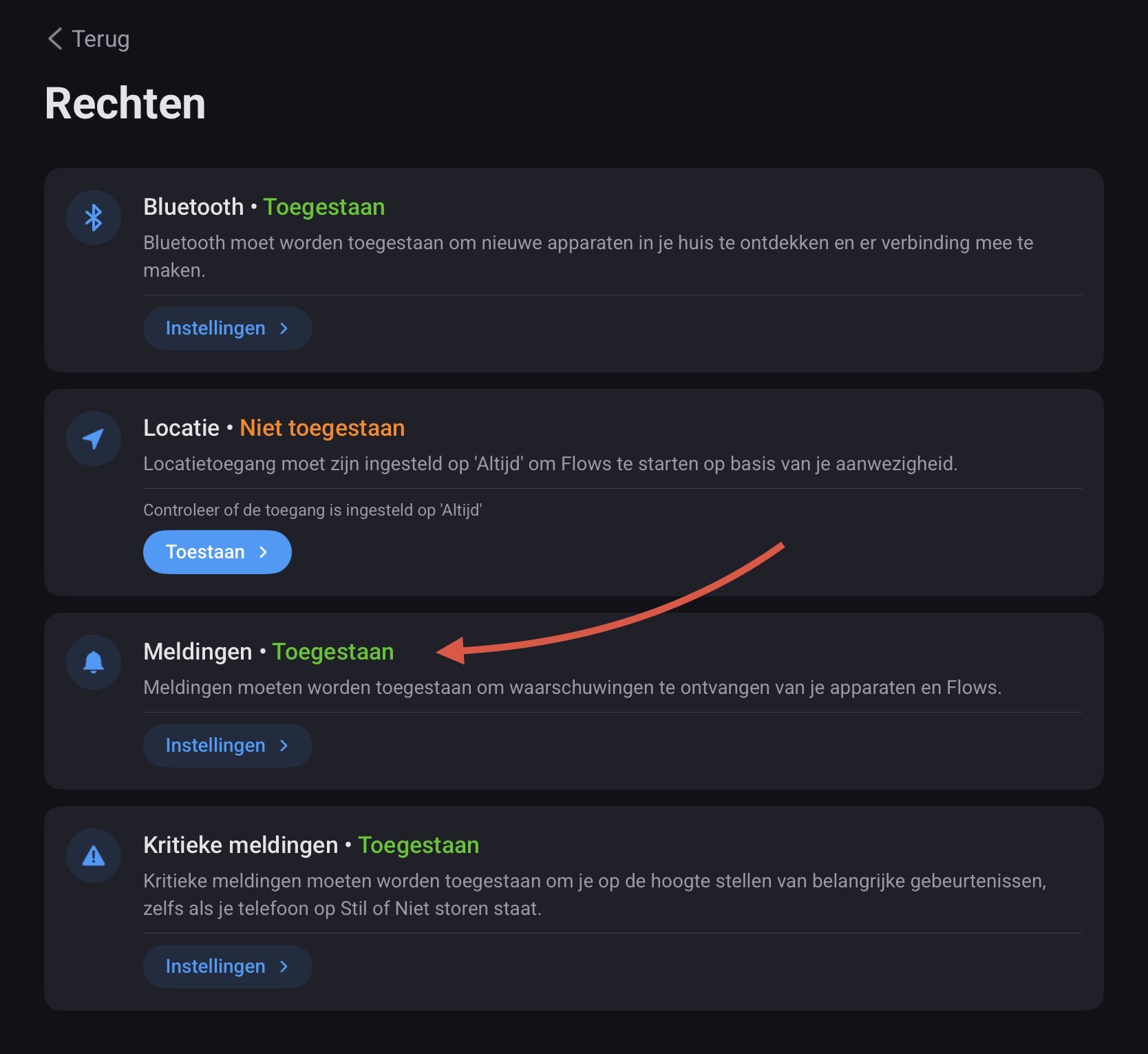
In the Homey app, you can go to More→Permissions to enable the notification permission. It should then show the permission request
This might also be of help:
The solution discussed in this topic helped me solve three issues that are apparently related:
No flows showing up in the iPhone’s Shortcuts app (while available on iPad)
No flows showing up on Apple Watch / message telling me to log in to Homey
Not receiving notifications on iPhone / notifications section not available in the Homey section of the iPhone’s Settings app
Solution:
Open the Homey app on iPhone
Tap the … section tab in the bottom righthand corner
In the next screen tap …
Tried it don’t get the question
Your screenshot isn’t showing the “notifications” section which should be between “search” and “background app refresh”.
Go to “Settings” → “Notifications” → scroll down to “Homey” and click on it–> I believe in your case the slider “allow notifications” is switched off.
In the Homey mobile app, if you go to: … (more) > Permissions (‘Rechten’ in Dutch), do you have the option to enable notifications?
This was indeed not activated let’s hope this works