Alvast Bedankt voor de feedback de tool is officieel nog in beta. Feedback houdt ik bij vis GitHub maar daar komen veel van je punten ook terug. Ik ben niet actief op deze community tis dat ik mails krijg haha. Ik ben actief binnen onze eigen discord.
If you could please keep the conversation in English as much as possible, then more people will be able to participate and help you. If you would rather not or can’t communicate in English then please check out Non-English boards/categories:
I’m a big fan of these dashboards. There is a gallery on the website. Now I see a number of things that I also want in my own dashboard, but where can I find an explanation of how to set that up? For example, I want to add a graph of electricity prices and the map with the distance to home. Where can I find manuals?
Hi, I’m new here.
I have been looking for a good dashboard for homey for a long time.
I really like HDashboard, but I still miss some features and things. Maybe I just can’t do something
I would like to launch some external applications (e.g. Harmony, Spotify …) using a tile in the dashboard (like as spotify://app/browse)
Would it be possible for the icon selection (tile style for devices) to be set in the same way as for dashboards and flows (see image from HDashboards and image from my old dash Sharptools)
can square tiles be set and not rounded corners?
Is it possible to set an image as the background of the dashboard?
Sorry for so many questions, some of them may be unnecessary, some may help further development.
I’m happy to help test everything on Apple, Android and Windows
This project looks very good and I believe it will continue to improve. So far, he’s doing very well.
The launch external applications tile is a fun idea. I would suggest however making it an open URL card. As app url’s should be supported by your OS. This is a nice suggestion that could be added to Github.
I don’t get your question about the icons, sorry.
Currently indeed all corners are rounded, I’m currently not planning on making the corners configurable. We’re trying to reach to a premium product and as i am trying and willing to support themeing we will have limitations to make sure that the performance is good and it feels like a high-end product.
Image as background is a open feature, it’s coming but compared to the other questions it’s not main priority right now! but it’s coming for sure.
Icons might be able to get colored with the companion app in the future. Right now you can change background colors of cards and forground is coming soon aswell.
RSS feed could indeed be something that we implement, when enough people seem to want it.
Same goes for calendar, Right now it already works with the icalendar app for Homey. But better integration is not out of the picture. When I will release more types of cards.
I am looking forward to this feature, I miss the feature in HDasboards. I look forward to testing it.
I thought that the device icon could be in the middle of the tile, as it is with the flows and dashboards tiles as shown in the picture. To make the right icon look the same as the two on the left
To make the right icon look the same as the two on the left.
It would be nice if the device tile style
could be configured like this
or this
So that only the icon in the middle can be selected for the device and not the small icon in the corner.
I think that the tile would look much more effective and clearer.
Sorry, I already discovered this app in Homey.
Thank you very much for your reply and I look forward to further development of HDashboards.
Thanks for the quick reply and good luck with tuning the dashboard.
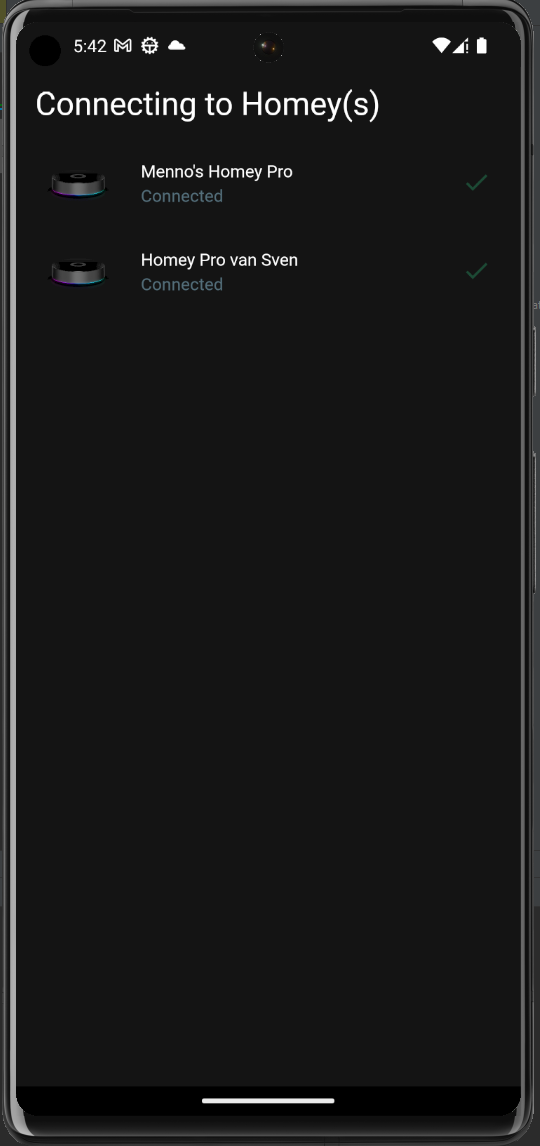
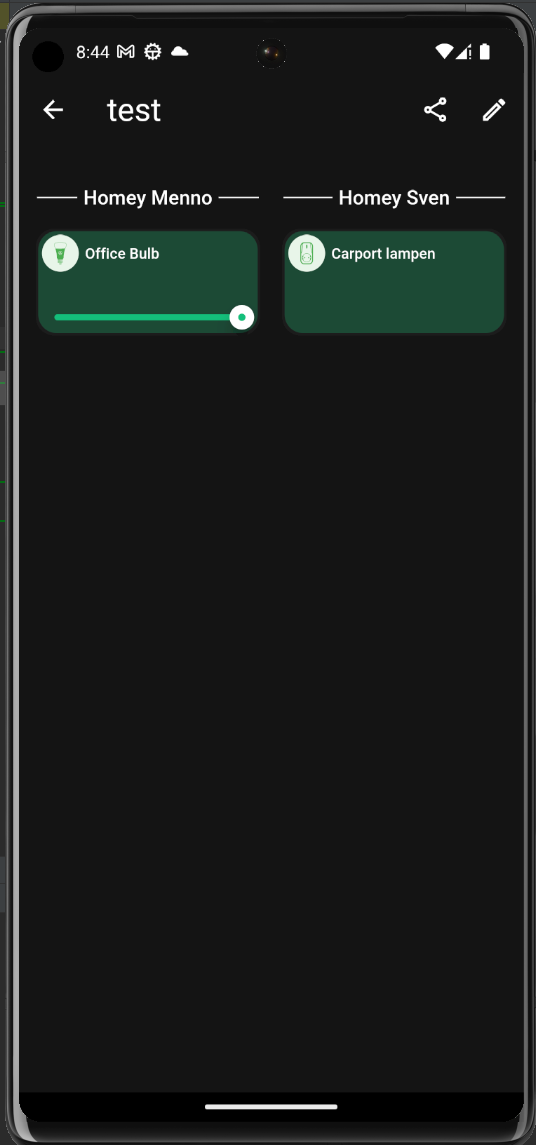
I’m pretty pleased to share the BIGGEST feaure yet.
This new update is gonna allow cross homey dashboards.
Multiple homeys → connected to one dashboard.

 but I still miss some features and things. Maybe I just can’t do something