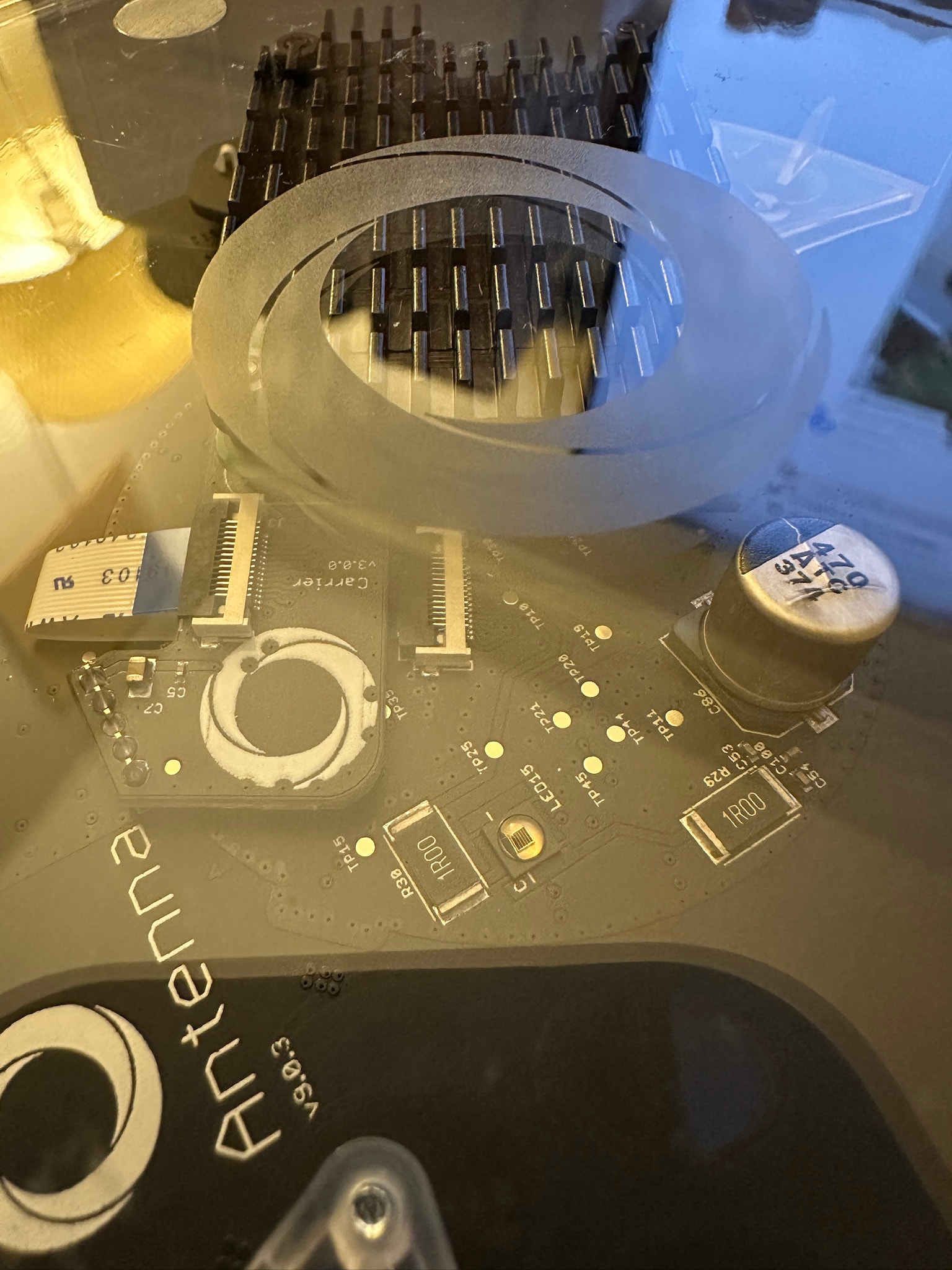
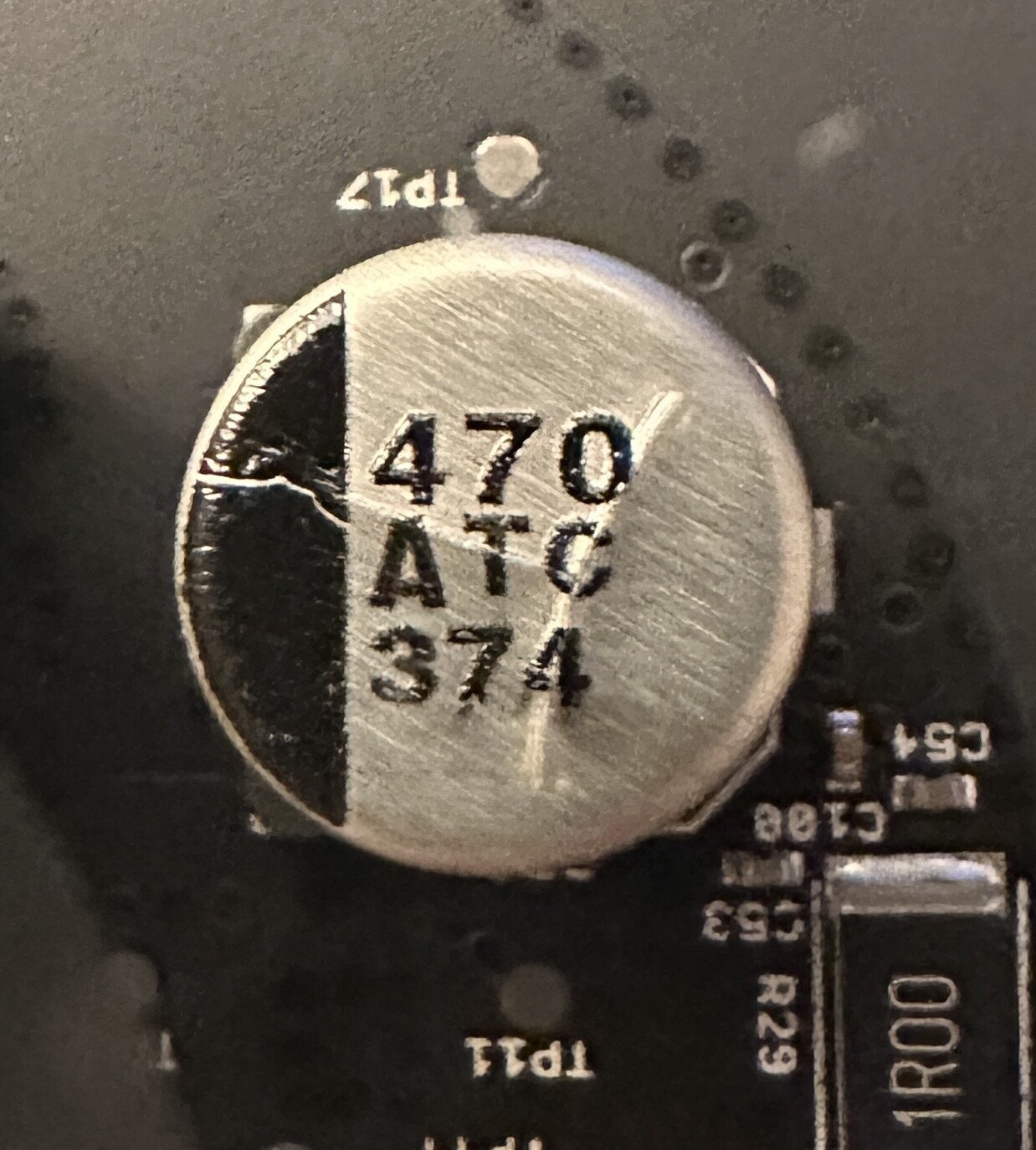
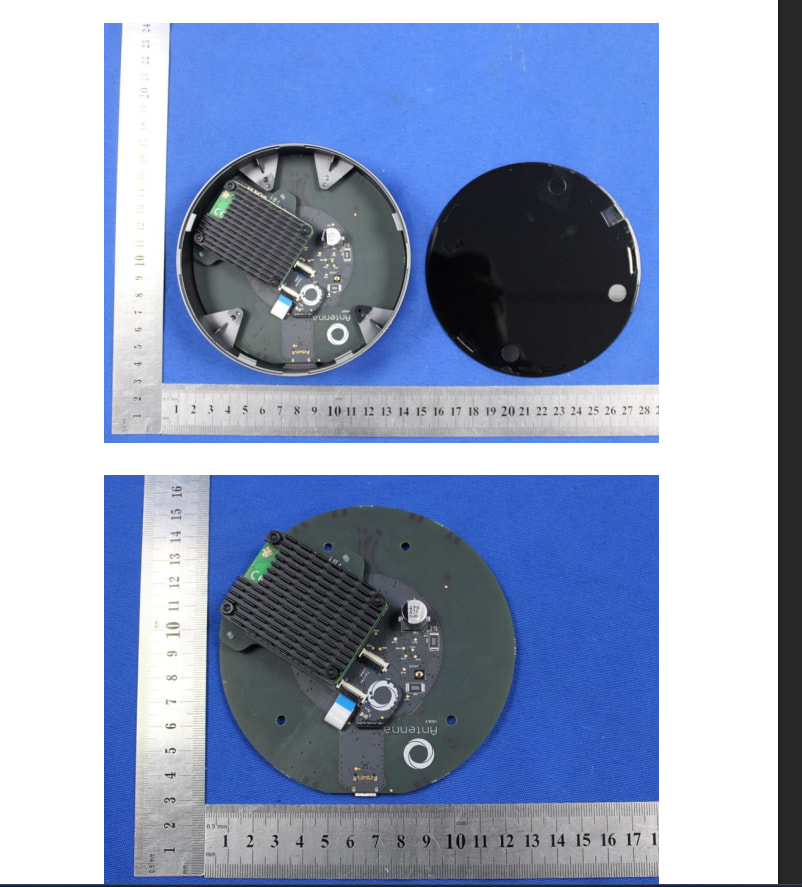
That looks like a data matrix, not the QR code that leads to the website. Also, if it’s on the CM4, then surely the link must be at least somewhere on Google.
But if you search around for photos of the CM4, you’ll find lots of different RAM chips, so it could be that one vendor is using proper QR codes on their chips.
A few people (myself included), has already upgraded to a CM4 with more RAM and storage (most of us probably got the CM4 with 8 GB RAM and 32 GB flash), but the Homey software doesn’t seem to actually use it. It limits itself to what the original hardware had.
Will there be any way of making our upgraded 2023-models behave as 2026 models, given that they already have the RAM and the flash to support it?
With the RAM as well? Or only the storage? I think the firmware is shipped as an 8GB disk image, so after installing it you would have to adjust the partitions and resize your filesystems to make use of the full 32GB.
Haha, that would be nice, since I got mine on October 31, just too late for the 1 month return period of the seller .
That said…
I have been moving more and more devices to the HA Green with separate chips/antennas for Zigbee/Thread. Trying to do Zigbee and Thread on the same Homey Pro 2023 has been a disaster (takes 10-20 tries to pair some Thread devices and they sometimes disappear the next day). So, I’m instead exposing everything with the zigbee2mqtt and HA community apps, so that family can use the friendly Homey interface.
The storage was repartitioned, so it is all available, but in my case it uses only 1.8 GB of it. I might be wrong, and it would actually be able to use more if need be. For RAM, it seems to use a bit more than 2 GB, so it is possible that it can actually use all of it if need be. Here’s a Sysinternal screenshot from mine:
One thing that could surely have been improved is the Insights DB. Resolution is really bad once you go back in time, and with this much flash, it would have been nice if it could auto-adjust so that it didn’t kill Insights resolution so quickly.
Given that Sysinternals can “see” the full 32GB, it sounds like perhaps the wrong partition is being resized. The one that holds all user data (apps, app data, databases like Insights, etc) is /user, and by default it’s 2.7GB large:
/dev/mmcblk0p9 2.7G 1.8G 709M 73% /user
That’s the one that needs to be resized when you install a different CM.
It should be correct, I think. Wouldn’t Sysinternals (and Homey’s own menu) show the space on the user partition? And it doesn’t see the full 32 GB, it sees only around 23 GB.


 .
.