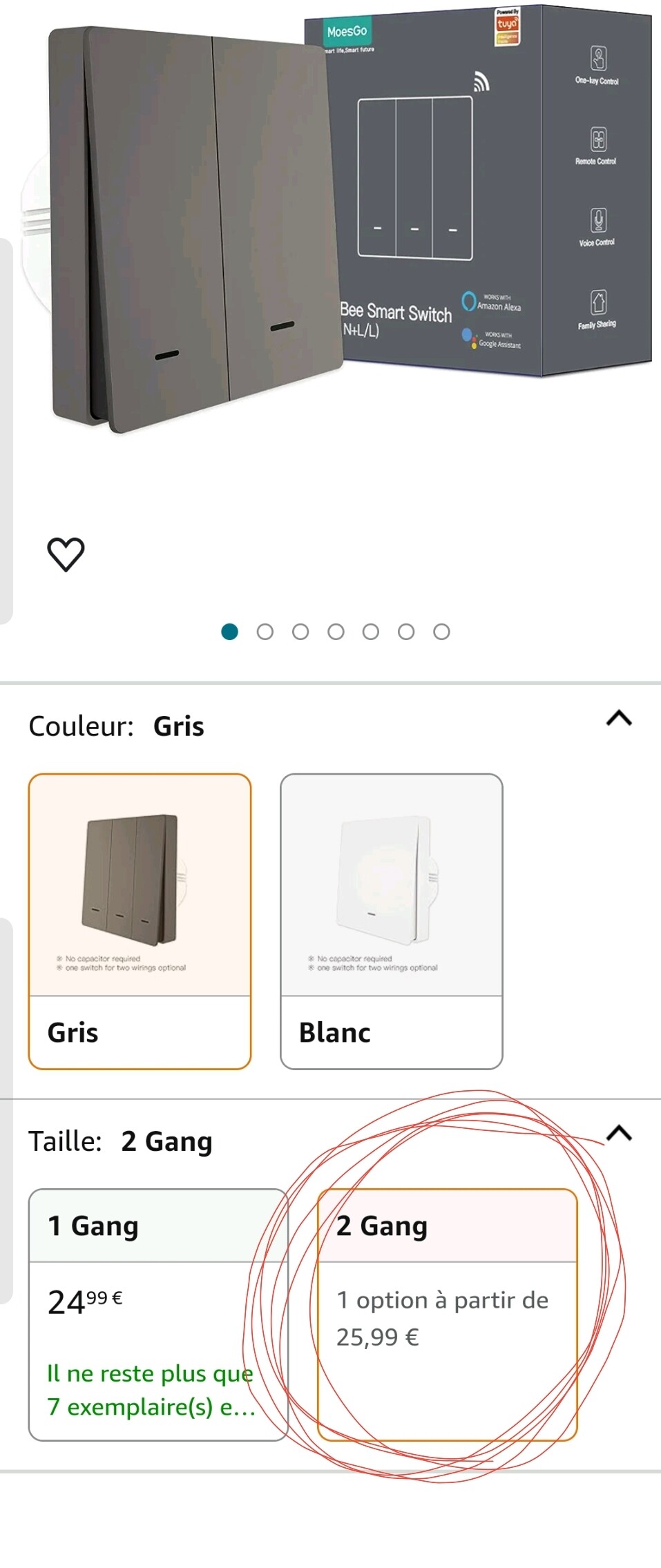
Hmmmm… not quite, it’s a series of 2 models, with 1-gang, or 2-gang functionality.
You have to really select the 2-gang model, when you want to use it 2 ways
The 1-gang model can only switch one device.
I know it’s been a while, but if you didn’t find any solution please see below my experience, hope it helps:
In a 2way circuit, I’ve replaced the switch that had the connection from both the bulb and the 2nd switch with a Moes 1 gang smart switch, but only using live(L) and L1. After that, the switch lights on/off the bulb only if the other switch is on. My logic was: can I also replace the 2nd switch with a Moes 1 gang smart switch and set it to operate the 1st switch through the multi control association option? Would that setup work to turn on/off the light from any of the switches acting this way like a 2 way circuit?
The proposed setup will work and is exactly how MOES smart switches are designed to replicate a traditional 2-way staircase circuit using multi-control association via the Smart Life or Tuya app.
Your Setup Recap
You’ve already:
Replaced one of the two traditional switches with a MOES smart switch (wired with Live and L1).
Found that it only controls the light if the second switch is in a certain position — because the second switch is still part of the old physical 2-way circuit.
What You Can Do Next
Replace the second switch with another MOES smart switch, and then:
Wire it with just Live and Neutral — no need to connect it to the light.
Add both switches to the Smart Life or Tuya app.
Use the app’s Multi-Control Association feature to link the second switch to the first.
How Multi-Control Association Works
The second switch doesn’t control the light directly.
Instead, it sends a signal to the first switch (which is wired to the light).
Both switches now act like a virtual 2-way pair, allowing control from either location.
Setup Steps (Simplified)
Install both switches and connect them to Wi-Fi.
Open the Smart Life app.
Go to the main switch (the one wired to the light).
Tap the settings icon → Multi-Control Association.
Tap “+” and select the second switch.
Choose the button to associate.
Save and test — both switches should now toggle the light.
You can find the full guide on MOES’s official blog.


 Your Setup Recap
 What You Can Do Next
 How Multi-Control Association Works
 Setup Steps (Simplified)