Nice work! Thanks.
Would be nice if Homey makes this part of there “core” so we get a web end point and can connect it to make.com of n8n.
Nice work! Thanks.
Would be nice if Homey makes this part of there “core” so we get a web end point and can connect it to make.com of n8n.
Hey everyone! 
I’ve built an alternative approach - a Homey App that runs the MCP server directly on the Homey Pro.
Key benefits:
Install as regular Homey app
Direct connection: http://YOUR_HOMEY_IP/api/app/com.homey.mcp-server/mcp
Uses standard Homey Bearer Token auth
Would you like to test this app-based approach?
Currently working great in my setup - just want to gauge interest before finalizing!
Yeah, that would be great!
Yes! Highly interested! 
I’ve published my working Homey Pro App POC on GitHub: https://github.com/verdier/homey-mcp-server
What’s working:
Device control & querying
Zone management
Flow listing & info
Known limitation: Flow triggering currently blocked by API scope restrictions…
It’s a proof of concept that works well in my setup. Feel free to test, adapt to your needs, or contribute improvements!
Question: Anyone know a workaround for the flow triggering limitation? Looks like it’s not possible to trigger a flow from an app…
Feedback appreciated! 
Hi @lucverd
Got the server running inside Homey Pro but the curl test just returns the “Bad Request” error page.
Shouldn´t the API key be configured in the MCP server or ist just sending it in the request sufficient?
Otherwise no idea, what may be wrong…
As explained in the readme, the token must be sent with the HTTP request. It is required to authenticate the request and access the app’s HTTP route. Be sure that your API token has at least the homey.app r/w permission.
I’ll add some logging if the problem persist.
Curl looks like this:
curl -X POST -H “Authorization: Bearer af8ba2dd-......1cdc” -H “Content-Type: application/json” -d ‘{“jsonrpc”:“2.0”,“method”:“initialize”,“id”:1}’ "http://192.168.x.xx/api/app/com.verdier.mcp-server/mcp"
When creating the API token, all boxes were checked.
Hi,
I have this information from curl {“jsonrpc”:“2.0”,“id”:1,“result”:{“protocolVersion”:“2024-11-05”,“capabilities”:{“tools”:{}},“serverInfo”:{“name”:“homey-mcp-server”,“version”:“1.0.0”}}}%
I installed Your app on Homey by CLI method. I have node js. I created API token with all boxes checked. Configured config file of Claude with my IP and TOKEN but whet I try some command Claude saying “I don’t have access to information about your bedroom’s temperature. I can’t connect to smart home devices, thermostats, or sensors in your space.”
When I write http://192.168.18.75/api/app/com.verdier.mcp-server/mcp in my web browser I get - Cannot GET /api/app/com.verdier.mcp-server/mcp
But when I Turn OFF Homey MCP Server I get - {“error”:“App Not Ready”,“error_description”:“App Not Ready”,“stack”:“Error: App Not Ready\n at file:///app/lib/Server.mjs:585:27\n at process.processTicksAndRejections (node:internal/process/task_queues:95:5)”,“statusCode”:503,“statusName”:“HomeyErrorServiceUnavailable”}
EIDT: Now I saw there is error when I turn on Claude
When I write servers and not mcpServers there is no error when starting Claude but it doesn’t recognize my Homey
Any idea what am I doing wrong?
Best regards
I was using my MCP server exclusively with VS Code. Since Claude Desktop does not support HTTP-based servers directly (at this time), you must update your configuration as detailed in the updated project README.
Thx for info,
It is a little better. Claude see server but there is connection error:
-y mcp-remote http://192.168.18.75/api/app/com.verdier.mcp-server/mcp --allow-http --header Authorization:Bearer fa18647f-9a5a-4063-ae59-c45012975014:cd946ae8-aa31-4625-8a96-511eaa2167aa:a11xxxxxxxxx
Server disconnected
LOG:
2025-10-14 12:31:34 [warn] WARN [Statsig] Failed to flush events.
2025-10-14 12:31:42 [error] ERROR [Statsig] A networking error occurred during POST request to https://statsig.anthropic.com/v1/rgstr?k=client-U9UUxwLKFe7SJXyDnolyBR2xZtEP8m1pN2uptqkJ5qP&st=javascript-client-react&sv=3.12.1&t=1760437902890&sid=f86bdd23-d774-46fb-a84. TypeError: Failed to fetch TypeError: Failed to fetch
2025-10-14 12:31:42 [warn] WARN [Statsig] Failed to flush events.
025-10-14T10:28:41.259Z [homey] [info] Initializing server… { metadata: undefined }
2025-10-14T10:28:41.264Z [homey] [info] Using MCP server command: /usr/local/bin/npx with args and path: {
metadata: {
args: [
‘-y’,
‘mcp-remote’,
‘http://192.168.18.75/api/app/com.verdier.mcp-server/mcp’,
‘–allow-http’,
‘–header’,
‘Authorization:Bearer fa18647f-9a5a-4063-ae59-c45012975014:cd946ae8-aa31-4625-8a96-511eaa2167aa:a11exxxxxx’,
[length]: 6
],
paths: [
‘/usr/local/bin’,
‘/usr/bin’,
‘/usr/bin’,
‘/bin’,
‘/usr/sbin’,
‘/sbin’,
[length]: 6
]
}
} %o
2025-10-14T10:28:41.266Z [homey] [info] Server started and connected successfully { metadata: undefined }
2025-10-14T10:28:41.298Z [homey] [info] Message from client: {“method”:“initialize”,“params”:{“protocolVersion”:“2025-06-18”,“capabilities”:{},“clientInfo”:{“name”:“claude-ai”,“version”:“0.1.0”}},“jsonrpc”:“2.0”,“id”:0} { metadata: undefined }
npm error code EEXIST
npm error syscall mkdir
npm error path /Users/lukcinek/.npm/_cacache/content-v2/sha512/ee/fc
npm error errno EEXIST
npm error Invalid response body while trying to fetch https://registry.npmjs.org/strict-url-sanitise: EACCES: permission denied, mkdir ‘/Users/lukcinek/.npm/_cacache/content-v2/sha512/ee/fc’
npm error File exists: /Users/lukcinek/.npm/_cacache/content-v2/sha512/ee/fc
npm error Remove the existing file and try again, or run npm
npm error with --force to overwrite files recklessly.
npm error A complete log of this run can be found in: /Users/lukcinek/.npm/_logs/2025-10-14T10_28_41_534Z-debug-0.log
2025-10-14T10:28:45.177Z [homey] [info] Server transport closed { metadata: undefined }
2025-10-14T10:28:45.178Z [homey] [info] Client transport closed { metadata: undefined }
2025-10-14T10:28:45.178Z [homey] [info] Server transport closed unexpectedly, this is likely due to the process exiting early. If you are developing this MCP server you can add output to stderr (i.e. console.error('...') in JavaScript, print('...', file=sys.stderr) in python) and it will appear in this log. { metadata: undefined }
2025-10-14T10:28:45.178Z [homey] [error] Server disconnected. For troubleshooting guidance, please visit our debugging documentation { metadata: { context: ‘connection’, stack: undefined } }
2025-10-14T10:28:45.179Z [homey] [info] Client transport closed { metadata: undefined }
2025-10-14T10:31:21.776Z [homey] [info] Client transport closed { metadata: undefined }
2025-10-14T10:31:21.776Z [homey] [info] Shutting down server… { metadata: undefined }
2025-10-14T10:31:27.194Z [homey] [info] Initializing server… { metadata: undefined }
2025-10-14T10:31:27.200Z [homey] [info] Using MCP server command: /usr/local/bin/npx with args and path: {
metadata: {
args: [
‘-y’,
‘mcp-remote’,
‘http://192.168.18.75/api/app/com.verdier.mcp-server/mcp’,
‘–allow-http’,
‘–header’,
‘Authorization:Bearer fa18647f-9a5a-4063-ae59-c45012975014:cd946ae8-aa31-4625-8a96-511eaa2167aa:a11e05a84b5ba68c4b7295ed0xxxxxxx’,
[length]: 6
],
paths: [
‘/usr/local/bin’,
‘/usr/bin’,
‘/usr/bin’,
‘/bin’,
‘/usr/sbin’,
‘/sbin’,
[length]: 6
]
}
} %o
2025-10-14T10:31:27.203Z [homey] [info] Server started and connected successfully { metadata: undefined }
2025-10-14T10:31:27.237Z [homey] [info] Message from client: {“method”:“initialize”,“params”:{“protocolVersion”:“2025-06-18”,“capabilities”:{},“clientInfo”:{“name”:“claude-ai”,“version”:“0.1.0”}},“jsonrpc”:“2.0”,“id”:0} { metadata: undefined }
npm error code EEXIST
npm error syscall mkdir
npm error path /Users/lukcinek/.npm/_cacache/content-v2/sha512/ee/fc
npm error errno EEXIST
npm error Invalid response body while trying to fetch https://registry.npmjs.org/strict-url-sanitise: EACCES: permission denied, mkdir ‘/Users/lukcinek/.npm/_cacache/content-v2/sha512/ee/fc’
npm error File exists: /Users/lukcinek/.npm/_cacache/content-v2/sha512/ee/fc
npm error Remove the existing file and try again, or run npm
npm error with --force to overwrite files recklessly.
npm error A complete log of this run can be found in: /Users/lukcinek/.npm/_logs/2025-10-14T10_31_27_411Z-debug-0.log
2025-10-14T10:31:28.459Z [homey] [info] Server transport closed { metadata: undefined }
2025-10-14T10:31:28.459Z [homey] [info] Client transport closed { metadata: undefined }
2025-10-14T10:31:28.459Z [homey] [info] Server transport closed unexpectedly, this is likely due to the process exiting early. If you are developing this MCP server you can add output to stderr (i.e. console.error('...') in JavaScript, print('...', file=sys.stderr) in python) and it will appear in this log. { metadata: undefined }
2025-10-14T10:31:28.459Z [homey] [error] Server disconnected. For troubleshooting guidance, please visit our debugging documentation { metadata: { context: ‘connection’, stack: undefined } }
2025-10-14T10:31:28.460Z [homey] [info] Client transport closed { metadata: undefined }
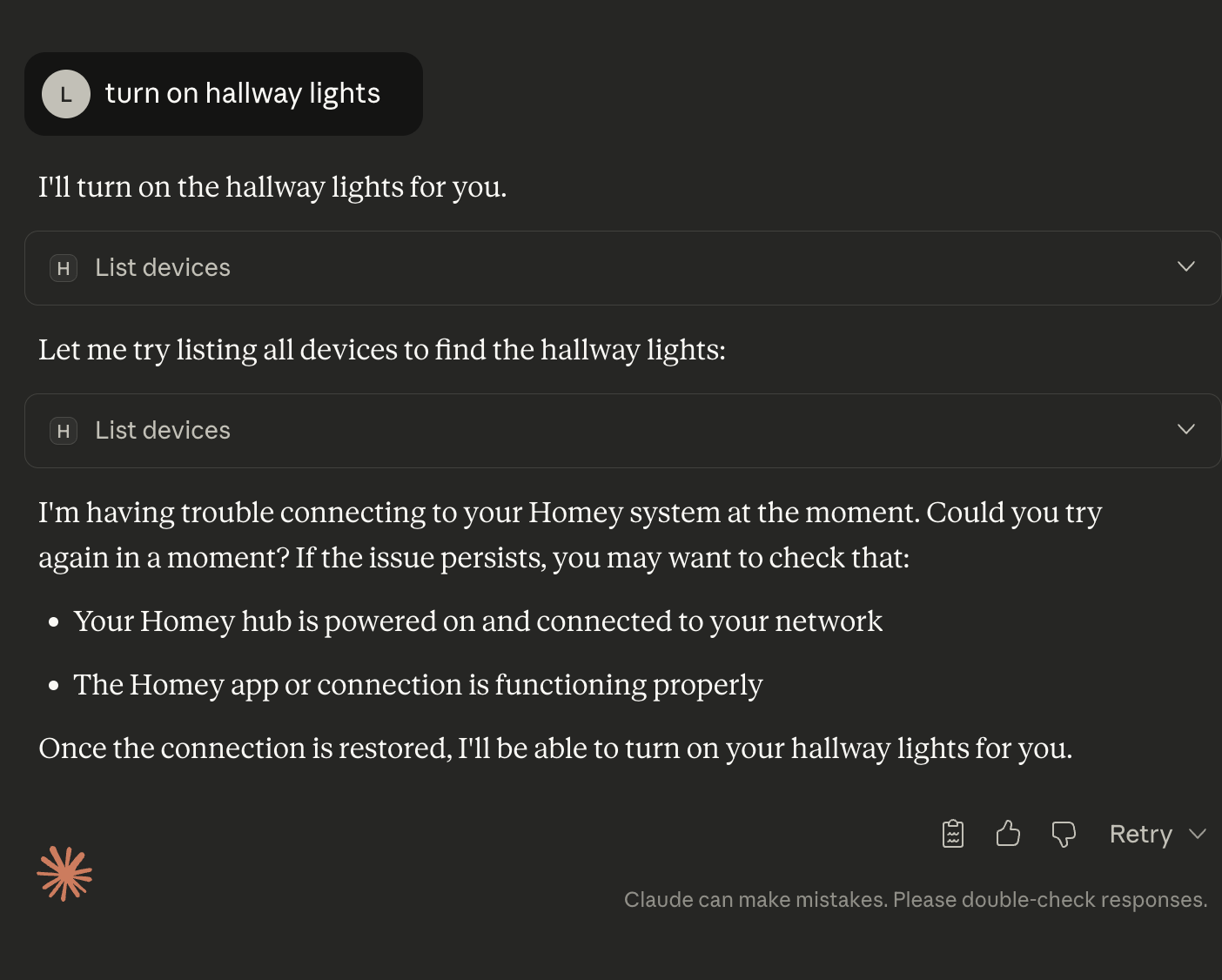
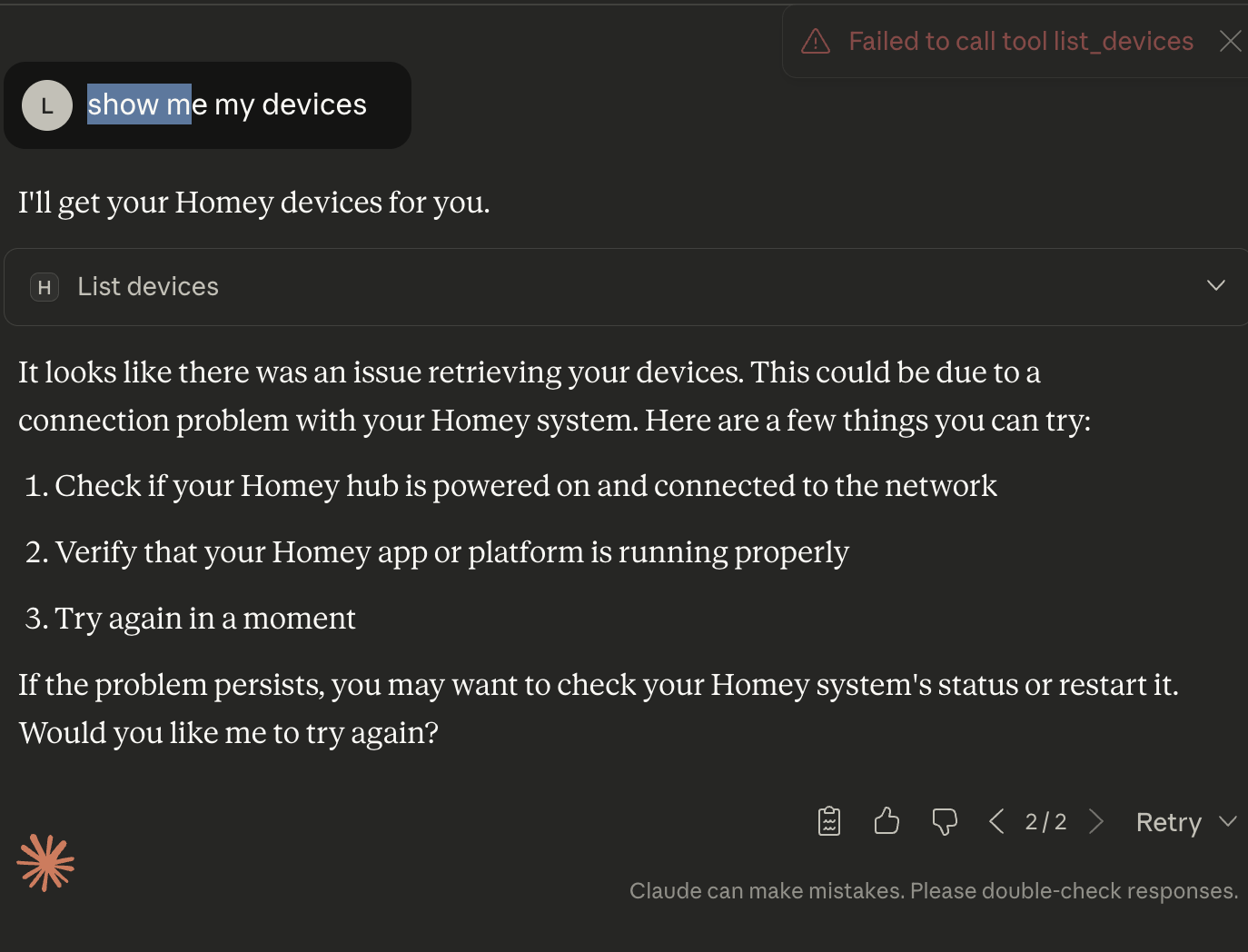
When I turn off Homey MCP server Claude try to obtain some information but there is no answer at all (server is shut off).
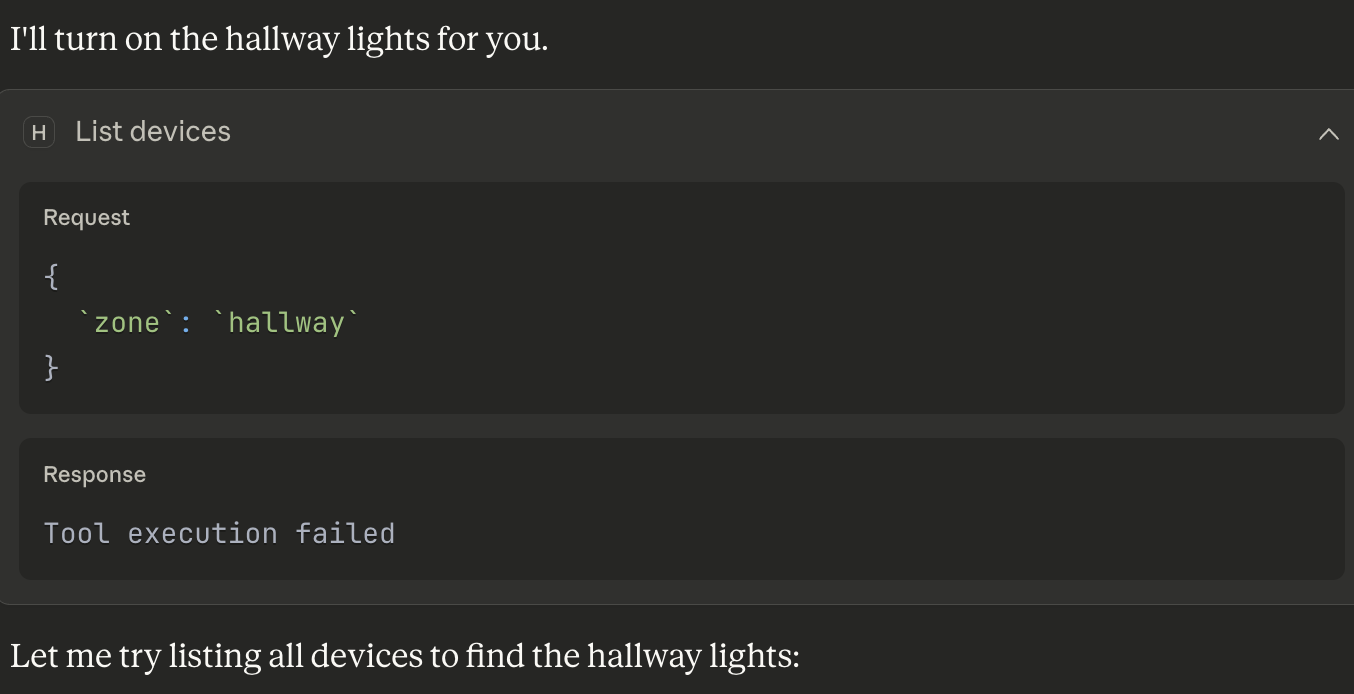
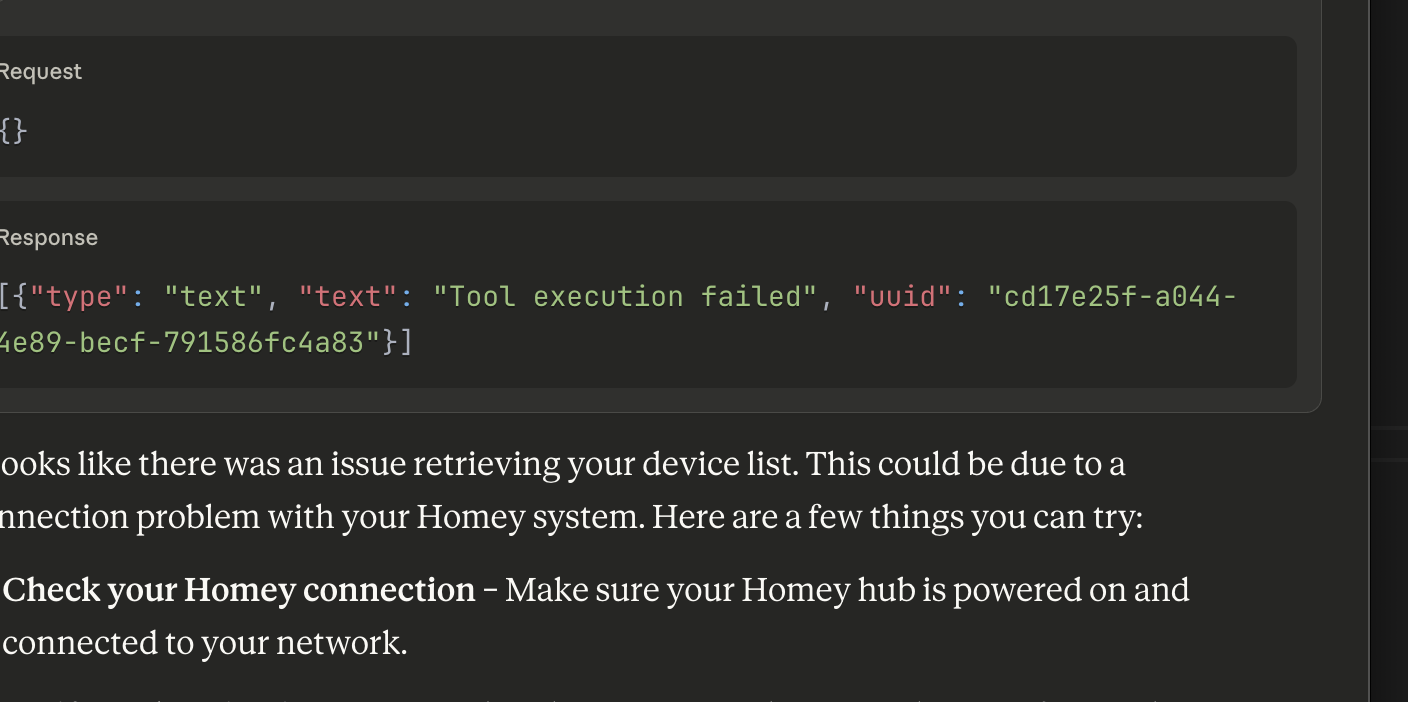
When Server is turn On on Homey there is error with connection (permission)
I have checked all boxes in API Token:
I don’t know what can I do more?
Best regards and thank You for answer
Hi @lucverd
I am still having the problem, that the curl test responds with a “Bad Request” error. The curl request contains the correct API token and when creating this token all boxes were checked. - So I think, some logging would be great as suggested by you.
I have not tried to connect to Claude yet, because I thought that the basic verification test should pass first. - Or do you see any chance, the Claude integration would work even though?
Hi,
I have also been working on a MCP Server with the help of claude. Seems to work for all my needs, maybe there is some logic you can take:
It doesn’t work for me:
lukcinek@Macbook-Air-M3 homey-mcp-server % npm run build
> mcp-server-homey@0.1.0 build
> tsc
src/index.ts:10:26 - error TS7016: Could not find a declaration file for module ‘homey-api’. ‘/Users/lukcinek/homey-mcp-server/node_modules/homey-api/index.js’ implicitly has an ‘any’ type.
Try `npm i --save-dev @types/homey-api` if it exists or add a new declaration (.d.ts) file containing `declare module ‘homey-api’;`
10 import { HomeyAPI } from ‘homey-api’;
\~\~\~\~\~\~\~\~\~\~\~
Hi
If you pull down the latest change and try now.
Thanks
What does your claude config look like? You will need to update it to point to the full path of the index.js