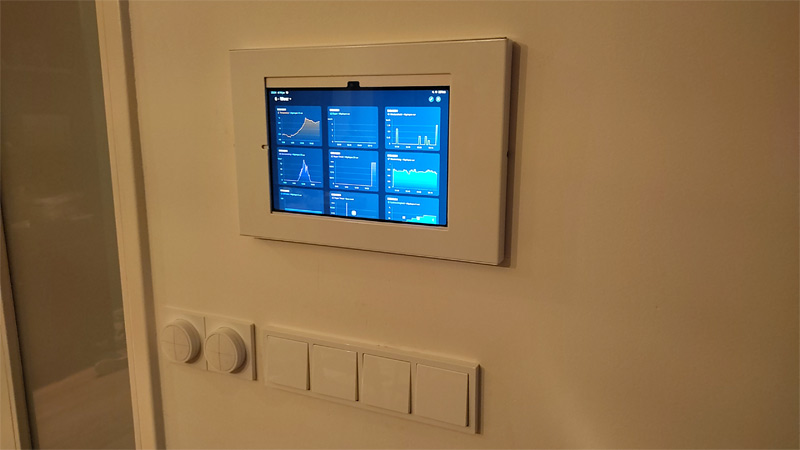
Altho I have a Samsung Android tablet, maybe it still can inspire people.
Its mounted in a Neomount, with a USB-C cable going through the wall into a closet behind it.
Sadly I have no powersockets in that closet, but I do have four data points. So I used one for POE+ and one for Ethernet. Combined them in a USB-C adapter (normally used for a Chromecast).
I believe Neomount does have specific I-pad mounts.
SLightly off topic, but I give it a try over here:
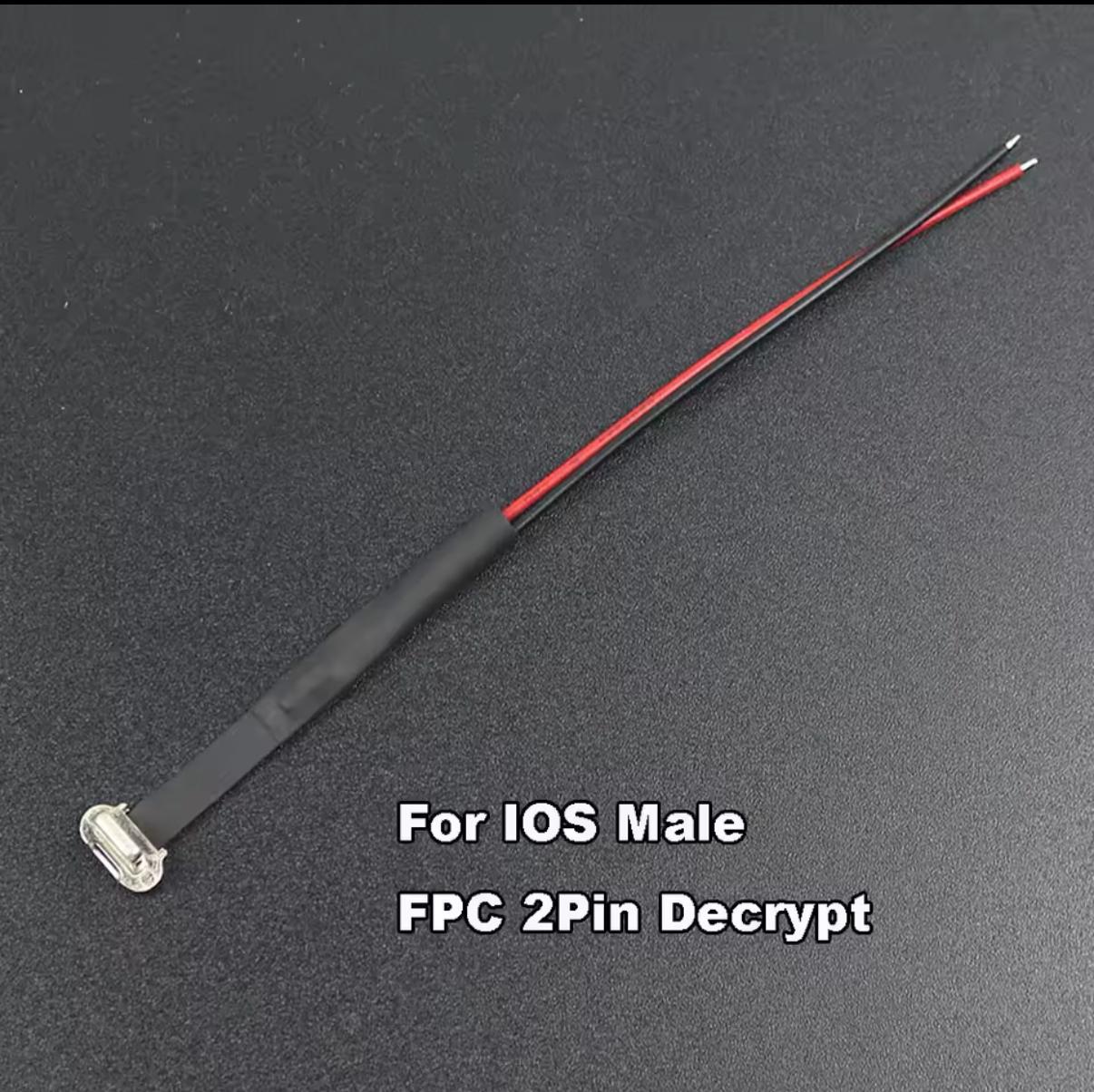
I have a Ipad with Lightning connector mounted on the wall and want to use the old thermostat cable for the power. That’s a 2 pin cable and it is not in use anymore for a thermostat.
I’m not sure which lightning cable part I need to plug in the Ipad and connect to the old thermostat cable coming out of the wall. What is the actual difference between the first two cable parts?
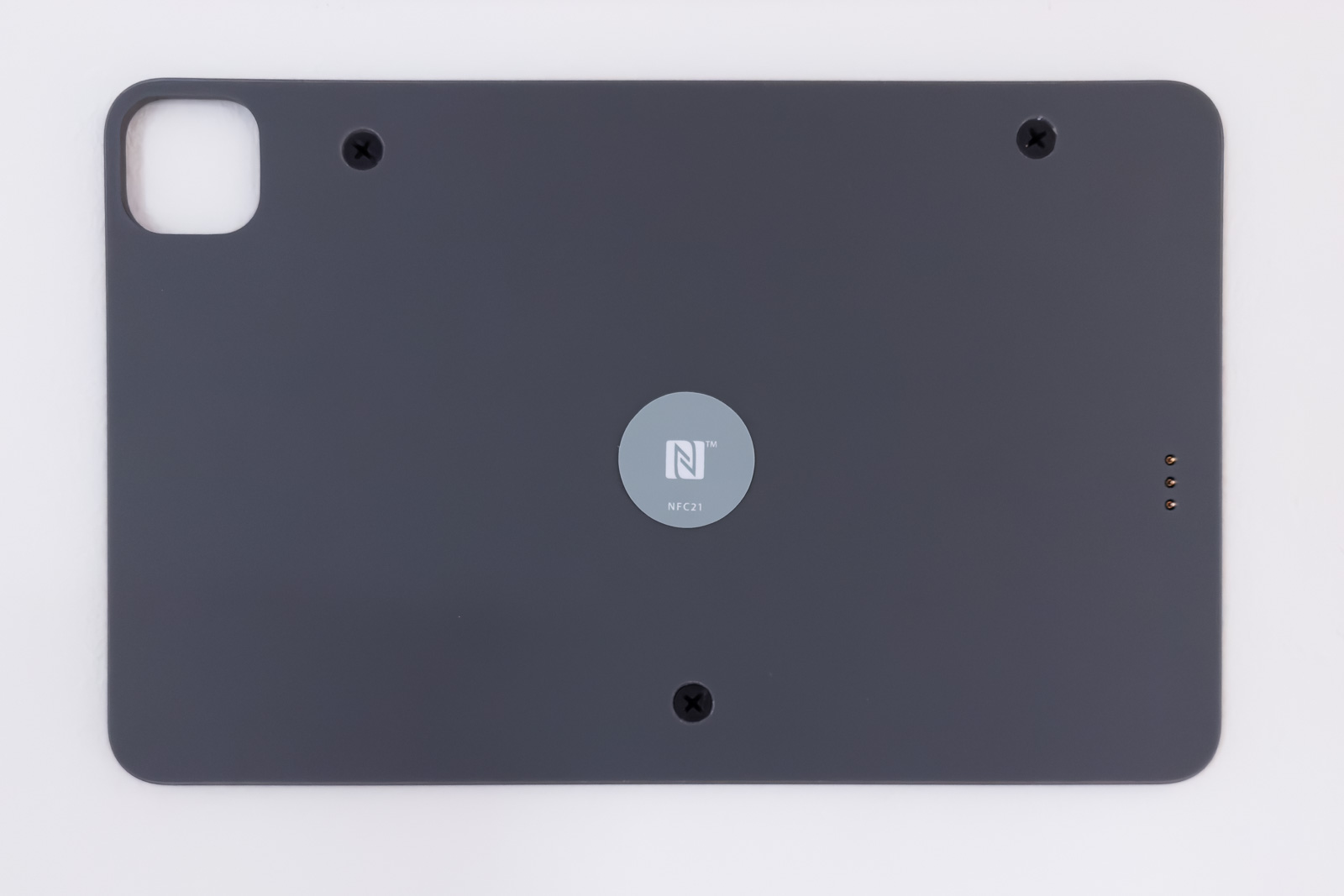
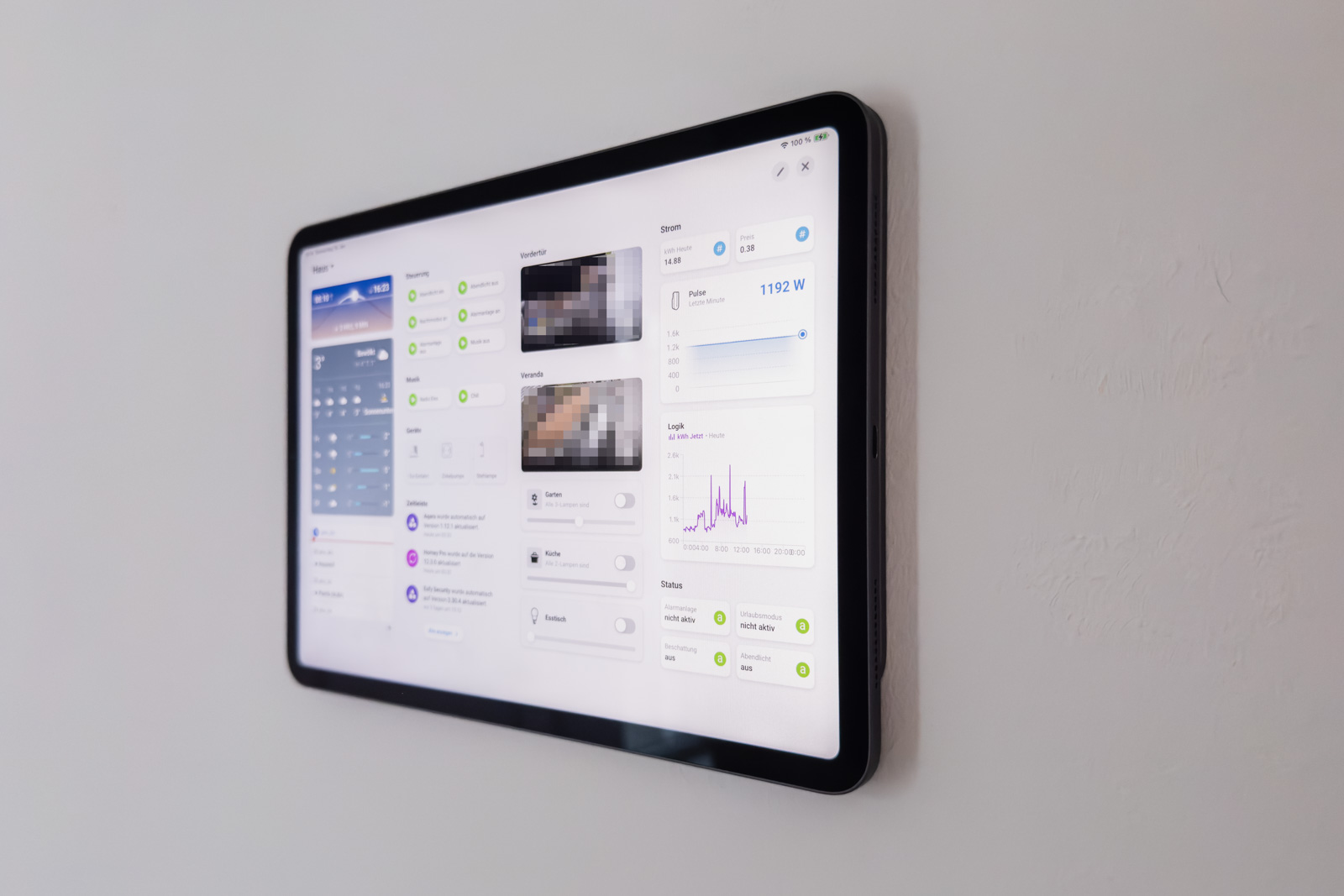
I also wall-mounted a used iPad Pro using Emiles method and can confirm it looks and works great. The hardest part was getting rid of the arm from the tablet holder. I used a small knife to cut a very small opening into the plastic right in the middle of the holder. With a little bit of pressure you can feel where the screws are. You don’t even need to cut out a second part for the second screw as you can just twist the arm and you should be able to reach the second screw.
I then drilled a hole into my drywall and mounted a cable behind the wall. At the bottom of the wall I replaced an unused power socket with an in-wall SCharge power brick. Works great but makes some noise when charging (which doesn’t happen to often luckily). Finally, I placed an NFC-tag on top of the little hole in the wall-wount. I have yet to come up with an idea for a flow that’s triggered when scanning the tag. Right now, it’s just for cosmetic reasons.
Good evening,
I bought the same sensor and added it to “Home” but I can’t set the notification. Can you help me with that. Also when I add the sensor via Homey Homekit it is seen as a moisture sensor when I add it via HomeKitty it is seen as a sensor. However, I still can’t set the notification. Could someone help me with this.
Gr. Marcel.
I successfully mounted my iPad neatly on the wall where my Toon 1 thermostat used to be (which I replaced with a Tado). Now that I’m back from a great trip, I thought it would be nice to use the iPad as a kind of digital photo frame, similar to the iPhone’s Always On Display and the background feature where you can select the ‘Nature’ category.
I managed to set this up on the iPad, and when I touch the screen, a beautiful photo appears. However, after a few seconds, the screen turns black. My question is whether it’s possible to keep the photo displayed continuously and, when motion is detected near the iPad, automatically show the dashboard.
I’m looking forward to your ideas and solutions. Thanks in advance!
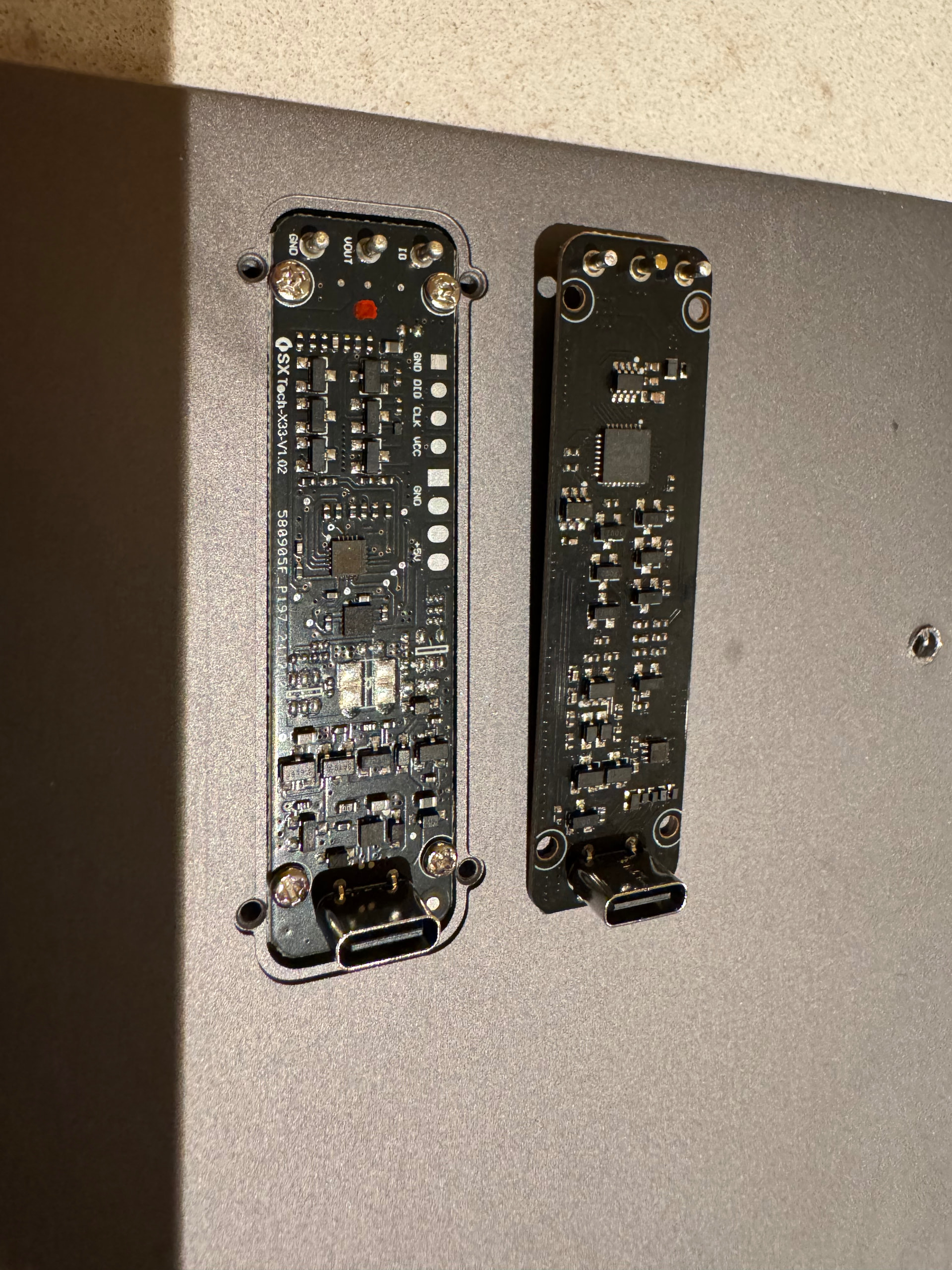
Last year I applied this idea in my home as well. However, my wall charger has now stopped working. It’s the KUXIU smart connector charger. During installation I already had issues with it. I ordered a new stand and transferred the charging PCB, which worked fine until a week or so ago.
Now it stopped working around the time of the iOS update. I’m not sure if that’s related, but I’d love to hear whether it’s still working properly for you and if you have any tips on how to fix it. Thanks in advance.
Same problem here! Updated my iPad yesterday to 26.1 (skipping 26.0), while it was mounted to the KUXIU wallmount and charging as usual. After the update was completed, the iPad does not charge anymore on the wall mount. Desperate for a fix!
This is a great idea for a project! I shared it over at the Home Assistant forum, along with details on how I constructed and mounted it and set up my settings, that may be equally helpful for folks here!
There are Android screens/tablets that can be wall mounted and have PoE which, in my opinion, is better than hiding the power brick in the wall. They look clean and there’s no extra “working around” involved as they are designed to be on the wall.
Yes! The replacement was really straightforward. The pins through the mount plate and the usb-c connector are a single connected PCB thats easy to replace!
My replacement has been shipped. Pleasant experience with support. In the meantime I just pulled my usb cable behind the dock and plugged it in directly.