Are you telling, or are you asking a question? If the latter, please specify what you mean by “connectivity problems”.
When I’m not at home, it’s basically not workable; everything takes a very long time to load.
Are there other people who are experiencing the same issue?
Using the Homey app? Using the web app? Both? Does it eventually load, or not at all?
Not using the Mac version but unraid, no issues here… does it not work at all or is it very slow ?
How do you connect to SHS at home? (VPN, reverse proxy, or just IP + port forward)
I assumed just using the Homey cloud? Or doesn’t that work for SHS?
My shs is running on unraid which has a native implementation of tailscale, meaning it just works without me doing anything.
But… there really is no need to access you server itself, the app will just work in any case (and if you are security wise ok with it (I am not) then port forwarding is also an option.
Ah, I was somehow focused to the local access part  . Yes, of course the app and my.homey.app should find it .
 Update
We’ve created an entirely new macOS app for Homey Self-Hosted Server. So, what’s new?
- It’s designed to be distributed from the Mac App Store, because it’s sandboxed.
- It embed a Linux VM and claims its own IP address on your LAN.
- It’s much more stable than the previous version.
- It embeds both Linux and Homey Self-Hosted Server inside, so there’s no need for it to download
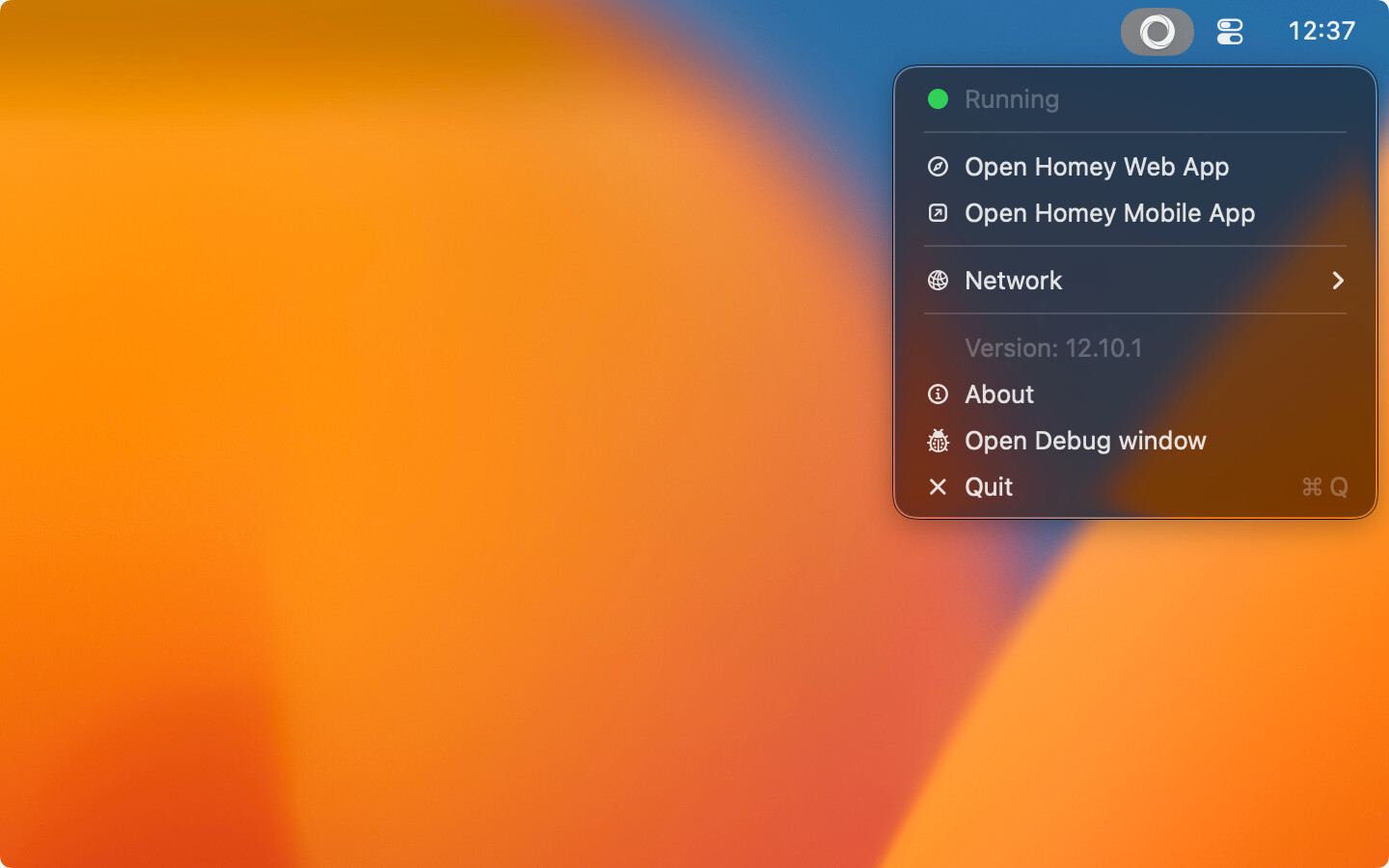
Download the newest version here: https://support.homey.app/hc/en-us/articles/23975134909724-How-to-install-Homey-Self-Hosted-Server-on-macOS.
If you used the previous version of the macOS app, you’ll need to manually move your userdata from ~/.homey-shs to ~/Library/Containers/app.homey.shs.Homey-Self-Hosted-Server/Data/Library/Application Support/Homey Self-Hosted Server/Data.
I hope this update will solve my hourly crashes… Create diagnostic report results in “Overload me” so couldn’t even handing in a support request… Turned to forum and see this update… Have good hopes…
For now, doesn’t start well… followed the steps on the site (overwrote the previous install)
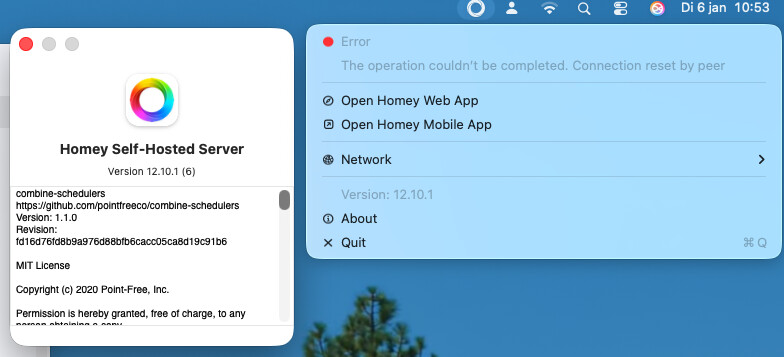
After several attempts, can’t get it running and old Homey SHS app is deleted  cc @Emile the Mac mini is fresh installed so shouldn’t be an issue from that side.
Hm thanks for reporting. Could you send me the log from the ‘Console’ app on your Mac, when searching for Homey Self-Hosted Server?
Here you go, a big file with all logging on Homey Self Hosted Server
Hi @Emile
Fresh new mac mini, takes so long to load when i’m not home.
M4 16GB memory, flows totally not avaible, cannot create diagnostic log file…
Hope this gets fixed, love homey.


Why is the app capped to 4 Gb ram ? how can I change that to use my Mini M4 memory.
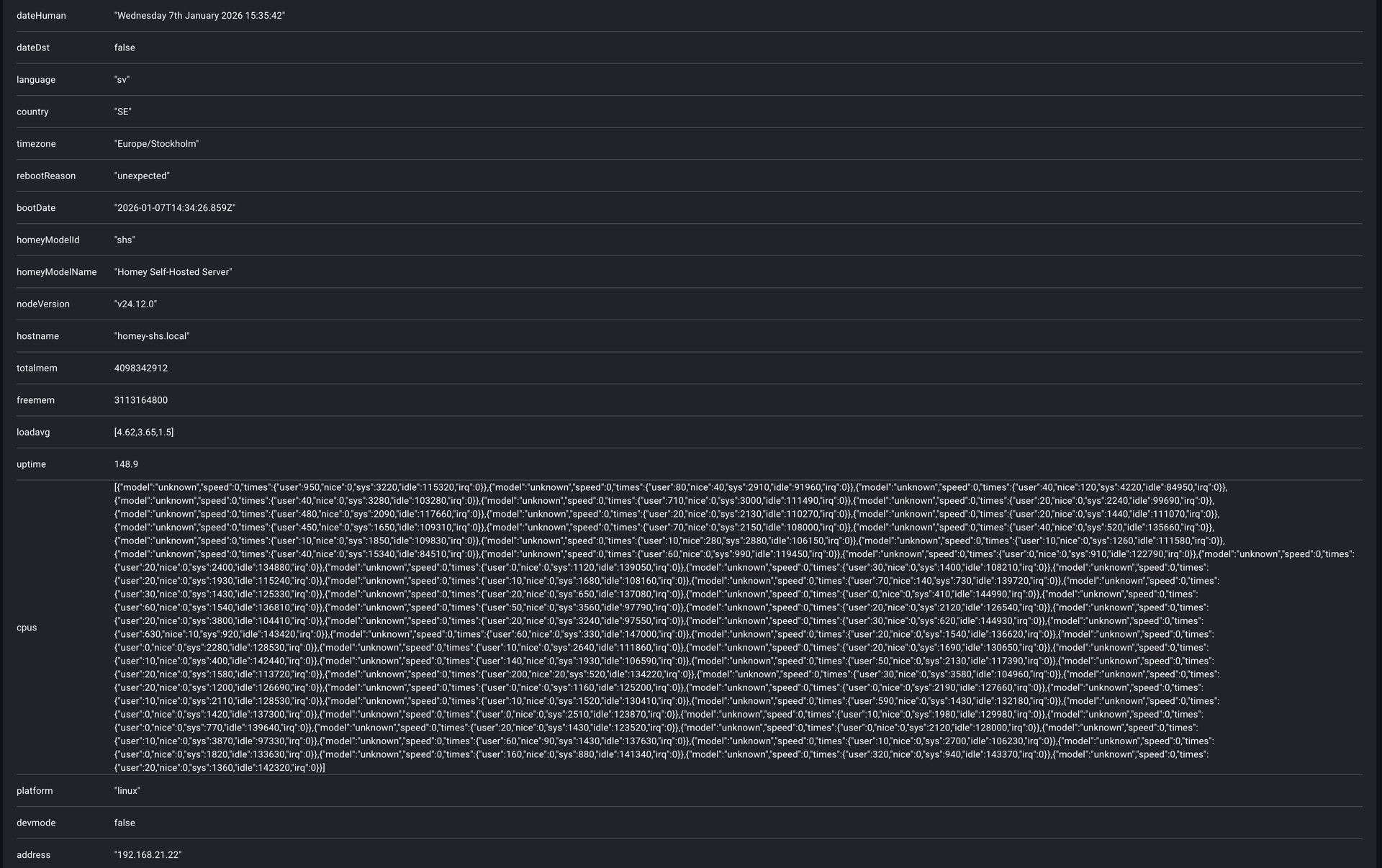
Something like this
But the Mac OS App is native ? I couldn’t find a container when the app is running
@Emile any updates on this topic (just before the weekend :-)) curious…
I also tried on my MacBook M2 and similar errors with the new package.
Trough Atom AI support I discovered that the app gets the amount it need. At the moment (for me) it shows 4Gb of total 24Gb. So it should not be capped. Otherwise the app works as good as the Linux version the difference is the startup time for the Mac app is longer then the Linux Docker app.
@Emile I sended a support request to Homey, as a founder can imagine you have more on your plate then diving into this issue… 145287
