I think the new device was added on new Homey Pro firmware that supports the homeBattery energy property, the other was added before that. To ensure the old device gets the homeBattery property you can call setEnergy on the device from your app.
Okay, that might do the trick!
Hi @Robin, that ended up doing the trick.
Calling this: this.getEnergy(), did not include the “homeBattery: true” element, calling this: this.setEnergy({ homeBattery: true }); - made the setting appear in the Energy-tab.
Hi Easywoods,
We’ve just released a new experimental version, 1706 (9.2.0). It should be available later today for all users on the experimental/beta track.
Could you let me know if this resolves your issue? If not, feel free to send me a PM here so we can try to get this resolved!
Case closed.
Hi SunBeech,
Same comment as I just mentioned to Easywoods—could you try the new experimental version, 1706 (9.2.0)? If it doesn’t resolve your issue, feel free to send me a PM.
This is indeed a visual bug, we’ve encountered this ourselves as well, should be fixed in the latest release.
Hi Bouke,
You did a good job, this new version resolves my issue. Thx 

Hi @bouke, It seems to be fixed in the new build. I did not get the loading screen anymore. Thanks  .
.
Question about chargers…
I currently use the ev-charger device type for my charger. Then it’s shown in the image.
But I heared about car devices showing up there. Is there an energy setting for cars? Or are they just using the ev-charger device class (what should be better used with real chargers)?
Hi,
Not sure if this is Aqara or Homey energy issue but,
Aqara energy meters seem to report way to much energy usage. I guess 10x or 100x?

I can’t image 4 led lights in my kitchen are really using this much energy  it’s connected using a aqara T1 switch module. Same for the ceiling light as second biggest usage.
The tv is using an Aqara plug btw and seems to report fine.
Hi Bouke,
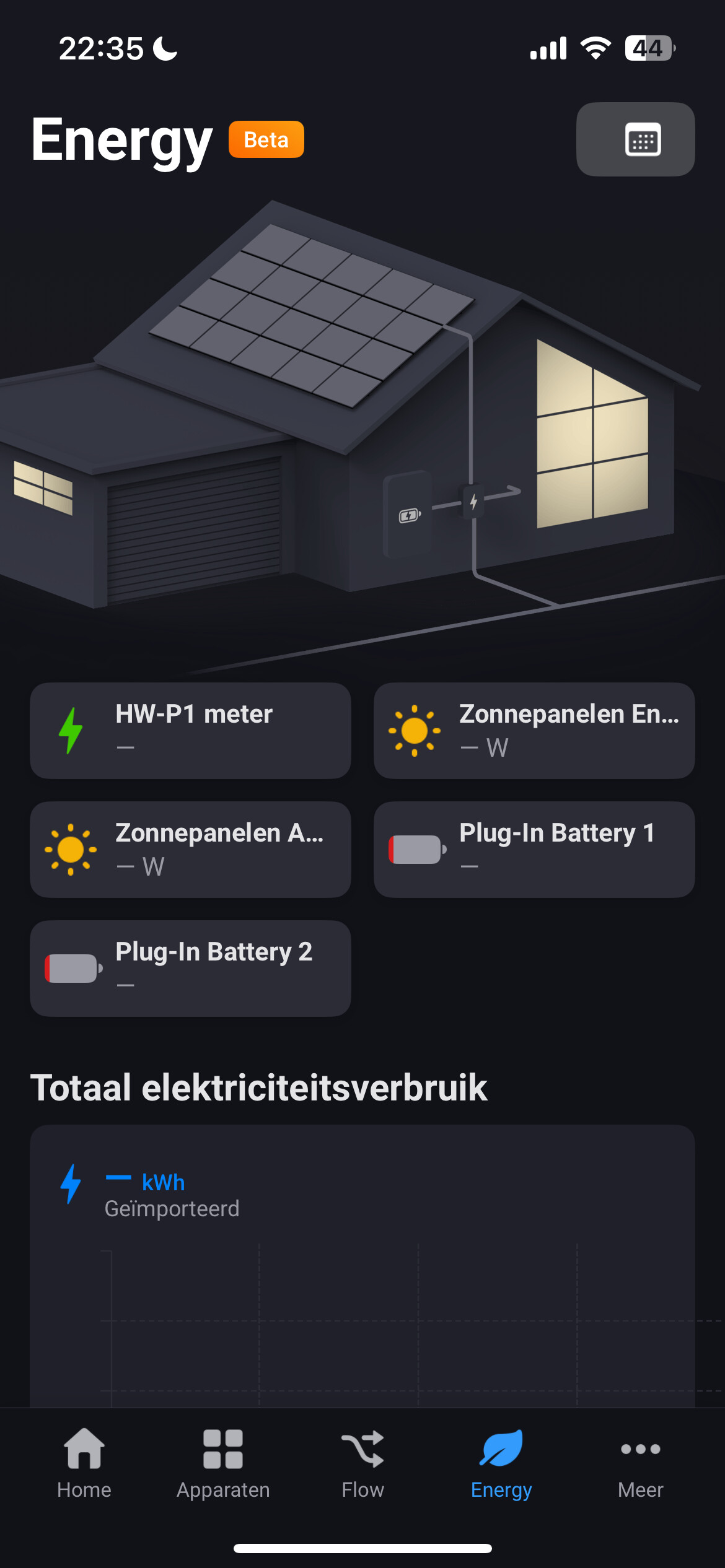
Unfortunately, the issue of the frozen energy tab returned a few hours after the release of 1706.
Sometimes it works fine but most of the time I don’t get any values and the app freezes. Only restarting the app allows me to use the rest of the app but as soon as I get to the energy tab it freezes again.
When it does work I see that some devices consume more than 100% of the total powerconsumption…
iOS 18.3.2
Homey pro 12.4.0
App 9.2.0. 1706

I’ve sent you a DM about this issue!
Any idea to see my huawei battery inside Energy Tab? My huawei system is linked on homey with Solaredge tcp modubus .
it can’t plus it will mesh up solar etc. athom need to come with a way how to do this all . inverters can be 3 in 1 device, inverter , meters and battery.
but it was asked many times before on this forum.
I have two heated towel rails. Homey energy reports the energy use of one but not the other, even though the energy reading is available in the device view. See pictures.
Also I have two inverters. One homey energy can see but the others energy reading is only available via its zwave isolation switch. It would be good to be able to add this reading to my solar generation graph.


I have a Pulse smart energy device connected. Energy tab reports it as the no1 energy consumer, which obviously is wrong. I have set the device as a device tracking my home’s energy consumption in the device’s setting.
Hi. Is there a possibility to see my Gas usage which I’am measuring by Power by the Hour app? I see electric energy from this app but doesn’t see Gas
To see gas usage, the device has to offer a meter_gas capability (should be the case for PBTH) and the device must be set as ‘cumulative’. I would say tbe second is not possible in PBTH?
I understand it is not possible at this time?
