I think it needs a new device settings in PBTH app to set the cumulative flag for a device.
Hi Lucas,
Idea: Why don’t you use the same gas measuring device which supplies it’s data to the PbtH gas device?
Can you tell us which device it is?
Maybe that device provides for a meter_gas capability, and a cumulative flag toggle?
Hi,
To read my gas I’am using ESP32 application. I need to read this data from my Home Assistant first where I have added my SIH-READER (WMBUS SIH Reader 868 wersja 1.5 - Smart In Home).
I need to check what options I can choose in ESP32 Homey application.
Thx for advice
I checked…those are my options

The device should have the “Cumulative energy measuring” flag a available, and have it enabled. This is a generic setting for energy, gas and water meters:

But I can’t find such setting anywhere in ESPhome.
But,
When it’s already present in H.A., you can easily add it to Homey with the Home Assistant community app.
- add a device type ‘Custom device’ sensor:
- after it’s added, go to device settings > Maintenance and select “Try to Repair”
- pick “Add entity”, and in the following screen, select the ESP gas meter entity
- change the capability to solely
meter_gas
- enter the desired value’s decimals
- press “Add entity”


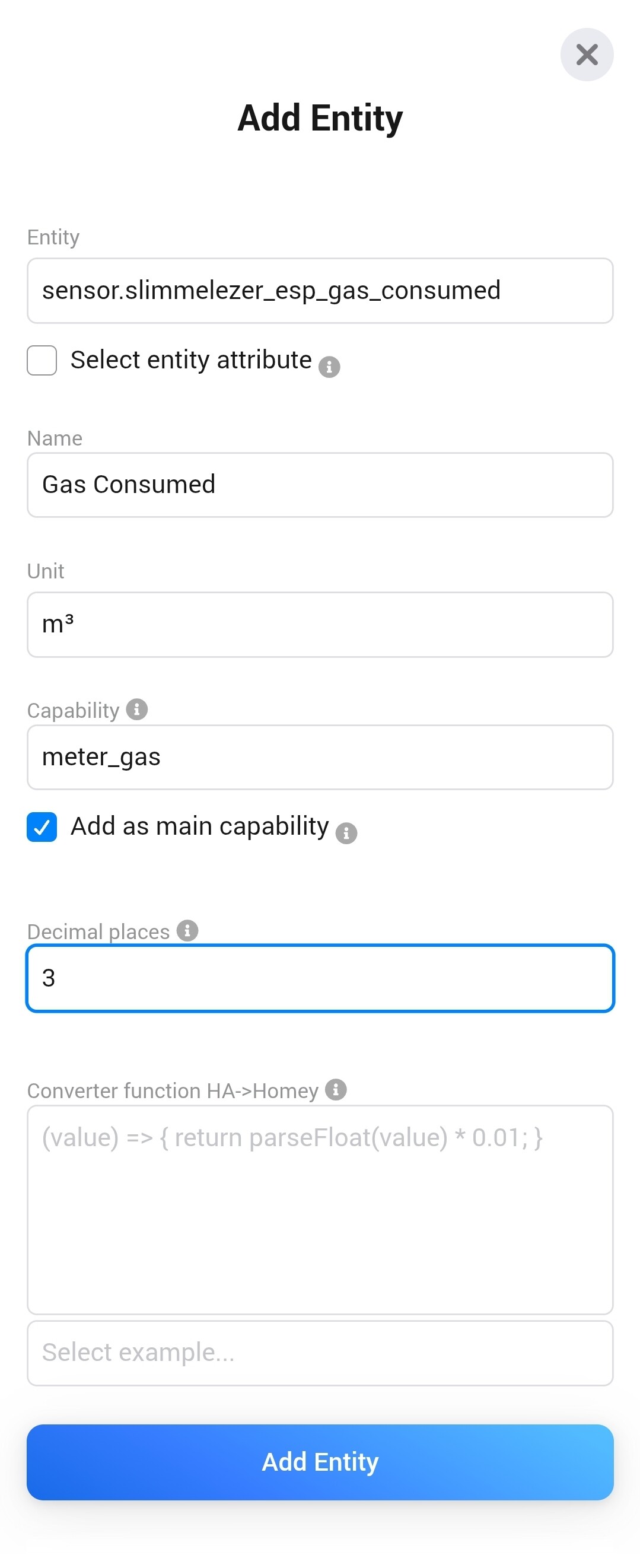
Next, enter the devices’ advanced settings, and enable the cumulative flag:

I hope this makes sense?
Thx a lot. I think it is working. I see Gas chart in Energy tab.
Best regards
What can be the solution with the freezing tab?
Find out today the update but the app completely freezes when clicking on it.
The energy tab need to go back into Beta. There are no settings for the energy tab. No where to select my homes energy meter, so it is not displayed. also my EV charger is not shown. There are no instructions on how to include any of them.
Why not adding a feature to use variables from logic to be used as solar panels, home enrgy consumptio, battery, etc.? This way you can support many more apps which have no energy SDK built in. In my case Tesla Energy is not compatible and I can’t figure out how to take advange of the power measures
If you have a supported energy meter (check this overview: ⚡️ Does my smart meter work with Homey Energy?) and it does not show up in the Energy tab, then go to the energy meter’s advanced settings and check that the ‘this device measures the total energy consumption of the house’ toggle is enabled.
I second this, I have an huawei Emma and the energy tab showing only solar panels which are also wrong because the inverter power is shown not the solar power. The battery discharge is seen as solar energy.
Just let me pick wich property should be used.
Same issue here;
Freezing tab (95% of the time)
Extreme power usage by low consumption devices
Nice to have;
Modifications possible (like changing widgets)
I have a smart meter locally connected through mqtt. After a bit of fiddling in the device settings I got it to show in the energy tab. But no consumption data is shown. energy tab claims the meter only offer live data. But in the device we can clearly see hourly consumption, daily and total accumulated energy. In the device setting cummulative energy measuring is set. Also my EV charger do not show.


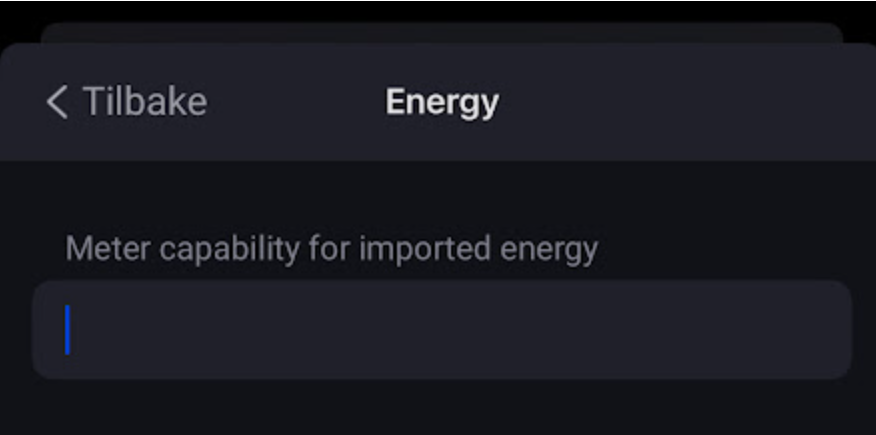
The meter needs to have a specific capability in order for the Energy tab to recognize it as a cumulative metering device. I am not sure what the exact config should be.
It is indeed strange that the graph shows current usage, but the kWh metrics in the top section show no values.
Maybe other forum members can help out.
What app is it? This is a custom setting in my apps to set energy details for virtual devices (MqttHub and HA app).
Is Mqtt hub. Trying to convince energy tab to accept that my meter is delivering energy data, not just Power.
I was sure I documented these setting somewhere, but can’t find anymore.
If you have a device with main meter values (grid in/out), you can insert the capability id’s for both values.
Then the device energy details are updated the Homey Energy is using these capabilities as main meter.
Technical details:
Thanks. Unfortunately I have not been able to transmit this into any result yet.



I totally agree with this one.
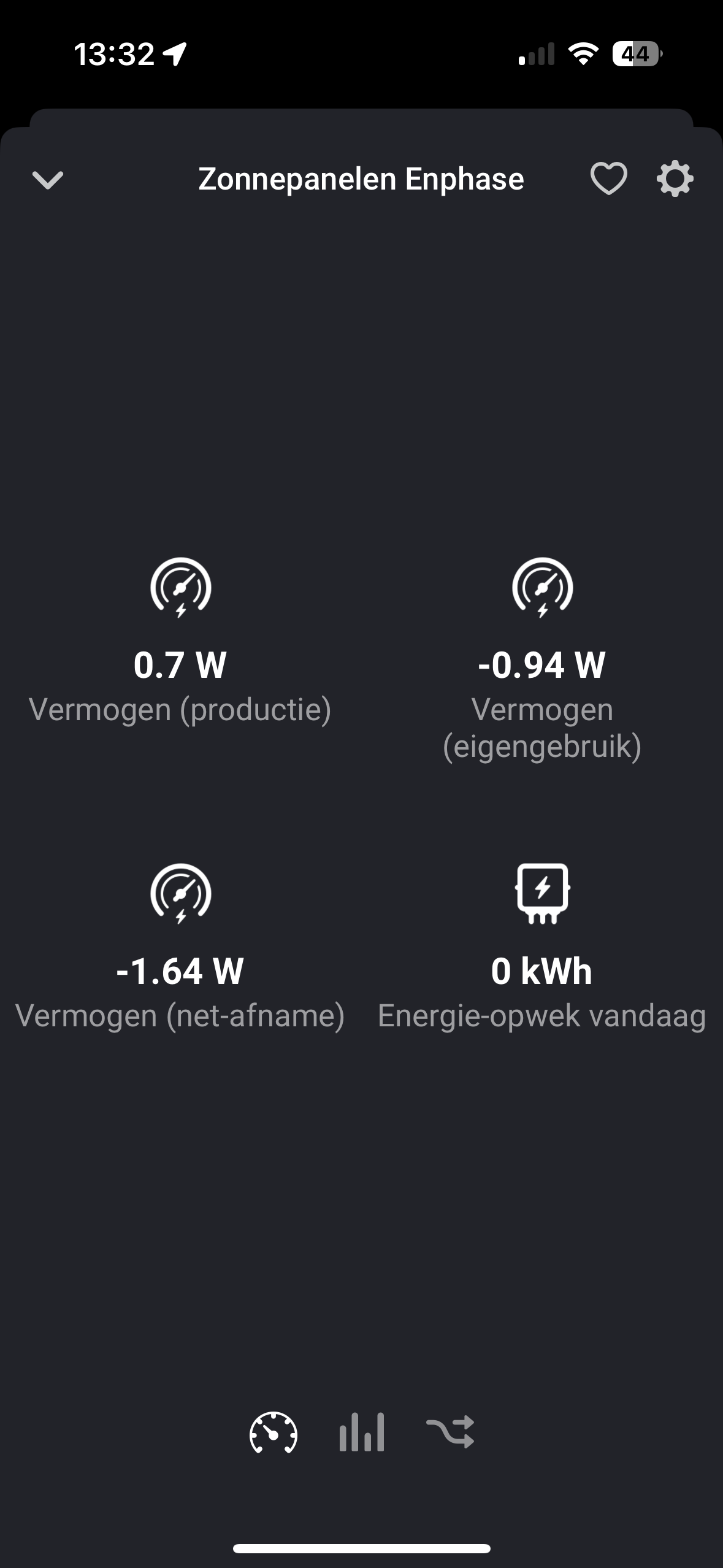
It would be really nice if we can enter multiple tariffs because we have a normal tariff and an off-peak tariff.
