I am in the process of sending the data from my Homewizard P1 meter to a Google spreadsheet.
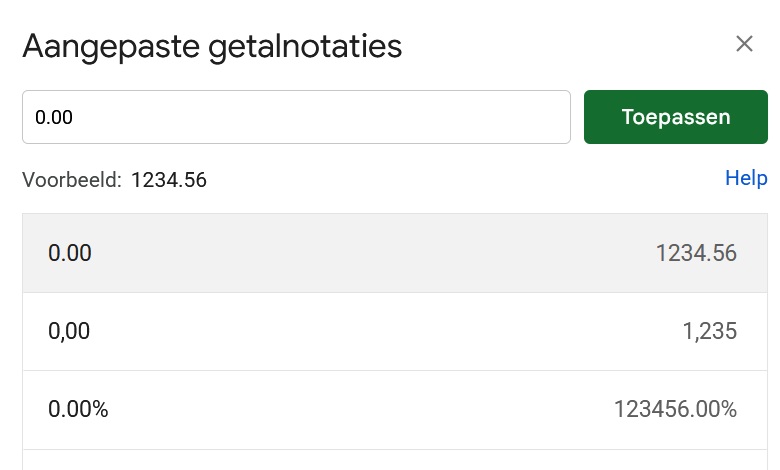
To my surprise, I see that the consumption of 1,739.14 is being displayed as 1,739,142.00.It is not clear to me where this is going wrong.Does anyone have an explanation?
The mobile/web app probably rounds the number, while the tag contains the raw data from the HomeWizard app.
I think your spreadsheet is expecting a decimal comma instead of a decimal point. You can change that in the spreadsheet-settings
I have given the fields the following settings: automatic and number.
The variables within Homey do return the correct values.
Om in Google Sheets een decimale punt in plaats van een komma te gebruiken, verander je de landinstelling (locatie) van je spreadsheet naar een land dat de punt hanteert, zoals de Verenigde Staten.[1, 2]
Volg deze stappen om de instelling te wijzigen:
- Open je spreadsheet in Google Spreadsheets.
- Klik in het bovenste menu op Bestand.
- Klik op Instellingen.
- Ga naar het tabblad Algemeen.
- Wijzig onder het kopje Landinstellingen het land naar Verenigde Staten.
- Klik op Instellingen opslaan. [1, 2]
Let op: Hierdoor verandert ook de notatie van duizendtallen (deze wordt een komma) en datums (maand/dag/jaar). [1, 2]
Als je de taal van de interface zelf in het Nederlands wilt houden, kun je dat na het wijzigen van de landinstelling eventueel aanpassen via je eigen Google-account.
Hallo Wim_Post,
Heb gedaan wat jij voorstelde, werkt! De komma is een punt maar daar kan ik meeleven!