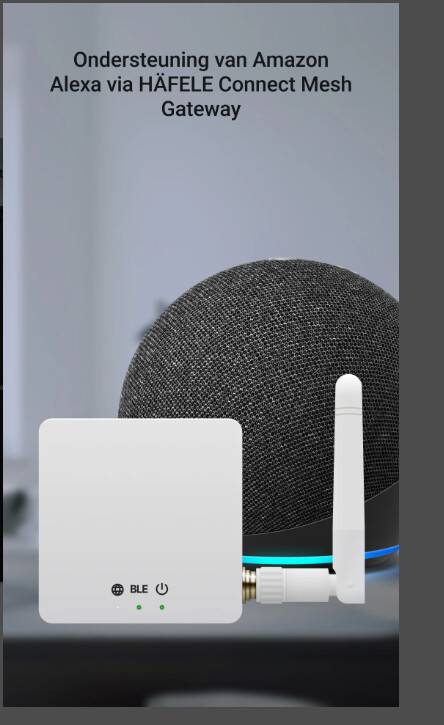
Hello. Anyone know if I can add the Häfele Connect Mesh spotter to the Homey Pro?
I understand. I dont have the gateaway
Thanks anyway
Hi Johan, I managed to make it possible. You can export the network setting via the official app. Using the Homey-app I created you can directly import the network settings and add your devices. Hope this works for you also. Because the app has not been approved yet the test version is only available:
Please be aware, if you set the the setting to release the connection to 0 the homey will stay connected continuously. Set it to 30 sec to release it automatically after 30 sec so you can connect to the Connect Mesh manually again.
Kind regard, Reinier
Hi 
Thanks for shearing. But hove did you import settings from app to homey?
Regards Johan
Hi Johan, exporting your network in the official app depends on iPhone or Android. Below the steps that worked for me on iPhone.
Homey needs your network keys once, exported from the Häfele app as a `.connect` file.
Be aware: This file contains the keys of your lighting network. Never share or post it, and delete it after importing.
1. Export in the Häfele app
- Tap the gear icon (top right).
- Tap Share.
- Choose Share locally (.connect file). Not Connect Cloud.
- Save the file on your phone (iPhone: Save to Files › On My iPhone).
2. Import in Homey
- Close the Häfele app on your phone.
- Homey app › Devices › + › Häfele Connect Mesh › Connect Mesh light (Bluetooth).
- Pick the `.connect` file › Import and continue. Remember where you saved the `.connect` file.
- Select your lights and add them.
- Optional: add Connect Mesh group (Bluetooth) for rooms and groups.
Tip: if the file is greyed out, open it in a text editor and paste its contents into the text field instead.
Hope this helps. KR, Reinier
