Hoping to get some help with this flow issue. I installed a Govee matter ceiling light last night through Homey with no issues. Today I tried to program a 4 button gang switch for off and on functionality and when I go and try to create a flow it doesn’t list Govee as an app to choose from.
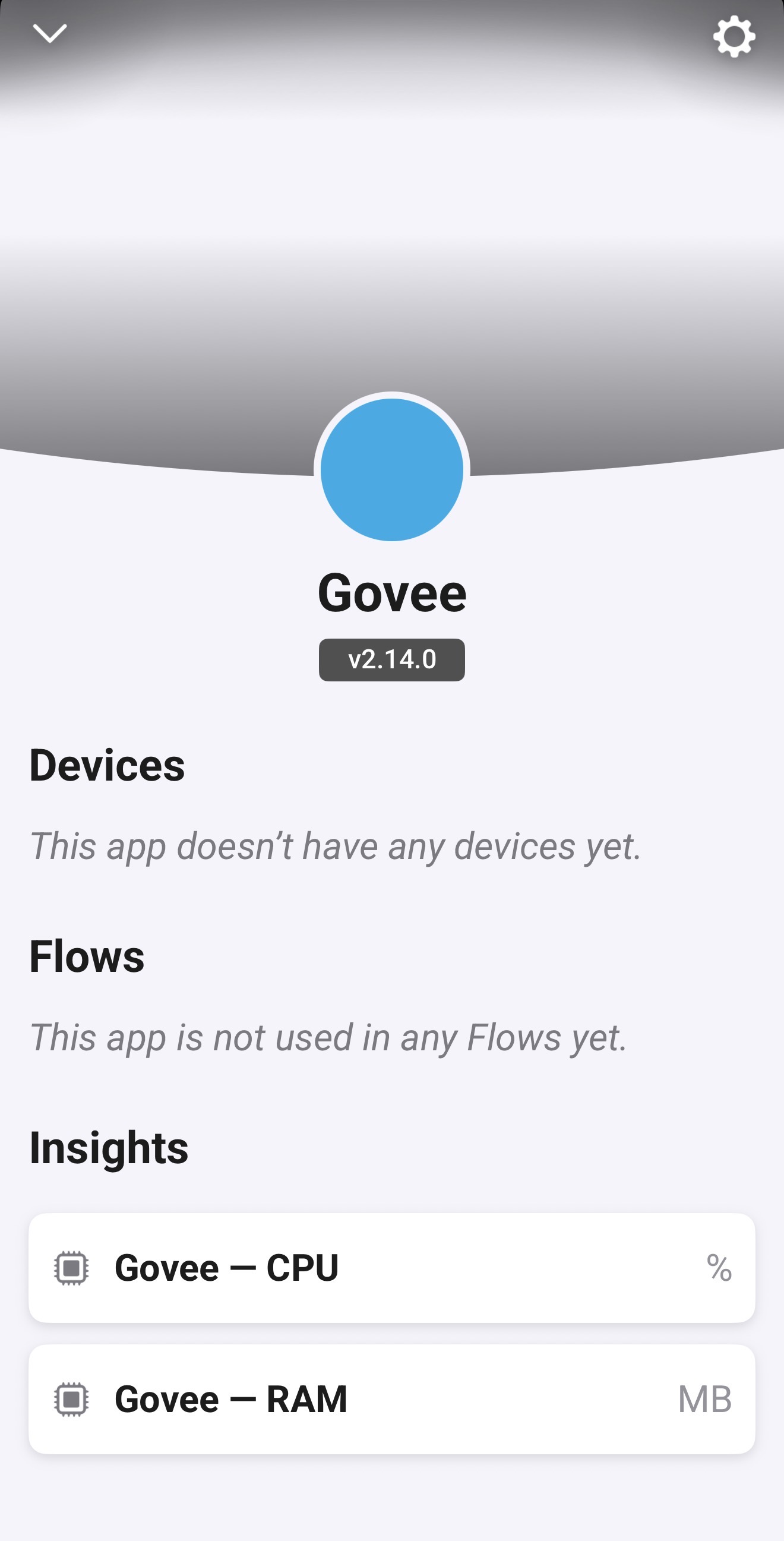
When I check the app in Homey is says no devices are added yet. Did some research and I read that I may need an API Key? I got a key from Govee and entered it, however when I hit the save button it doesn’t do anything or confirm it has been saved.
Is the flow issue due to the API?
Should I be seeing something when I hit save?
Even after installing the API it still says this app doesn’t have any devices
Then: Here you would search for the app, open the app and select the device. The issue is that Govee is not being shown as an app for me to select. See attached photo (No Govee)
I’m thinking this is because the Homey app is not seeing any devices added yet. This is where I thought the API key was an issue. ( this was a guess )


 )
) )
)
