EDIT probably this is the trick; however, when I add the ‘Google Sheets’ device to Homey, I don’t get to see this screen anywhere (phone, laptop):
.
Original reply:
I just tested it, I can’t “select” a file, you’re supposed enter the URL to the file yourself;
How to get the URL:
In the mobile Spreadsheets app, you can copy the URL (or ‘Link’) by hitting the 3 dots next to the spreadsheet (this might work with Google drive as well):
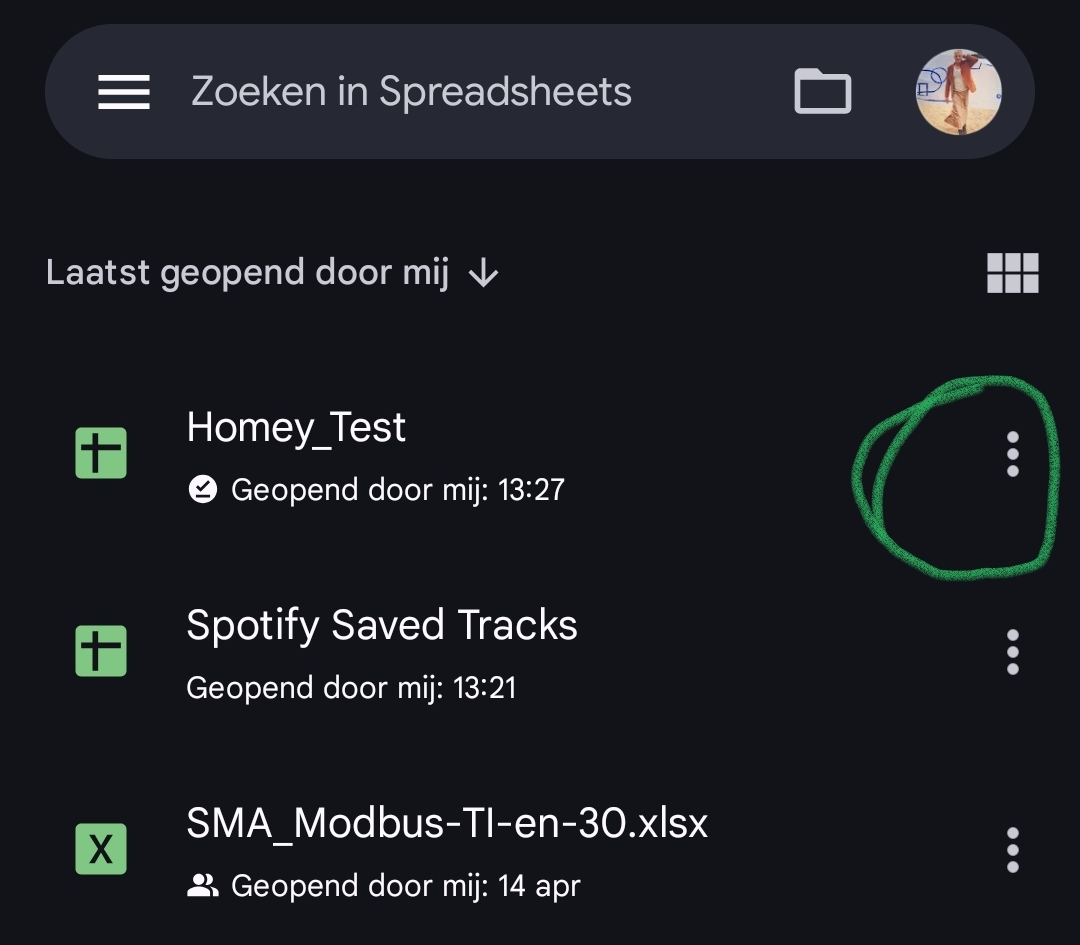
Next, tap “copy link”:

Now paste that link into the “URL to document” field:

If all went well, you can select the sheet to use:

