The Smart Implant has of course a pulse mode.
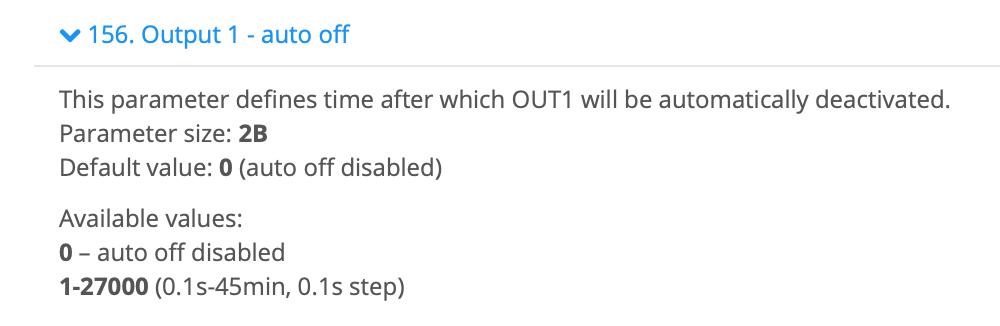
You have to edit the parameter 156 for output 1 and/or parameter 157 for output 2.
You have to do it with “Raw configuration” in the advanced settings of the SI. But it is only possible if the SI is included insecure. If the SI is included secure, you have to include it insecure first. This is possible when you choose the “Fibaro Walli Switch” as device instead of the SI while adding it again.
Example Raw configuration
Advanced setting → Raw configuration parameters → 156,2,10 → save
156 = output 1
2 = Size of the parameter (2 byte)
10 = 1 second
Example flow
When…
– This flow is started
Then…
– Output 1 on
Check
You can check it in Developer → Devices → Capabilities (of the SI) → onoff.output1 → true/false
